

QR · Attendance · Payroll · CRM
The smart way to track your team.
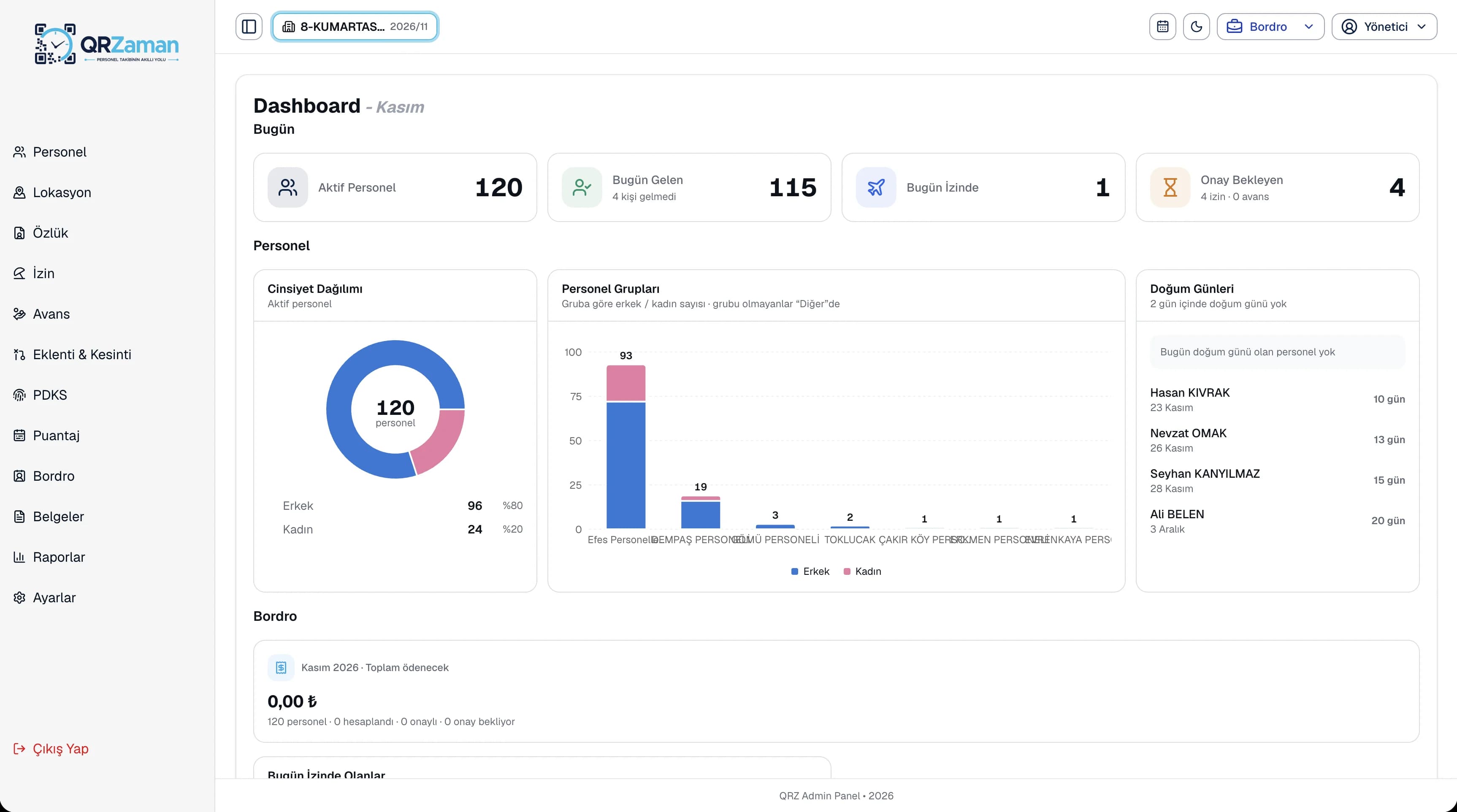
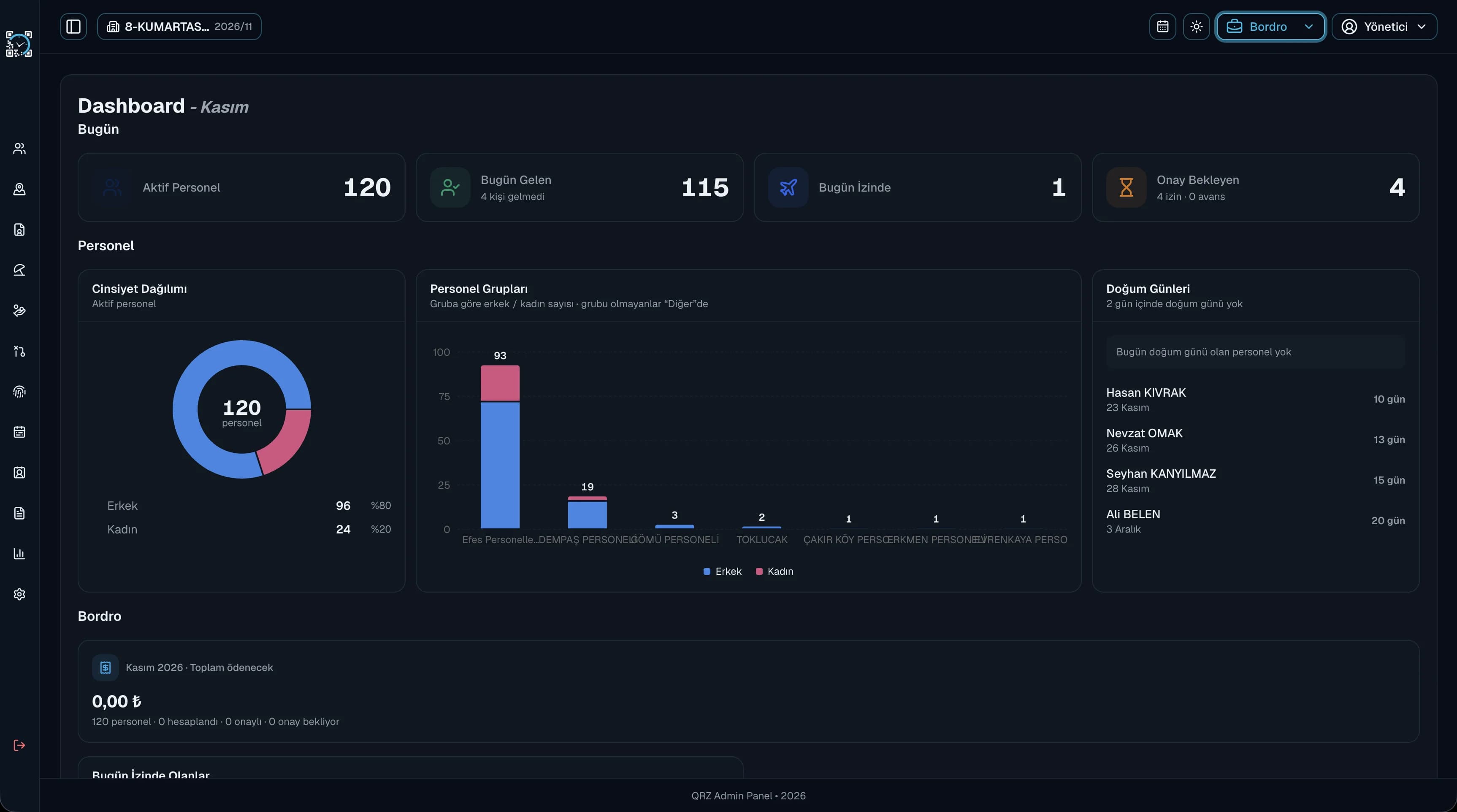
Employees clock in and out by scanning a QR code, and timesheets, leave, advances and payroll are prepared automatically. Manage every branch from one panel.


Shift startedToday's check-in · 08:57
- QR Code Attendance
- Fake GPS detection
- Shift Management
- Timesheets
- Payroll Calculation
- Leave & Advances
- A4 QR Poster
- Excel Import
- Multi-Company & Branch
- CRM
Businesses across industries use QR Zaman
- Companies
- [000+]
- Employees
- [0,000+]
- Daily QR scans
- [00,000]
- Provinces
- [00]
One platform
From clock-in to payroll, end-to-end workforce management.
One system instead of separate programs and spreadsheets. Your data flows from one module to the next on its own.
Human Resources
Payroll & Reporting
CRM
Platform
Payroll & Reporting
QR Code AttendanceThe right place,
The right place,
the right record.
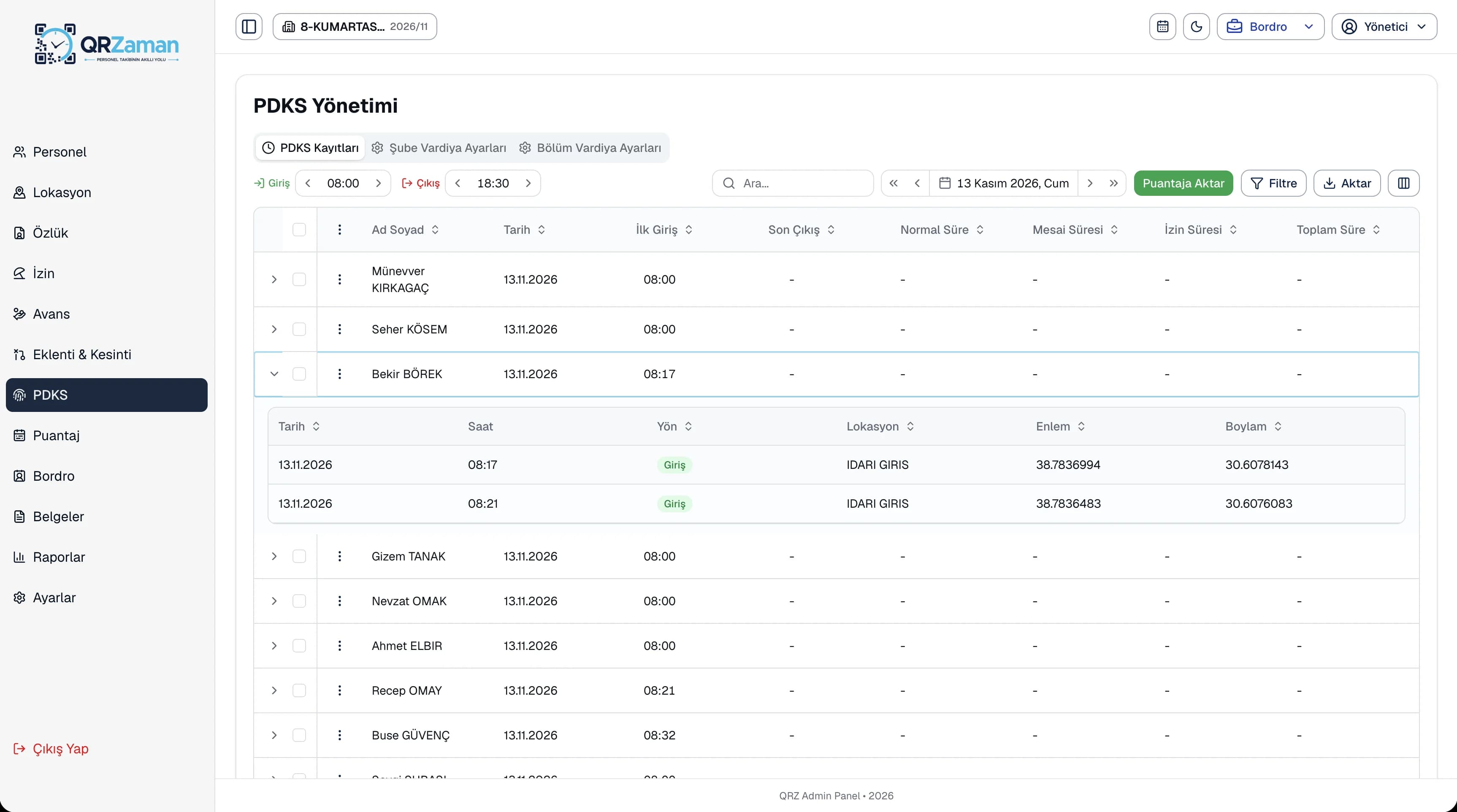
No card or fingerprint readers, and no room for fake entries. Reliable attendance tracking on employees' own phones, without buying any hardware.
- The phone's location is saved with every scan
- Fake GPS apps are detected and blocked
- Each account is bound to one device, so nobody can scan for someone else
- Shift, night work and break times are calculated automatically
Locations & QRPrint it, hang it,
Print it, hang it,
start scanning.
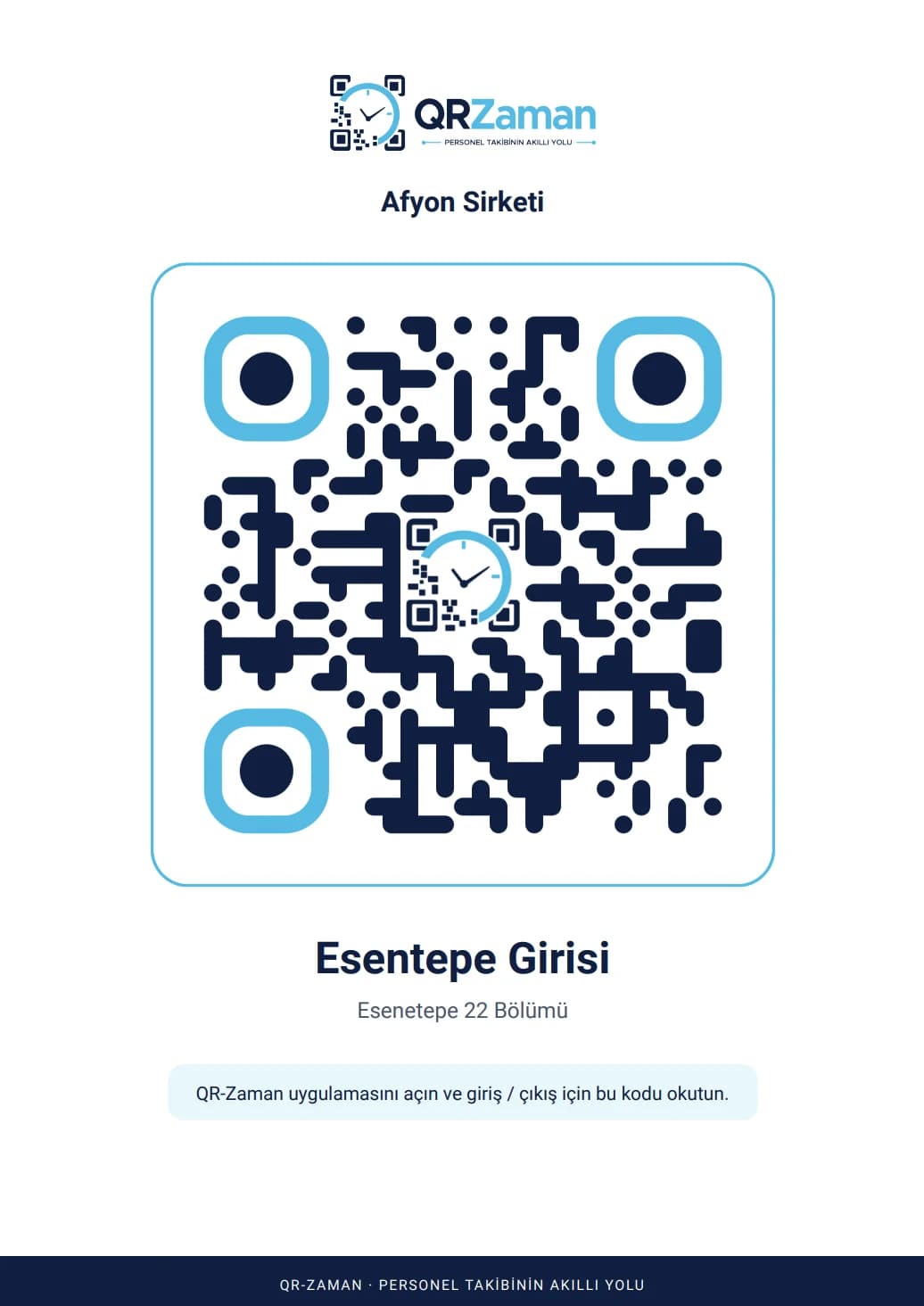
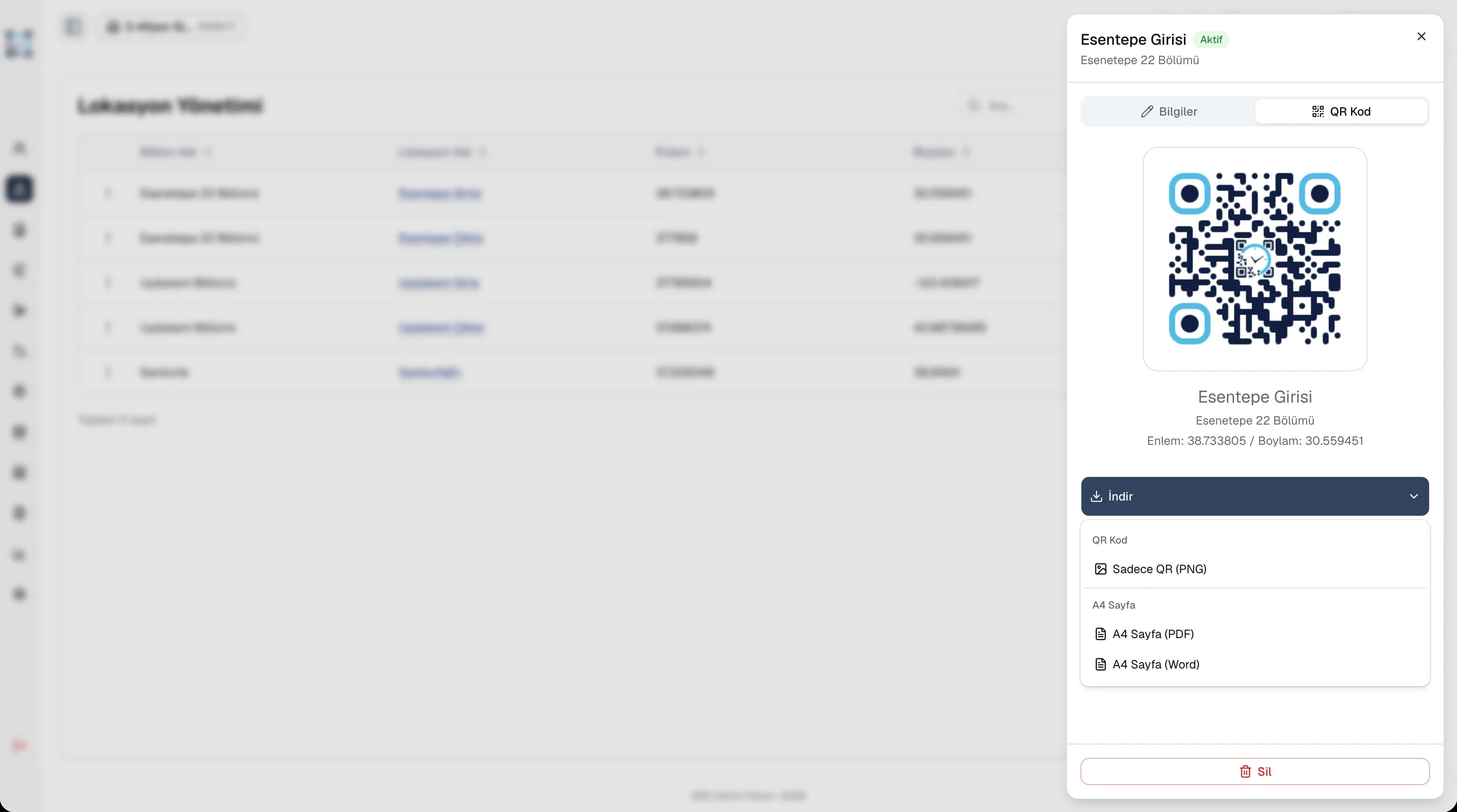
Define a location with coordinates for every entry point. Download its QR code as PNG, A4 PDF or Word and put it on the wall.
- Ready A4 poster with company and location name
- Save a location on site in one tap from the mobile app
TimesheetsThe whole month
The whole month
on one sheet.
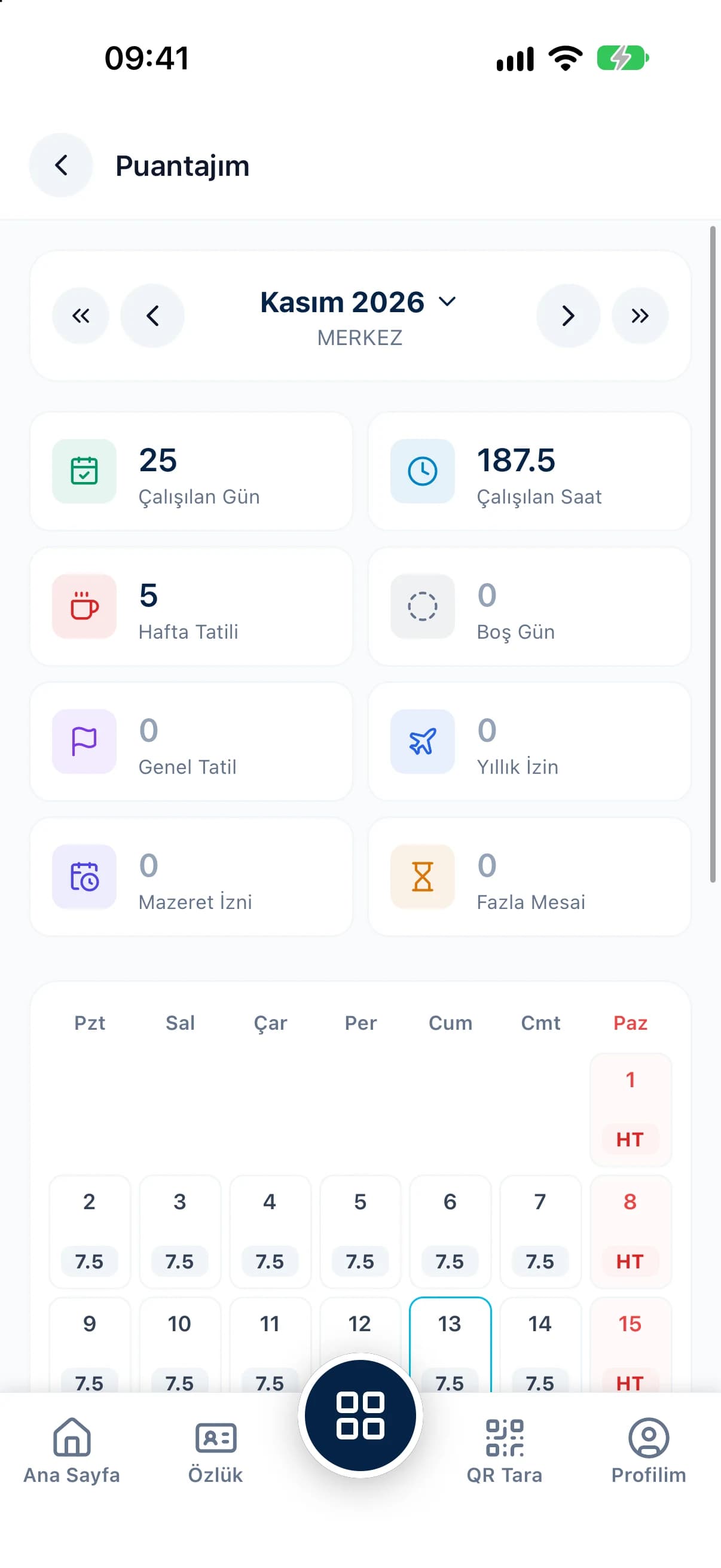
Hours worked, weekly rest days, leave and overtime are marked day by day. Attendance records are transferred in one click, and bulk entry updates hundreds of employees in seconds.
Timesheets & Overtime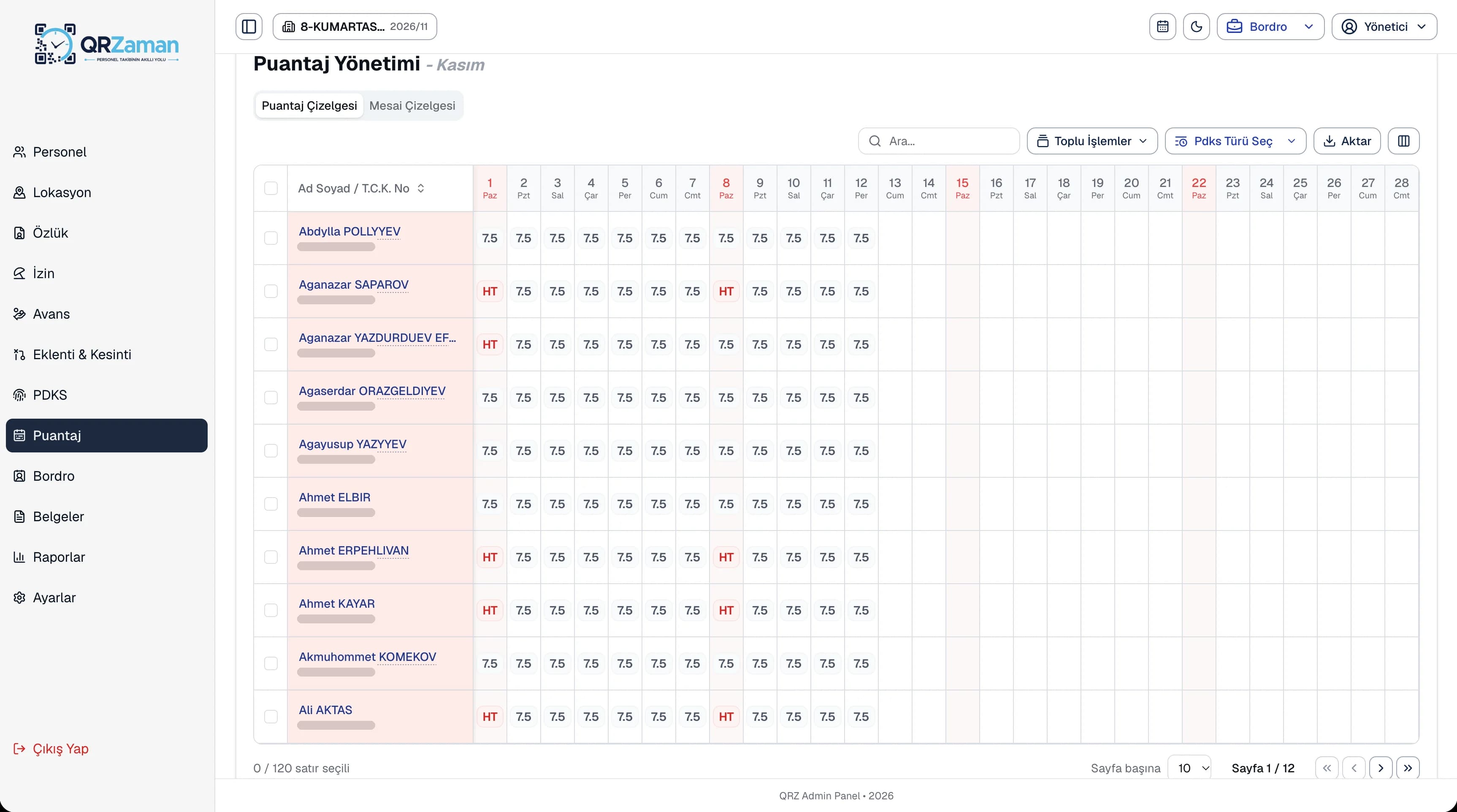
PayrollPayroll,
Payroll,
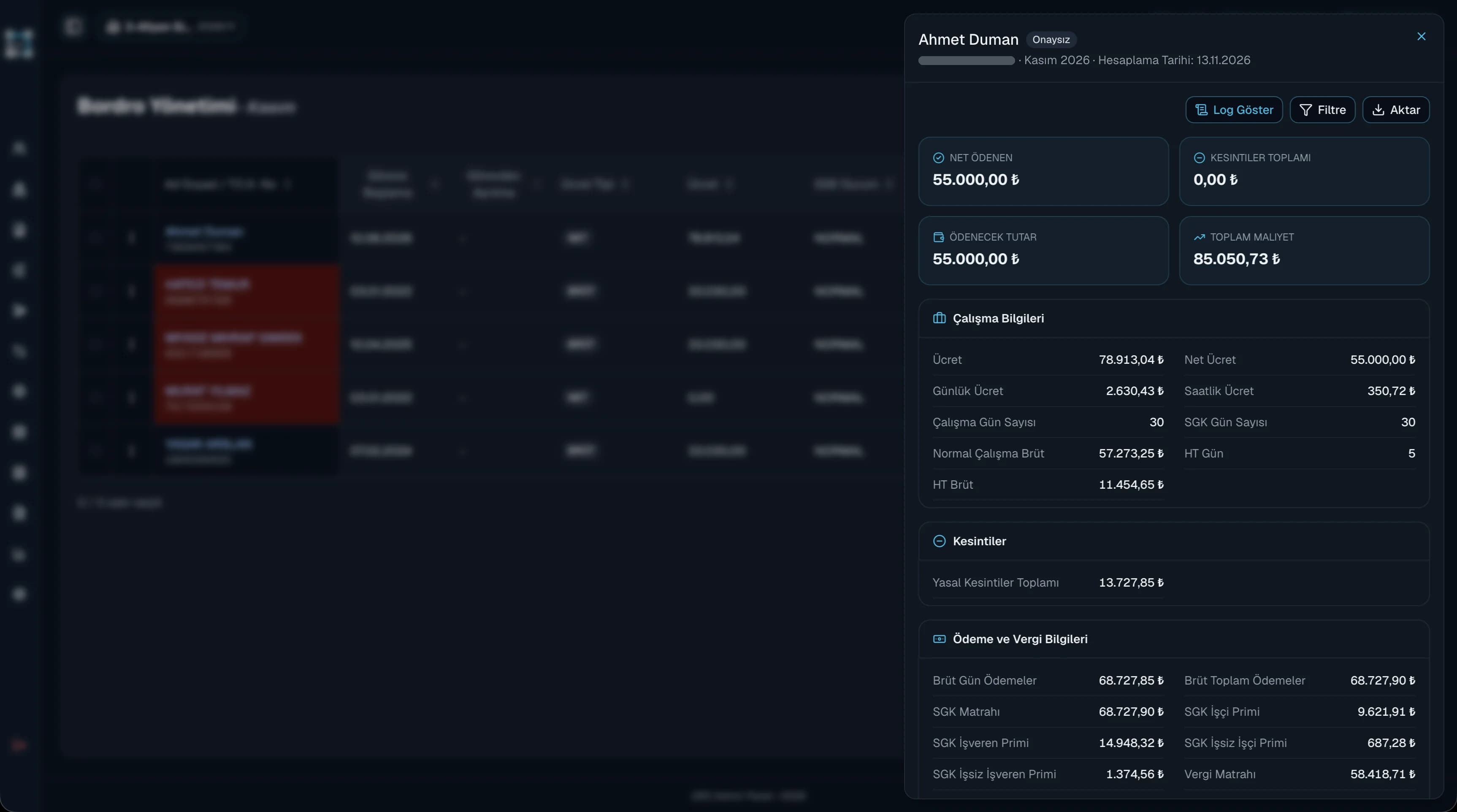
ready in one click.
Net pay, deductions and total employer cost are calculated automatically with current social security and tax settings. Earnings, deductions and advance installments flow into payroll on their own.
Payroll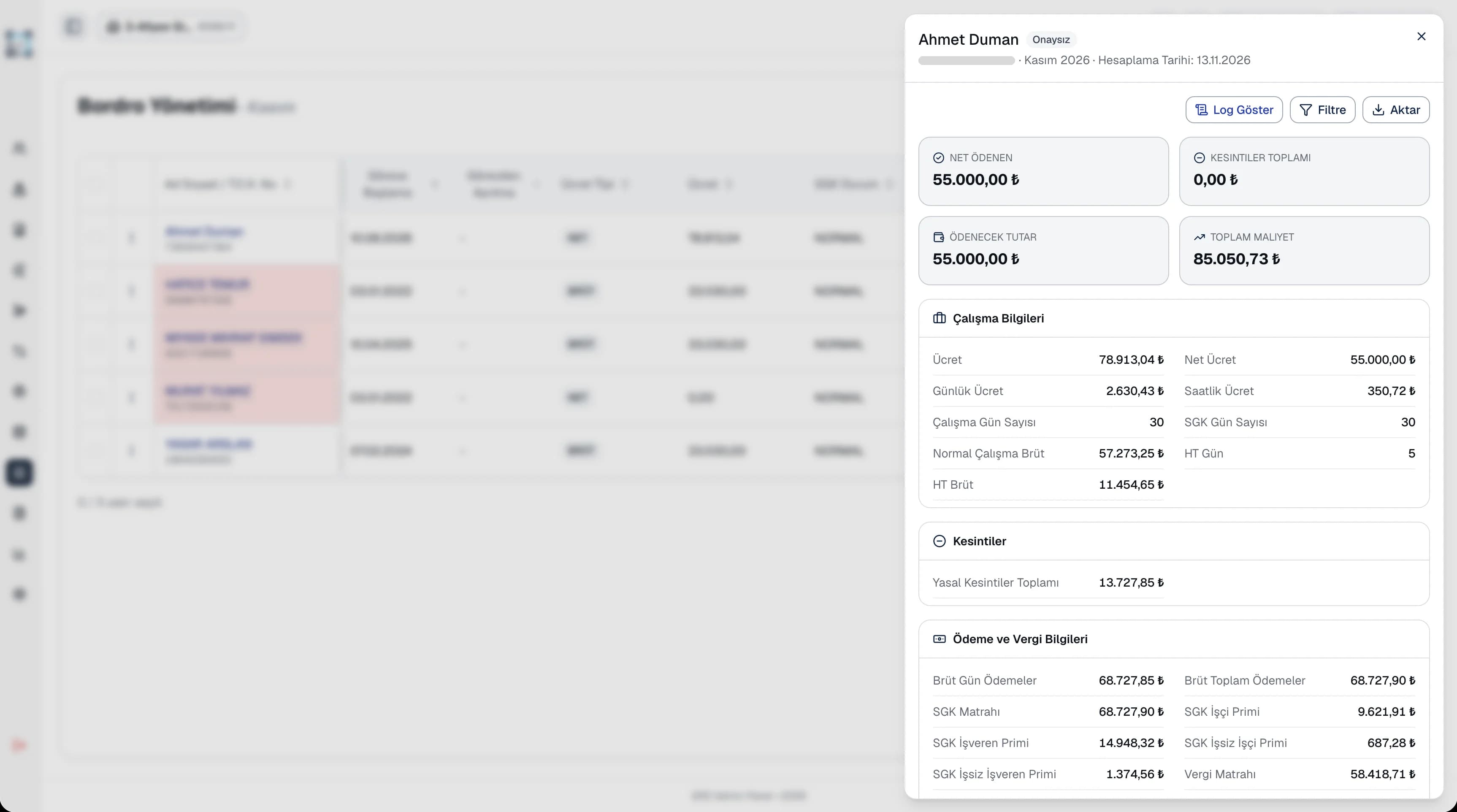
Leave & AdvancesRequests, just a few
Requests, just a few
taps away.
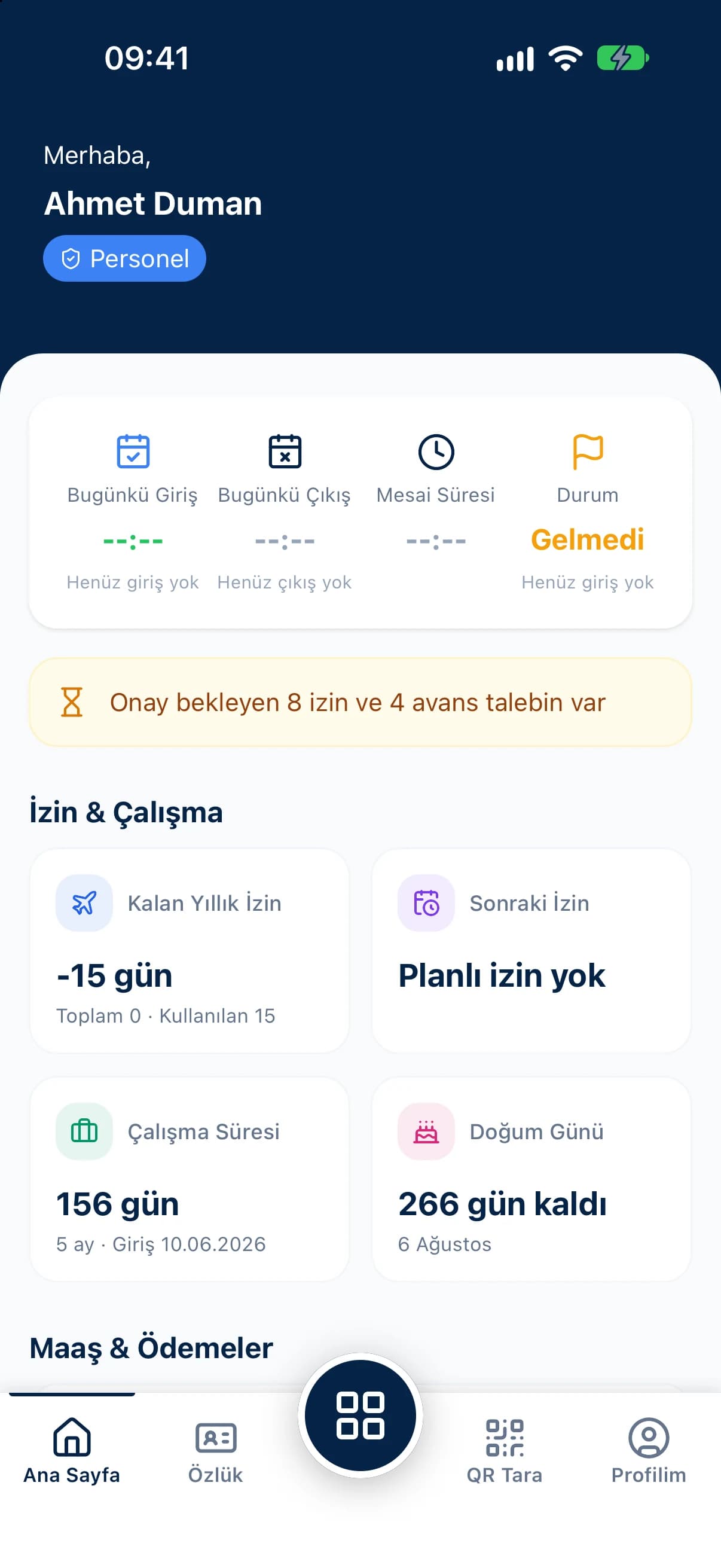
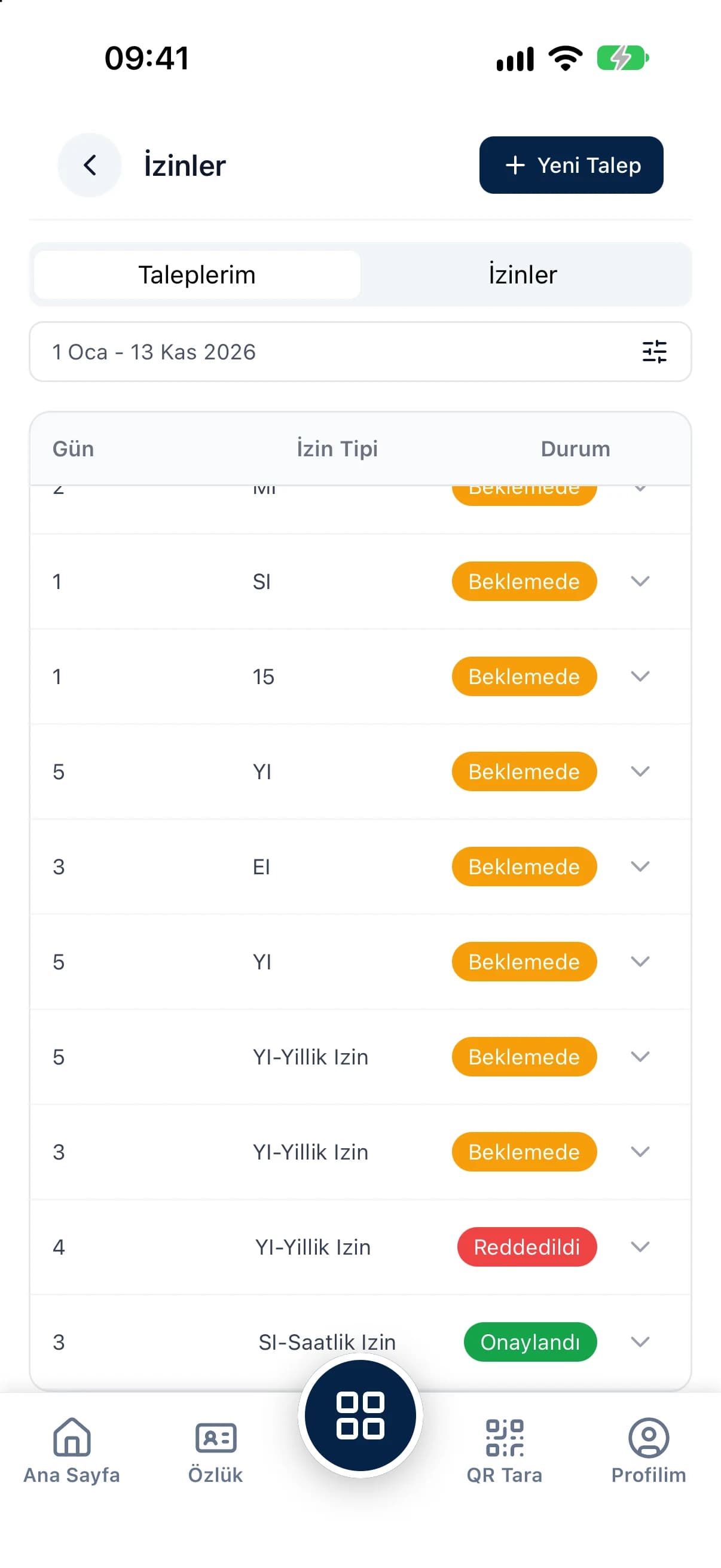
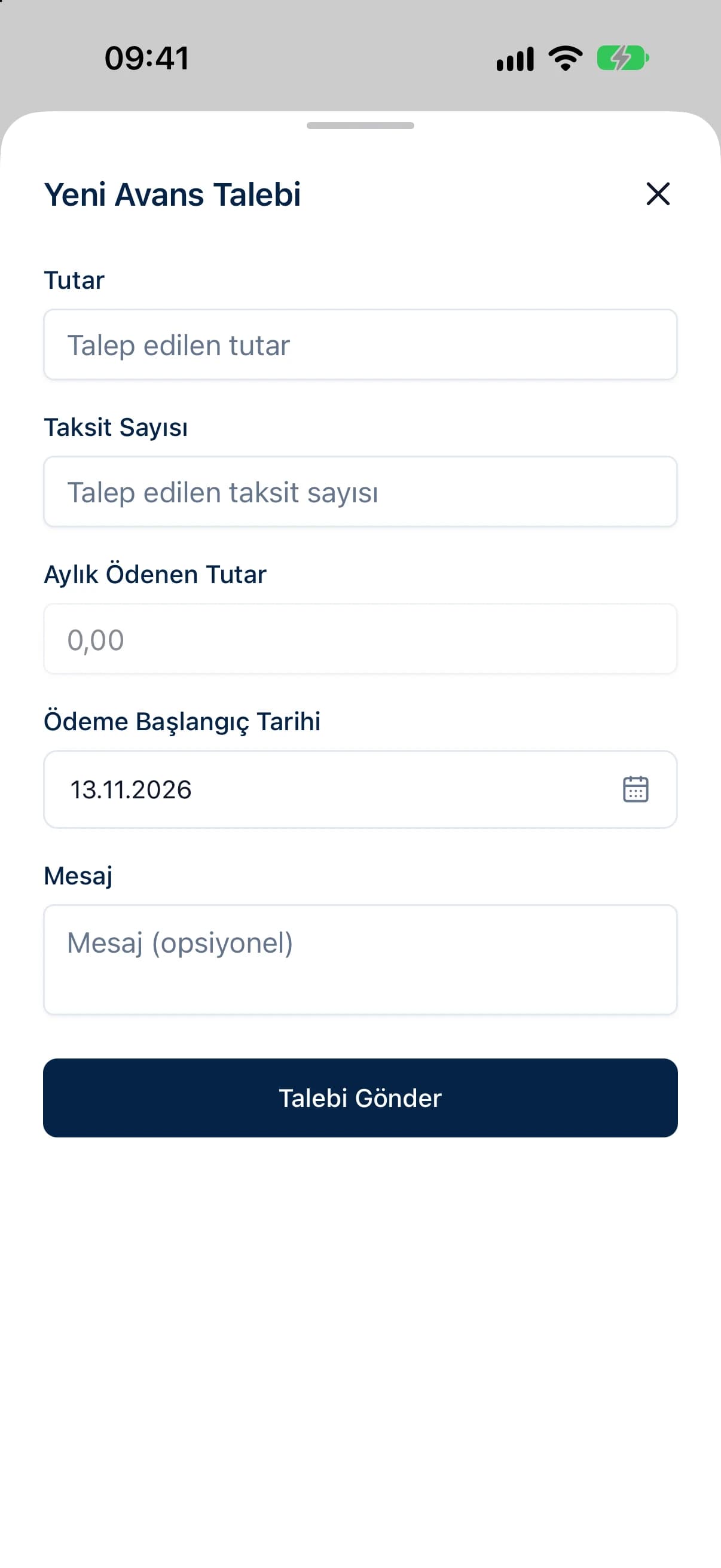
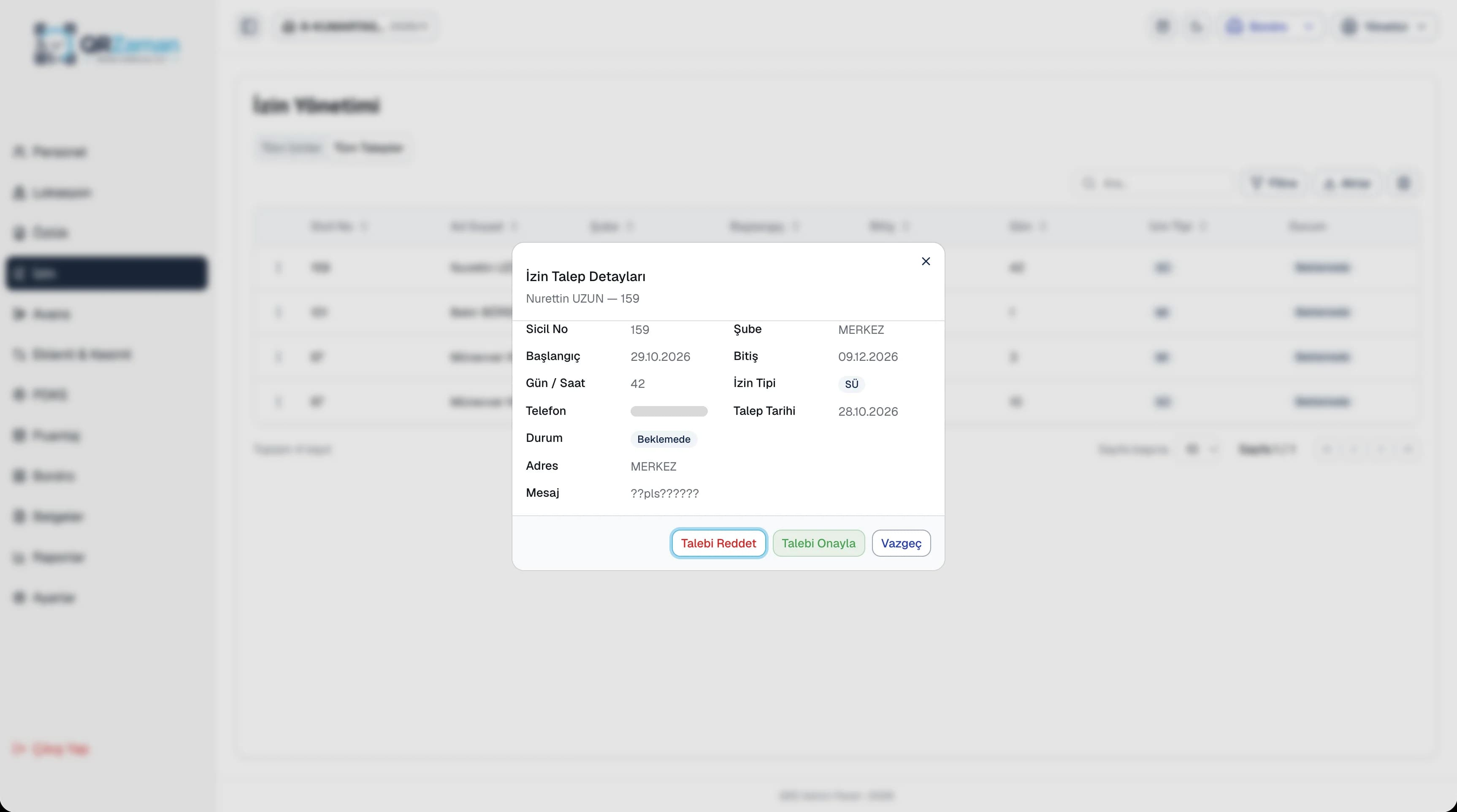
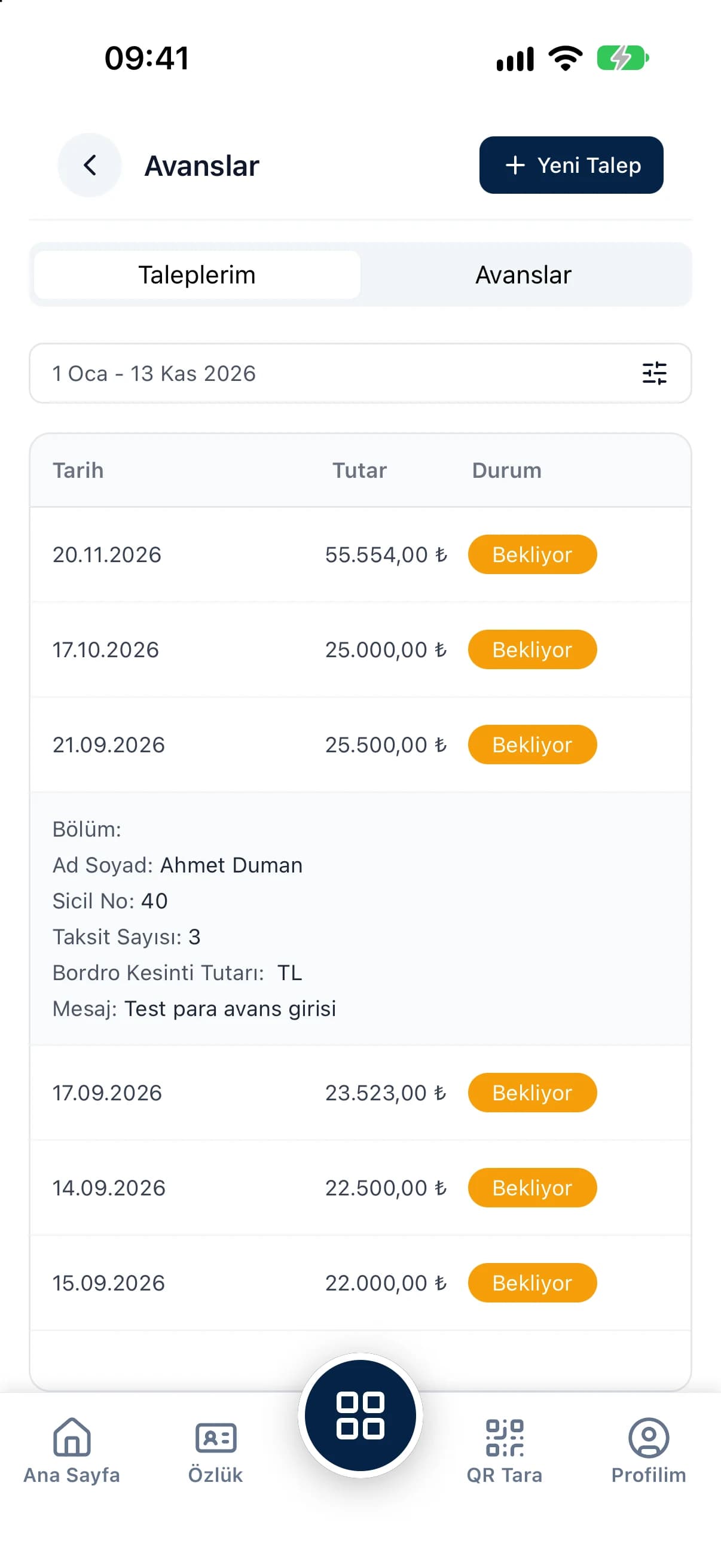
Employees send leave and advance requests from the app and follow their status. Managers approve or reject them with a reason, on the panel or on mobile. Leave balances and advance installments are calculated automatically.
Multi-Company & BranchAll your companies,
All your companies,
in one panel.
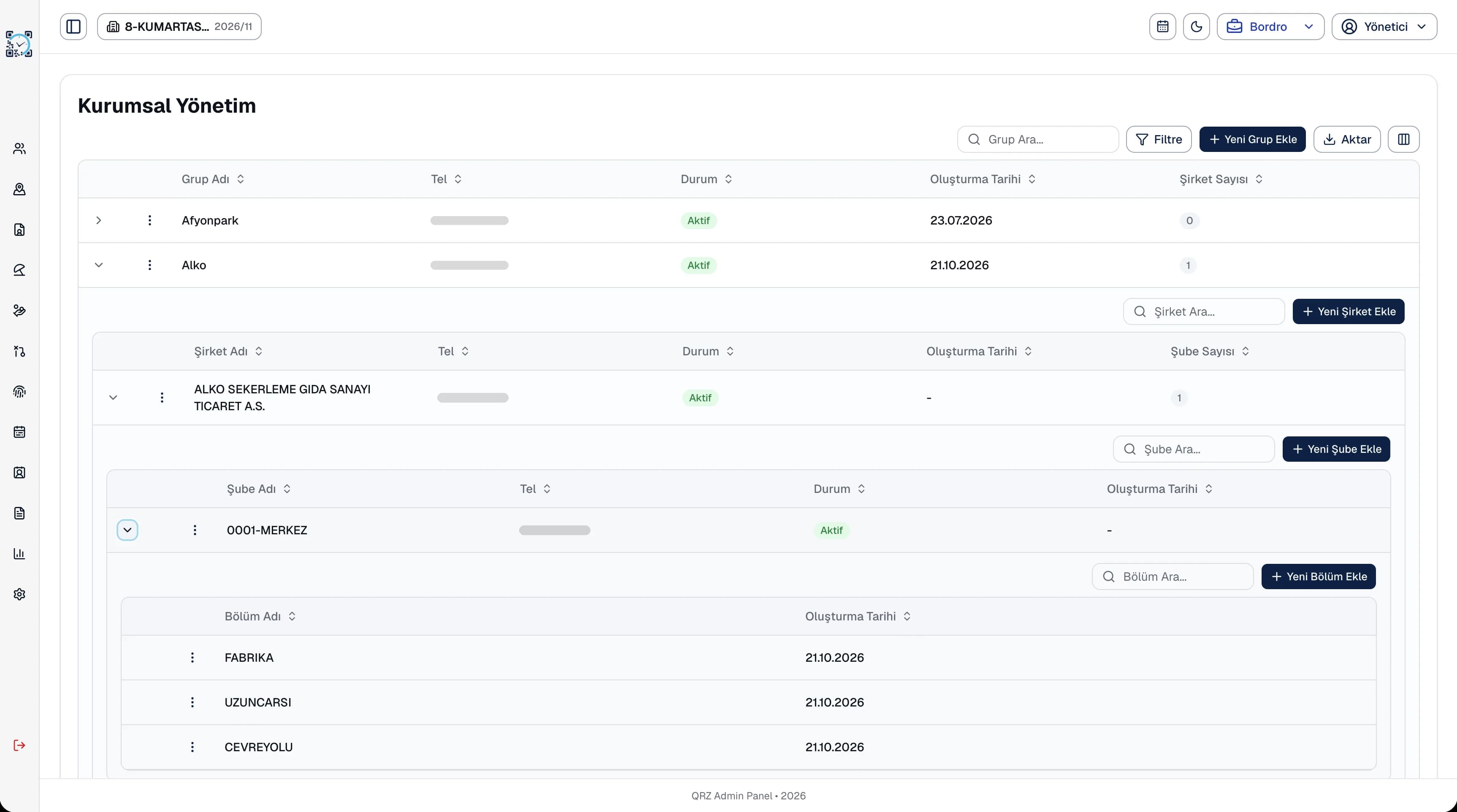
A Group → Company → Branch → Department hierarchy. Give each user their own access scope by group, company or branch, and decide which screens employees can see.
- Group Holding
- Company A · 3 branches
- Istanbul Branch · Factory, Warehouse
Mobile appScan the QR,
Scan the QR,
start your shift.
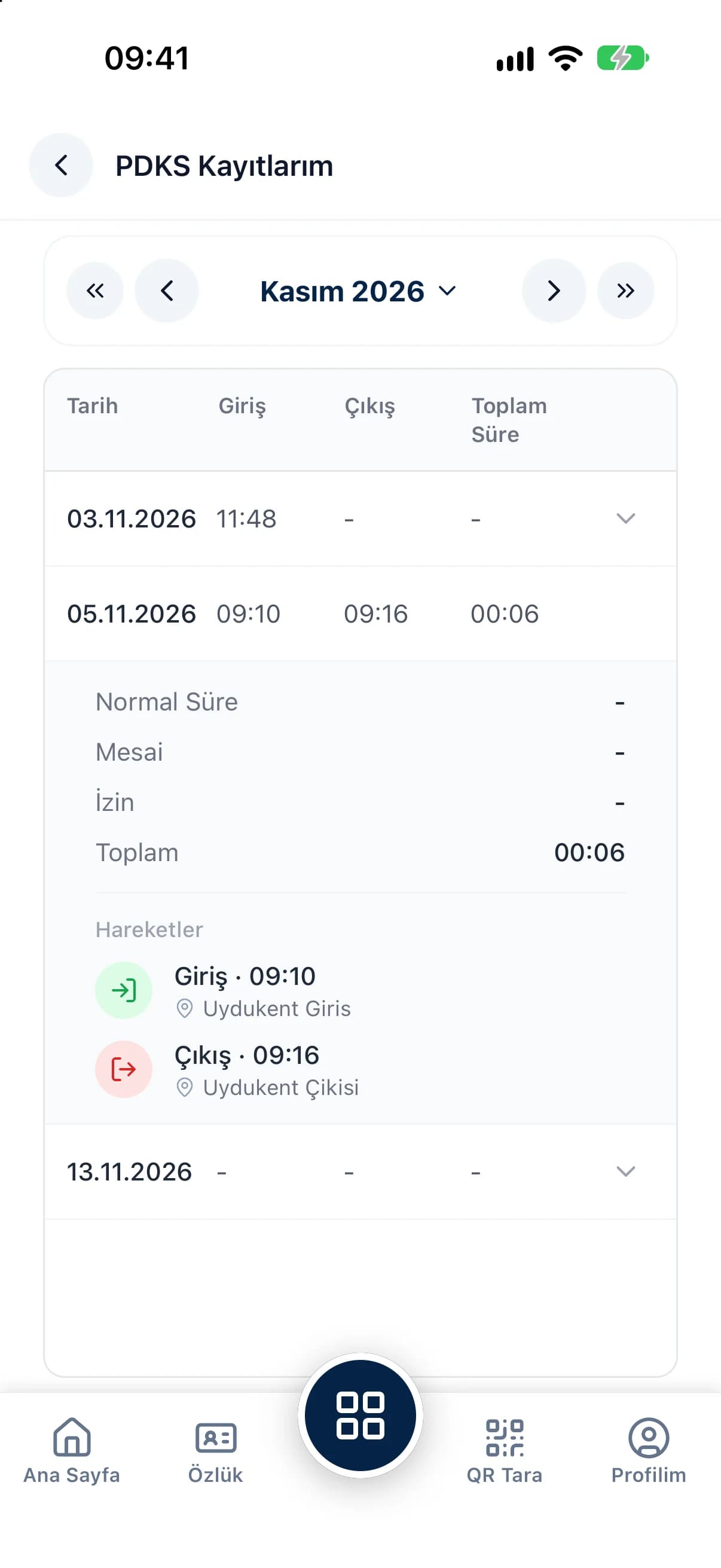
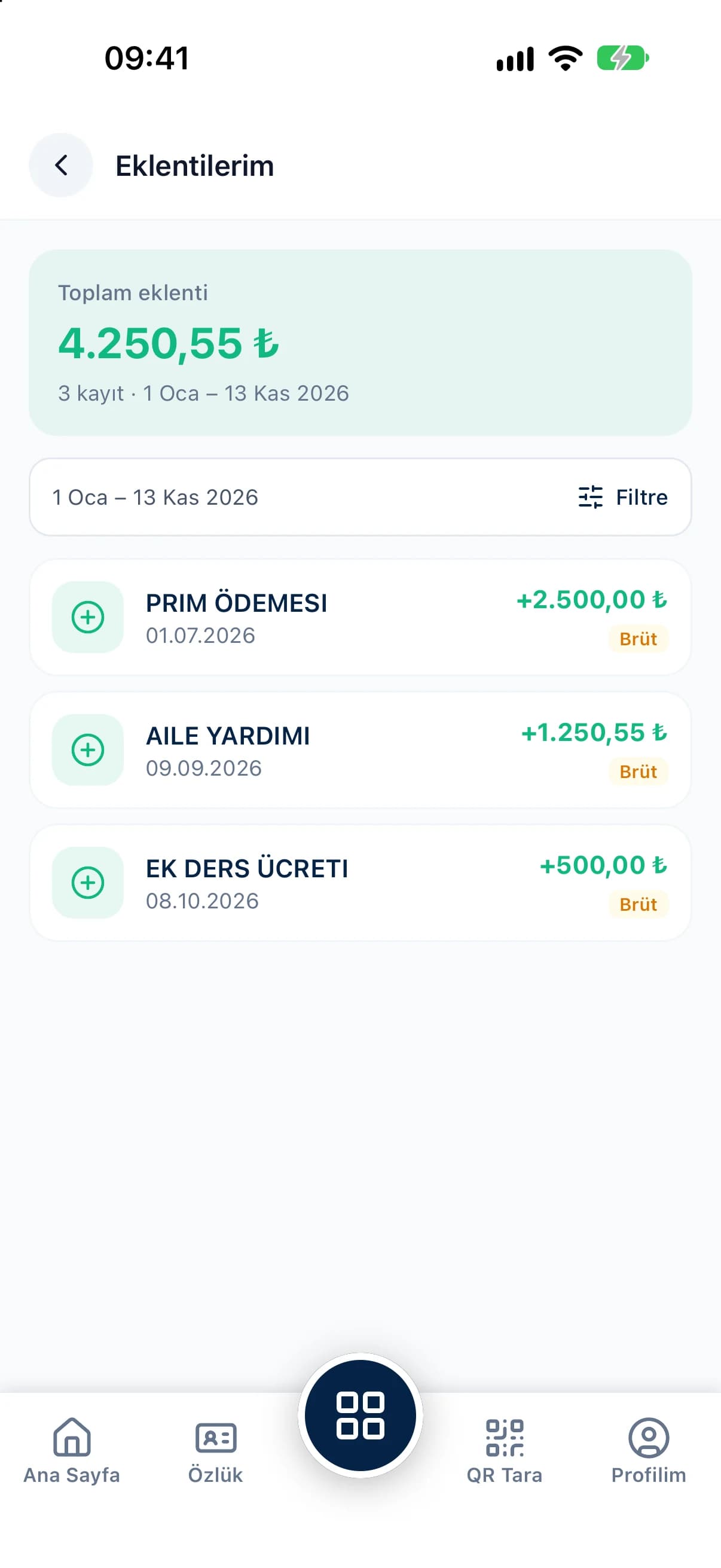
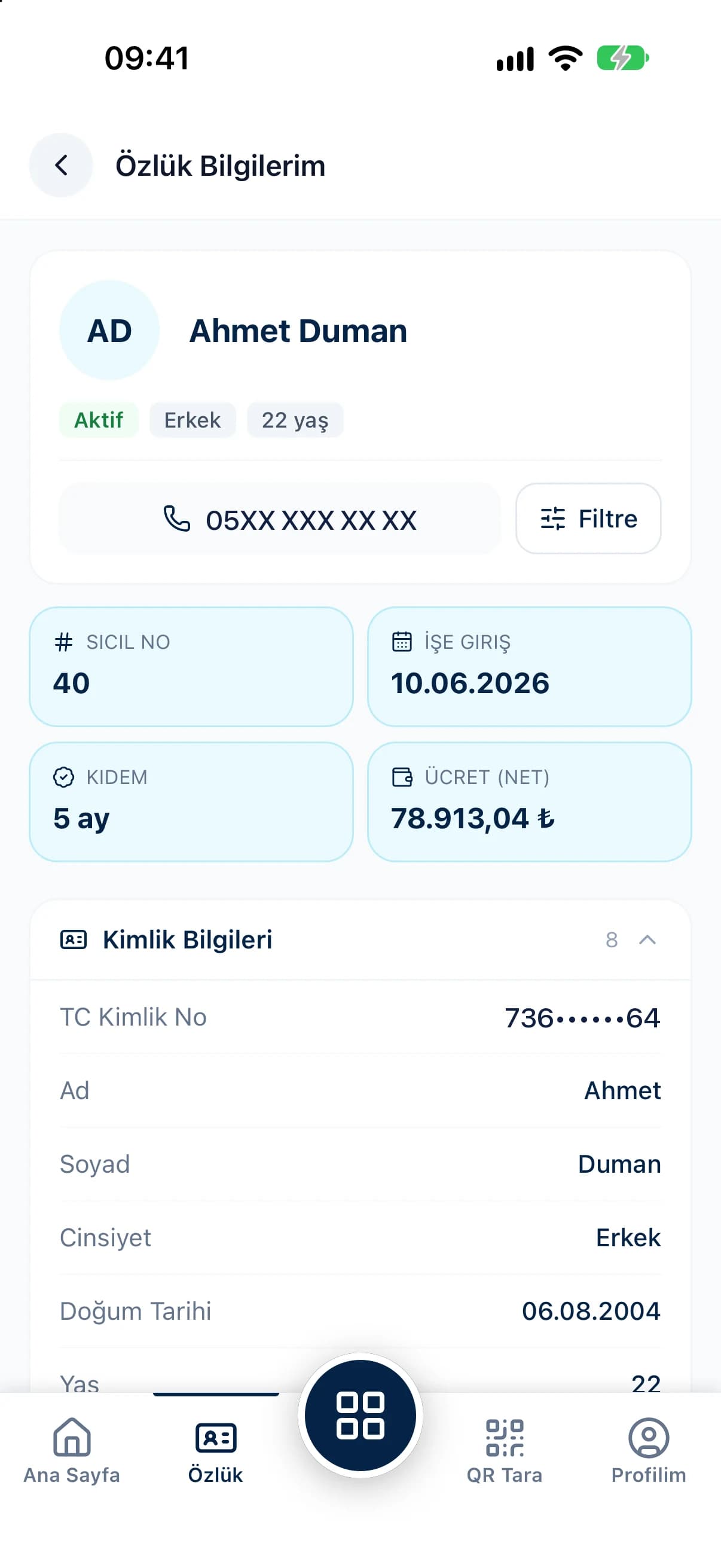
Let your team handle everything from their pocket, and let managers approve requests from the field.
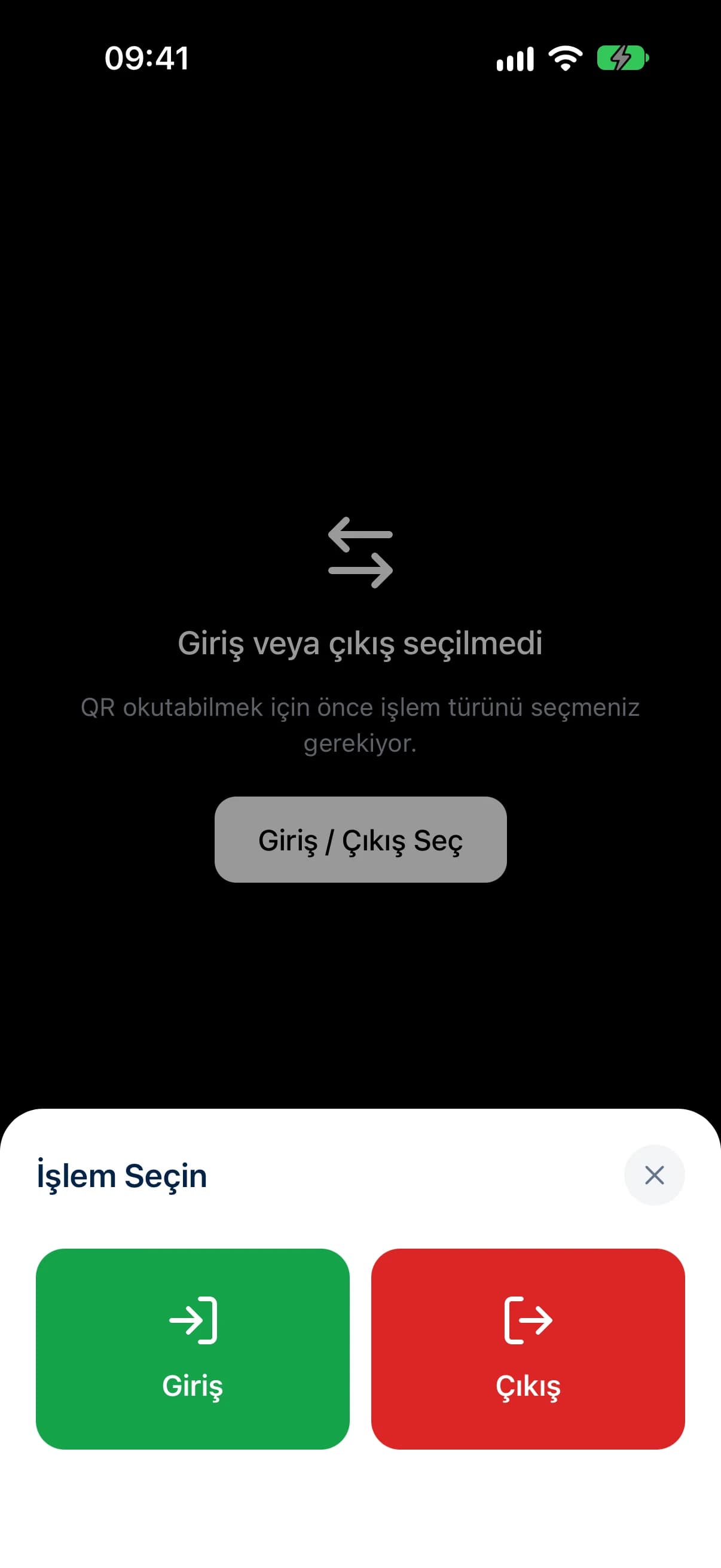
- QR clock-in and clock-out
- Leave & advance requests
- Payslips, timesheets, attendance
- Earnings & deductions
Scan. Record. Payroll ready.
Paperless employee time tracking in 4 steps.
Set up your company
Define your companies, branches and departments, and import your employees from Excel in one go.
Put up the QR codes
Generate a QR code for each location, print it as an A4 poster and hang it at the entrance.
Employees scan
Employees scan the QR with the mobile app; location and device are verified instantly.
Payroll is ready
Records flow into timesheets and payroll is calculated in one click.
Free payroll calculators
Get results in seconds based on current regulations.
All calculatorsFrequently asked questions
Do I need any special hardware for QR Zaman?
No. Just print the QR code you generate in the panel and put it on the wall. Employees scan it with the QR Zaman app on their own phones.
Can an employee clock in for someone else?
No. Each account is bound to a single device, the phone's location is captured at the moment of scanning, and fake location apps are detected.
Is payroll calculated according to current regulations?
Tax brackets, social security rates, minimum wage exemptions, severance and notice rules and public holidays are kept per year and copied to the new year in one click.
Can I manage more than one company and branch?
Yes. QR Zaman works with a group, company, branch and department hierarchy, and every user gets their own access scope.
How do I import my existing employee list?
Download the ready Excel template, fill it in and import it in one go; you get a result report for every row.