

Shift Management
Set shifts, break lengths and days off per department; working time and overtime are calculated automatically.
Restaurant shift scheduling has to keep up with hours that never stay the same. With QR Zaman, staff in restaurants, cafés and hotels start their shift by scanning a QR code, and breaks and overtime are calculated against the shift. Timesheets and payroll for hourly, daily and monthly paid staff are prepared in the same panel.
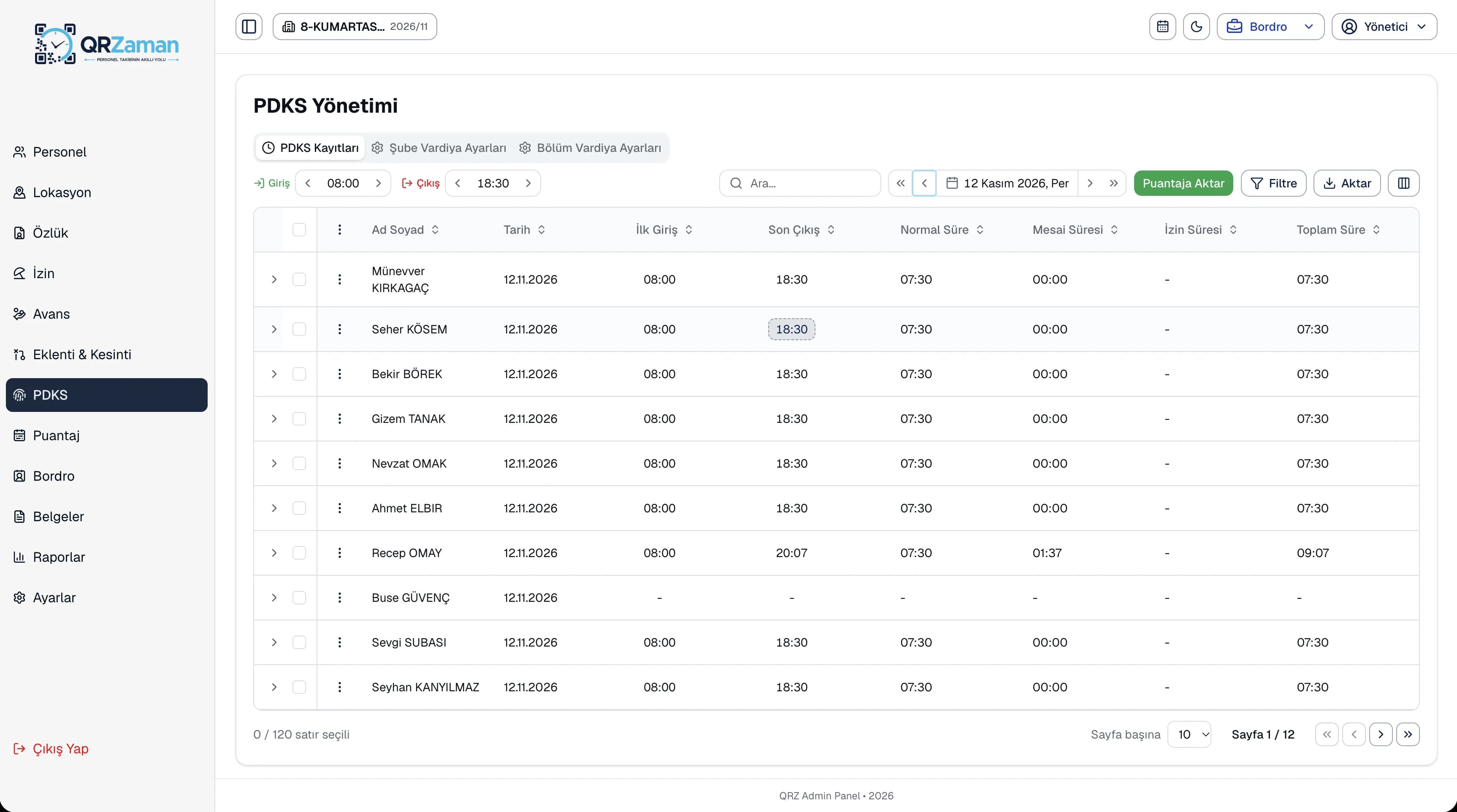
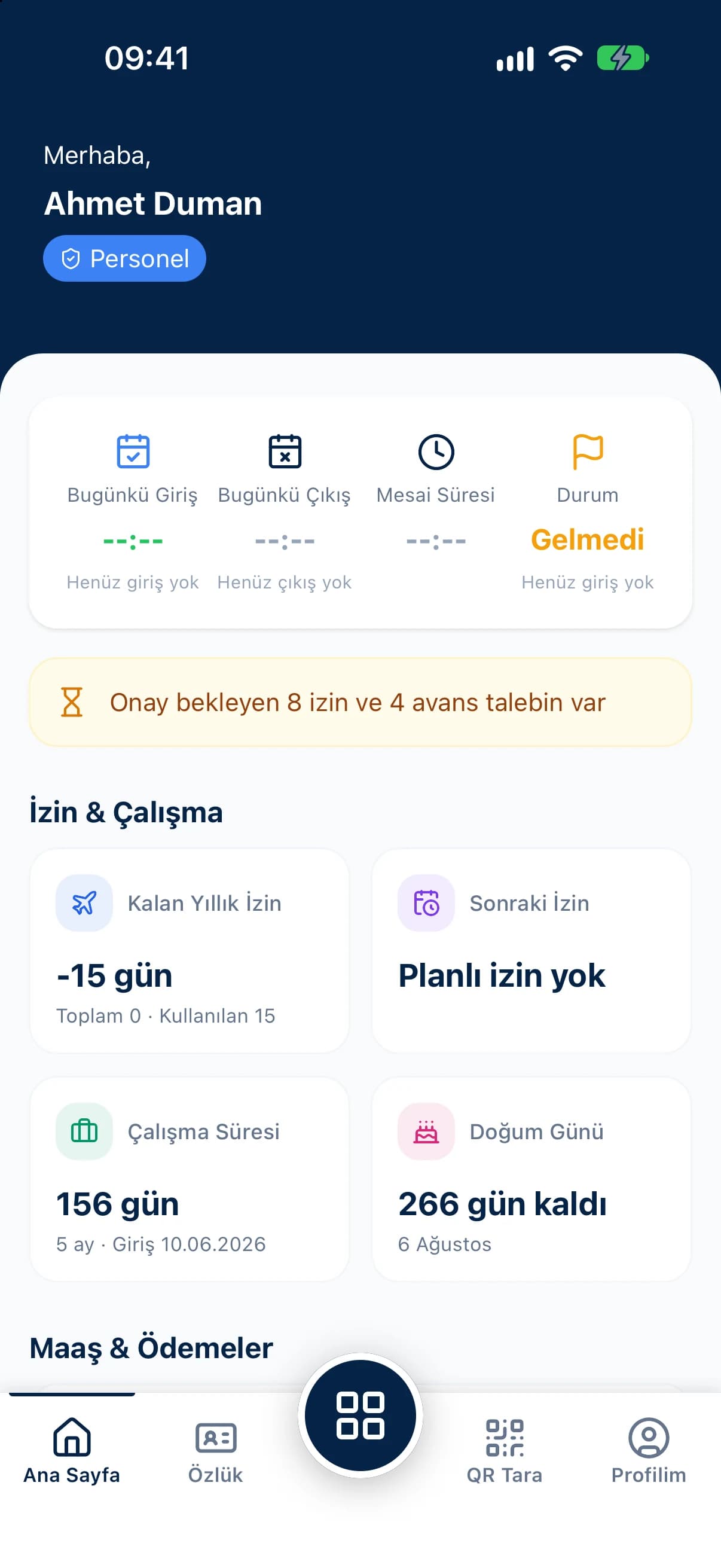
In restaurants, cafés and hotels, the workload changes by the hour, the day and the season. Staffing follows, but time tracking often can't keep up.
Split shifts for lunch and dinner service, busy weekends and rotating days off quickly break any tracking method built around fixed office hours.
When service runs late, closing time slips. If overtime and breaks aren't recorded properly, staff feel short-changed and the business can't see its real labour cost.
Salaried staff work alongside daily or hourly paid helpers in the same venue. Calculating each group's pay in a different spreadsheet drags out month end.
Define separate shifts for kitchen, floor and housekeeping, and bring them all together in one timesheet.
Set shifts, break lengths and days off per department; working time and overtime are calculated automatically.
Staff scan the QR code at the staff entrance with their own phone; no cards or devices needed.
See daily overtime and monthly totals per department on the overtime sheet.
Payroll for monthly, daily and hourly paid staff is calculated automatically from the timesheet on one screen.
Add bonuses and deductions as net or gross amounts to many employees in one entry.
Staff request leave on mobile and managers approve with the remaining balance in view.
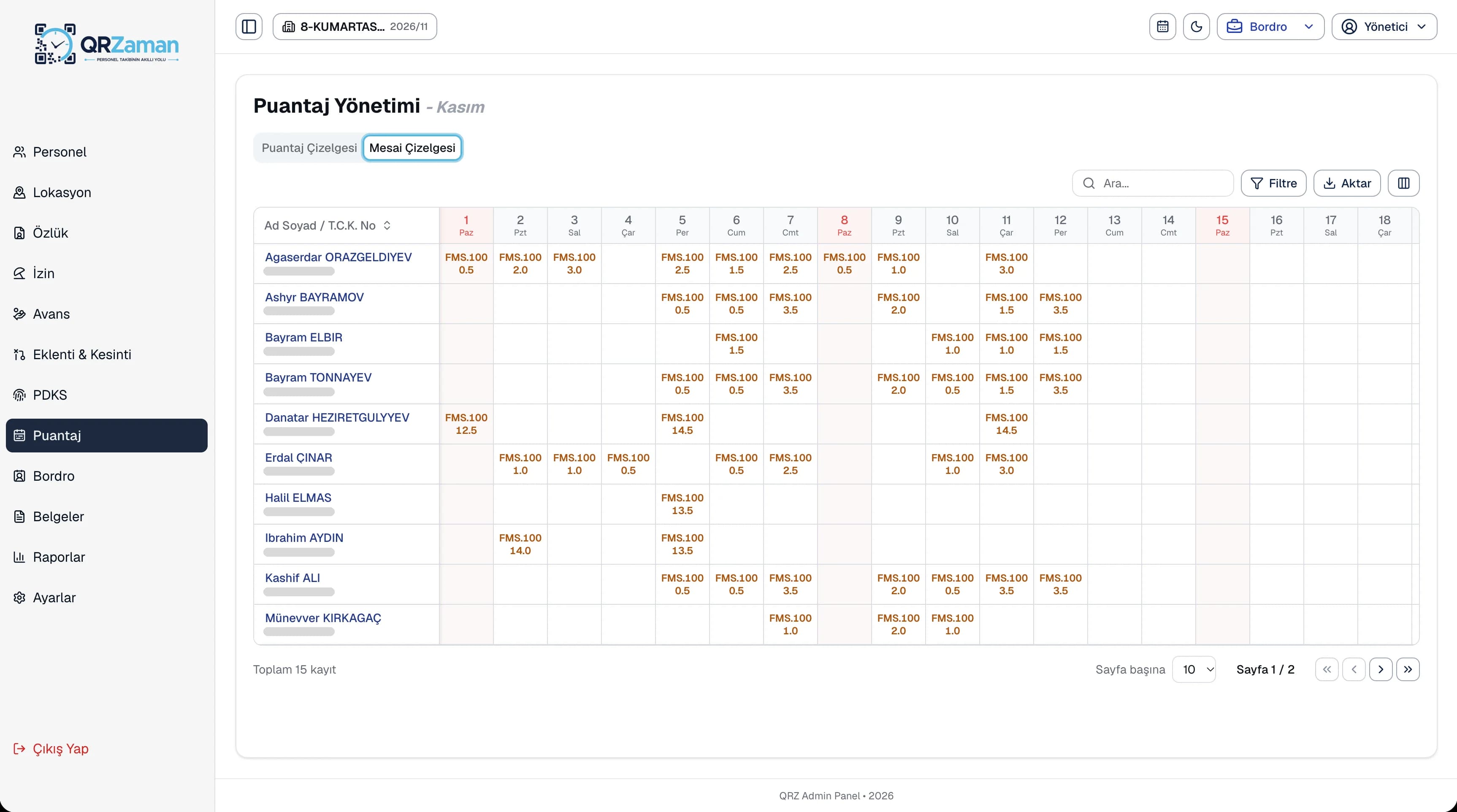
QR clock-ins are split into regular hours, breaks and overtime according to the shift and appear on the overtime sheet. Filter by branch, department and month to see where the overtime is going, then move the records into the timesheet.
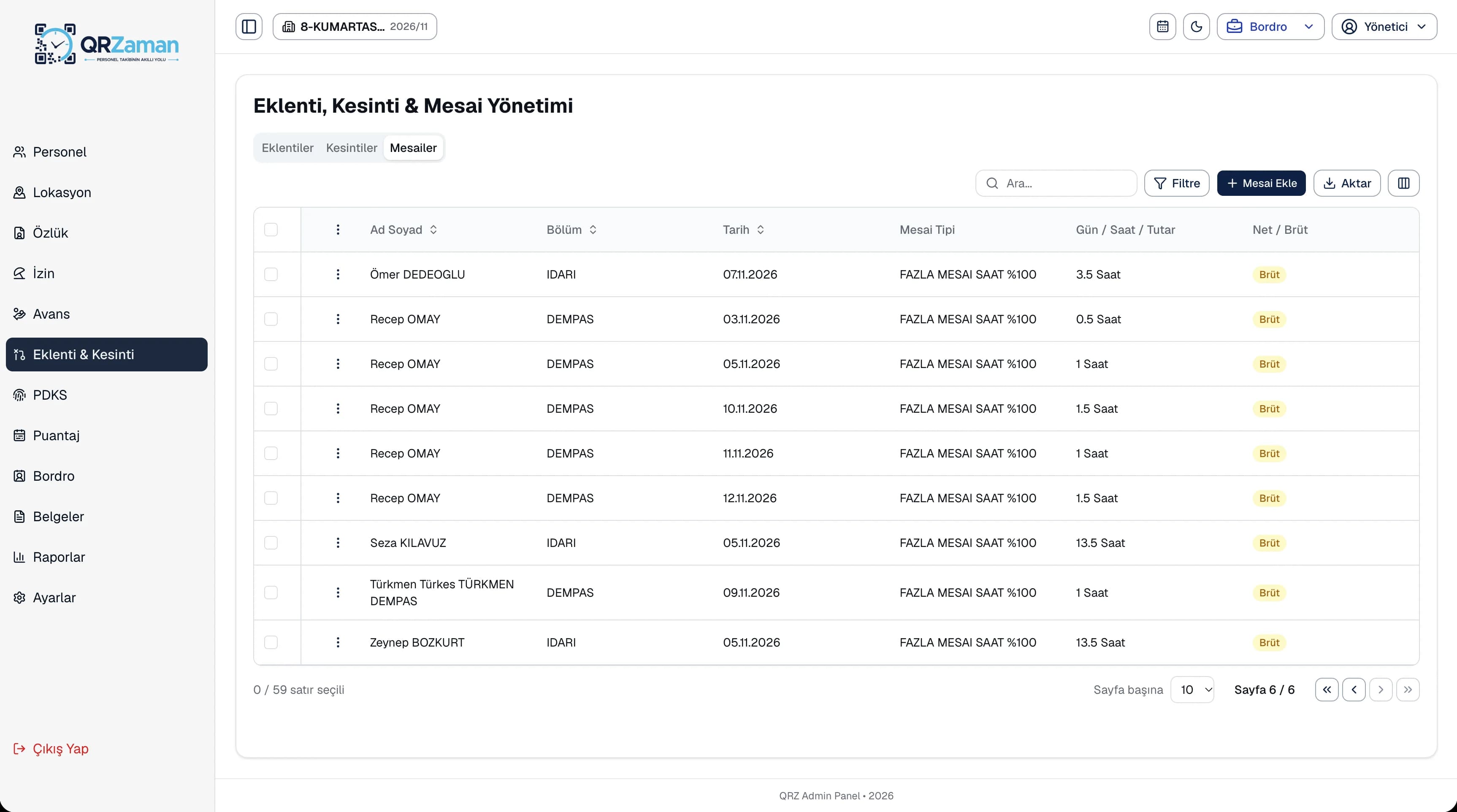
Define bonuses and other extra earnings as net or gross amounts with a payment date, and enter deductions and overtime by day, hour or amount on the same screen. One entry can cover many employees, and everything flows into payroll automatically.
The questions we hear most about QR Zaman for Restaurants & Hospitality. If yours is not here, let us go through it together in a demo.
Staff scan the QR code at the start and end of each shift. Records are calculated as regular hours, breaks and overtime according to your shift definitions and transferred to the timesheet.
Yes. On each employee profile you choose monthly, daily or hourly pay, as net or gross. Payroll is calculated automatically from the day and hour payments in the timesheet.
Yes. Set up each restaurant as a branch and areas such as kitchen and floor as departments. Switch between restaurants from the top bar and run reports per branch.
If you allow it in company settings, staff see their attendance records and timesheet in the mobile app. The today card on the home screen also shows their live working time.
QR Zaman is one platform, so the same setup works across other roles and industries too.
Store staff and shift tracking
Every branch in one panel
Clock-ins, requests, payslips on mobile