

Multi-Company & Branch
Groups, companies, branches, departments
With roles and permissions in QR Zaman, admin, manager, employee, dealer and support users see only the menus they are allowed to. Add users, track their last sign-in and give each one a permission scope by group, company or branch. You also decide whether employees can see their own attendance, timesheet and payslip.
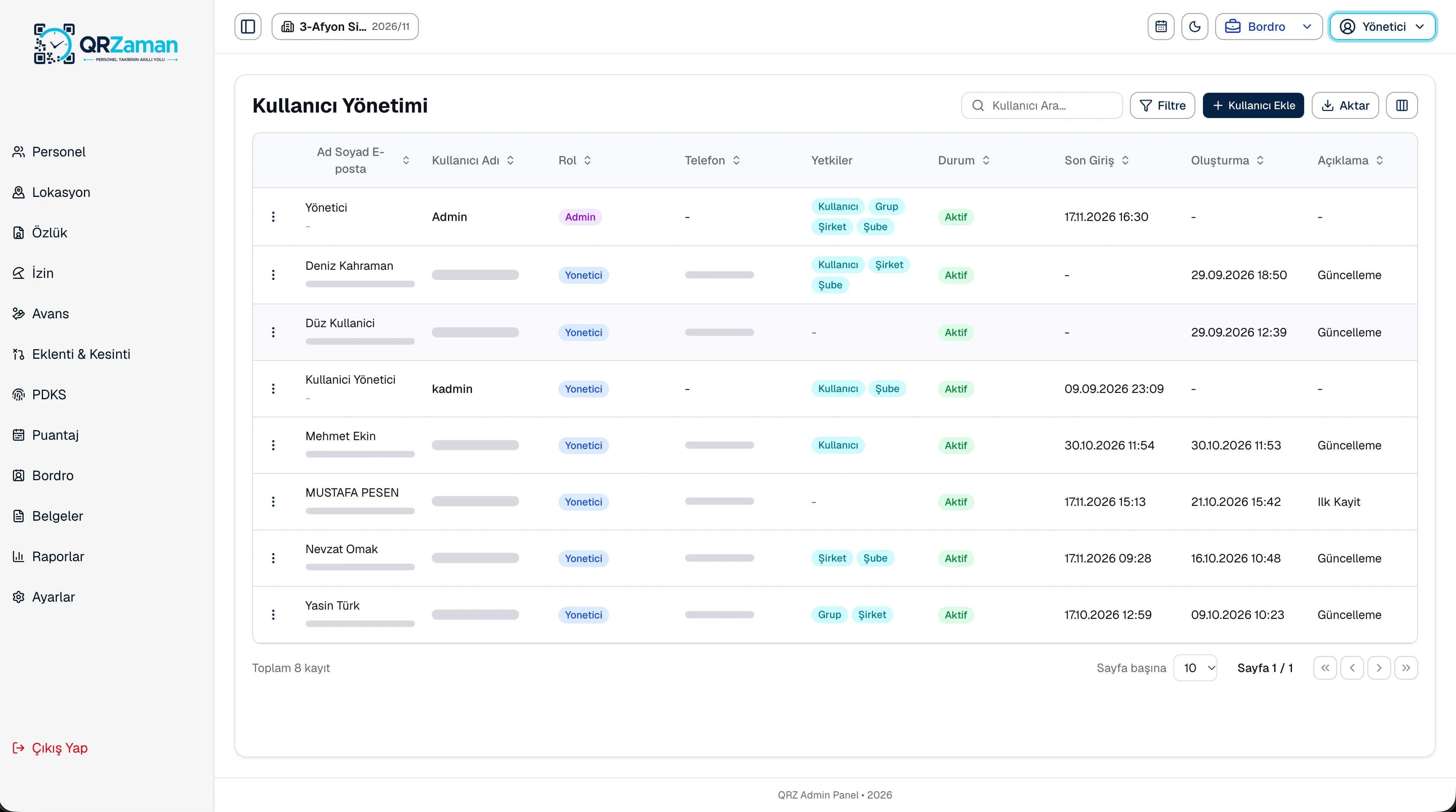
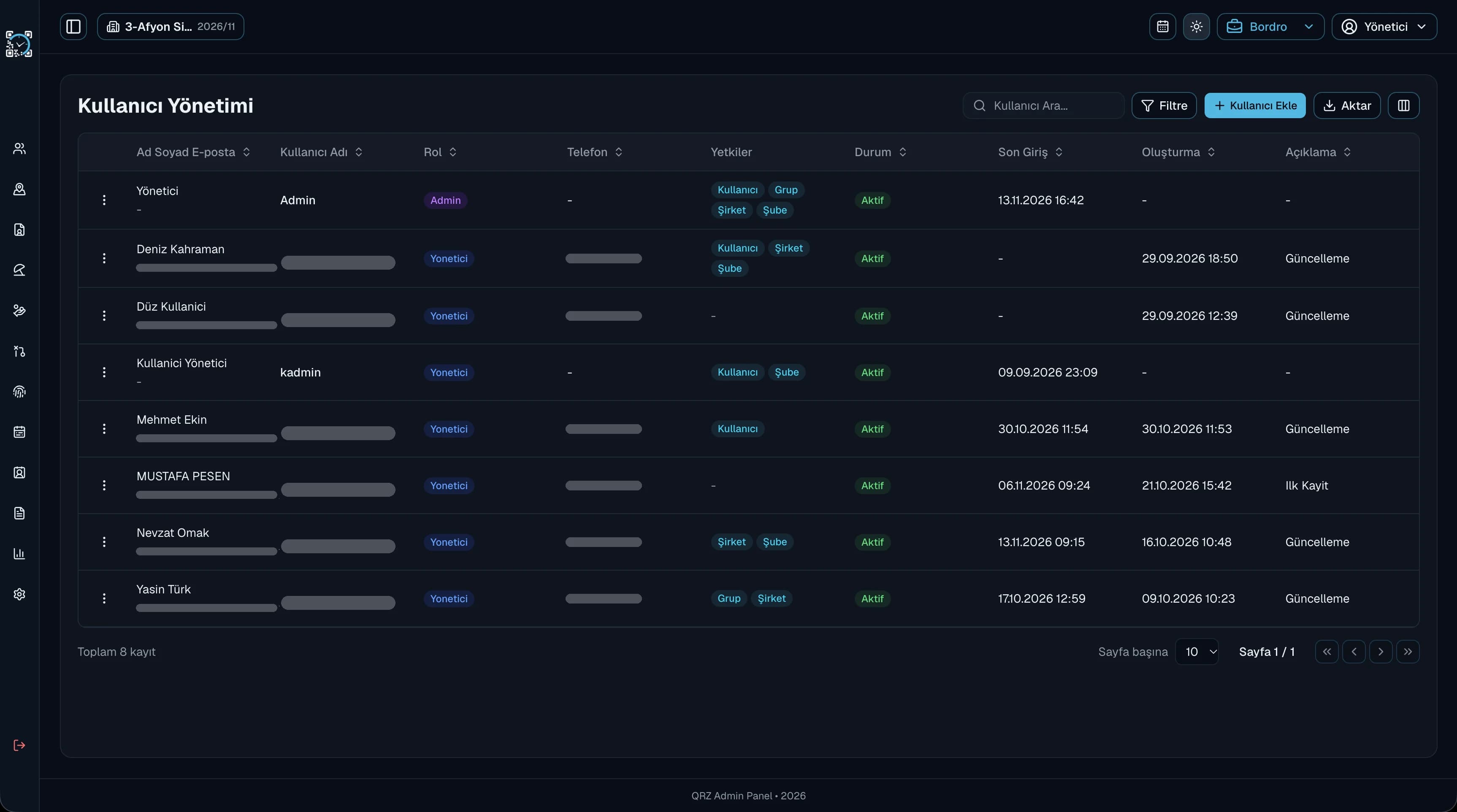
Each role sees only the menus it is allowed to, so people stay focused on their work and your data is not exposed without reason.
Open only their own branches to a regional lead and every company to head office, with the scope set per user.
Turn on or off whether employees see their own attendance, timesheet and payslip, and whether they can clock in at any location.
Managers see active employees, today's arrivals, people on leave, pending requests and a payroll summary. Employees see their own clock-ins, latest payslip, remaining leave and advance and deduction totals. The same panel opens a different home screen depending on the signed-in user's role, and last sign-in tracking in user management shows who logged in and when.
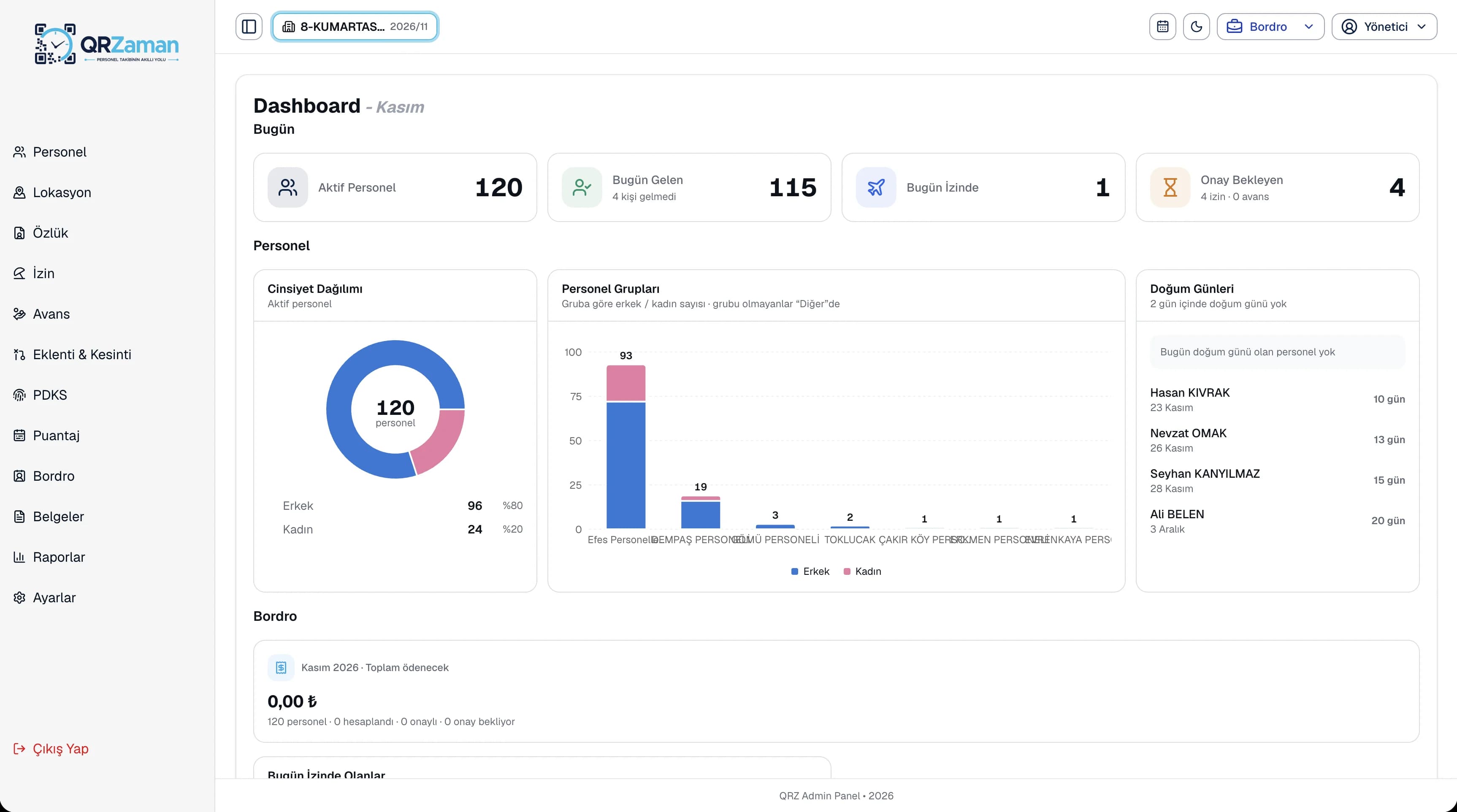
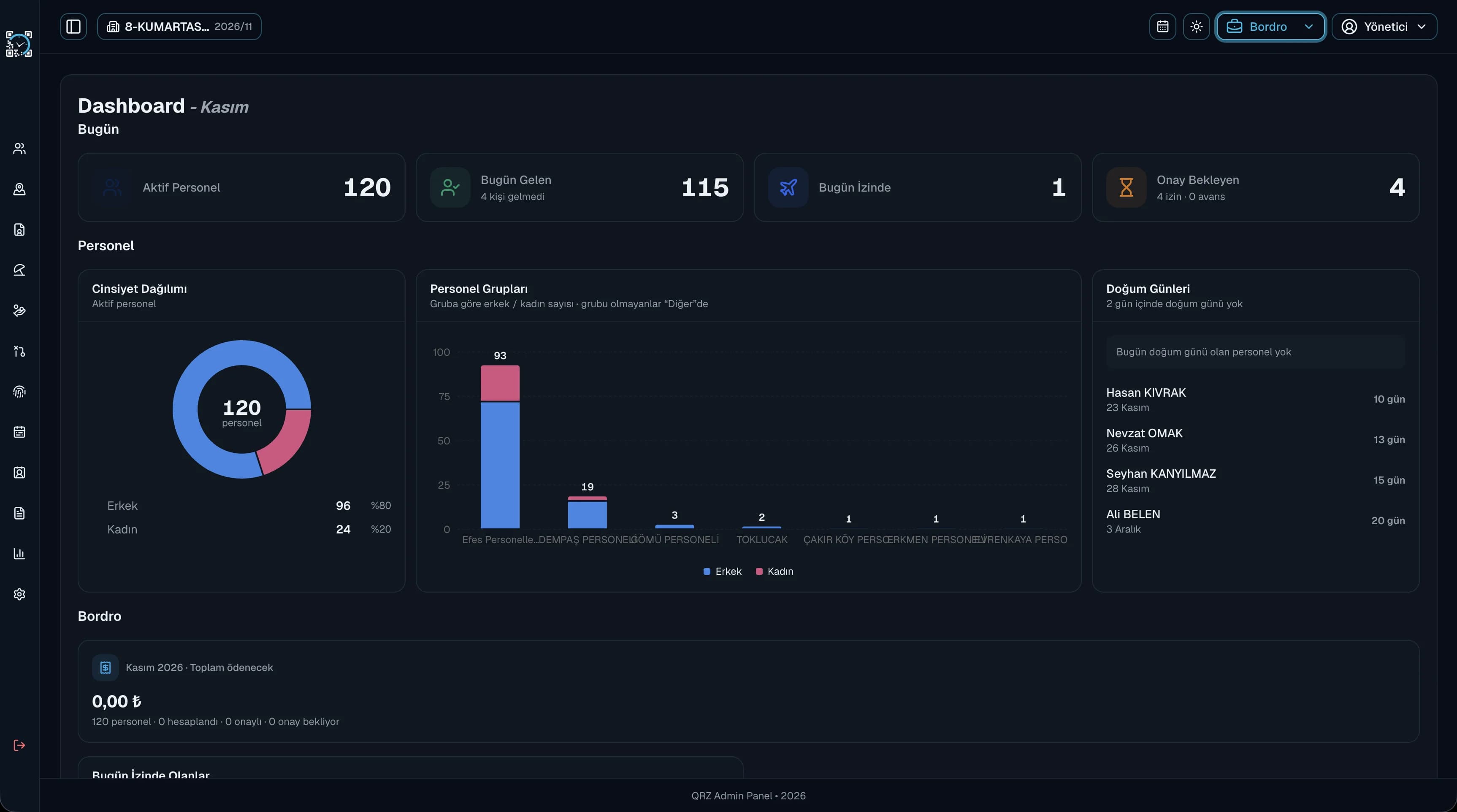
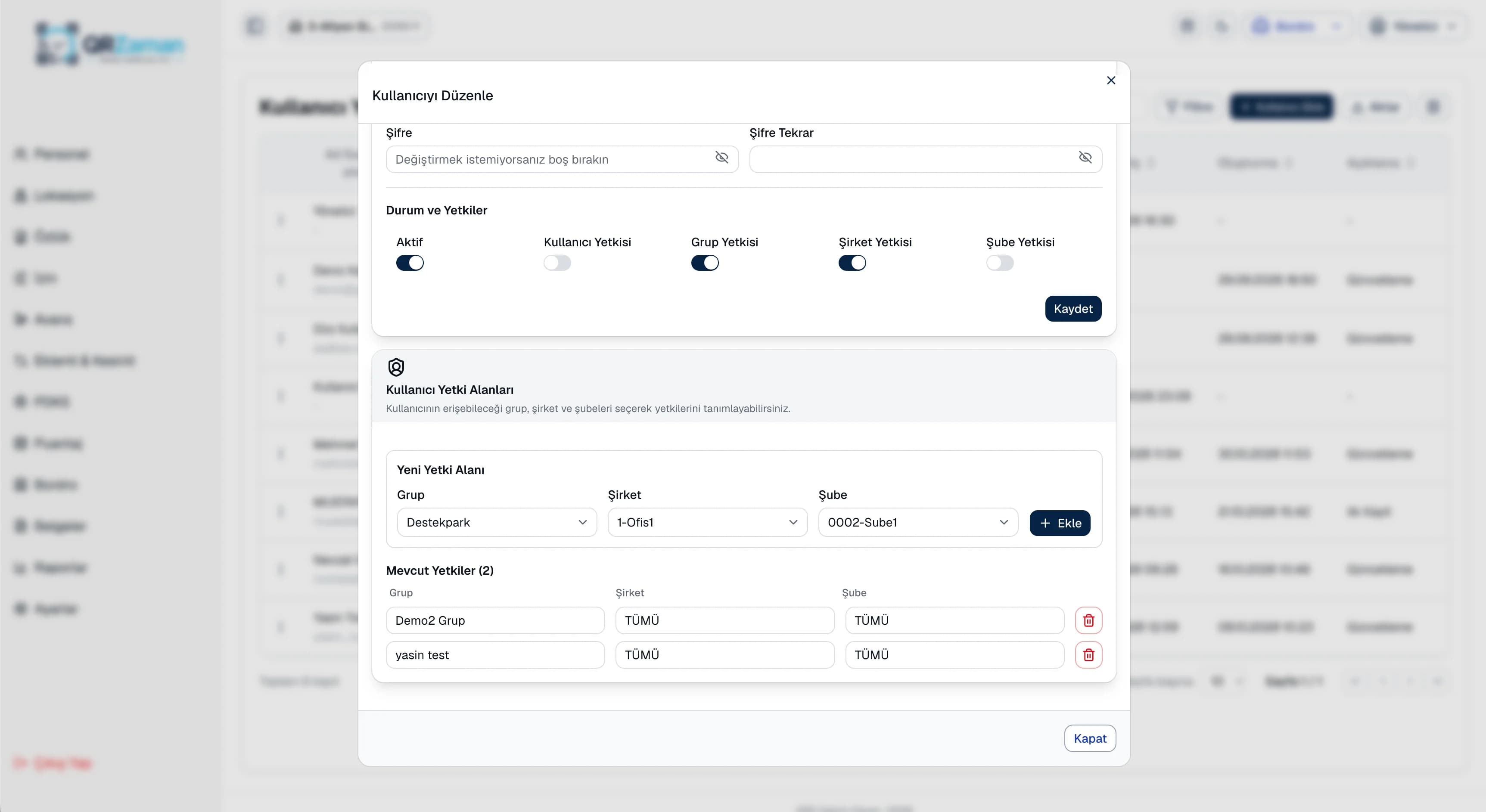
Permission management lets different teams use QR Zaman at the same time, safely. HR and payroll work with all employee data, branch managers see only their team, employees see only their own records and dealers see only the menus they are allowed to. In the mobile app, sessions are protected with encrypted device storage, and each account pairs to one device, so it cannot be used from another phone.
Every QR Zaman module shares the same data, so Roles & Permissions works hand in hand with these products.
Groups, companies, branches, departments
Role-based overview, public holidays
Profiles, SSI entries, Excel import