

QR Code Attendance
Store staff scan with their own phones; location is verified and fake GPS clock-ins are blocked.
Retail time tracking starts at the door of each store. With QR Zaman you put a QR check-in point in every store and staff clock in and out by scanning it with their own phone. Follow shifts, late arrivals and overtime for all stores from one panel, and run timesheets and payroll per branch.
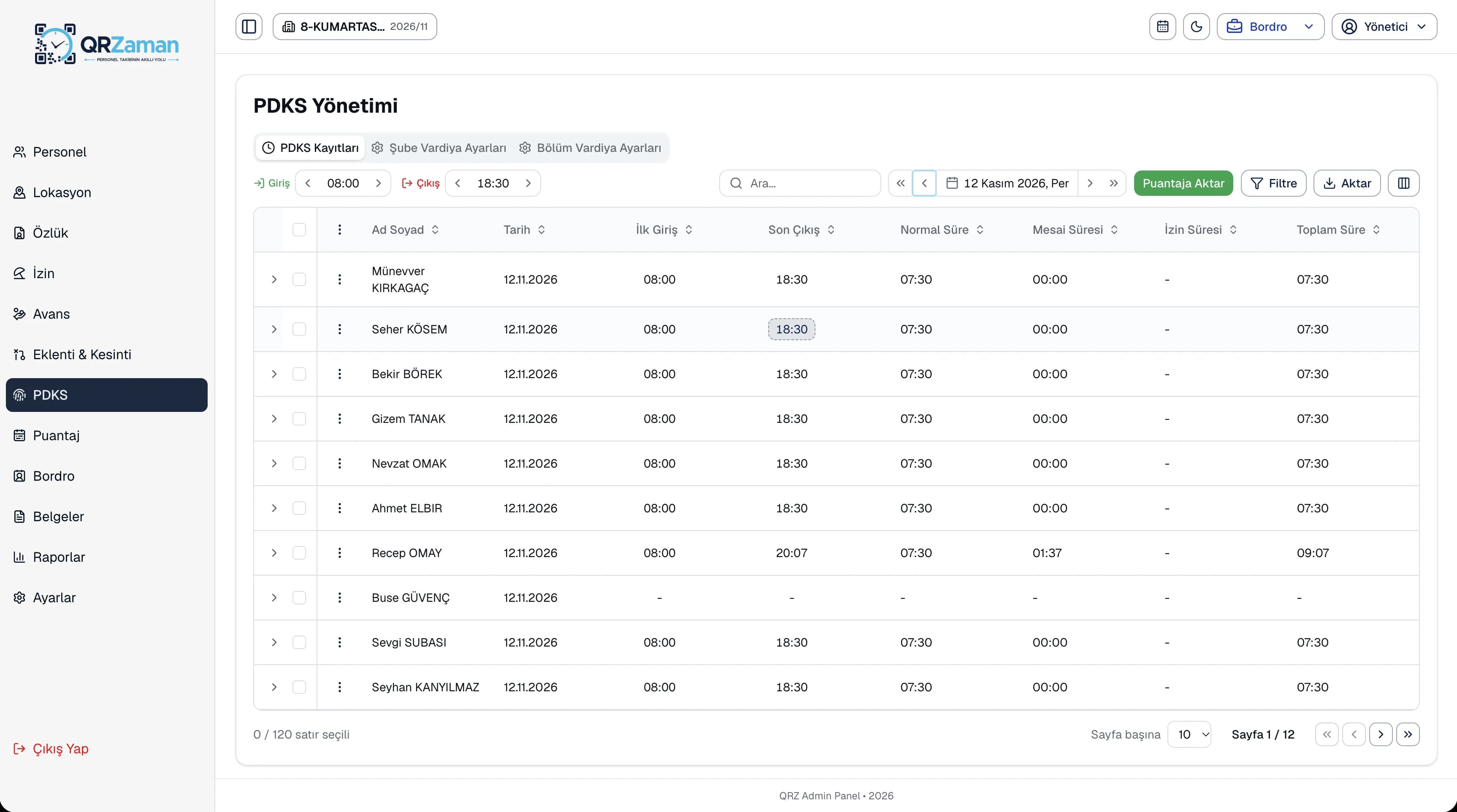
In retail, working hours follow store opening times, promotions and weekend peaks. That rhythm breaks traditional time tracking in three places.
When each store manager tracks hours their own way, head office HR collects spreadsheets in a different format every month. Who was late or short on hours in which store only becomes clear at month end.
On busy days, staff from one store help out at another. If clock-ins are tied to a fixed device, that time is either lost or fixed by hand. Allowing employees to clock in at any location in company settings solves this.
Opening, closing and mid shifts, weekend work and rotating days off are normal in retail. If breaks and overtime aren't calculated correctly for each shift, timesheets and payroll turn into arguments.
No hardware needed: a printable A4 QR poster in each store and your employees' own phones are enough.
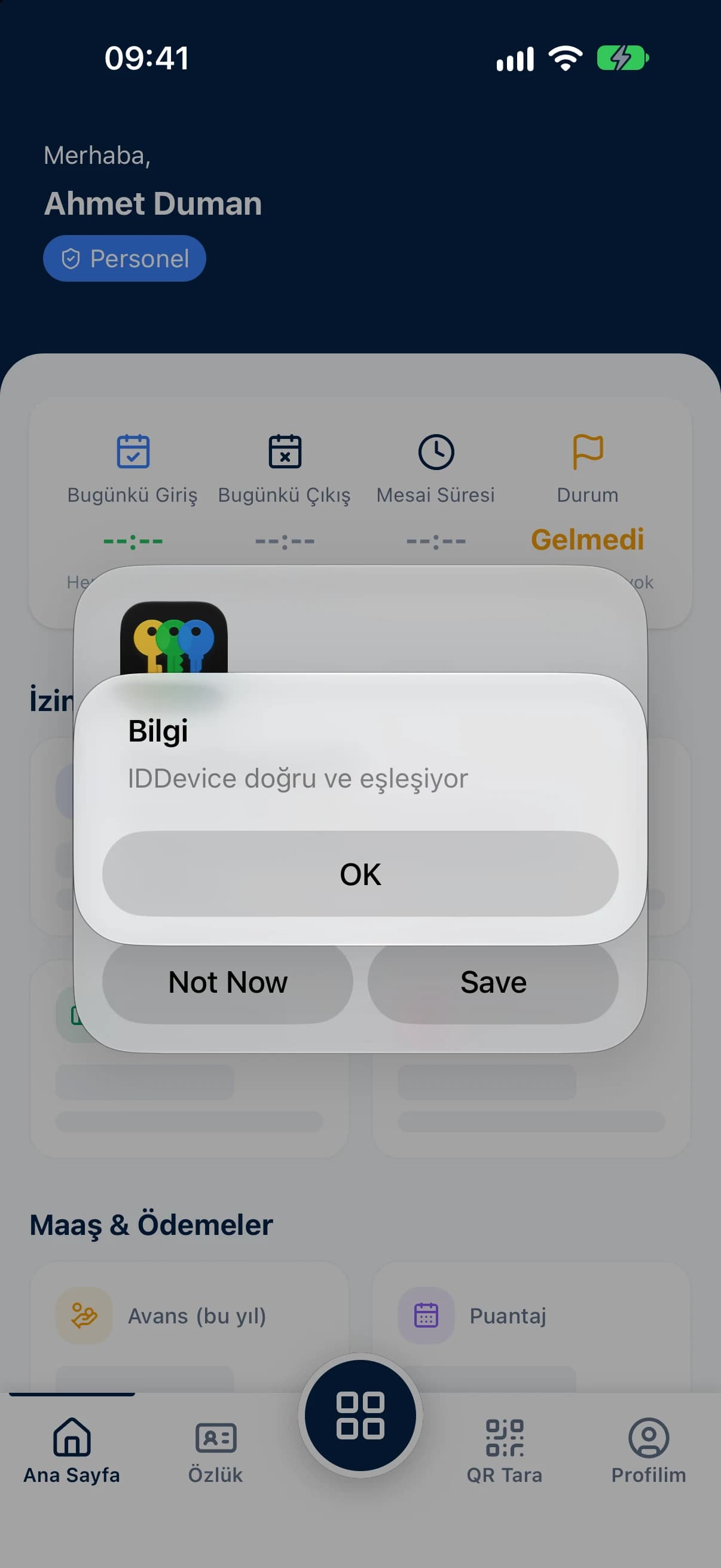
Store staff scan with their own phones; location is verified and fake GPS clock-ins are blocked.
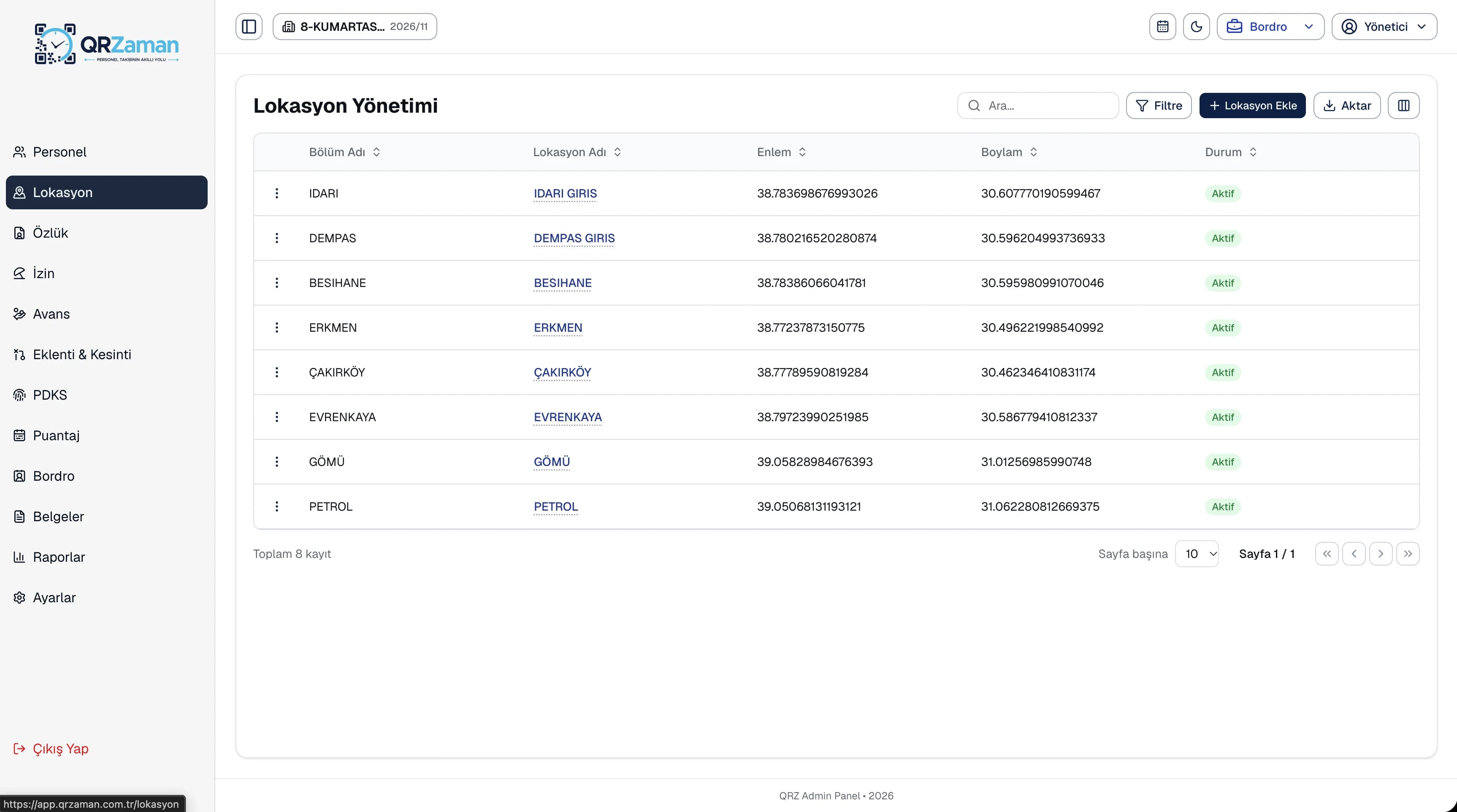
Set up each store as its own location and put its QR code up at the entrance as an A4 poster.
Define opening, closing and mid shifts with breaks and days off for each branch.
See monthly timesheets and overtime per store, filtered by branch, department and month.
Bring every store into one panel as a branch and give store managers access to their own store only.
Set up each store as a location with its latitude and longitude in the panel, or let the store manager save their current spot in one tap from the mobile app. Download the location's QR code as a PNG or a print-ready A4 PDF poster. When a store closes or is being refurbished, simply set it to inactive.
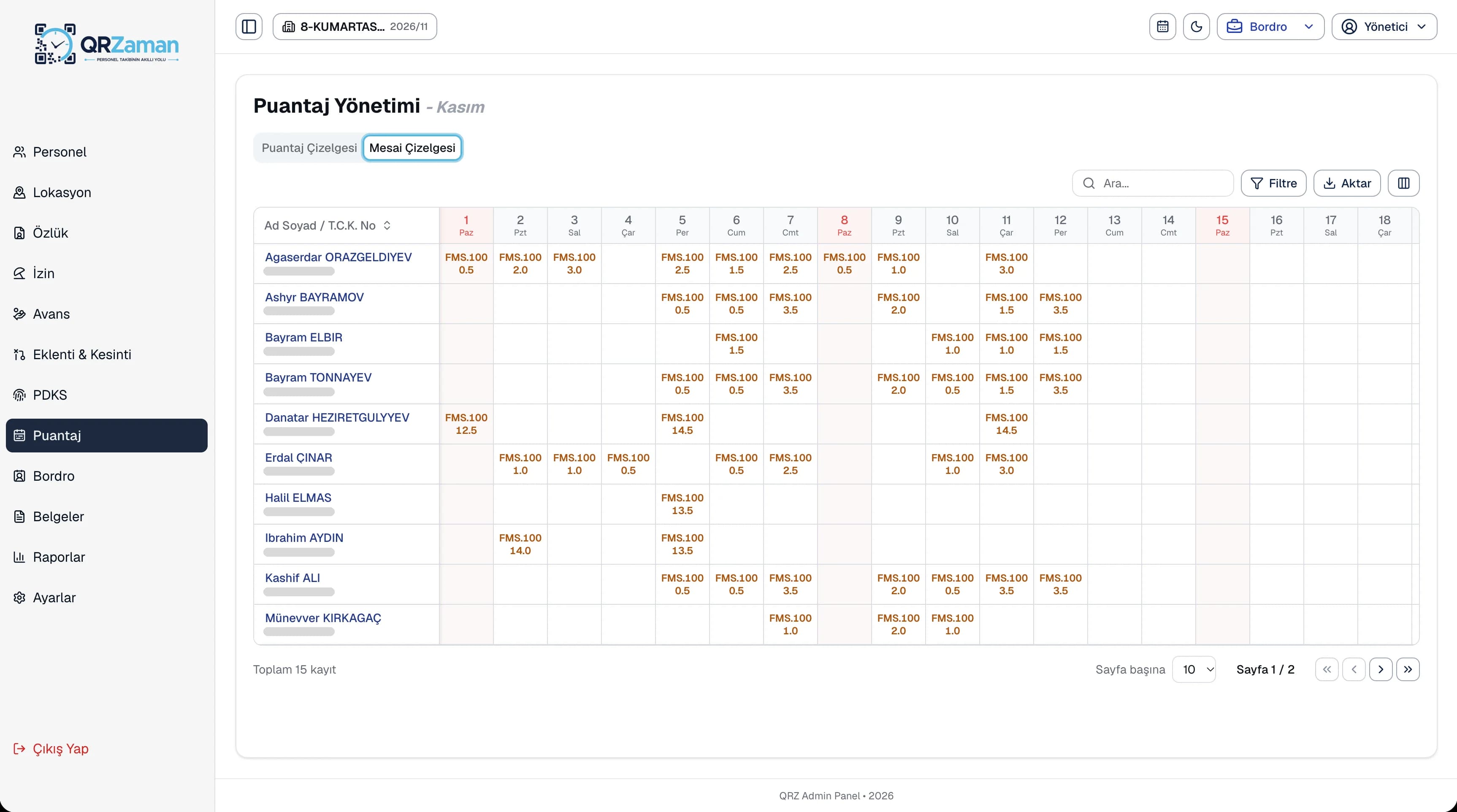
The overtime sheet shows each employee's daily overtime and monthly total, filtered by branch, department and month. See how much overtime each store is running during busy periods and move it into the timesheet, and from there into payroll, automatically.
The questions we hear most about QR Zaman for Retail & Stores. If yours is not here, let us go through it together in a demo.
No. Generate a QR code for each store in the panel and print it as an A4 poster. Staff clock in and out with the QR Zaman app on their own phones.
In company settings you can allow employees to clock in at any location. They then scan the QR code of the store they're helping out at, and the record shows which location was scanned.
Yes. In user management each user gets a scope at group, company or branch level. A store manager sees only the staff, records and requests of their own branch.
The phone's location is captured at the moment of the scan and stored with the record, down to latitude and longitude. Clock-ins from fake GPS apps are blocked, and because each account is paired to one device, it can't be used from another phone.
QR Zaman is one platform, so the same setup works across other roles and industries too.
Every branch in one panel
Variable shifts and hourly pay
Live status, approvals, costs