

QR Code Attendance
Location-verified clock in and out
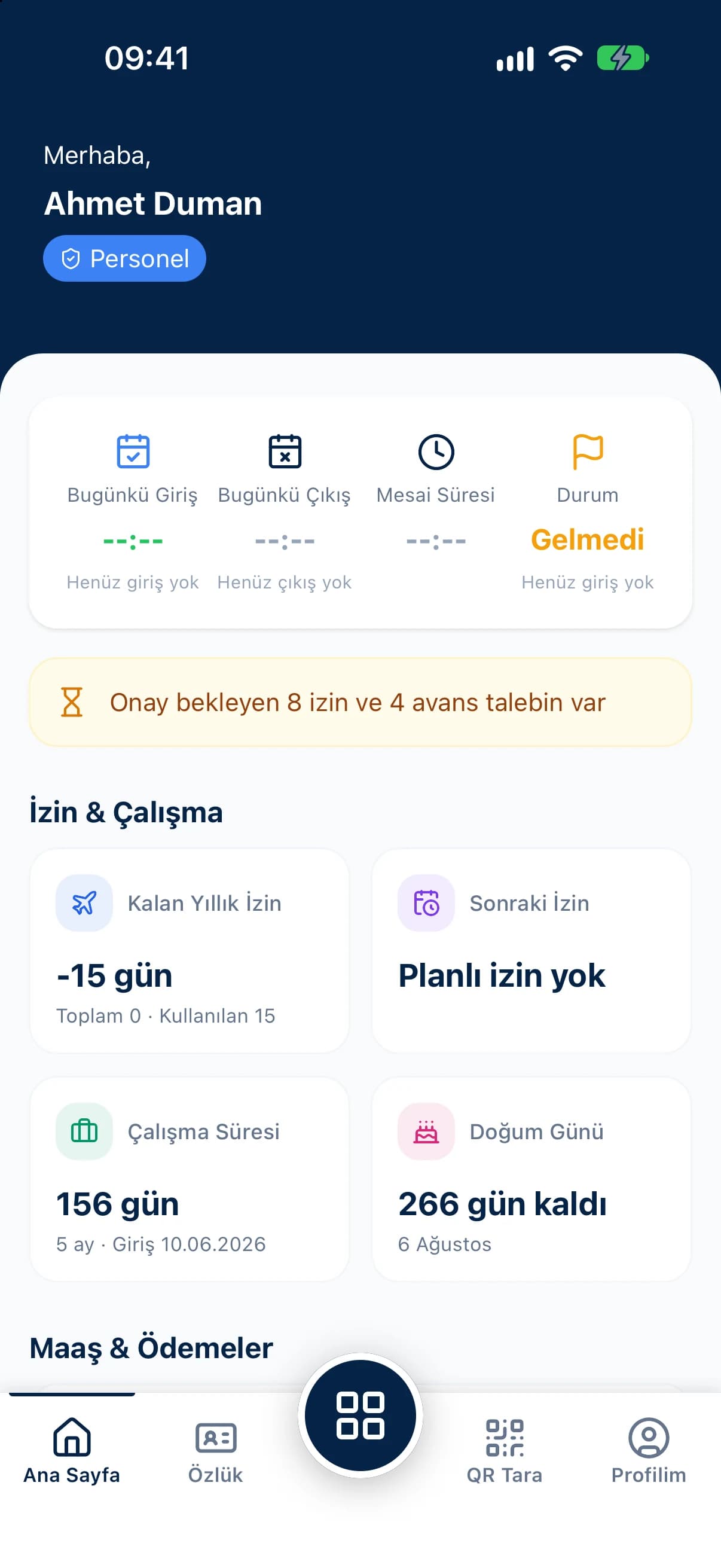
With the QR Zaman attendance mobile app, employees clock in and out by scanning the QR code at work, send leave and salary advance requests from their phone, and check their payslips, timesheets and attendance records. Managers approve requests on mobile, open their team lists and save new QR points on site.
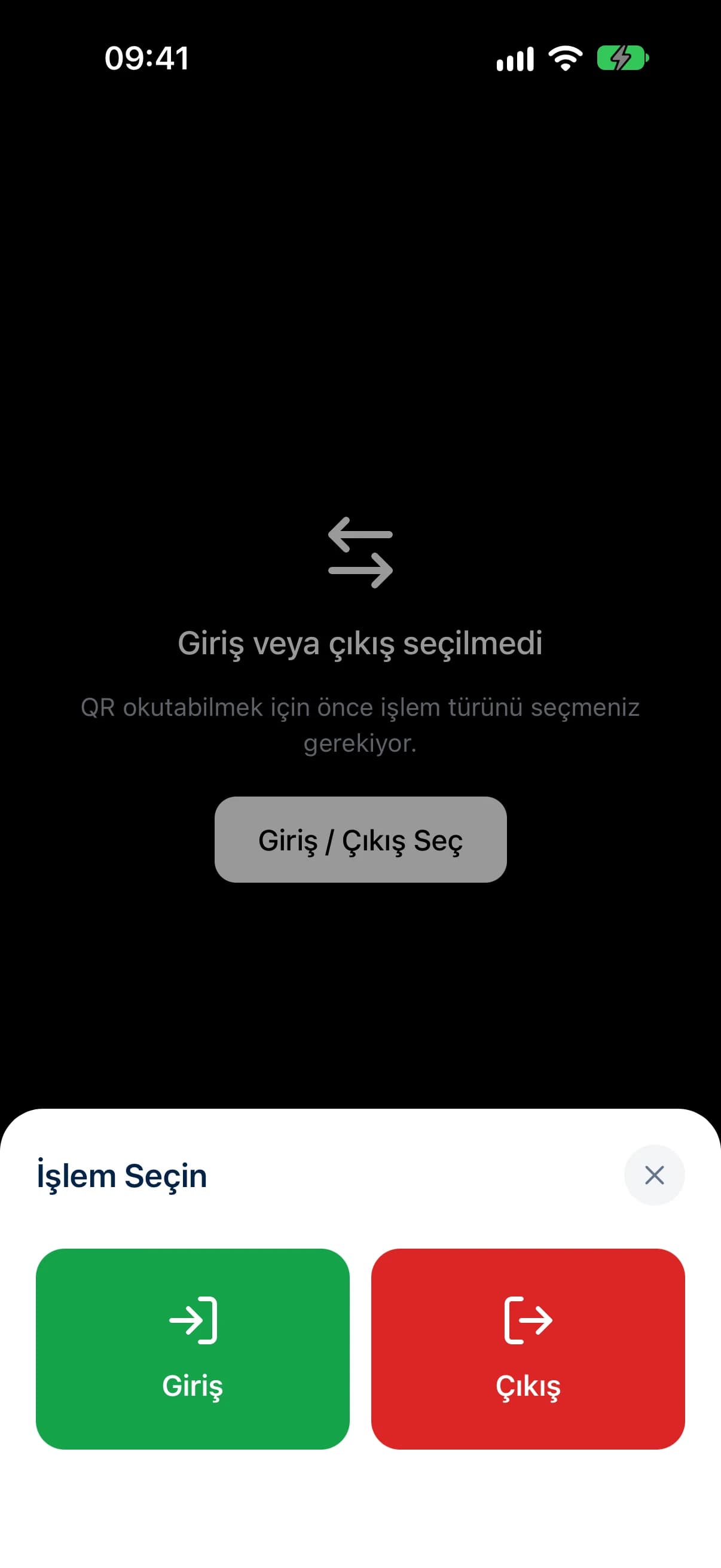
Location is captured at the moment of the scan, fake GPS is detected and each account pairs to one device; camera images are never stored.
Leave and advance requests, remaining leave, the latest payslip and earnings and deductions summaries are on the employee's home screen.
Managers approve or reject requests, view employee lists and save their current spot as a QR point in one tap.
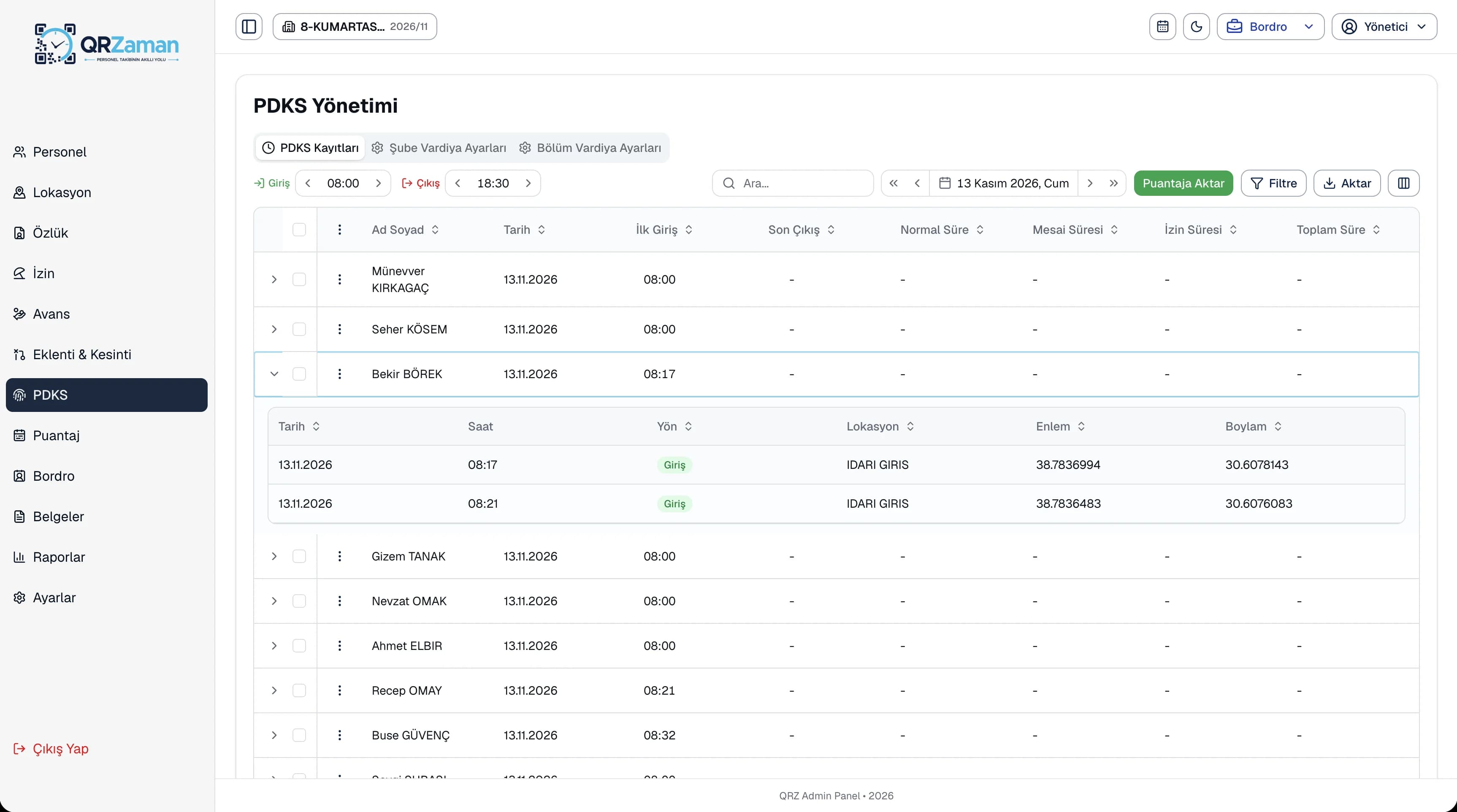
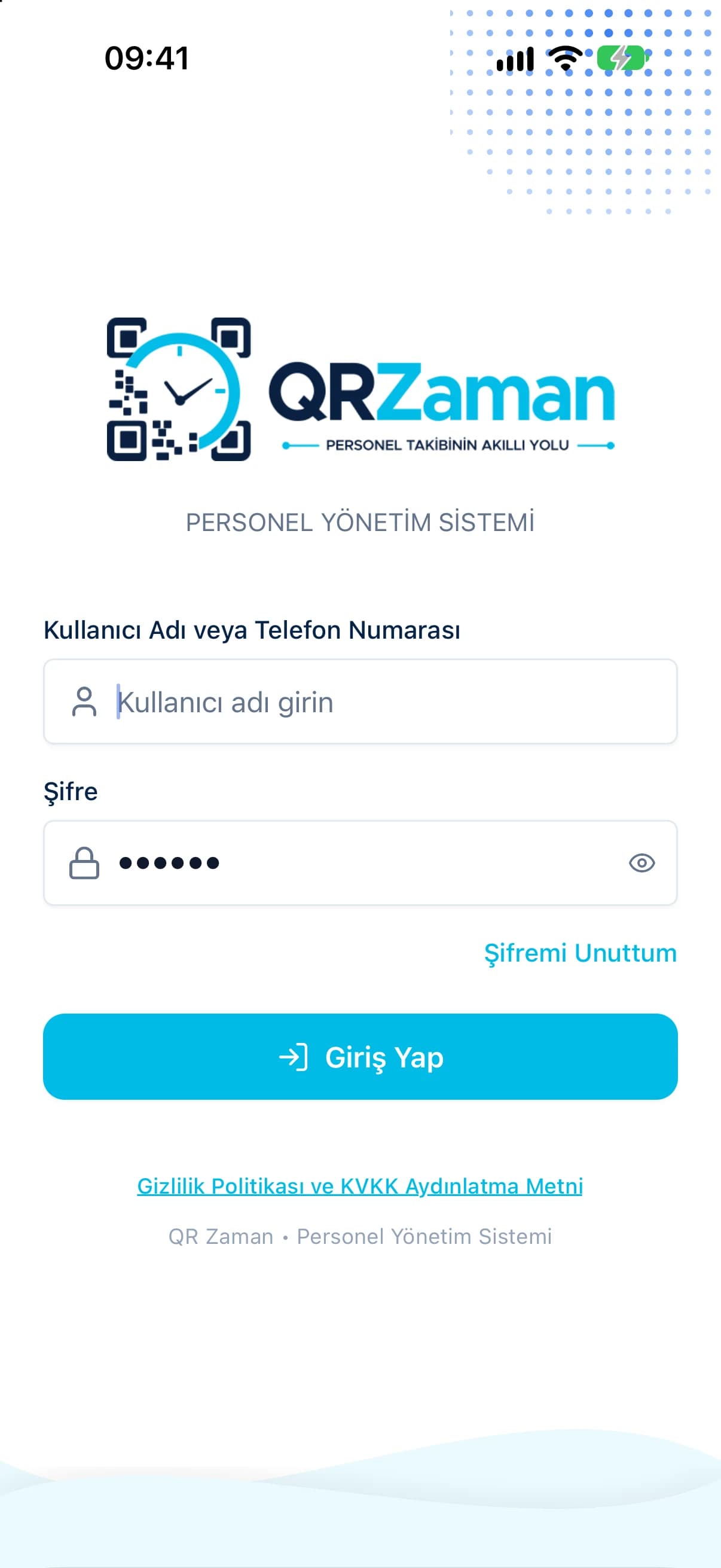
When an employee clocks in or out in the app, the record reaches the admin panel together with the latitude and longitude of the scan. Duplicate entries are checked, and employees are warned when they try to clock in twice on the same day. If location services are off, the app sends the user to settings. Sessions are protected with encrypted device storage, and users sign in with a username or phone number.
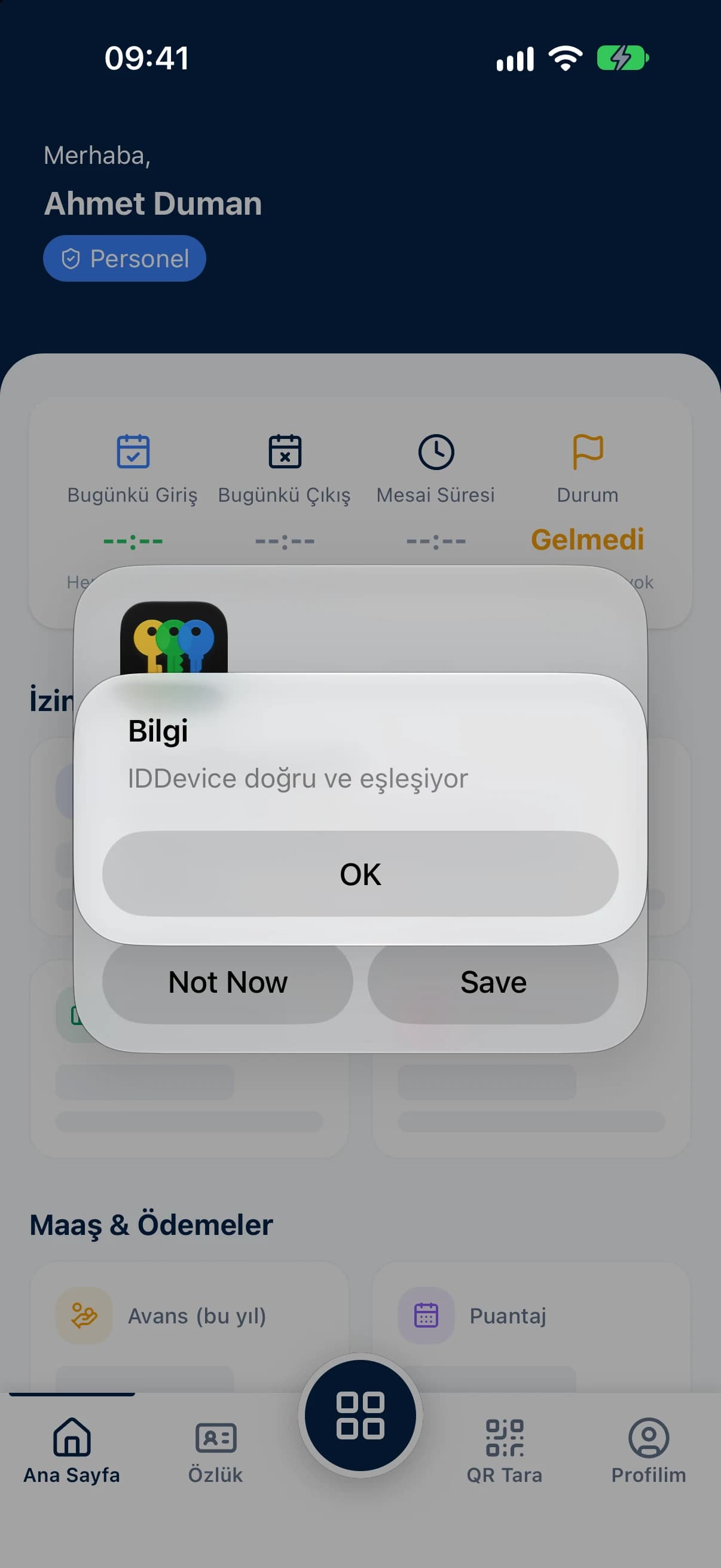
The mobile app brings the daily work of employees and managers into one place. On their home screen, employees see today's clock-in and clock-out, live working time, remaining leave and their latest payslip, and can hide or show their salary. The manager home screen shows active employees, today's arrivals, people on leave, pending requests and upcoming birthdays. What employees see depends on the company's permission settings.
Every QR Zaman module shares the same data, so Mobile App works hand in hand with these products.
Location-verified clock in and out
Requests, approvals, live balances
Installments, payroll deductions