

Contact Management
Every customer card in one place
Sales tracking in QR Zaman lets you follow your sales opportunities and sales process in one place inside the CRM. Opportunities live in the same module as customer cards, the CRM dashboard shows sales and customer summaries, and sales reports show how your team is performing. Sales teams and dealers follow the same process from the same screen.
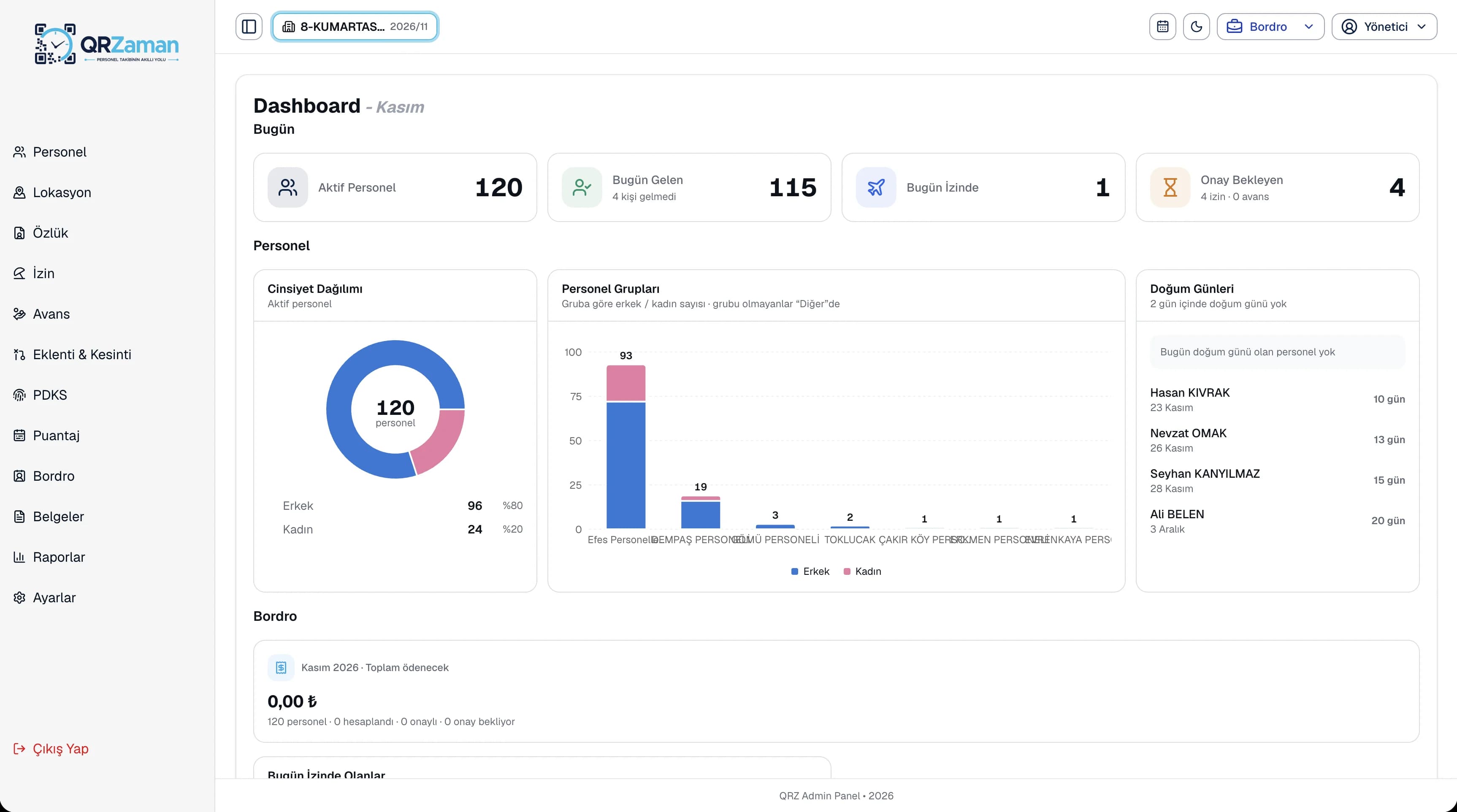
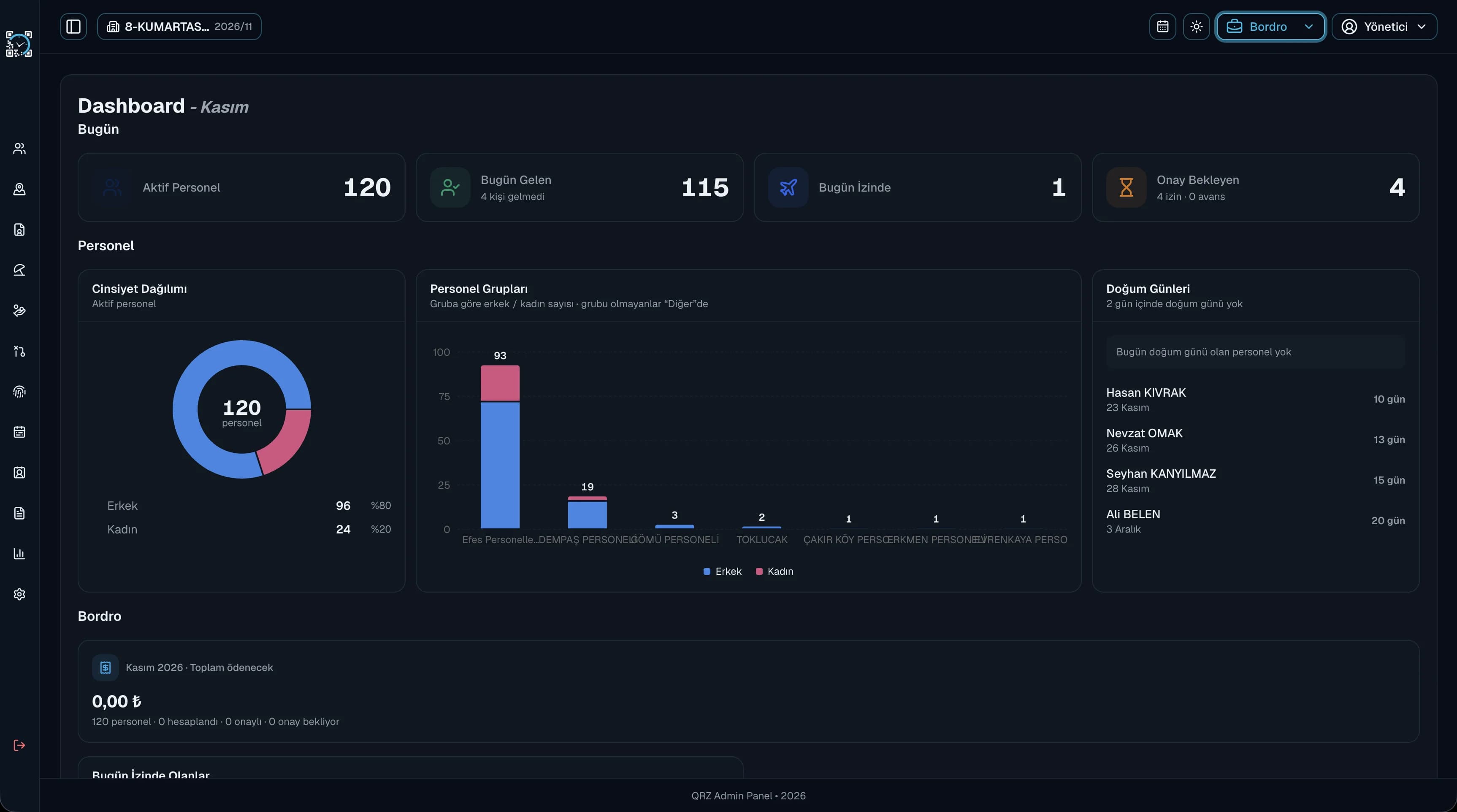
Every sales opportunity is recorded in the CRM, so nobody has to guess where a conversation was left.
Sales and customer summaries are on the first screen of the CRM, so you see the state of the day at a glance.
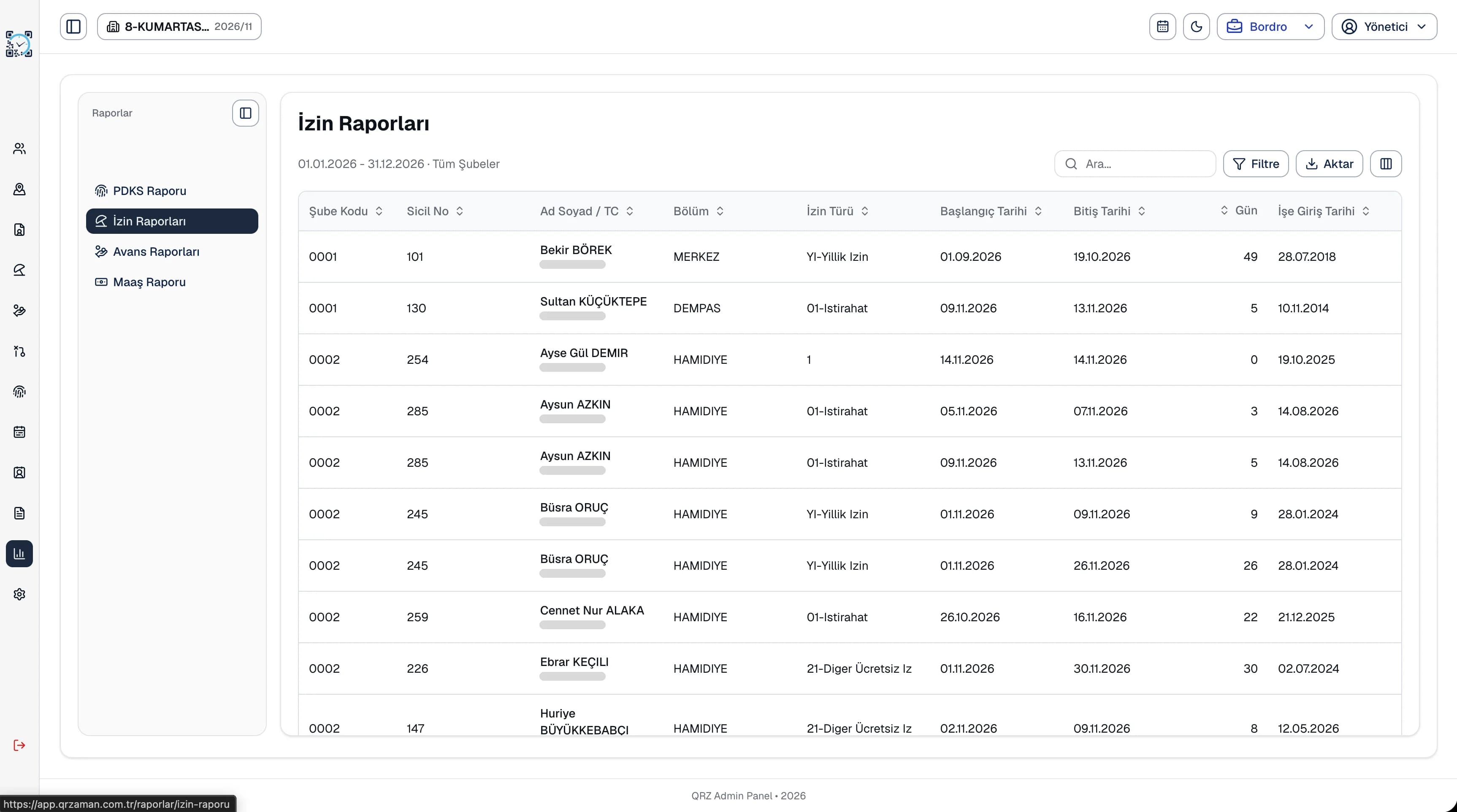
Share sales and performance reports with your team and export them to Excel, PDF or Word.
CRM reports present your sales and performance data in tables. Like every other report on the platform, they can be filtered, their columns arranged and exported to Excel, PDF or Word with your company header. The group, company and branch structure applies in the CRM too, and dealers sign in with their own role and see only the menus they are allowed to.
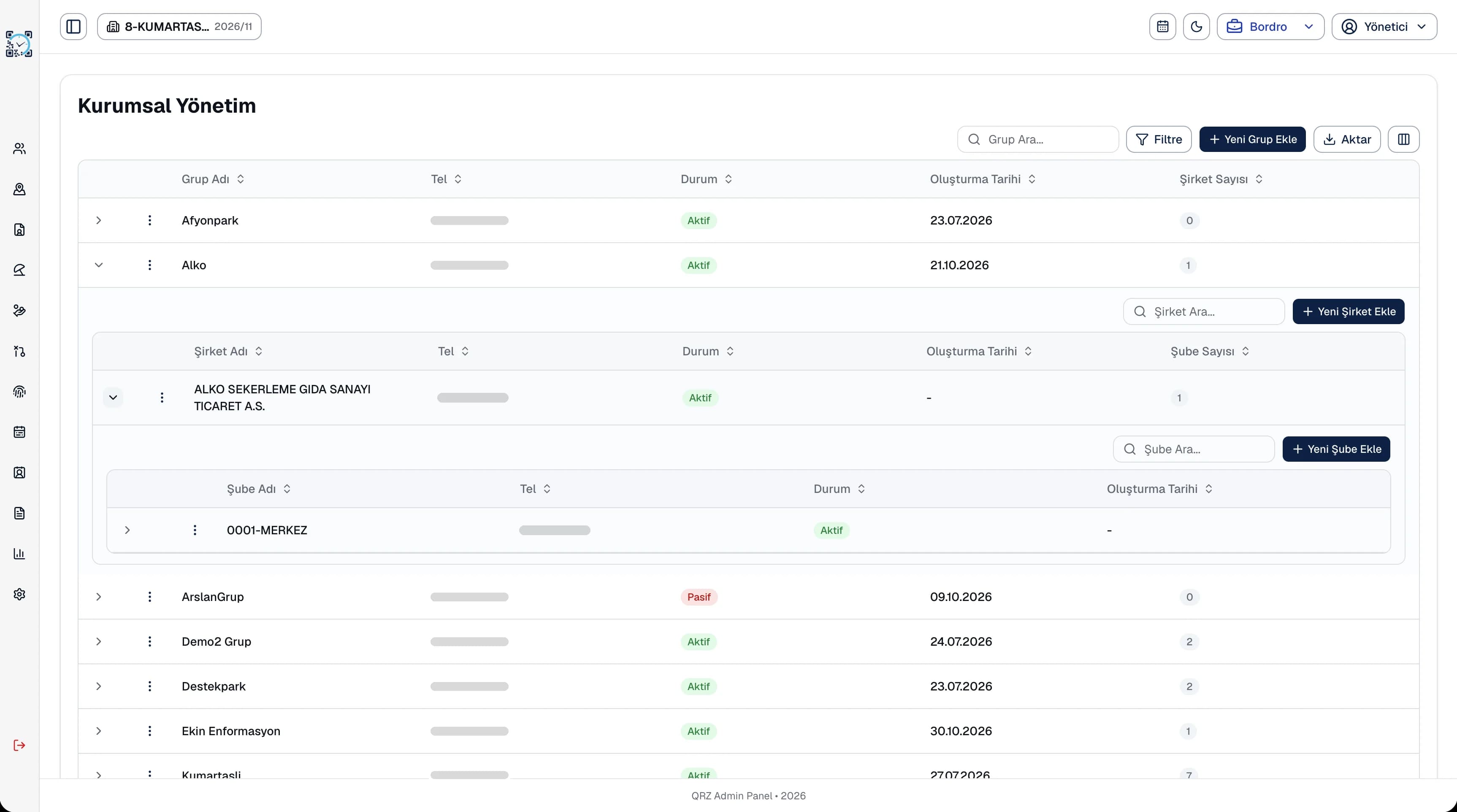
In many teams, the sales process is scattered across notebooks, chats and personal spreadsheets. In the QR Zaman CRM, sales opportunities are kept in the same module as customer cards, with quotes and team tasks alongside. Managers see the state of the day from the summary indicators on the CRM dashboard and follow results with sales and performance reports. Dealers sign in with their own users and see only the menus they are allowed to, CRM-specific settings are managed in one place, and every list exports to Excel, PDF or Word.
Every QR Zaman module shares the same data, so Sales Tracking works hand in hand with these products.
Every customer card in one place
Create and track quotes
Team tasks and reminders