

Locations & QR Points
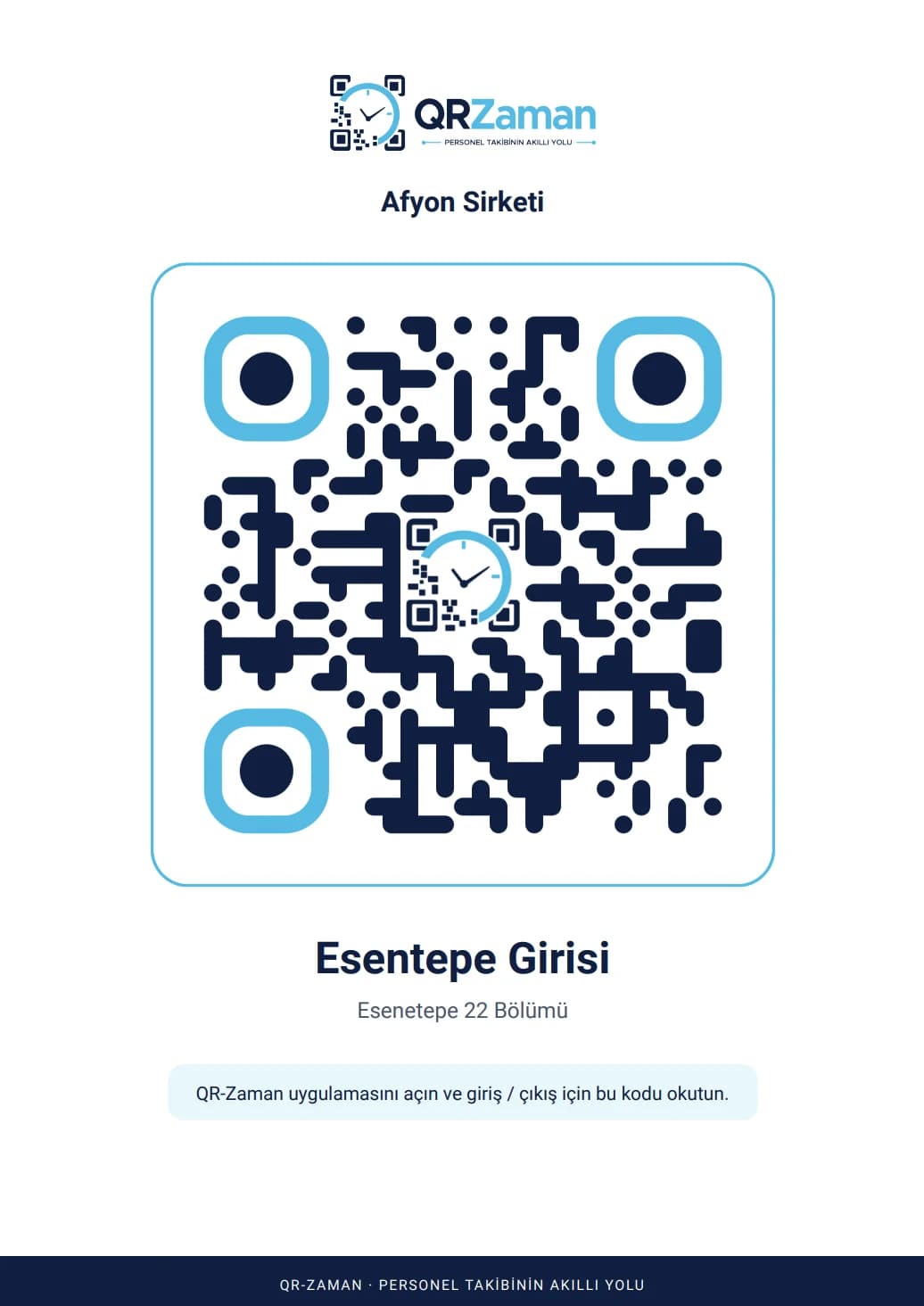
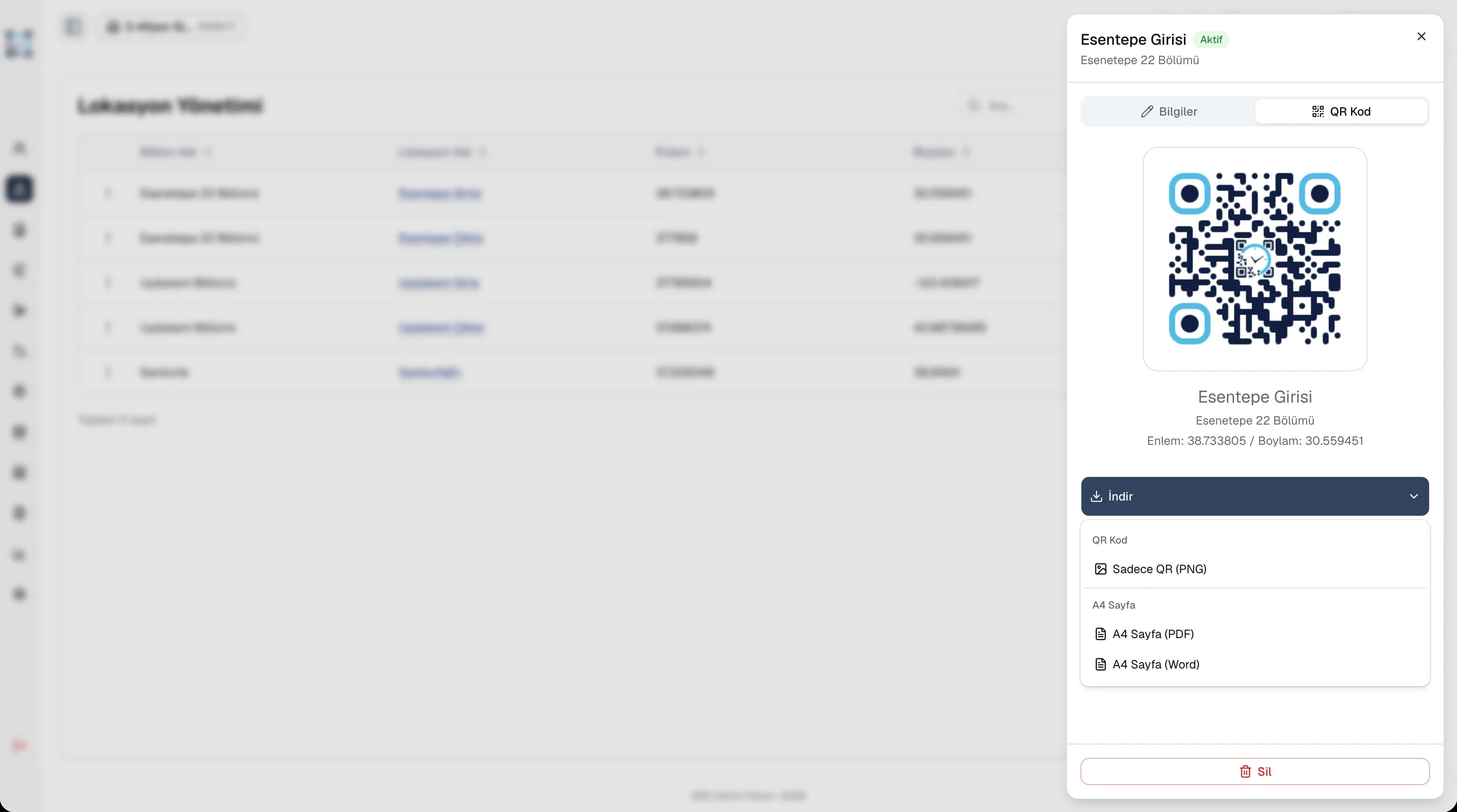
Printable A4 QR posters
With QR code attendance, employees clock in and out by scanning the QR code at their workplace with their own phone. Their location is captured at the moment of the scan, fake GPS is detected and each account is paired to a single device. Records reach the panel instantly and move to the timesheet daily or monthly.
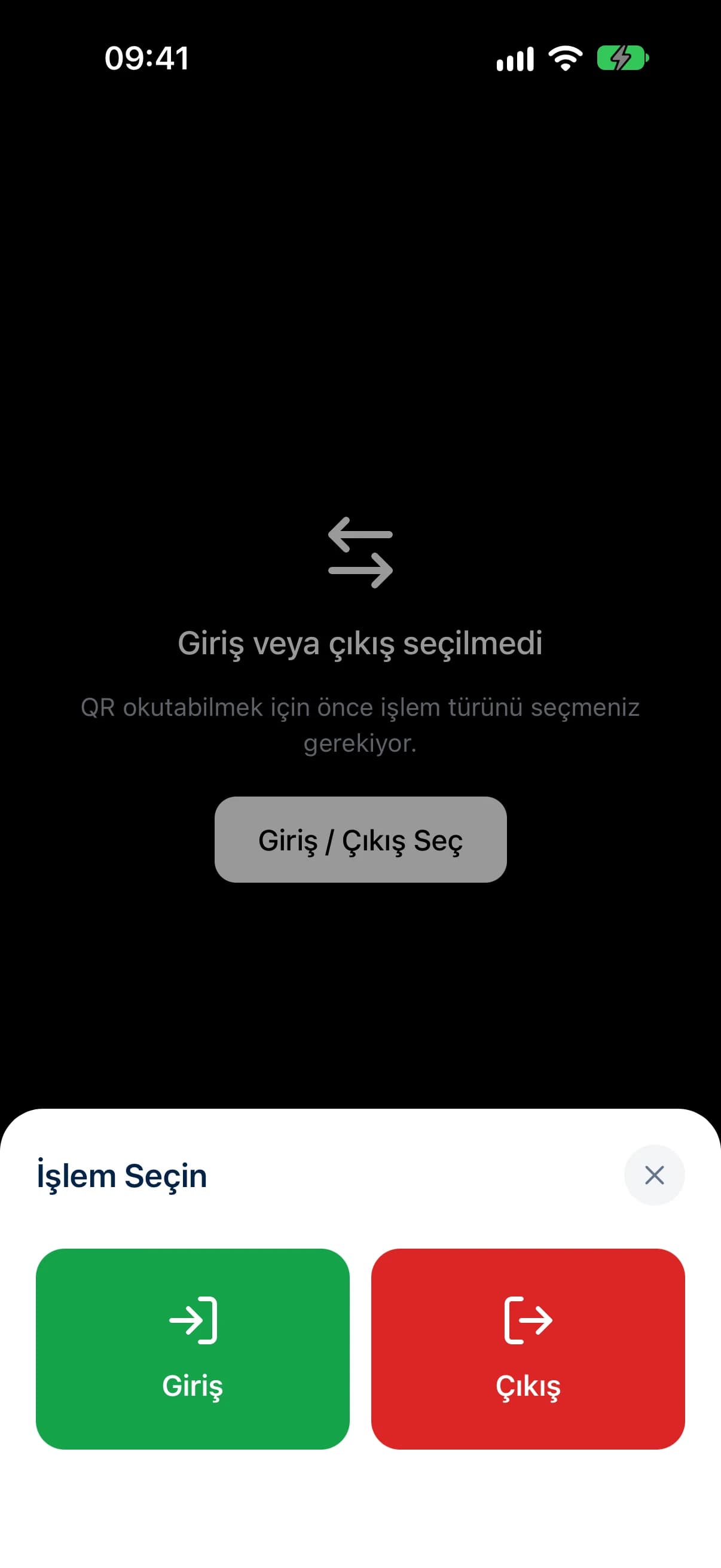
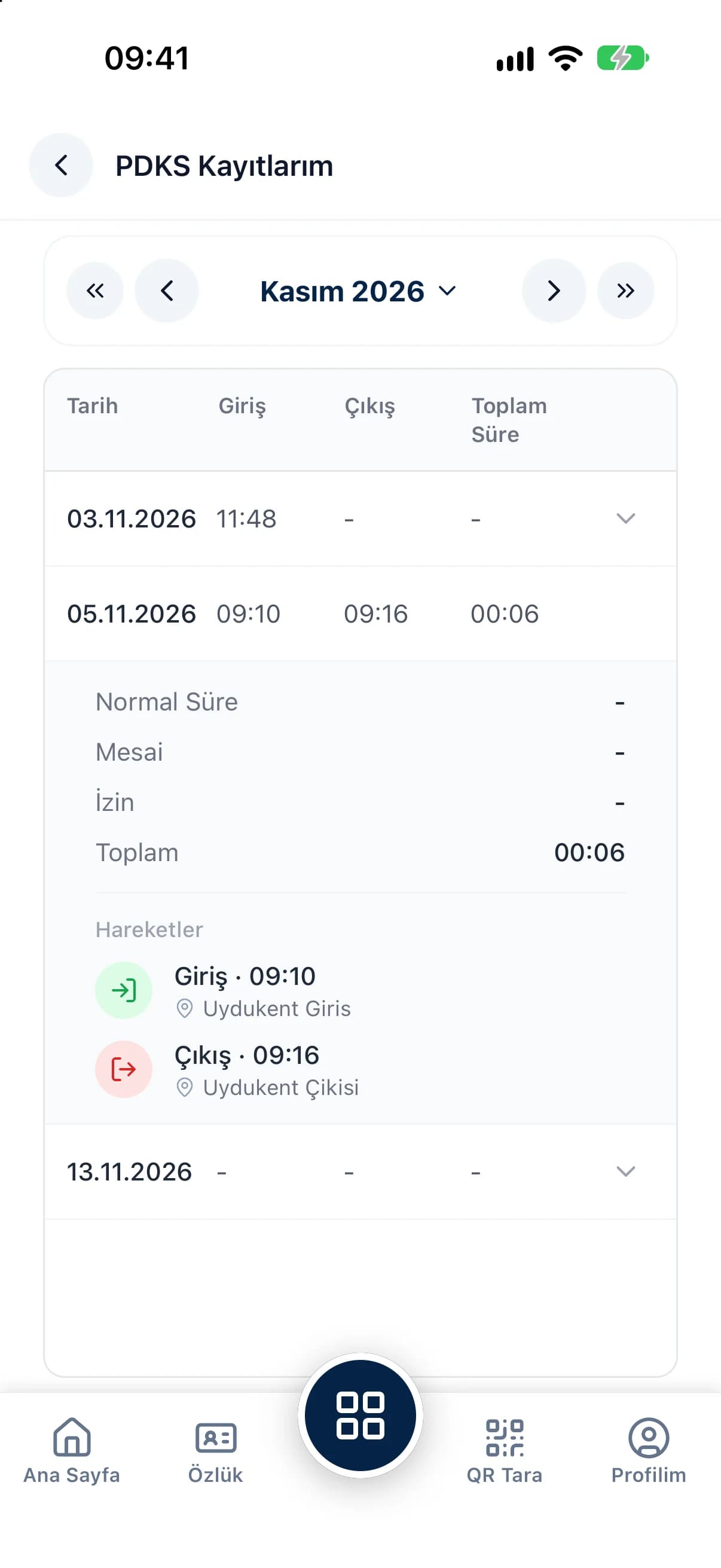
A printable A4 QR poster and your employees' own phones are all you need. No fingerprint scanners, badges or installation crew.
The scan location is stored with each record, clock-ins from fake GPS are blocked and an account cannot be used from another phone.
Transfer attendance records to the timesheet daily or monthly, so nobody adds up hours by hand at month end.
Clock-in and clock-out times, regular hours, overtime and leave appear on one screen. Open any record to see which location it was scanned at, down to the latitude and longitude. Filter by department and date range, correct a wrong time or clear a record, and employees get a warning on duplicate entries such as a second clock-in on the same day.
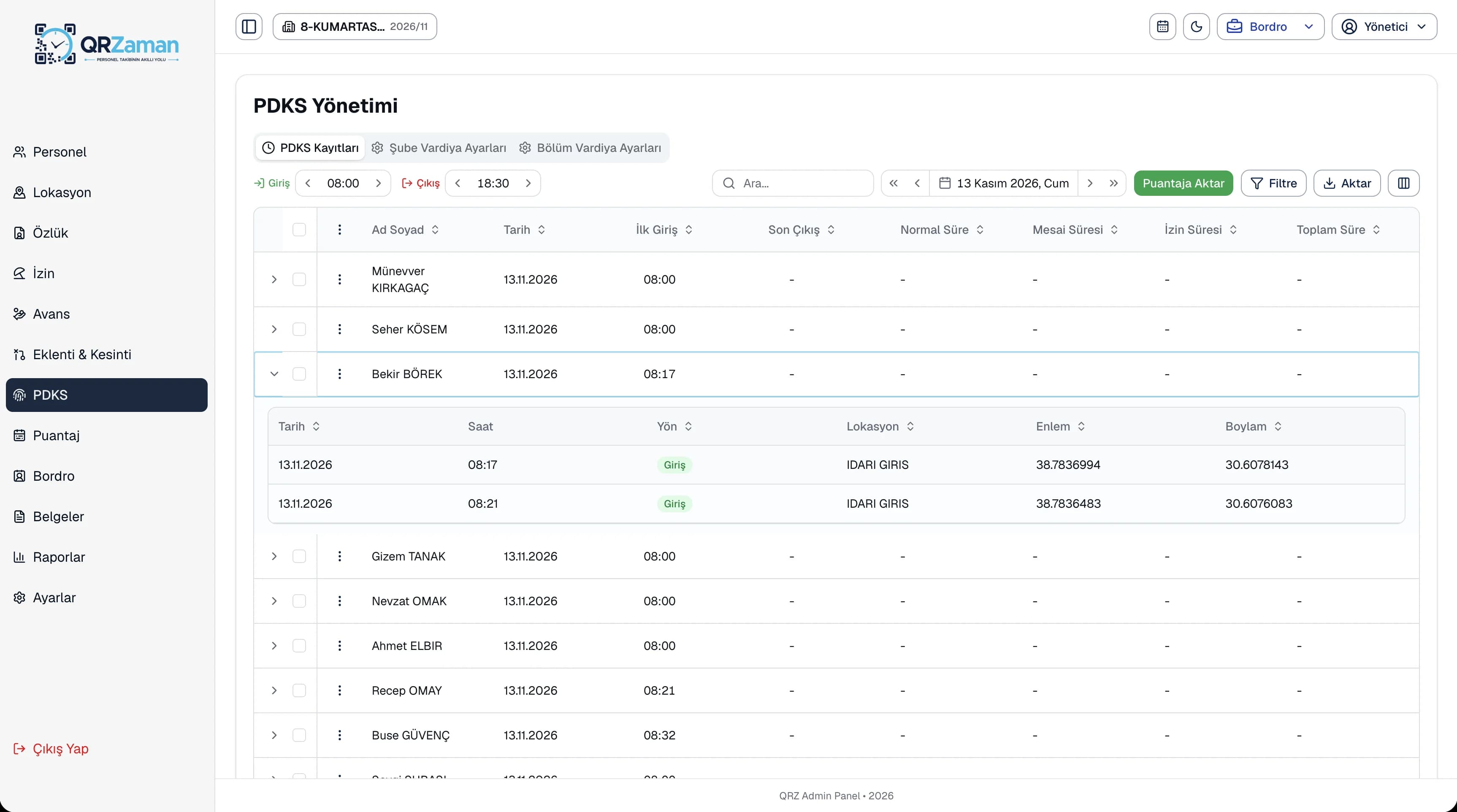
QR code attendance shares its data with shift definitions and timesheets. When allowed, employees view their own attendance records on mobile, while managers follow late arrivals, absences and overtime in the reports. Because every record keeps its clock-in, clock-out, regular hours and overtime, month end brings a ready timesheet instead of a debate.
Every QR Zaman module shares the same data, so QR Code Attendance works hand in hand with these products.
Printable A4 QR posters
Monthly sheet, bulk entry
iOS and Android