

Employee Records
Digital personnel files
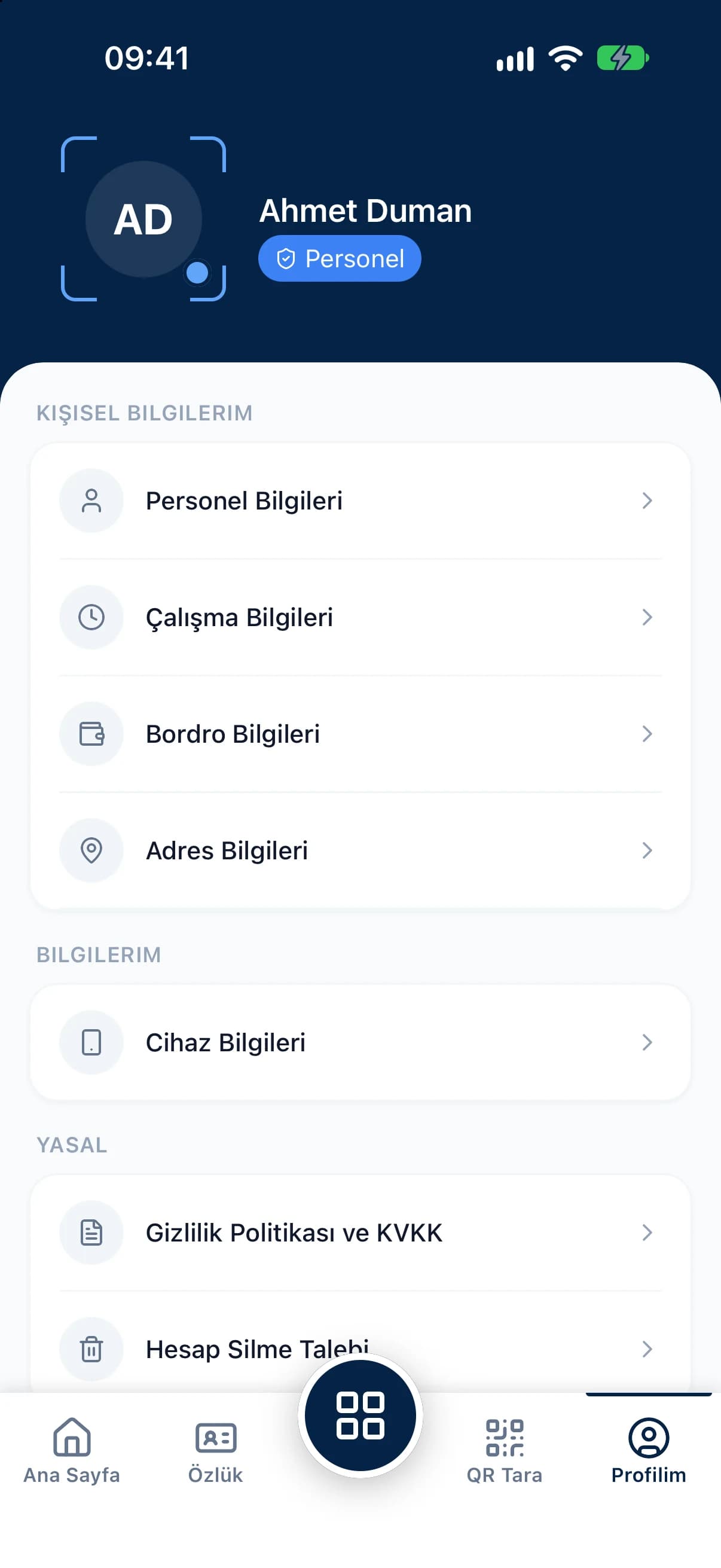
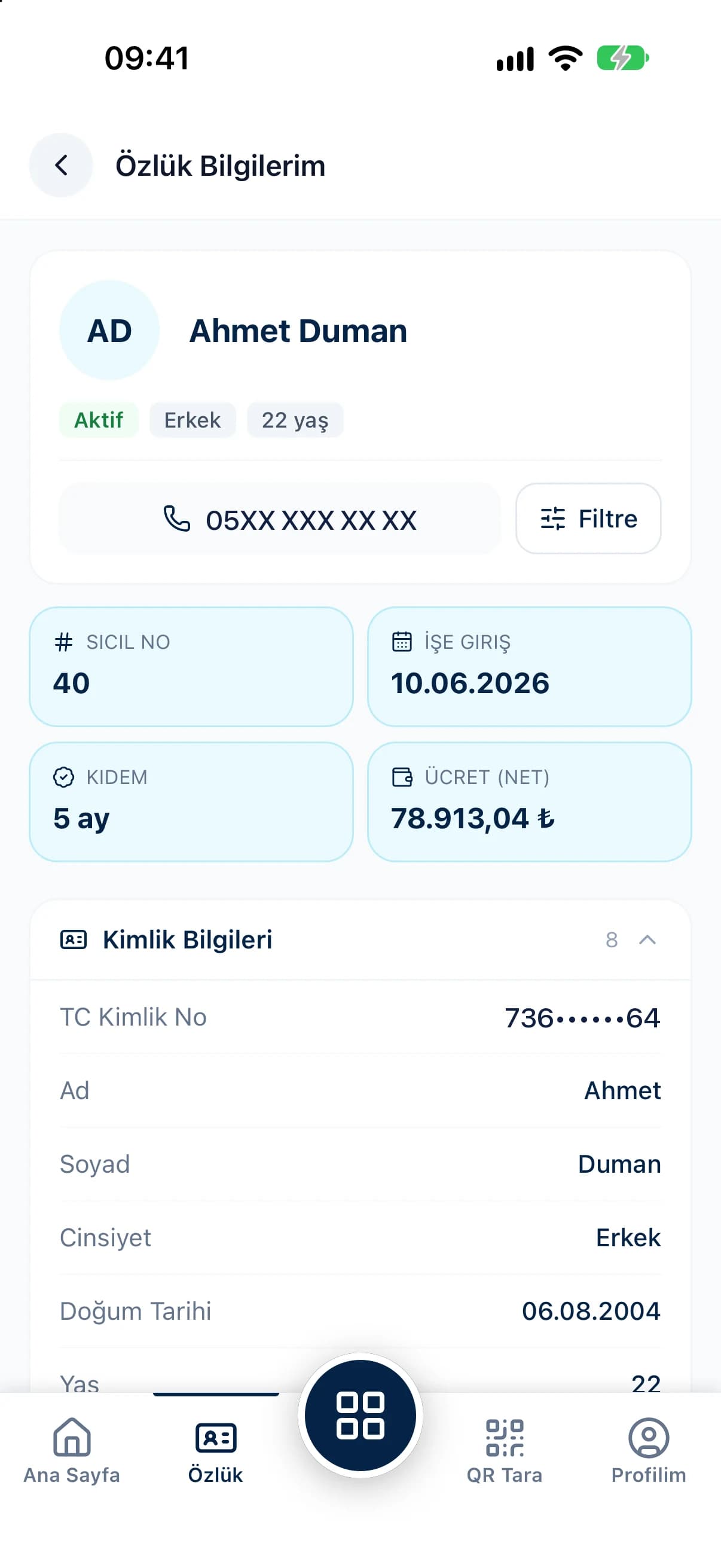
QR Zaman's employee management software brings identity, contact, education, health, bank, pay and contract details together in one employee profile. Every payroll-related parameter, from social security status and incentive rates to private pension and disability allowances, sits on the same profile, and social security hire and exit records are handled from there too.
Download the template, fill in your staff list and import it in one go; the result report shows which rows went through.
Document type, law number, occupation code, pay type and cumulative tax base feed straight into payroll.
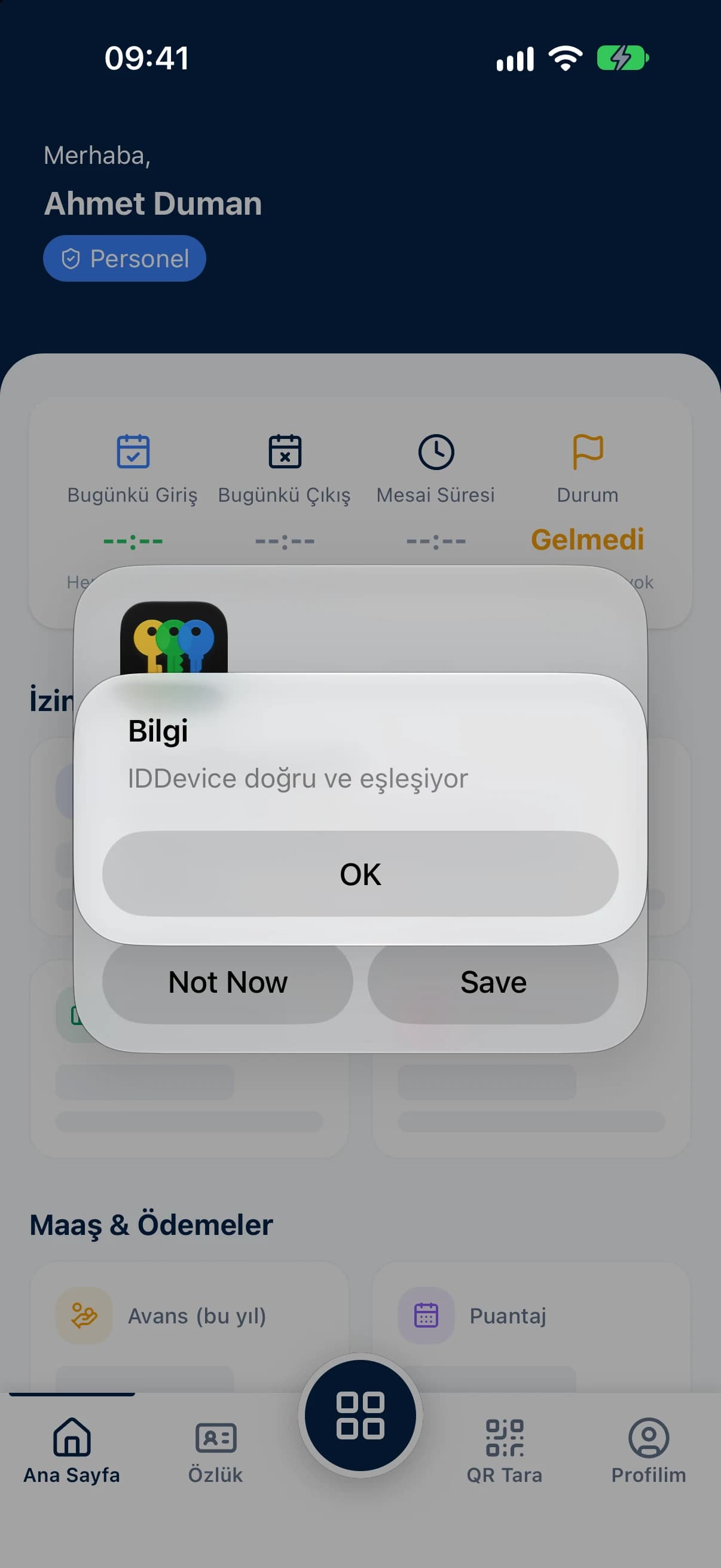
Set a phone number and password for mobile sign-in; each account pairs to one device, and you can reset activation when a phone changes.
Search the employee list by staff number, national ID or name. Filter by branch, department, status, employment status, gender, marital status, pay type and employee group. Show or hide columns, act on many people at once with bulk selection and export the list to Excel, PDF or Word. Pay can be monthly, daily or hourly, net or gross, and in different currencies.
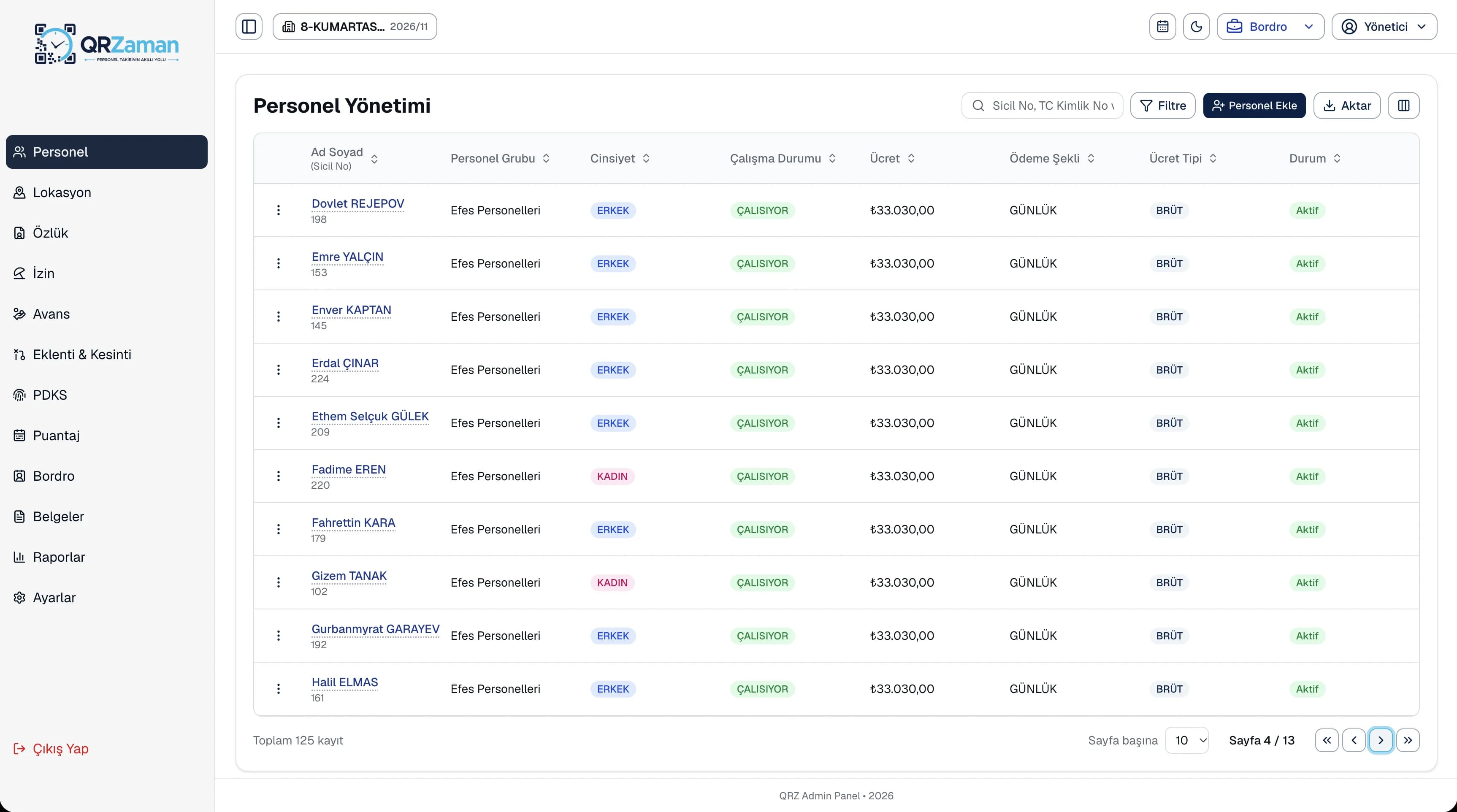
The employee profile is the shared source for attendance, timesheets, leave, advances and payroll. Pay type, weekly rest day and shift work are entered once and used by every other module. When someone leaves, you record the social security exit with its reason code and keep their record and past payrolls in the system.
Every QR Zaman module shares the same data, so Employee Management works hand in hand with these products.
Digital personnel files
Bulk payroll in one click
Contracts, forms and reports