

Reporting
Attendance, leave, advances, payroll
The QR Zaman HR dashboard shows active employees, today's arrivals, people on leave today and pending requests on the very first screen of the panel. A payroll summary, upcoming birthdays and gender and employee group charts sit on the same page. The calendar shows public holidays and eves so you can plan around them.
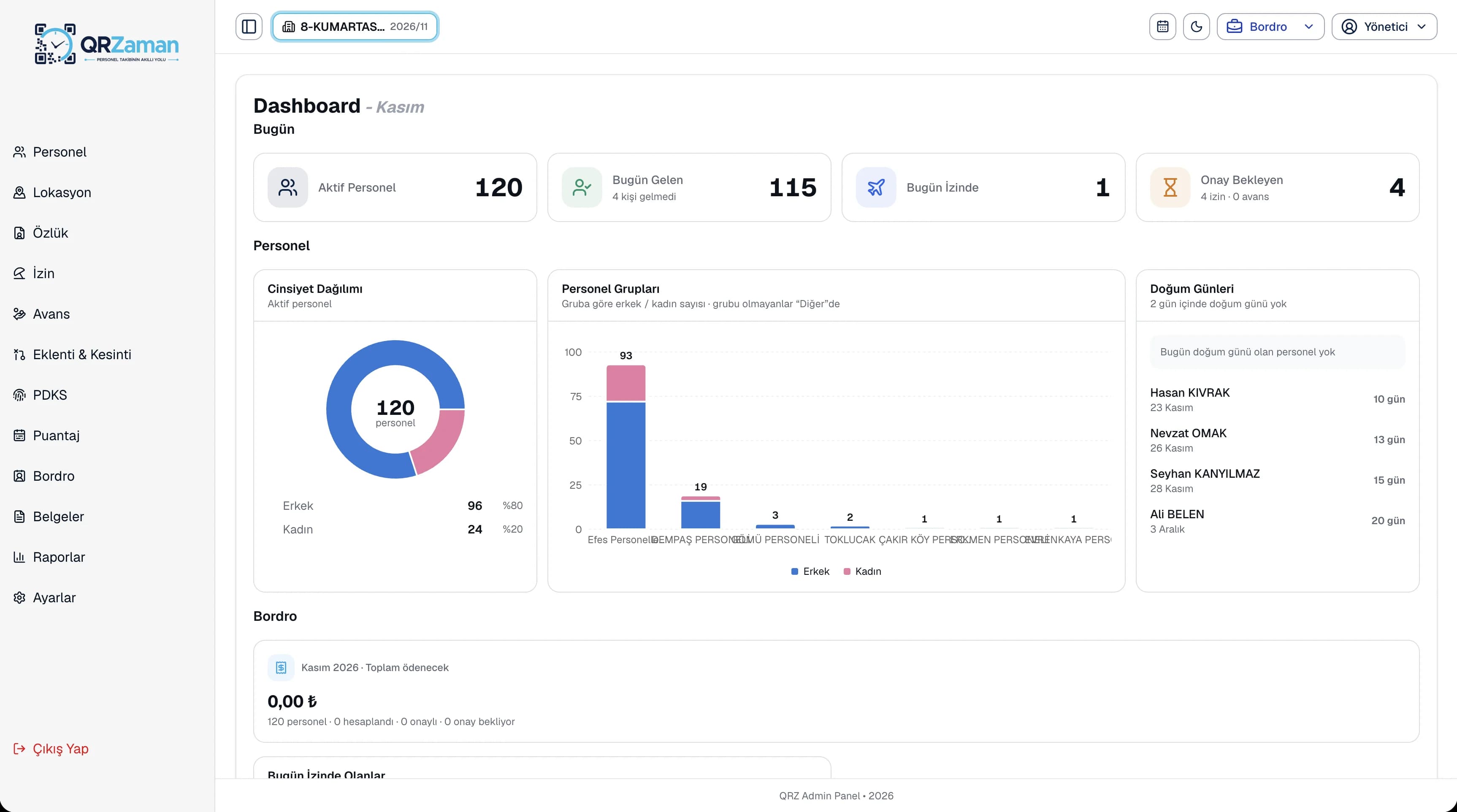
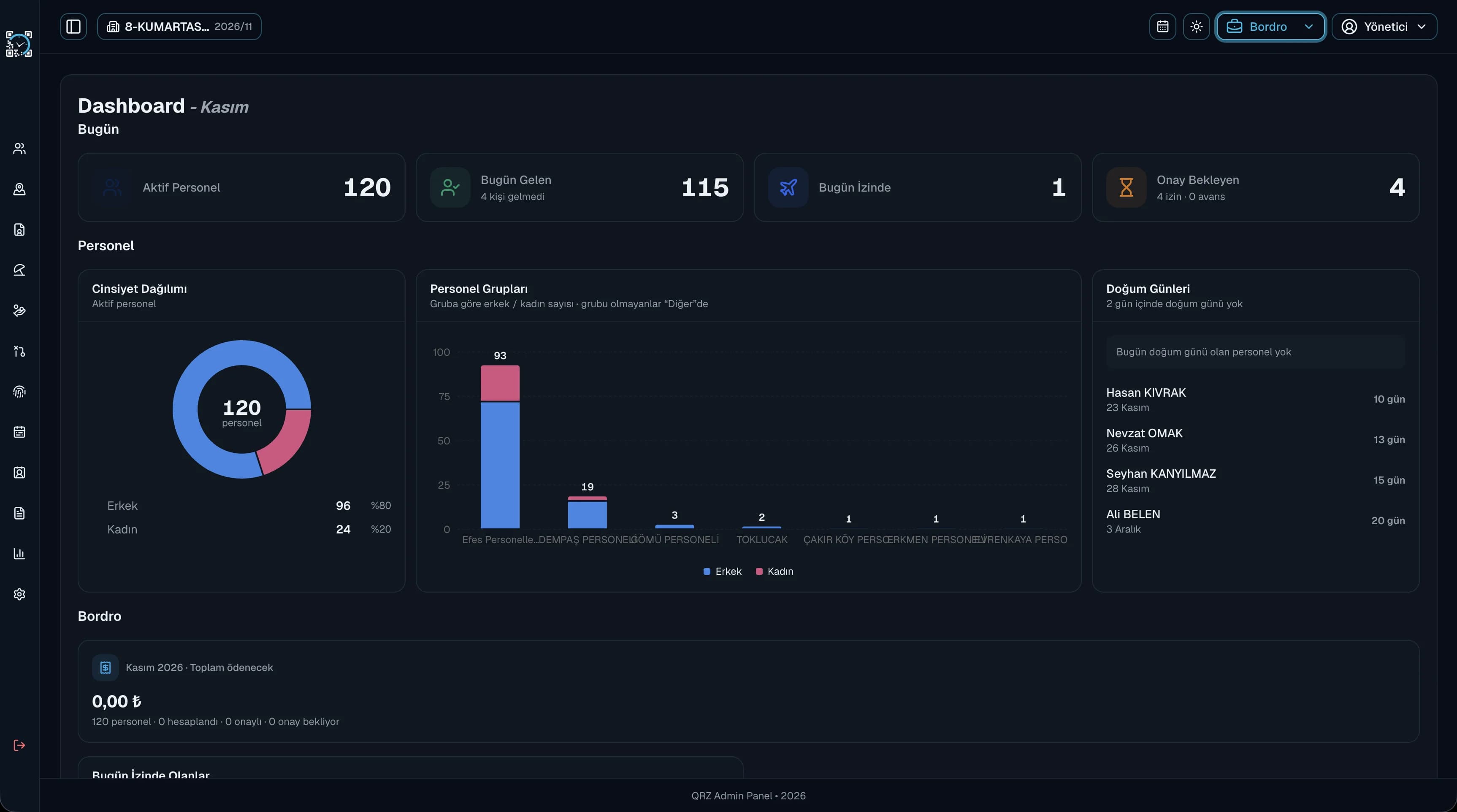
First thing in the morning, see who has arrived and who is on leave at a glance, without calling anyone.
Pending requests show on the dashboard with their counts, and the same summary appears on the manager's mobile home screen.
Employees see today's clock-in, their latest payslip, remaining leave and length of service on their own dashboard.
Switch between year, month and week views in the calendar. Public holidays, half-day eves and special days are marked for you, with estimated dates shown for religious holidays. The header calendar lets you check holidays from any screen, so you can plan shifts and leave ahead of time.
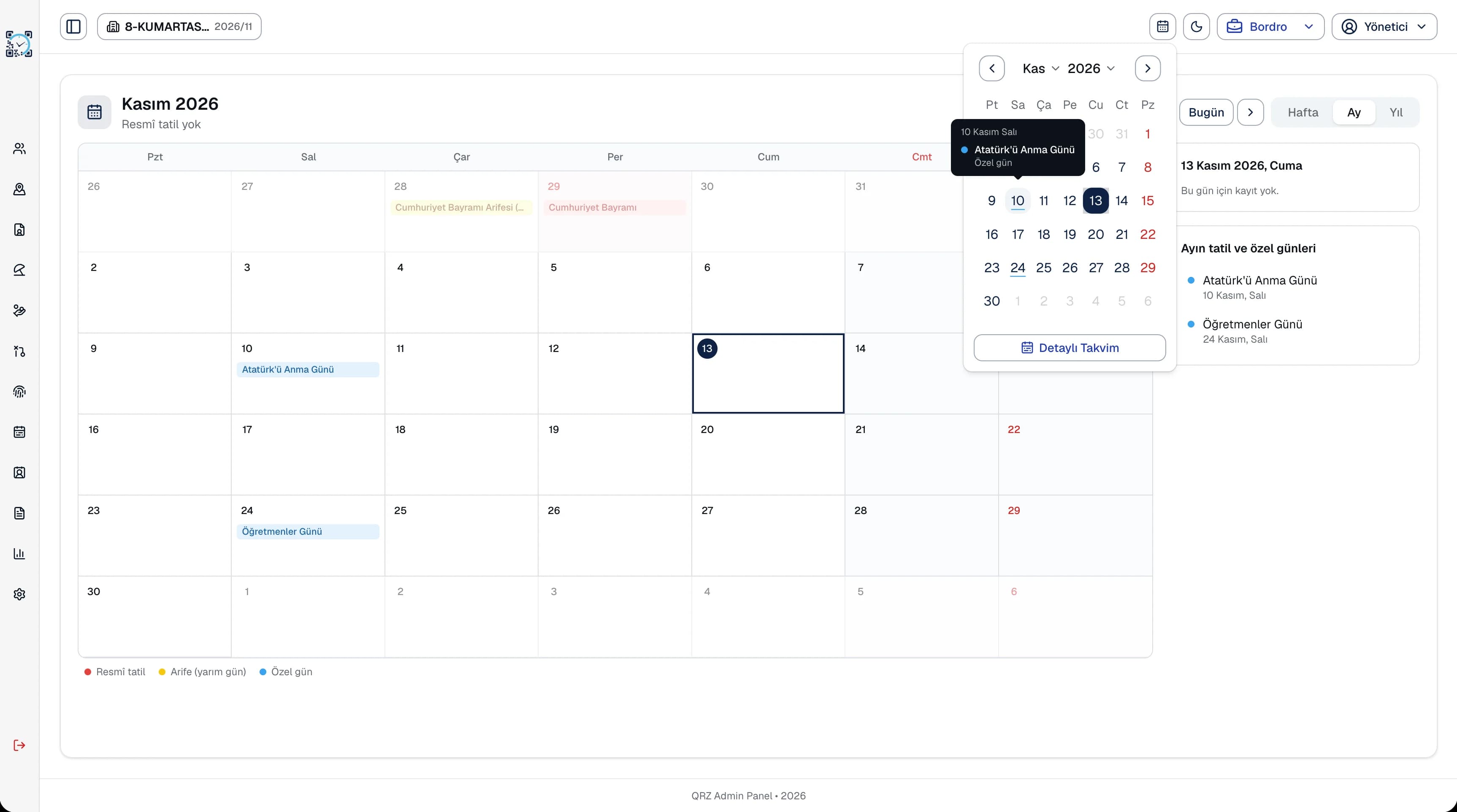
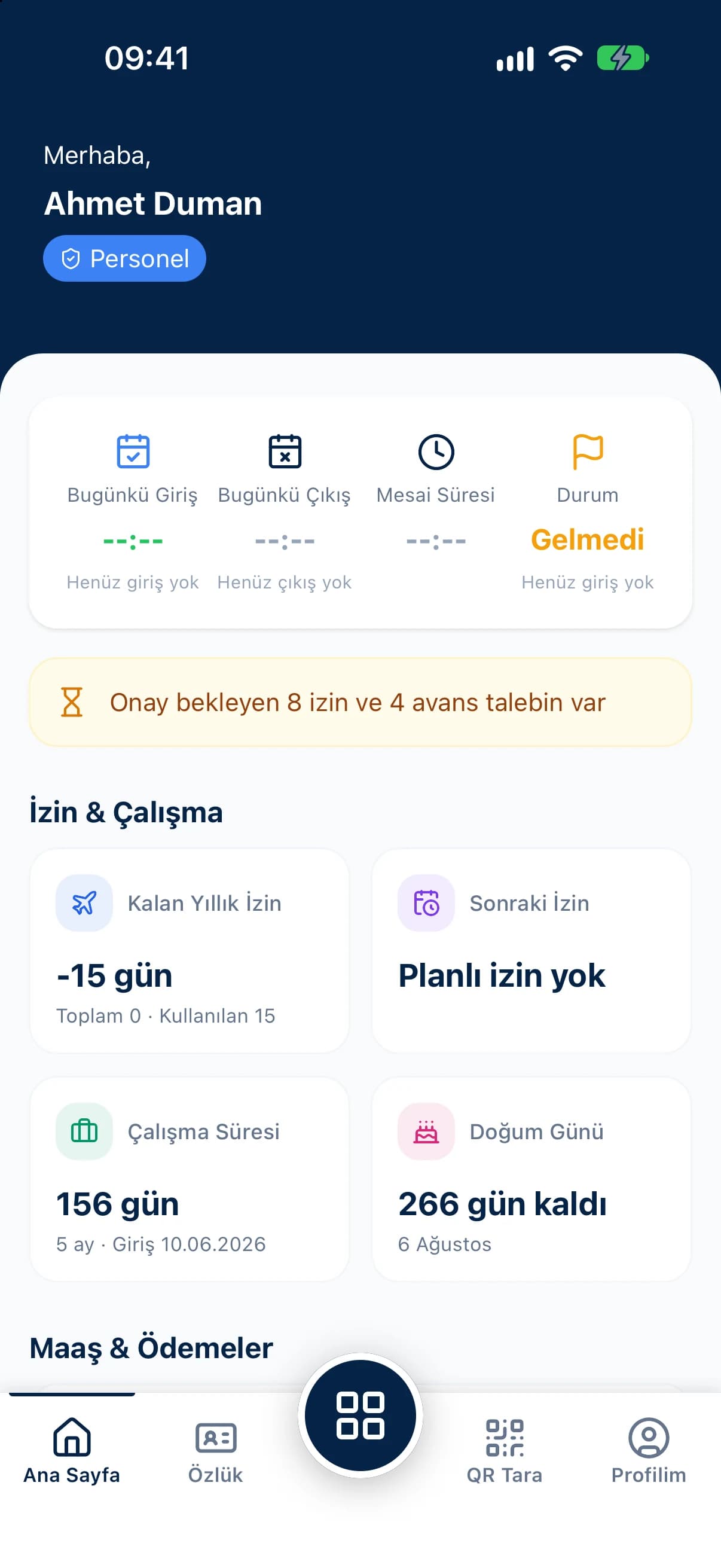
The dashboard is the first screen everyone sees in QR Zaman, and it changes with the user's role. The manager dashboard puts active employees, today's arrivals, people on leave today and pending requests at the top, with a payroll summary, upcoming birthdays and gender and employee group charts below. The employee dashboard shows today's clock-in, the latest payslip, remaining annual leave, next leave, this year's advance, earnings and deduction totals and length of service. The header calendar shows public holidays and eves from any screen in one click.
Every QR Zaman module shares the same data, so Dashboard & Calendar works hand in hand with these products.
Attendance, leave, advances, payroll
Requests, approvals, live balances
Groups, companies, branches, departments