QR Zaman Support
Open a support ticket from the QR Zaman panel, attach files and chat live with our support team. Follow the status of your ticket and get your issue solved.
Support channels
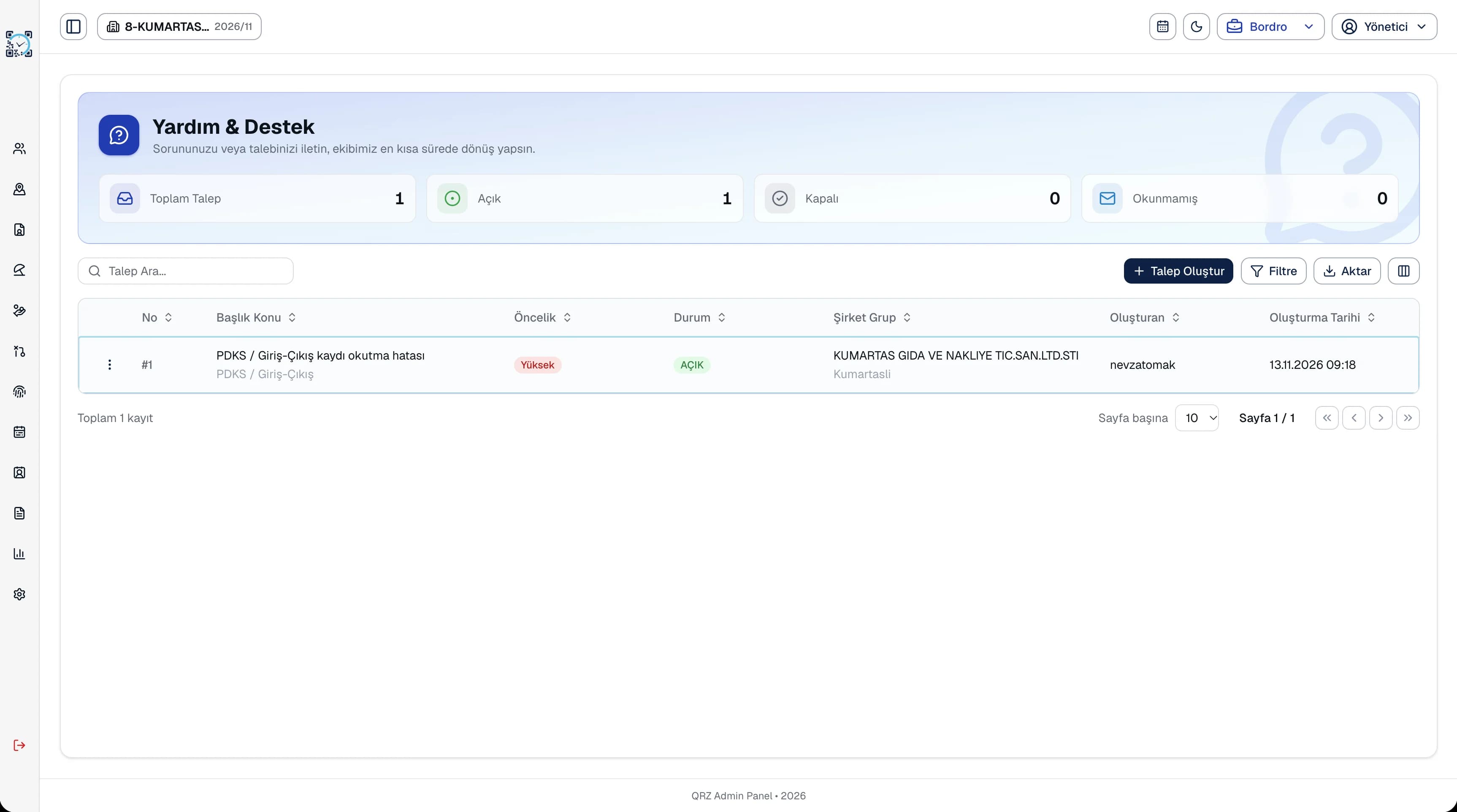
Support request in the panel
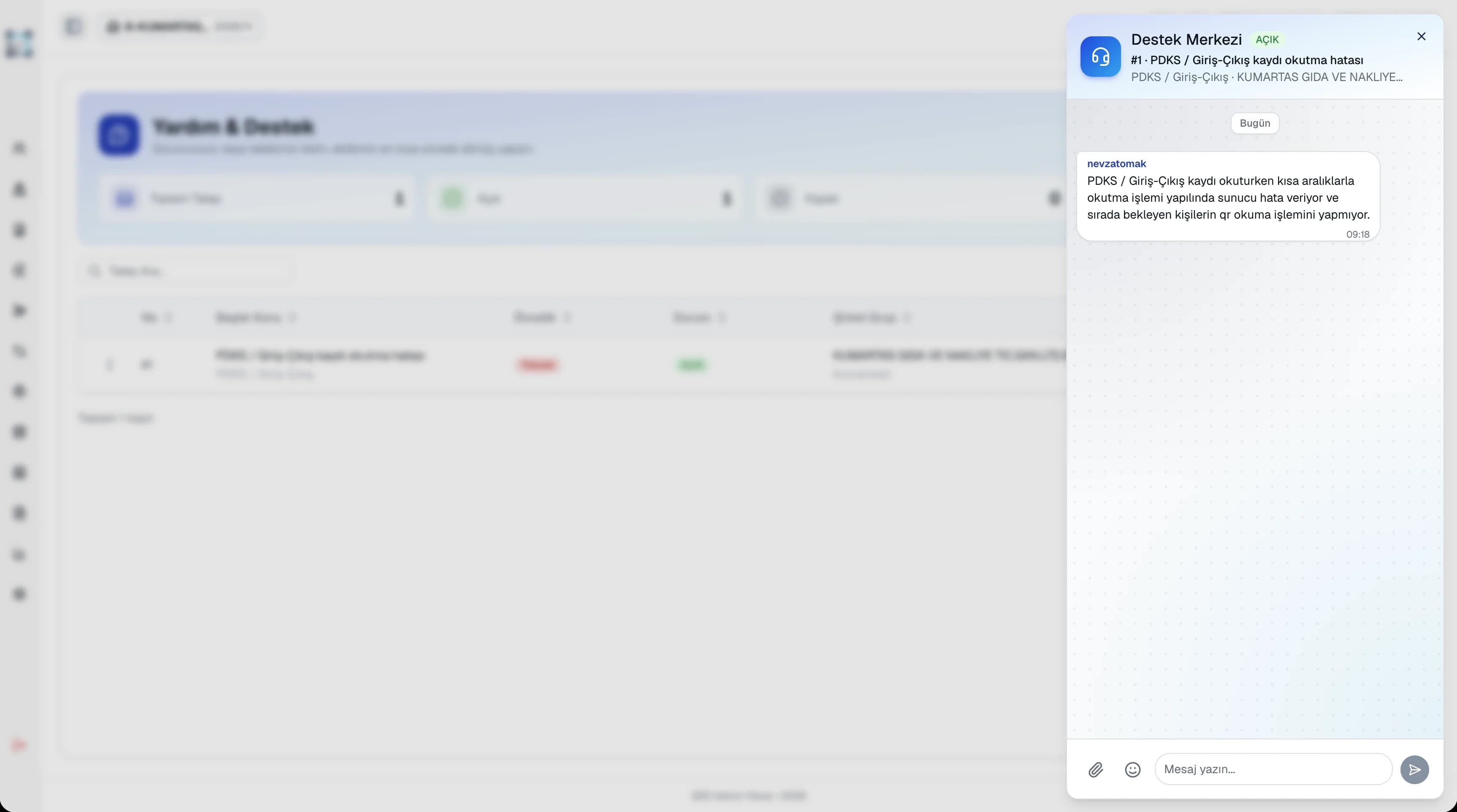
Open a request with a subject, priority and company, and attach files. Chat with the support team on the request and follow its status.
Phone
Call our support team with setup and usage questions.
0272 212 15 05[Support hours]
Email
Write to us by email when you need to send screenshots or files.
How to open a support request
in the panel
QR Zaman users open support requests directly in the panel. Requests are listed on one screen with counts for open, closed and unread requests.
- Open the Support menu in the panel and create a new request.
- Choose the subject, priority and company, and attach a screenshot or file if needed.
- Chat with the support team on the request. Close it once the issue is solved, or reopen it if needed.