

Multi-Company & Branch
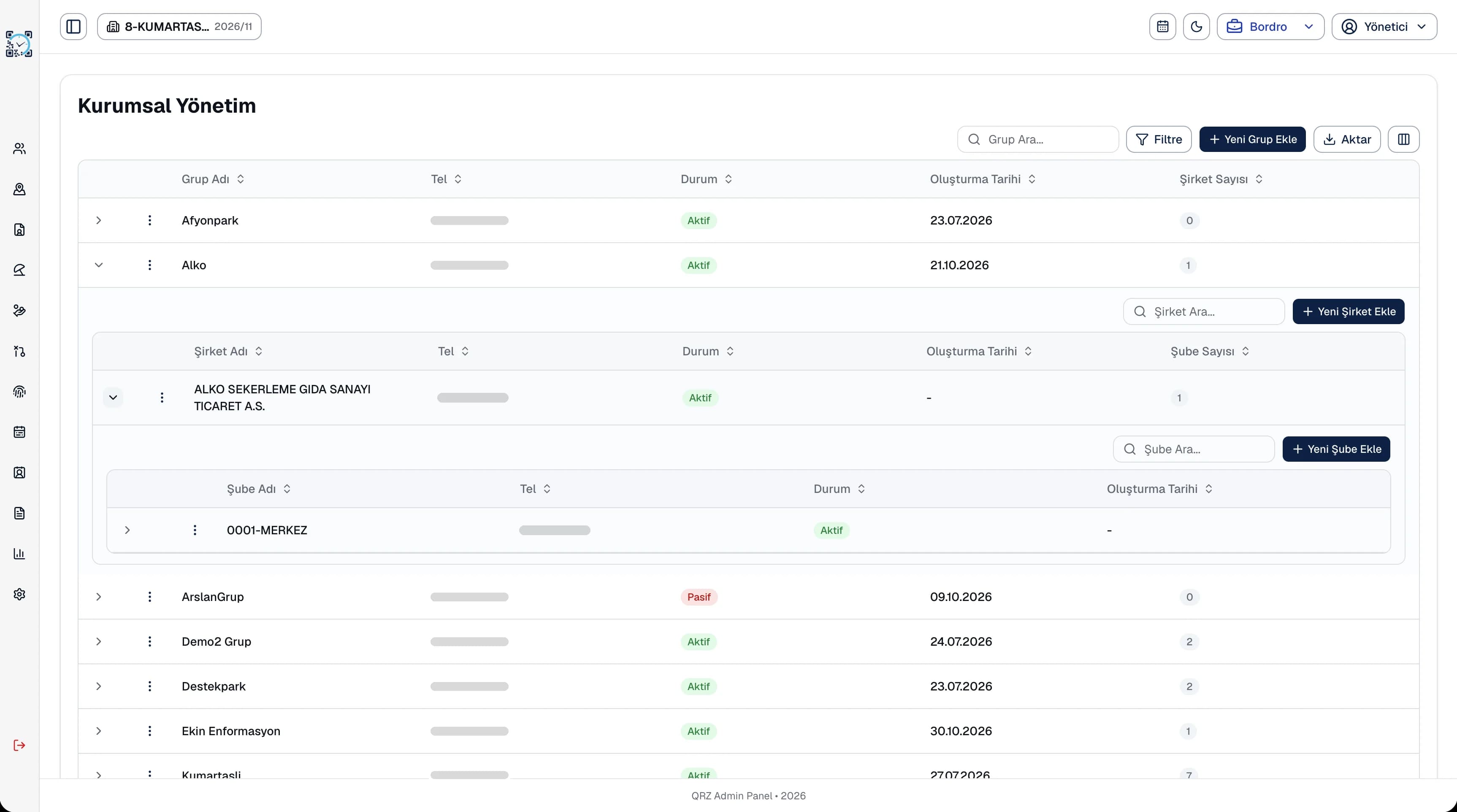
Build your group, company, branch and department hierarchy and switch between them from the top bar.
Multi-location workforce management starts with every branch in one panel. In QR Zaman you build your Group, Company, Branch and Department structure and give each branch its own QR check-in point. Branch managers see only their own branch, while timesheets and payroll are run centrally.
Once you open a second, third or tenth branch, people processes start to run differently in each one, and head office spends its time collecting data.
If one branch uses a sign-in sheet, another a card reader and another a spreadsheet, central HR has to merge different formats every month and can't compare branches.
Branch managers should see only their own people while head office sees every branch. Without proper access scopes, either privacy or day-to-day operations suffer.
When a group runs several legal entities, each company's payroll is calculated with its own settings. Using separate software for each adds cost and risk.
Opening a new branch is as simple as adding a branch record and a QR point in the panel.
Build your group, company, branch and department hierarchy and switch between them from the top bar.
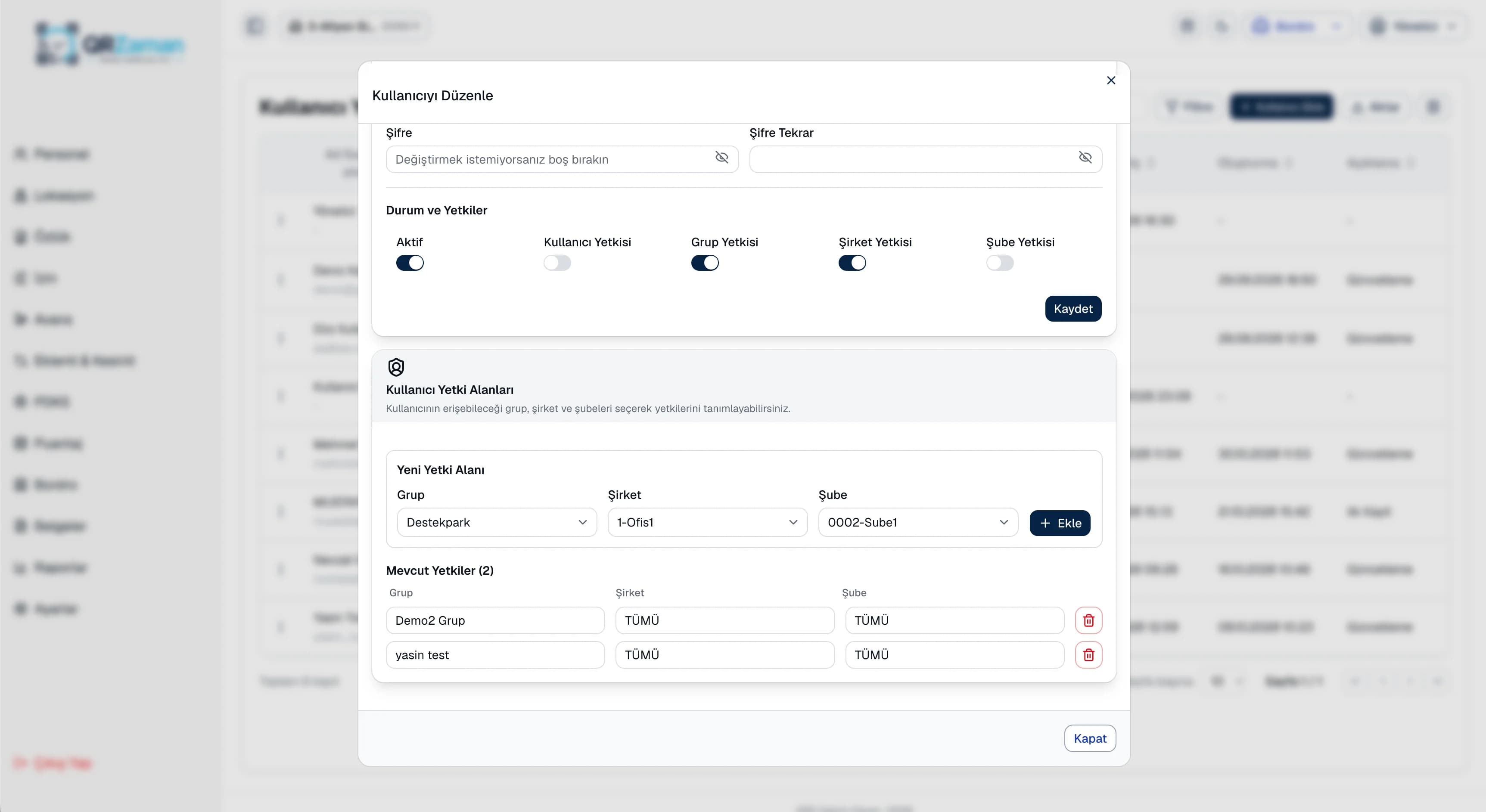
Give users a scope at group, company or branch level and keep track of their last sign-in.
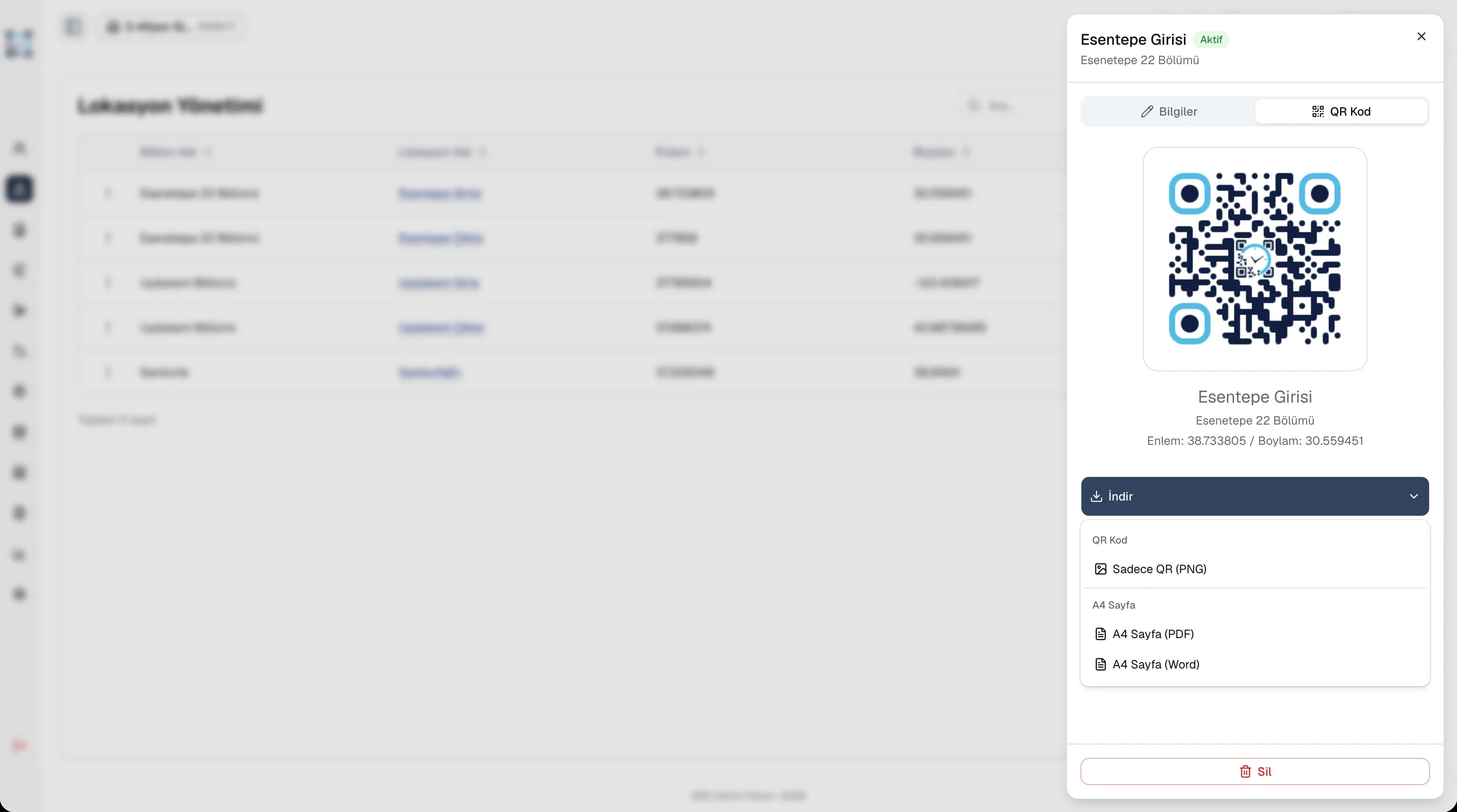
Create a separate QR point for each branch entrance and print it as an A4 poster.
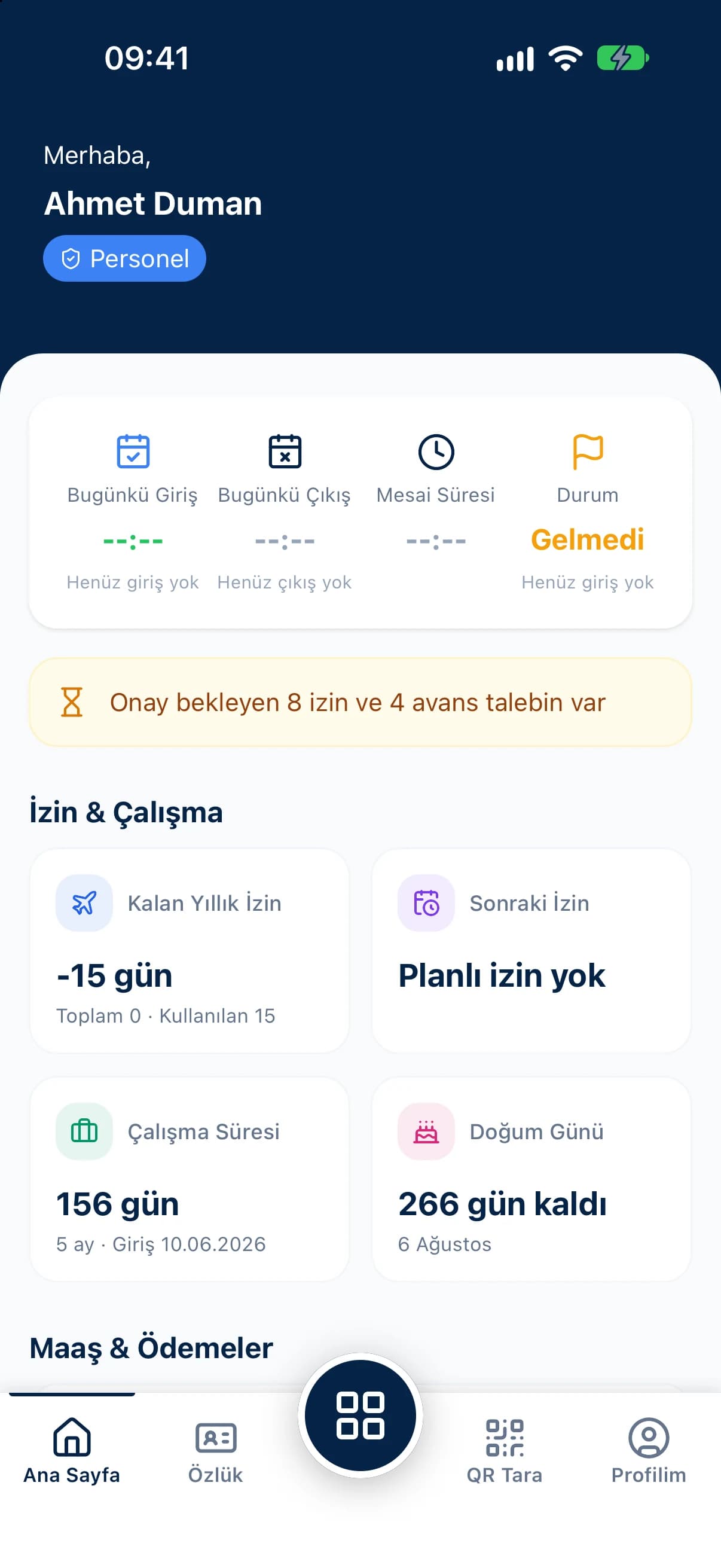
The manager dashboard shows active staff, clock-ins and pending requests for the selected branch.
Pick a branch from the top bar to run attendance, leave, advance and payroll reports and share them as Excel or PDF.
Run payroll for every company centrally, using the same yearly settings.
In user management you add users, set their role and define their scope at group, company or branch level. A branch manager sees only their branch's staff, records and requests, while head office managers see the whole structure. Every user's last sign-in is listed in the same place.
When you add a new branch to your structure, define its department locations with latitude and longitude, or let the branch manager save their current spot in one tap from the mobile app. Download the QR code as a PNG or A4 PDF poster and put it up at the entrance; the branch team starts clocking in with their own phones.
The questions we hear most about QR Zaman for Multi-Branch Businesses. If yours is not here, let us go through it together in a demo.
Yes. QR Zaman works with a Group, Company, Branch and Department hierarchy. You can set up several companies under one group and manage each company's branches and departments separately.
Not unless you allow it. In user management you set each user's scope at group, company or branch level.
Pick a branch from the top bar to run its attendance, leave, advance and payroll reports. Export them to Excel, PDF or Word to compare branches side by side.
Just update the branch and department on the employee's profile. They then clock in at the new branch's QR point.
QR Zaman is one platform, so the same setup works across other roles and industries too.
Store staff and shift tracking
Live status, approvals, costs
Variable shifts and hourly pay