

Dashboard & Calendar
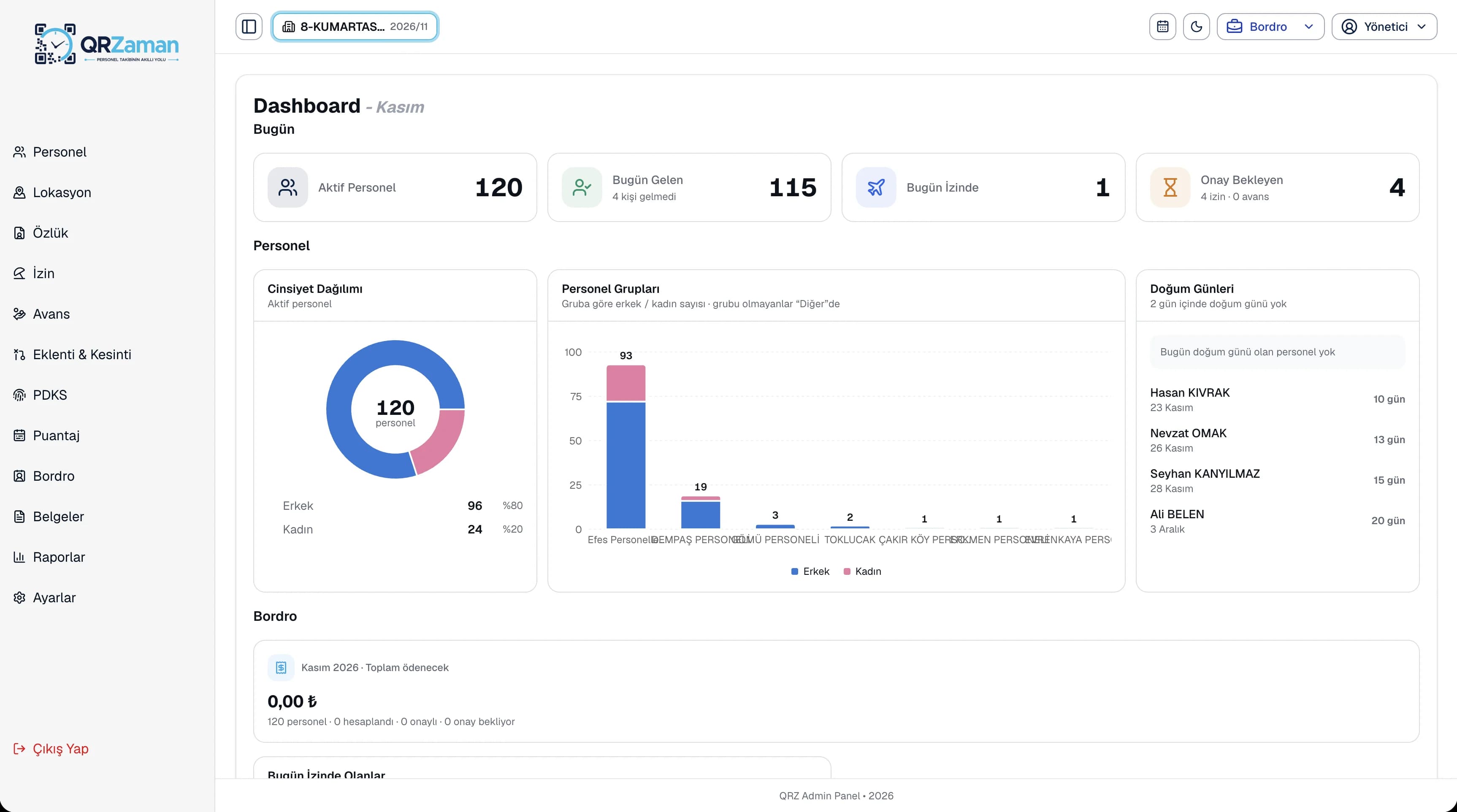
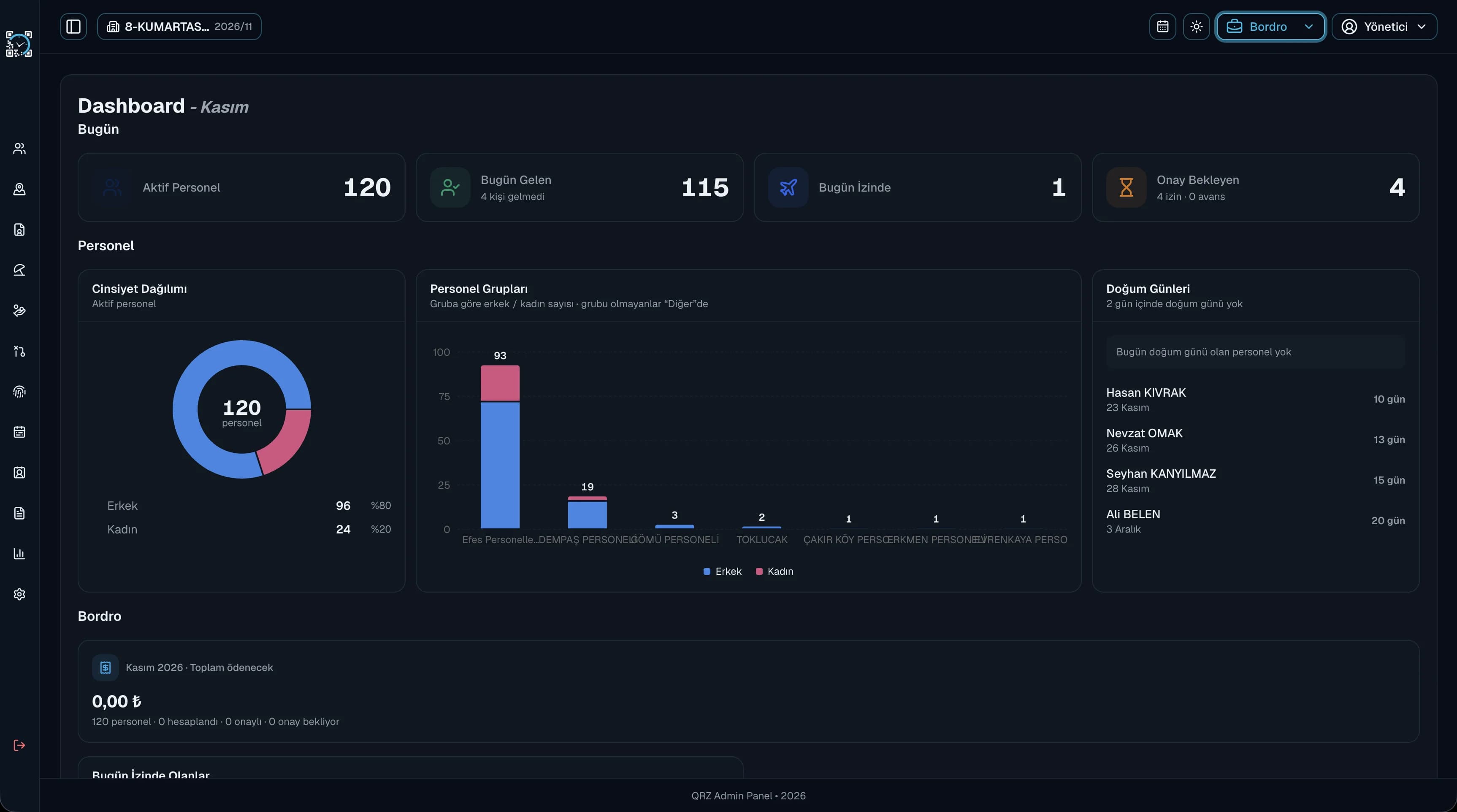
Active staff, today's clock-ins, people on leave and pending requests are waiting for you when you log in.
Workforce management for owners and managers starts with seeing the day at a glance. With QR Zaman you see who has clocked in, who is on leave and which requests are waiting for you, in real time. Approve leave and salary advance requests from your phone and see total employer cost in every payroll run.
A manager's time shouldn't go into chasing scattered information. These are the three problems we see most often in businesses that still track their people by hand.
If you have to make phone calls every morning to find out who showed up, who is late and who is off, the information you need to make decisions is always one step behind. Every new branch makes the picture blurrier.
Leave and advance requests sent on paper or by text get lost, approved late or approved without a record of who said yes. Employees wait for an answer while you can't tell which requests are still open.
When overtime, bonuses and deductions only become visible once payroll is done, you learn your labour cost instead of managing it. Total employer cost usually lives in a separate spreadsheet.
Every role sees only the menus it is allowed to. For managers, the dashboard, approval flows and reports work together.
Active staff, today's clock-ins, people on leave and pending requests are waiting for you when you log in.
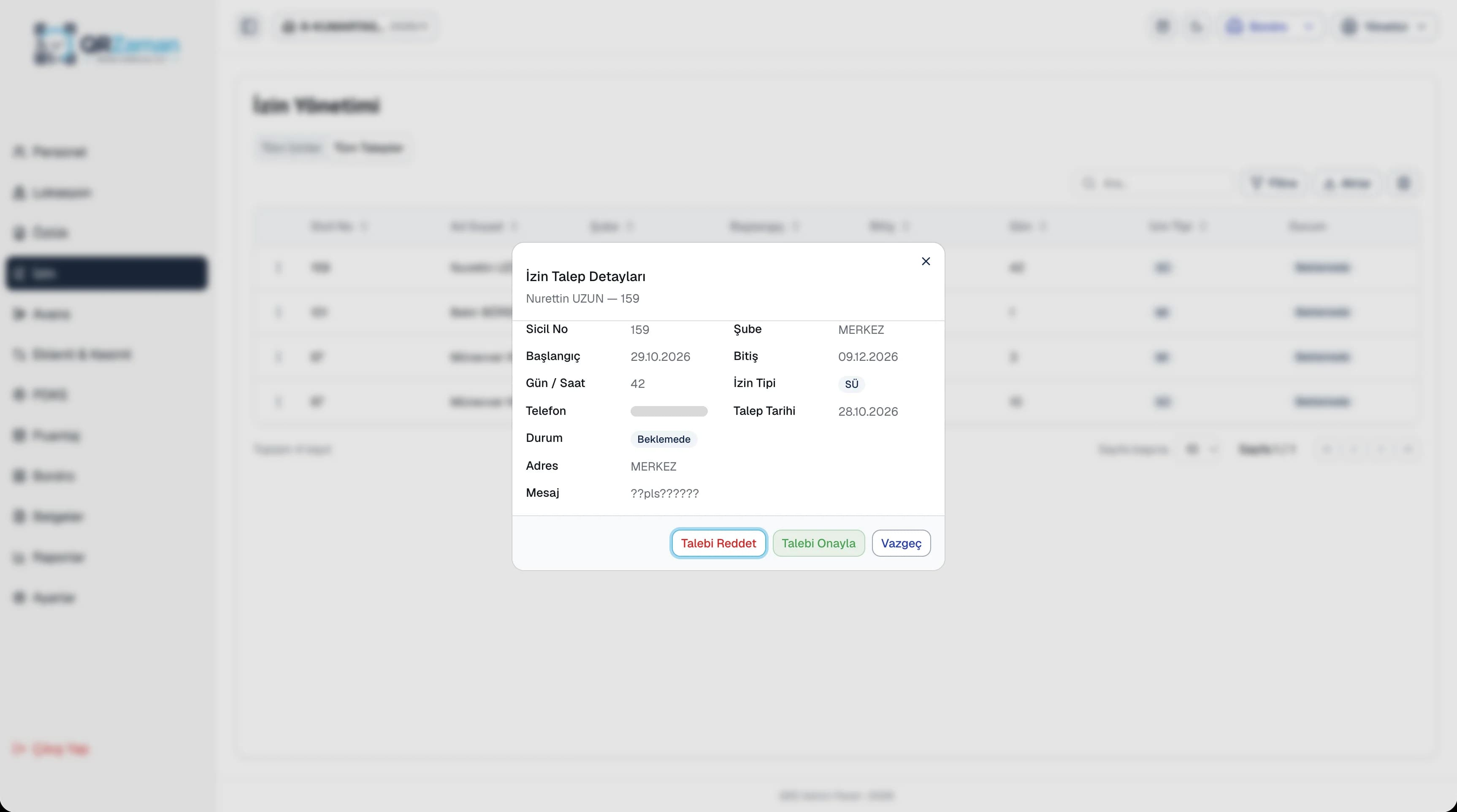
Approve leave with the remaining balance in front of you, or decline with a reason.
Review salary advance requests with amount and instalments; instalments are deducted in payroll automatically.
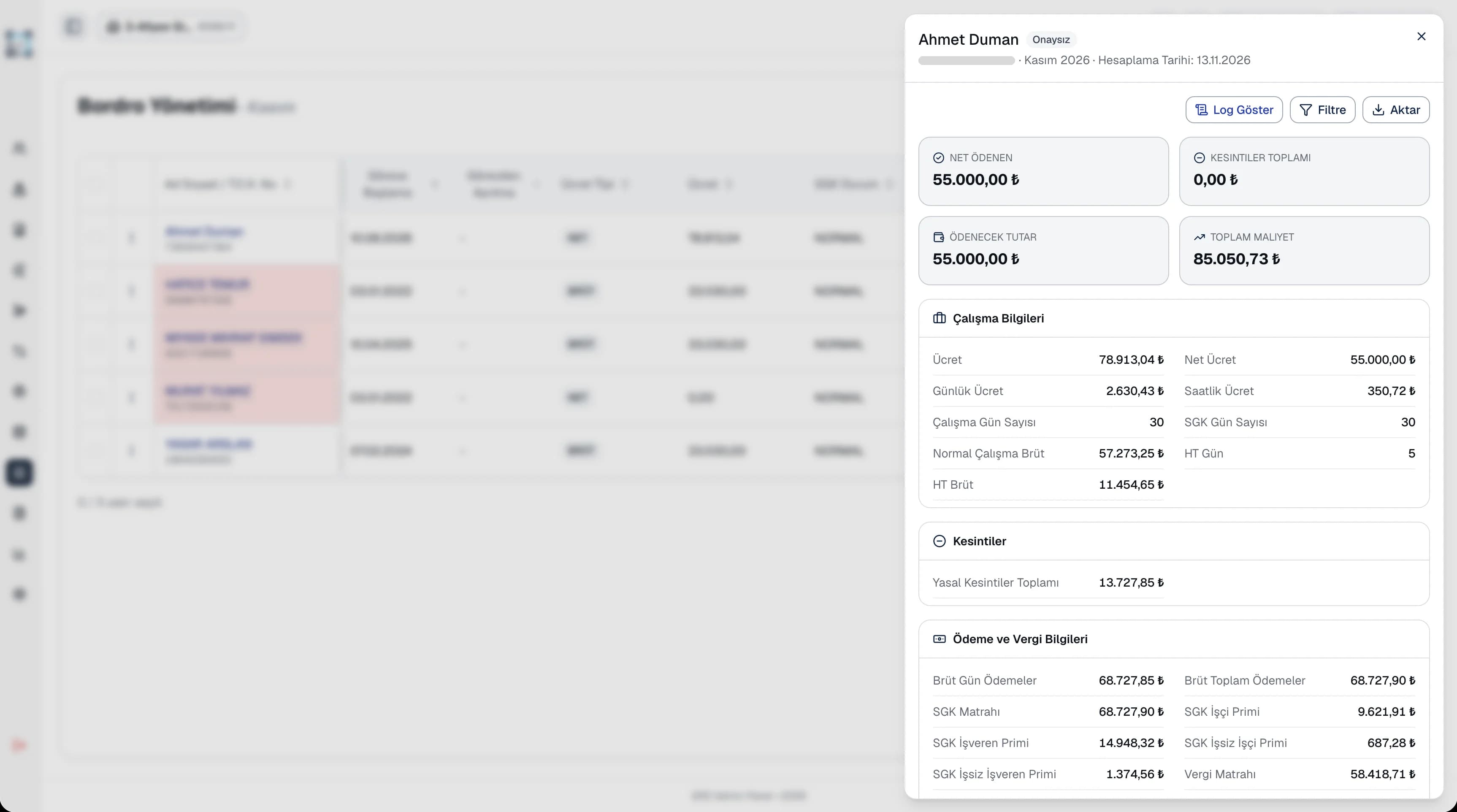
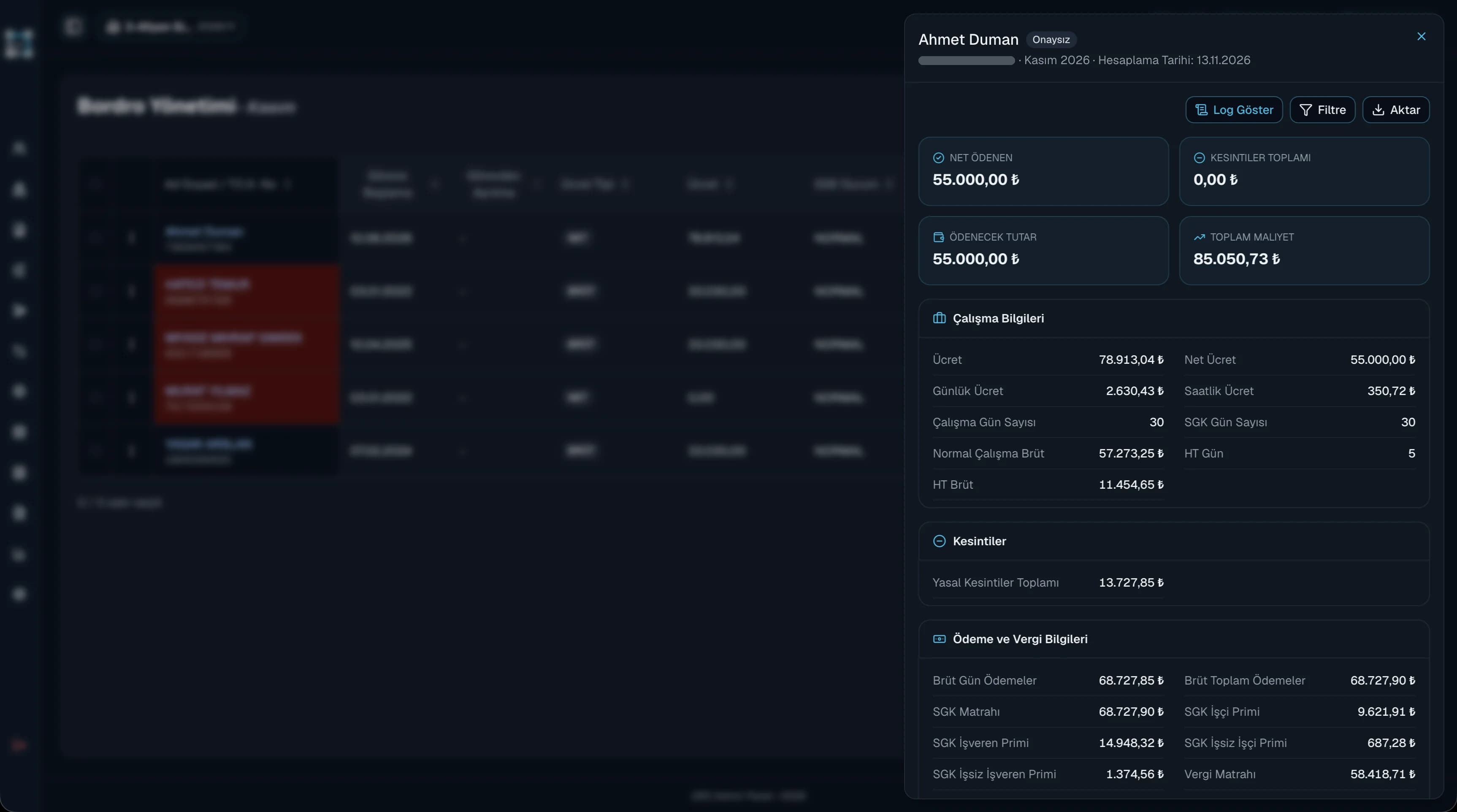
See total employer cost next to net pay for every employee in the payroll.
Follow late arrivals, absences and overtime in reports and export them to Excel or PDF.
Running several companies or branches? Switch between them from the top bar in one panel.
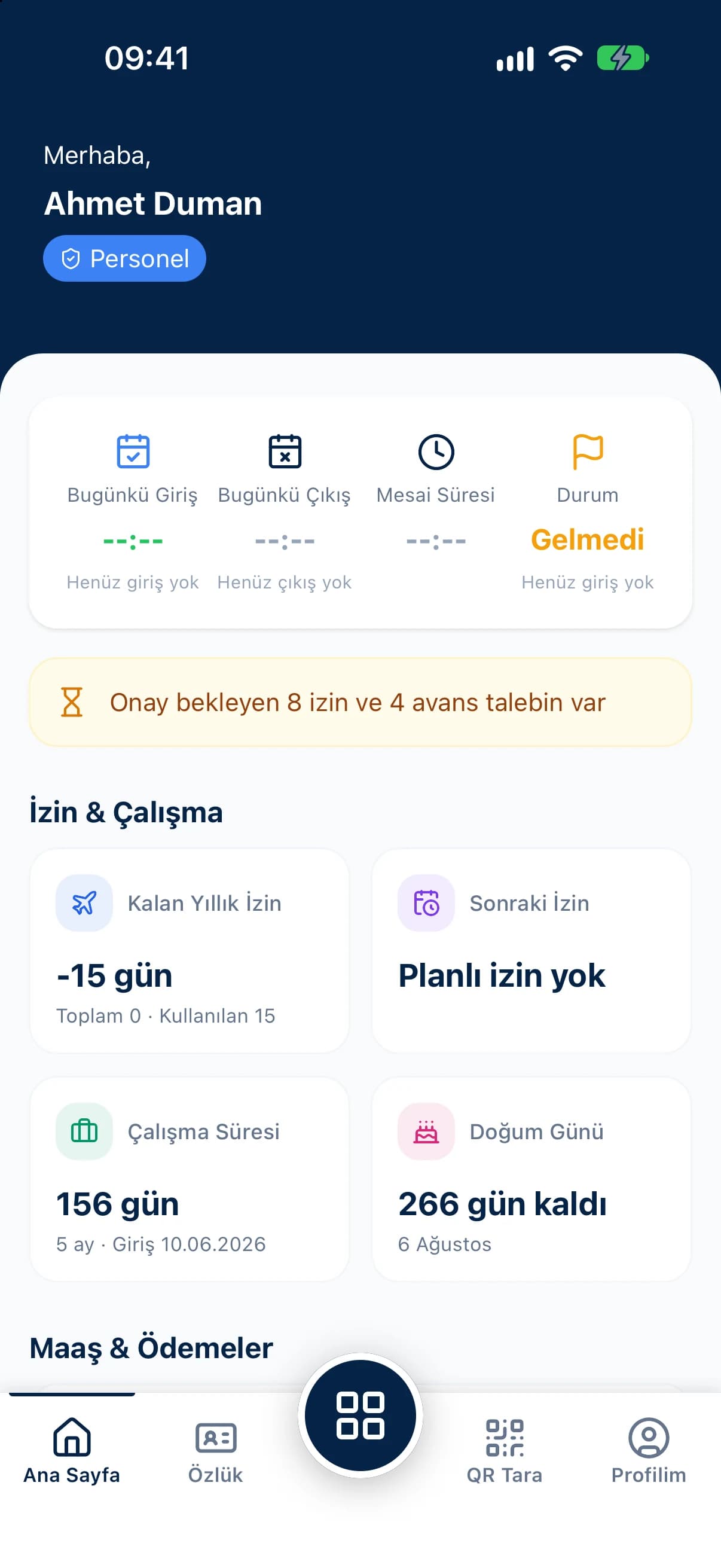
Employees send leave or advance requests from the mobile app and they land in your approval list straight away. Leave requests arrive with seniority, total entitlement, used and remaining days already calculated. Approve, or decline with a reason, and the employee sees the outcome on their own phone.
Payroll is calculated automatically from the timesheet. Gross and net pay, overtime, allowances, social security and unemployment contributions, taxes and deductions are listed line by line, with total employer cost for each employee at the bottom. Approve the payroll, or withdraw the approval if something needs another look.
The questions we hear most about QR Zaman for Business Owners & Managers. If yours is not here, let us go through it together in a demo.
Managers see the staff list, attendance records, timesheets, leave and advance requests and the payroll summary for the groups, companies and branches in their scope. Each user's scope is set in user management at group, company or branch level.
No. You can approve leave and advance requests in the QR Zaman mobile app, or decline them with a reason. The manager dashboard on mobile also shows today's clock-ins, people on leave and pending requests.
Yes. QR Zaman is built on a Group, Company, Branch and Department hierarchy. Pick the group, company, branch and period from the top bar to switch to the unit you need.
Once payroll is calculated, you see gross and net pay, contributions, taxes and total employer cost for each employee. The payroll report can be exported to Excel, PDF or Word.
QR Zaman is one platform, so the same setup works across other roles and industries too.
Timesheets flow into payroll
Clock-ins, requests, payslips on mobile
Every branch in one panel