

QR Code Attendance
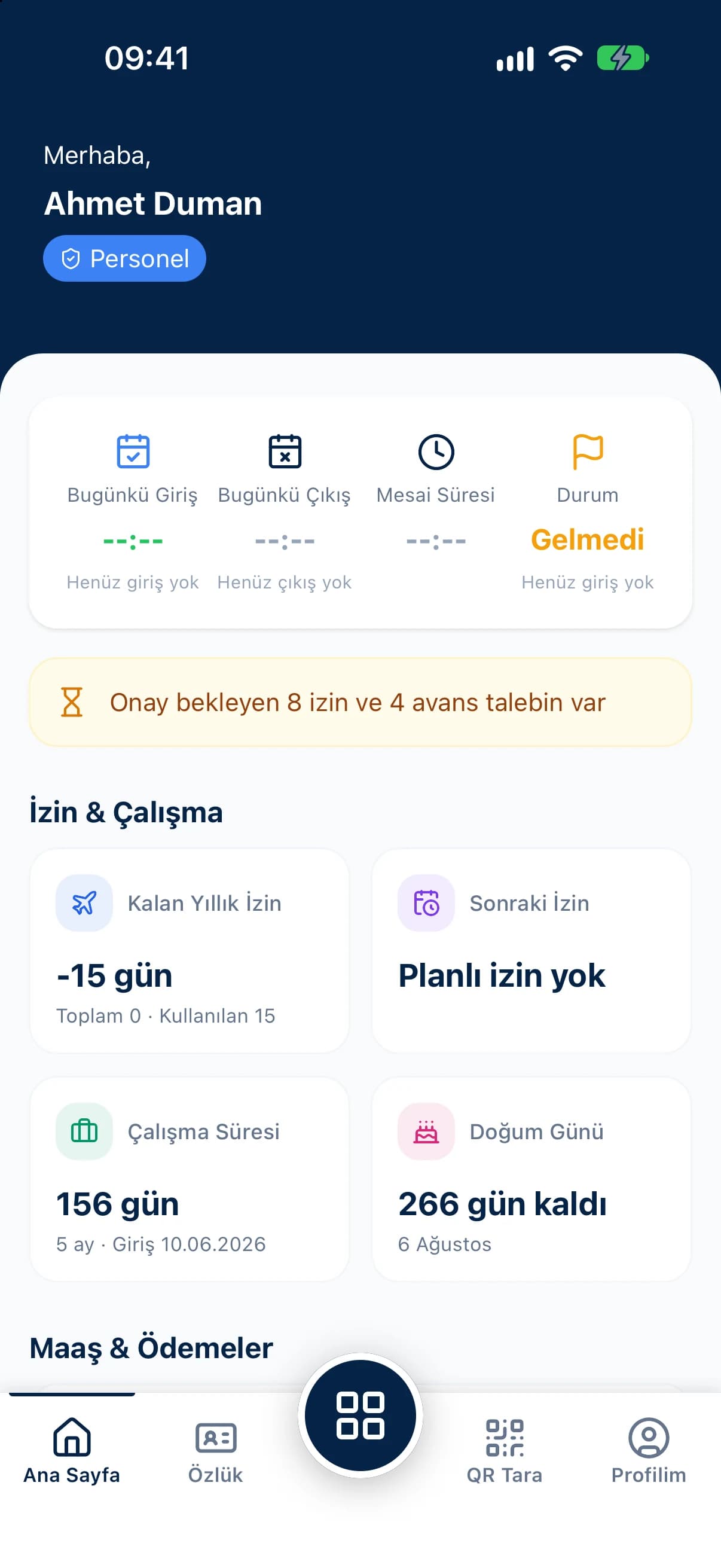
Teachers and office staff scan the QR code at the building entrance with their own phone.
School staff attendance tracking has to follow the academic calendar. With QR Zaman, teachers and administrative staff at schools, training centres and colleges clock in and out by scanning a QR code. Manage leave, timesheets and payroll for each campus as a branch, all in one panel.
In education, the working pattern follows the timetable, terms and holidays. Staff attendance tracking has to fit that rhythm.
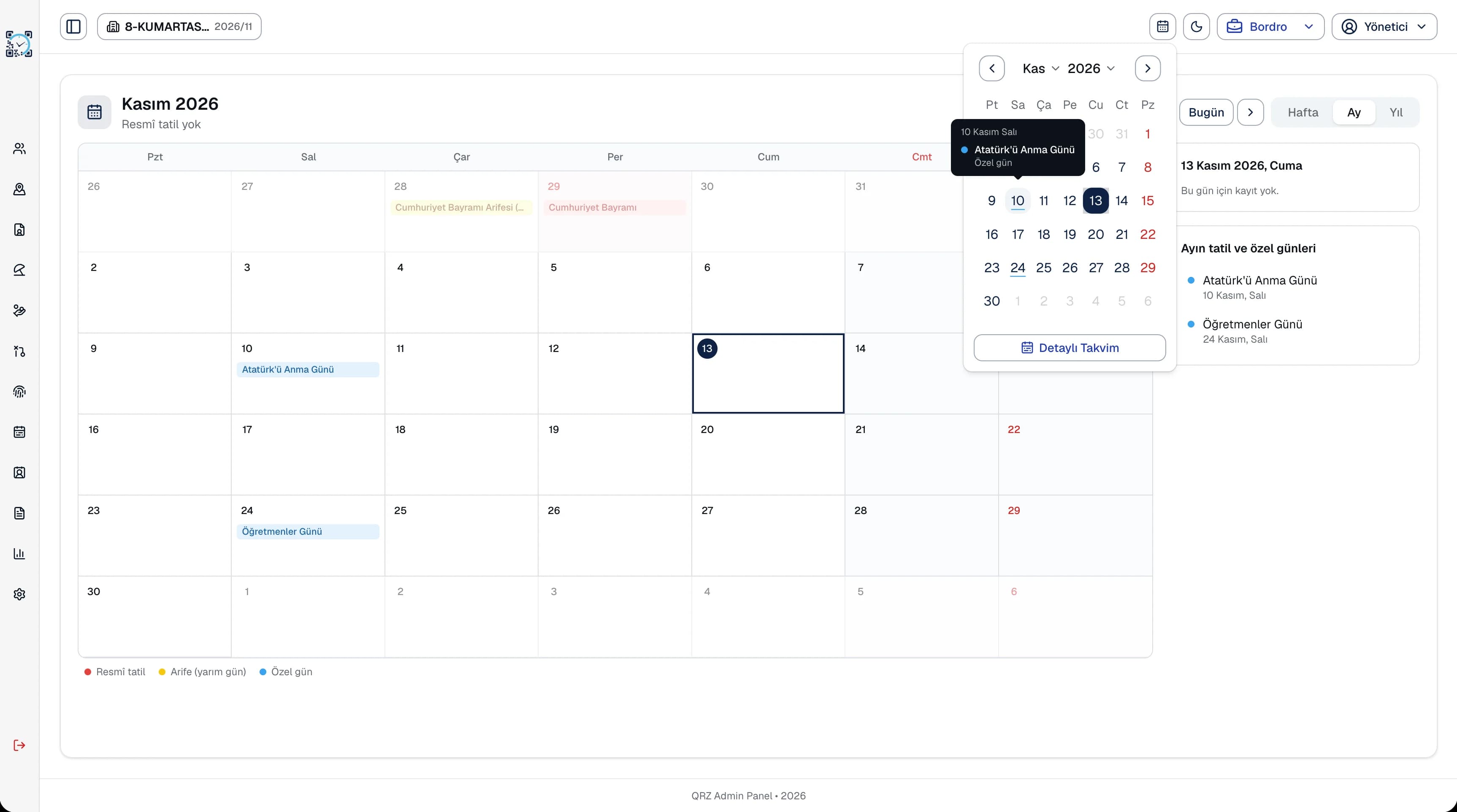
Public holidays, half days and term breaks change the working days of teachers and office staff. If those days aren't marked correctly in the timesheet, the number of days worked never adds up.
Teachers, administrative staff, cleaning and security teams work different hours on different patterns. Tracking them all against one schedule doesn't reflect reality.
For institutions with several buildings or campuses, collecting attendance and leave from each one separately doubles the work for central HR.
Set up campuses as branches and units as departments, and use staff groups to separate teaching and administrative staff.
Teachers and office staff scan the QR code at the building entrance with their own phone.
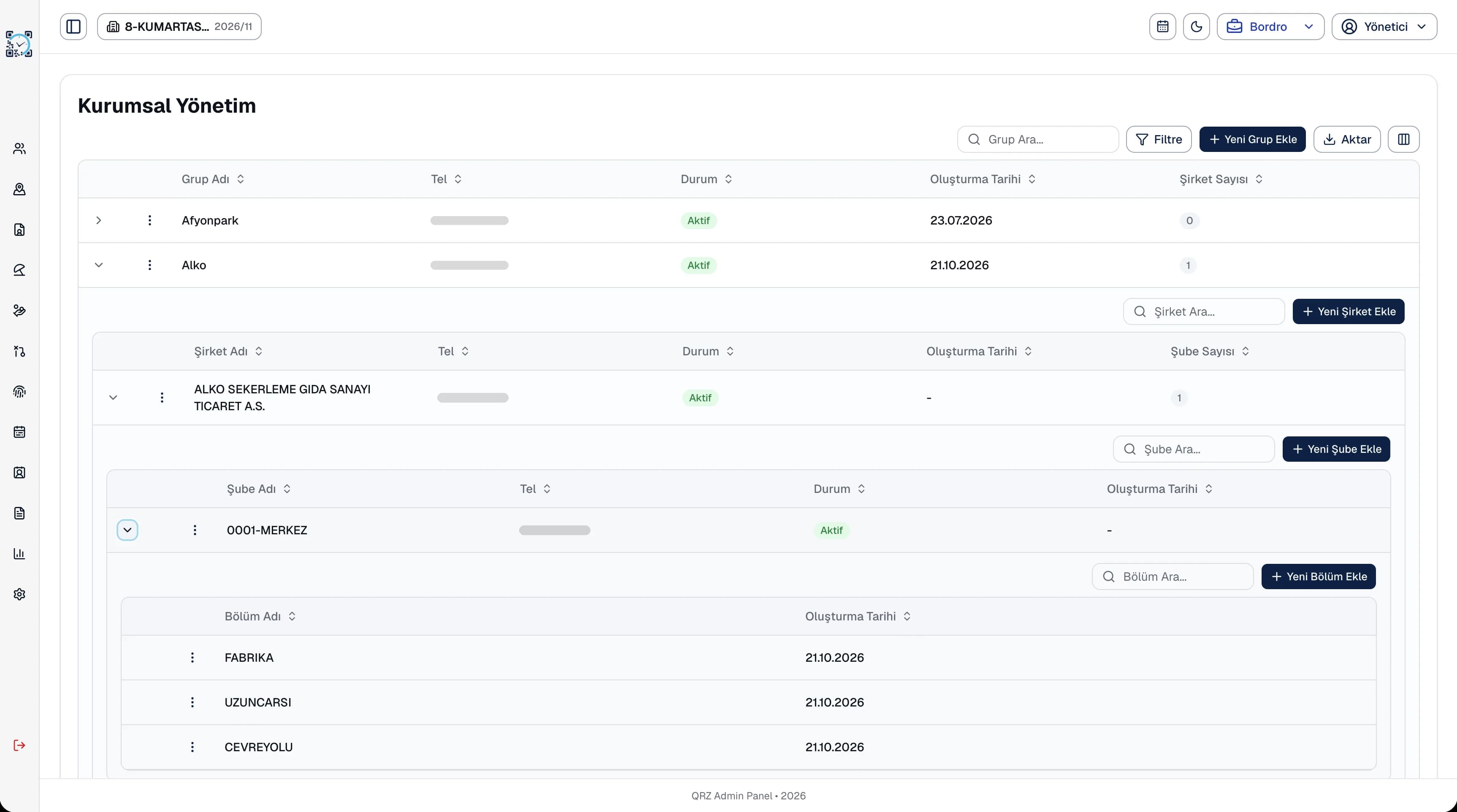
Leave requests arrive from mobile; managers approve with the balance in view and run leave reports.
Keep monthly timesheets per campus with day types such as public holidays and annual leave.
Once the timesheet is complete, calculate and approve payroll for all staff automatically.
Set up each campus as a branch and switch between them from the top bar.
Download ready templates such as employment contracts, paid leave request forms and timesheet forms.
The leave usage report shows the leave each employee has taken, and the annual leave report shows each person's seniority, entitlement, used and remaining days. Export reports to Excel, PDF or Word and use them for term planning.
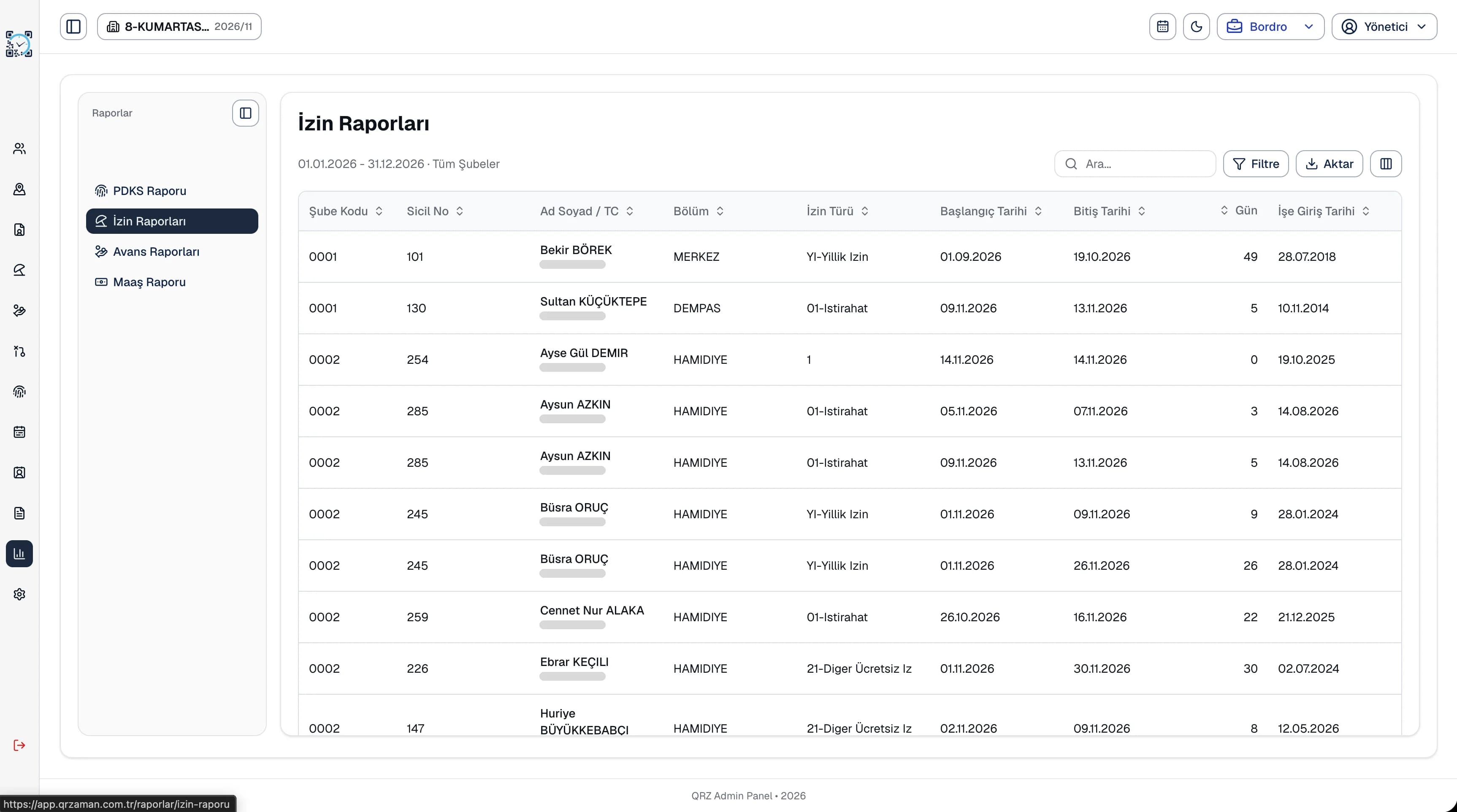
Build your institution with a Group, Company, Branch and Department hierarchy. Each campus is a branch and each unit a department, with location, person in charge and working hours stored on the department card. Give users a scope so they only see their own campus.
The questions we hear most about QR Zaman for Education. If yours is not here, let us go through it together in a demo.
Public holidays and half days are defined in the yearly settings and shown on the calendar. On the timesheet grid you can mark day types such as public holiday, weekly rest and annual leave one by one or in bulk from the toolbar.
Yes. Use staff groups to separate teams and define different shifts per branch and department. Each person's working time is calculated against their own shift.
All campuses sit in the same panel as branches. Central managers see everything, while campus managers get a scope that shows only their own branch.
Templates include fixed-term and permanent employment contracts, hiring and job application forms, paid leave request forms, annual paid leave records, monthly timesheet forms and absence reports. Search for a document and download it in one click.
QR Zaman is one platform, so the same setup works across other roles and industries too.
Every branch in one panel
Timesheets flow into payroll
Live status, approvals, costs