

Sales Tracking
Opportunities and sales pipeline
Quote management lets you prepare the quotes you offer customers inside the CRM and follow their status. Because quotes sit in the same module as customer cards and sales opportunities, which customer received which quote never gets lost in inboxes or desktop folders.
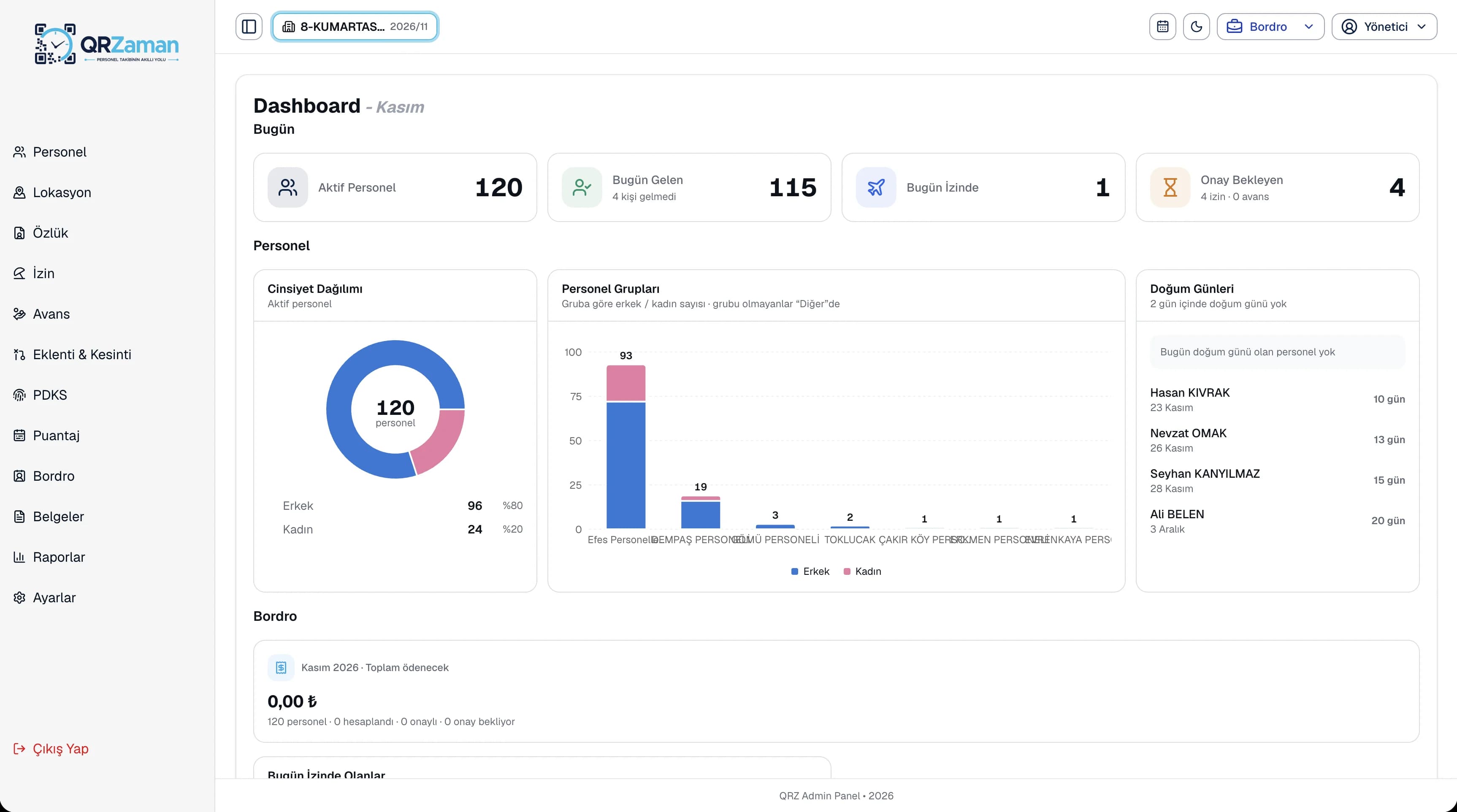
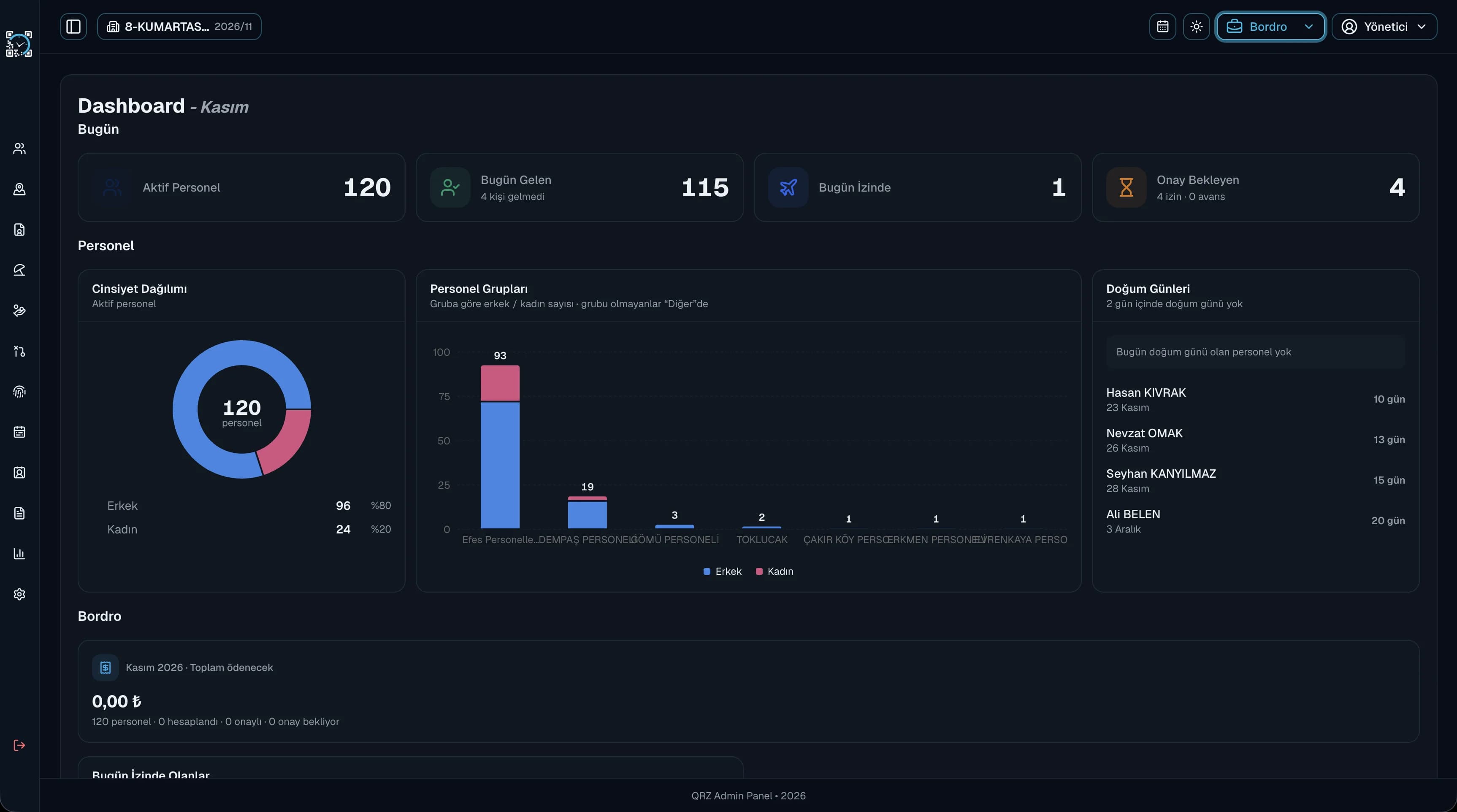
Every quote is listed in the CRM's Quotes section, so you never search through files to find an old one.
Track each quote's status and create tasks and reminders for your team on the ones still waiting for an answer.
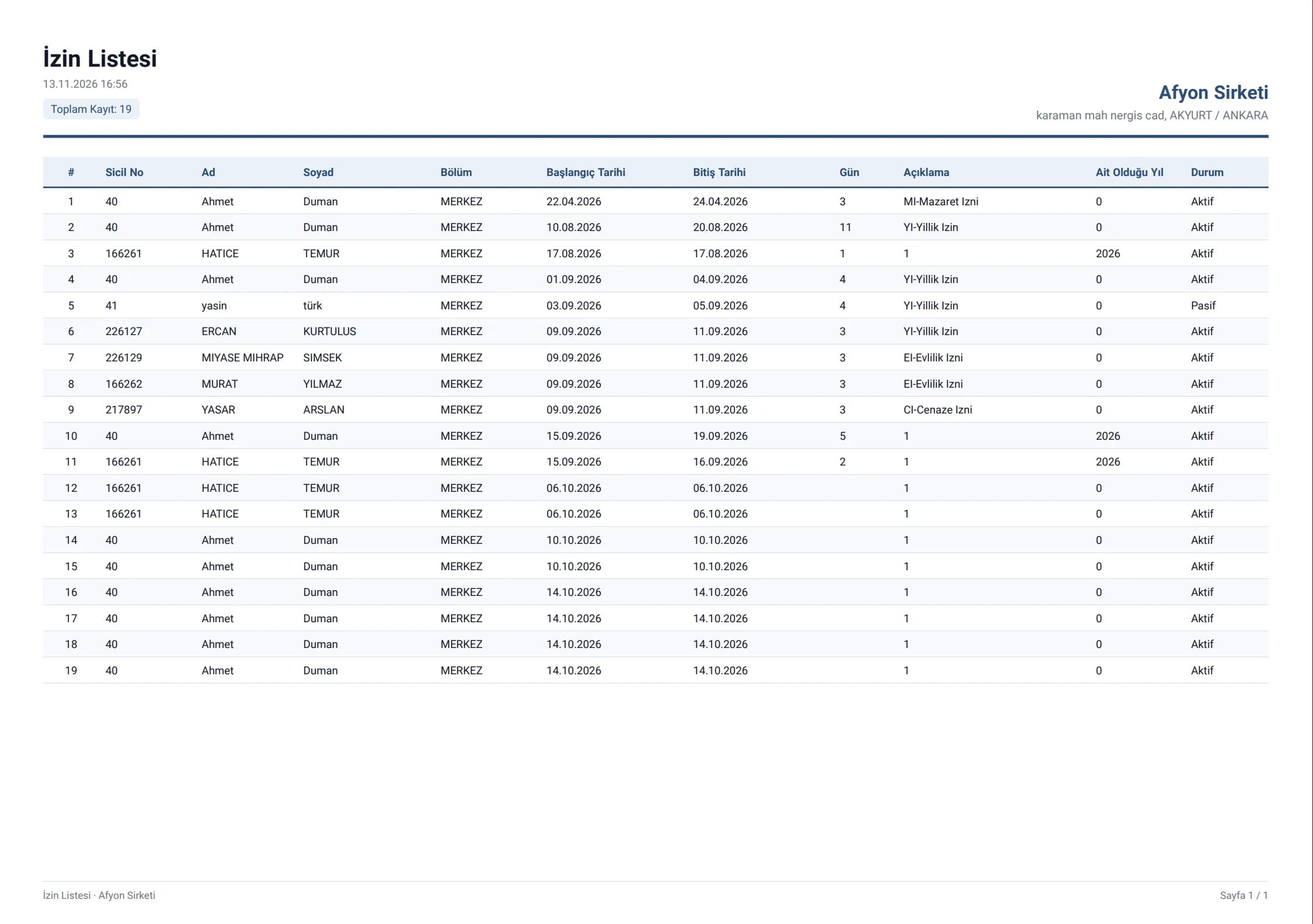
Like every list on the platform, the quote list exports to Excel, PDF or Word with your company header.
In QR Zaman, lists and reports are produced in PDF, Excel or Word with a header carrying your company name. Your quote lists export the same way, so the file you send to your manager or accountant matches what you see on screen. Since quotes live next to the related customer card and sales opportunity, looking back through past deals is easy too.
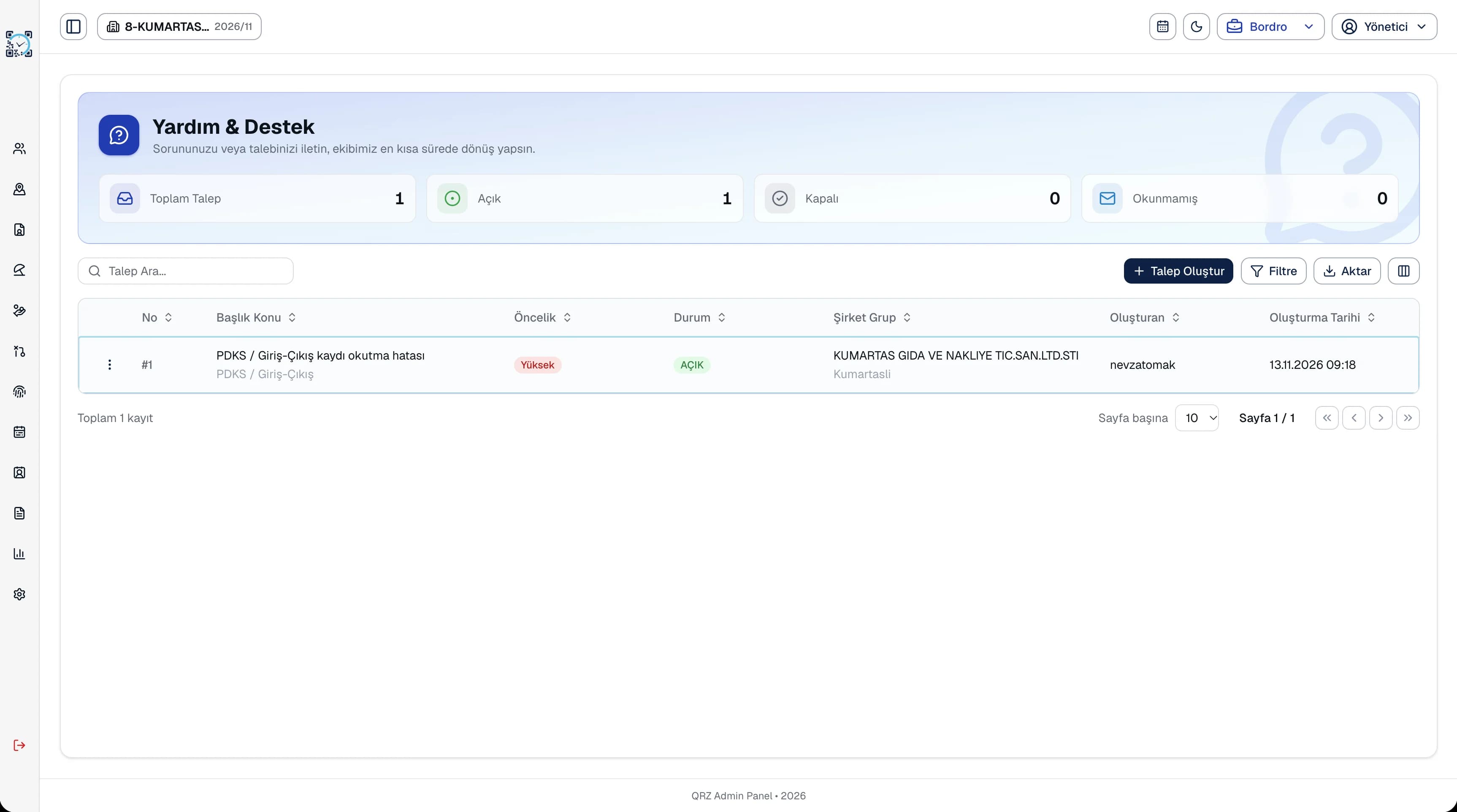
Quotes are the most visible step of the sales process for your customers, and opportunities slip away when nobody knows when a quote was prepared or where it stands. In the QR Zaman CRM, quotes sit in the same module as the related customer card and sales opportunity. Create tasks and reminders for quotes still waiting for an answer, and follow the big picture on the CRM dashboard and in sales and performance reports. Your dealers use the same structure with their own permissions, and since the CRM runs in the same panel as payroll, no extra user list or tool is needed.
Every QR Zaman module shares the same data, so Quote Management works hand in hand with these products.
Opportunities and sales pipeline
Every customer card in one place
Team tasks and reminders