

Contact Management
Every customer card in one place
Team task management in QR Zaman collects the tasks that come out of your sales and customer work inside the CRM. Create tasks, share them with your team and never miss a follow-up thanks to reminders. Since tasks sit in the same module as customer cards, sales and quotes, the reason behind every job is always clear.
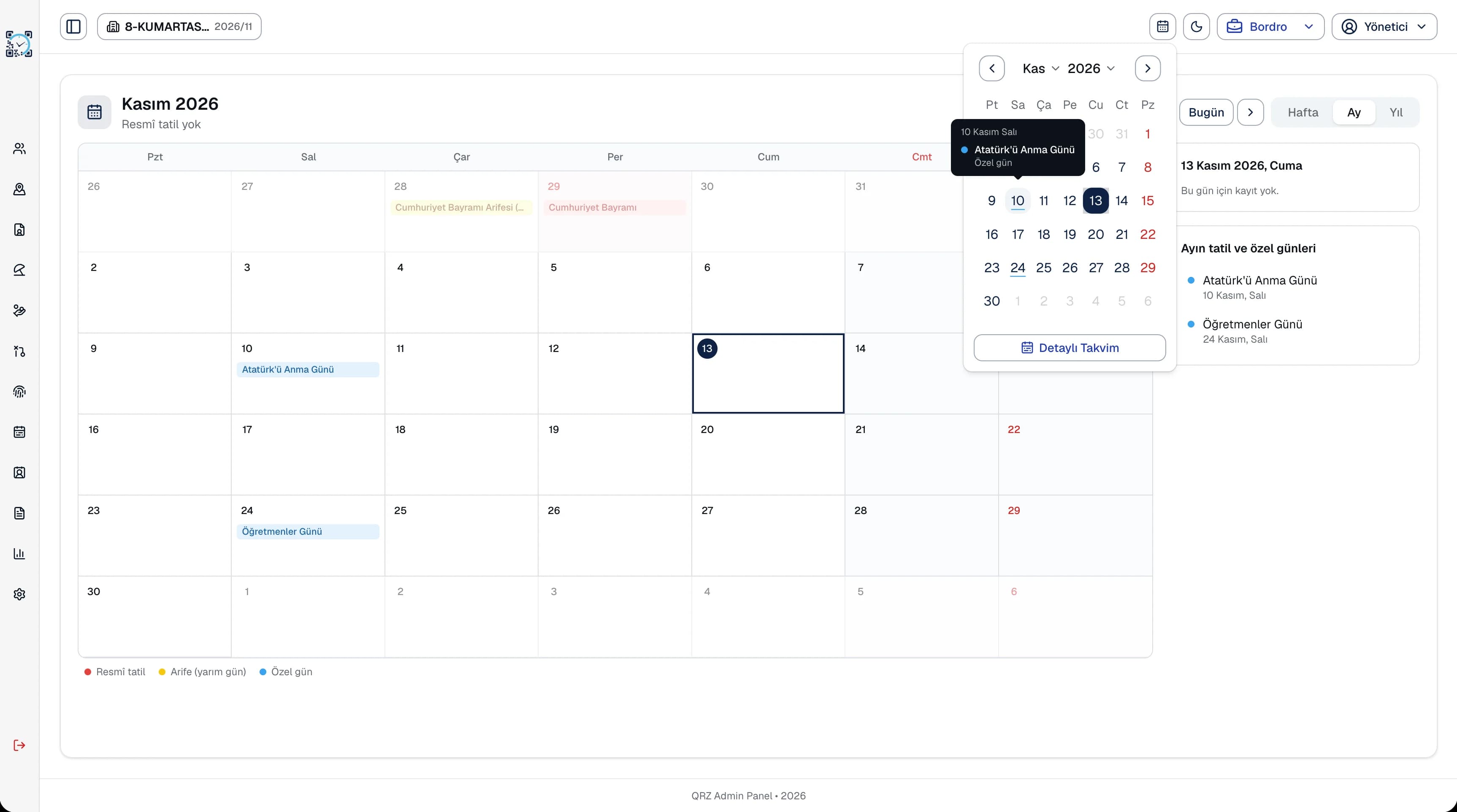
Team tasks live in one list, so everyone can see who is working on what without asking in a meeting.
Add reminders to tasks so quote follow-ups and customer calls happen on time.
Tasks share a module with the CRM's Contacts, Sales and Quotes sections, so you never switch tools for context.
In QR Zaman, support requests run on live messaging with attachments and read receipts, and open, closed and unread requests are counted for you. CRM tasks follow the same idea: team tasks and reminders are kept in one module, who is handling what is on the record, and no job disappears into an email thread.
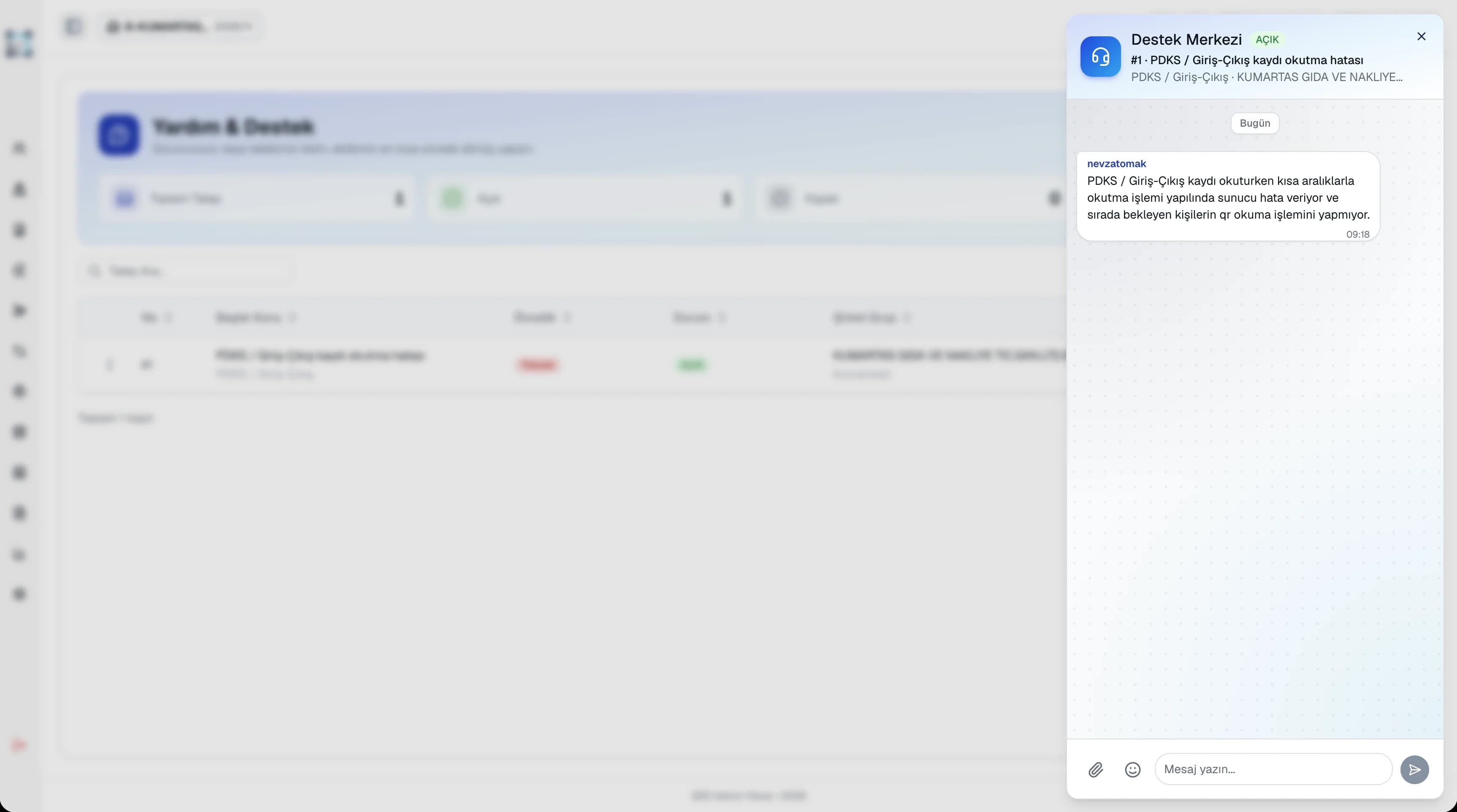
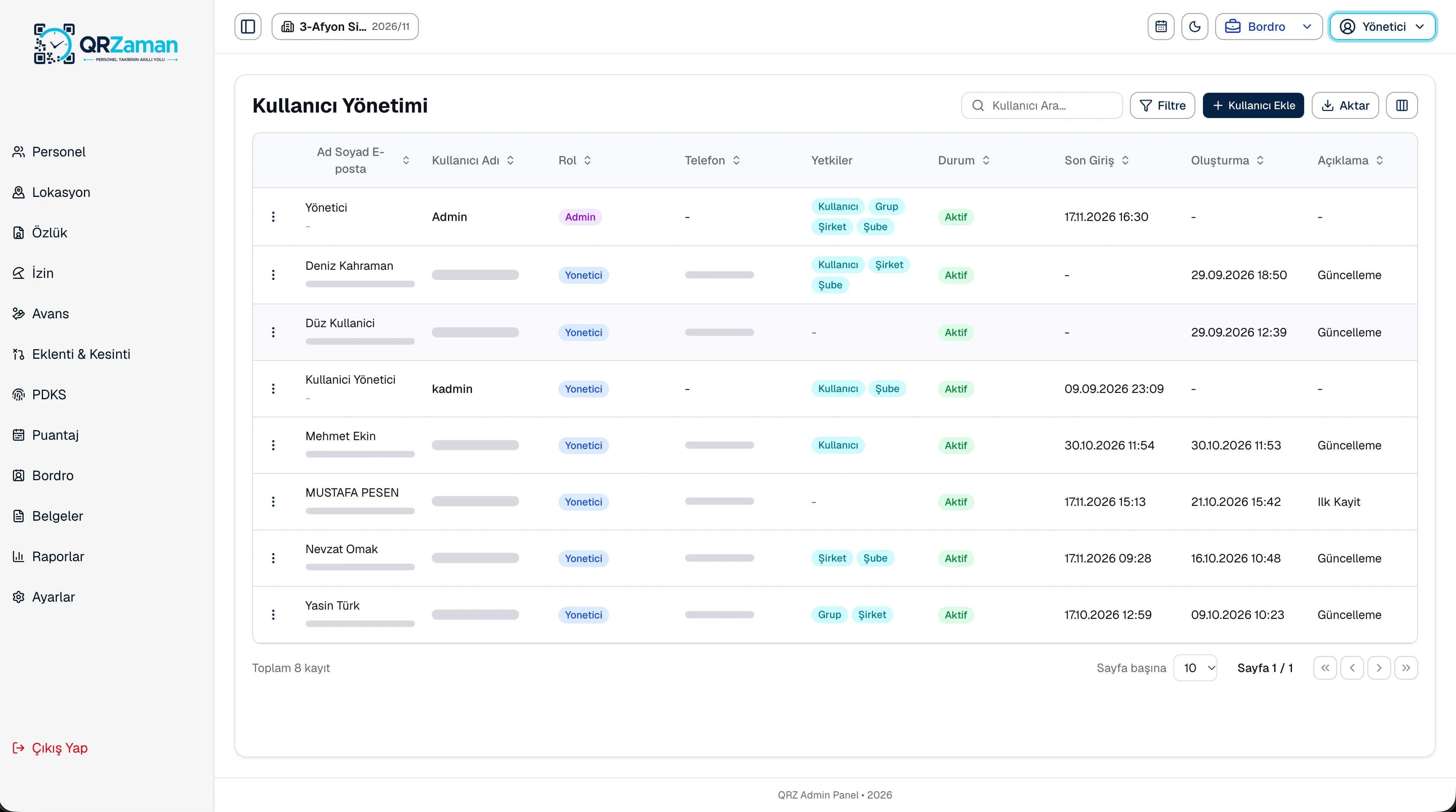
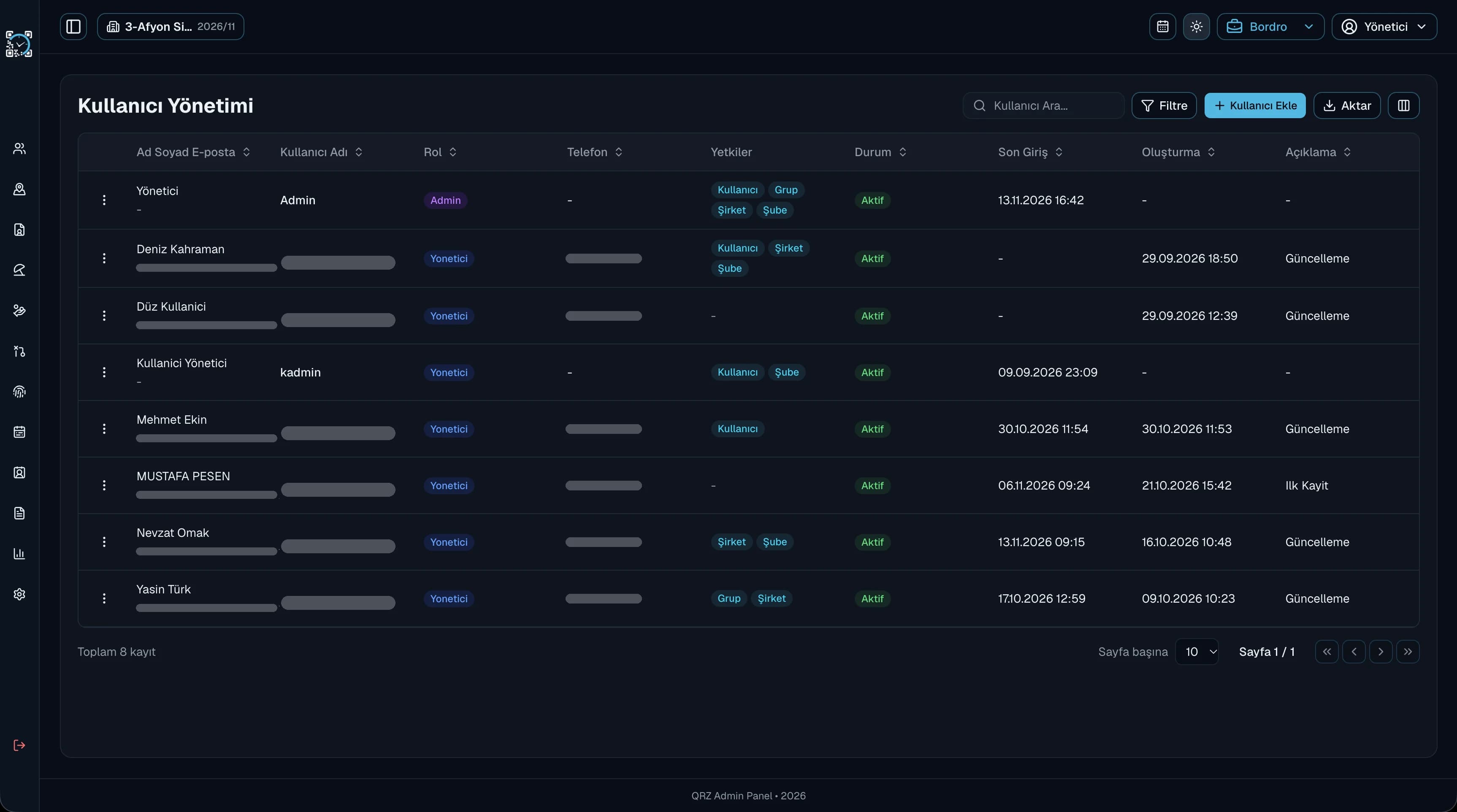
The most common slip in sales and customer work is a promised call or quote follow-up that gets forgotten. In the QR Zaman CRM, team tasks and reminders are kept in the same module as customer cards, sales opportunities and quotes, so whoever opens a task never has to look elsewhere for the customer or the deal. Managers follow the team's workload with the CRM dashboard and sales and performance reports. Role-based access means dealers see only the menus they are allowed to, and every list supports search, filters and bulk actions and exports to Excel, PDF or Word.
Every QR Zaman module shares the same data, so Task Management works hand in hand with these products.
Every customer card in one place
Opportunities and sales pipeline
Role-based overview, public holidays