

Payroll
Bulk payroll in one click
The earnings and deductions screen is where you record extra earnings such as bonuses and premiums, deductions such as disciplinary, damage, overpayment, training or childcare deductions, and overtime entries, in net or gross terms. Add one entry for many employees at once and let the amounts flow into payroll automatically.
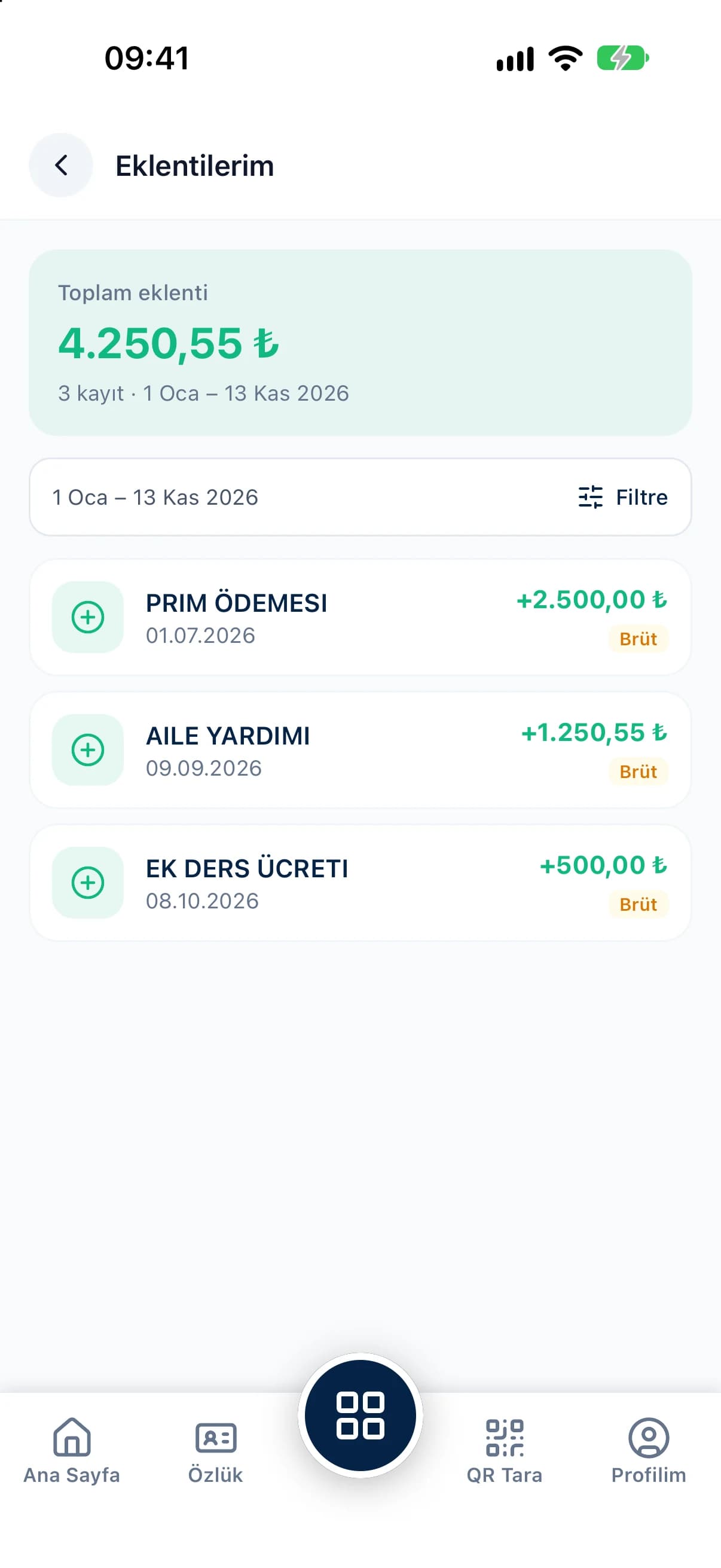
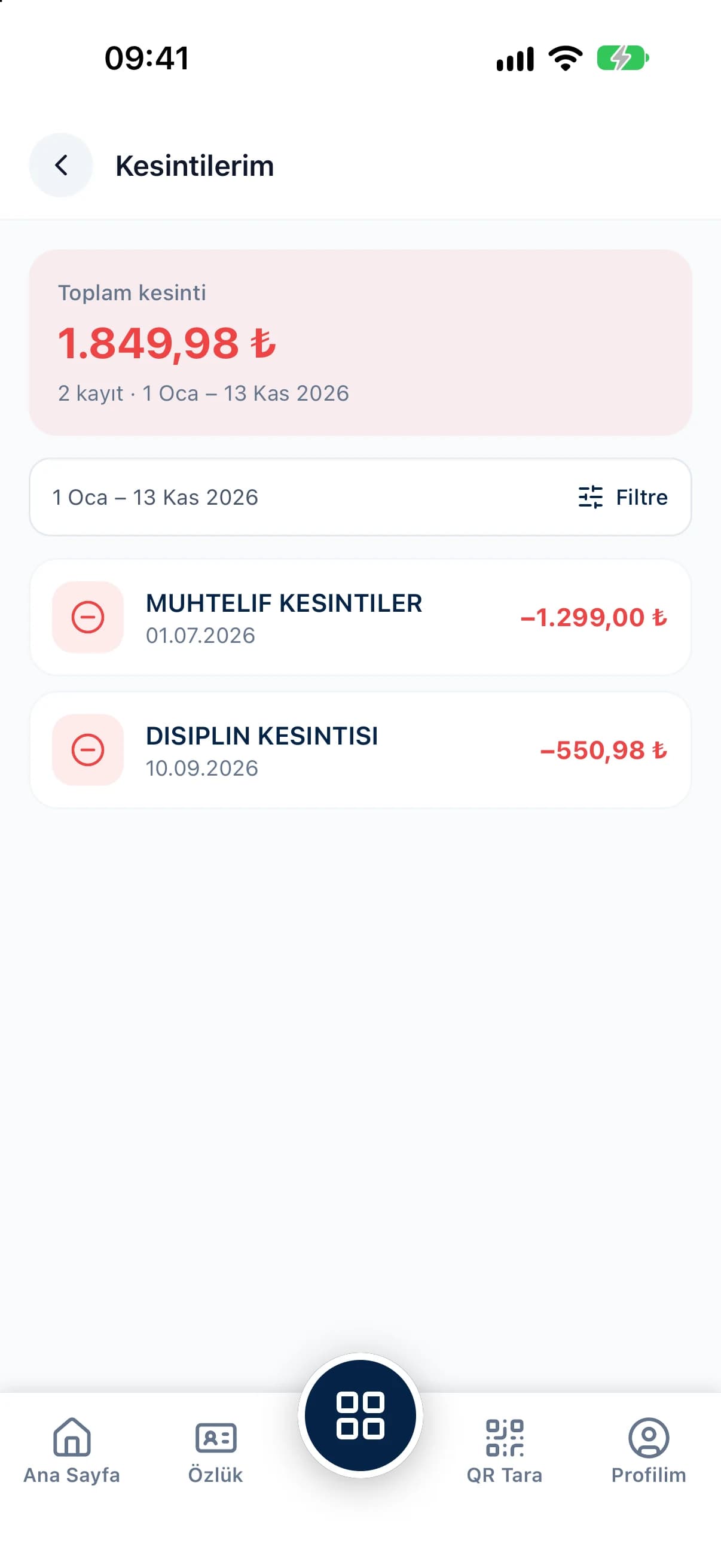
Add payments that everyone receives at the same time, such as a holiday bonus, to all selected employees with a single entry.
Each earning and deduction is entered net or gross, and payment coefficients decide how social security, income tax and stamp duty apply.
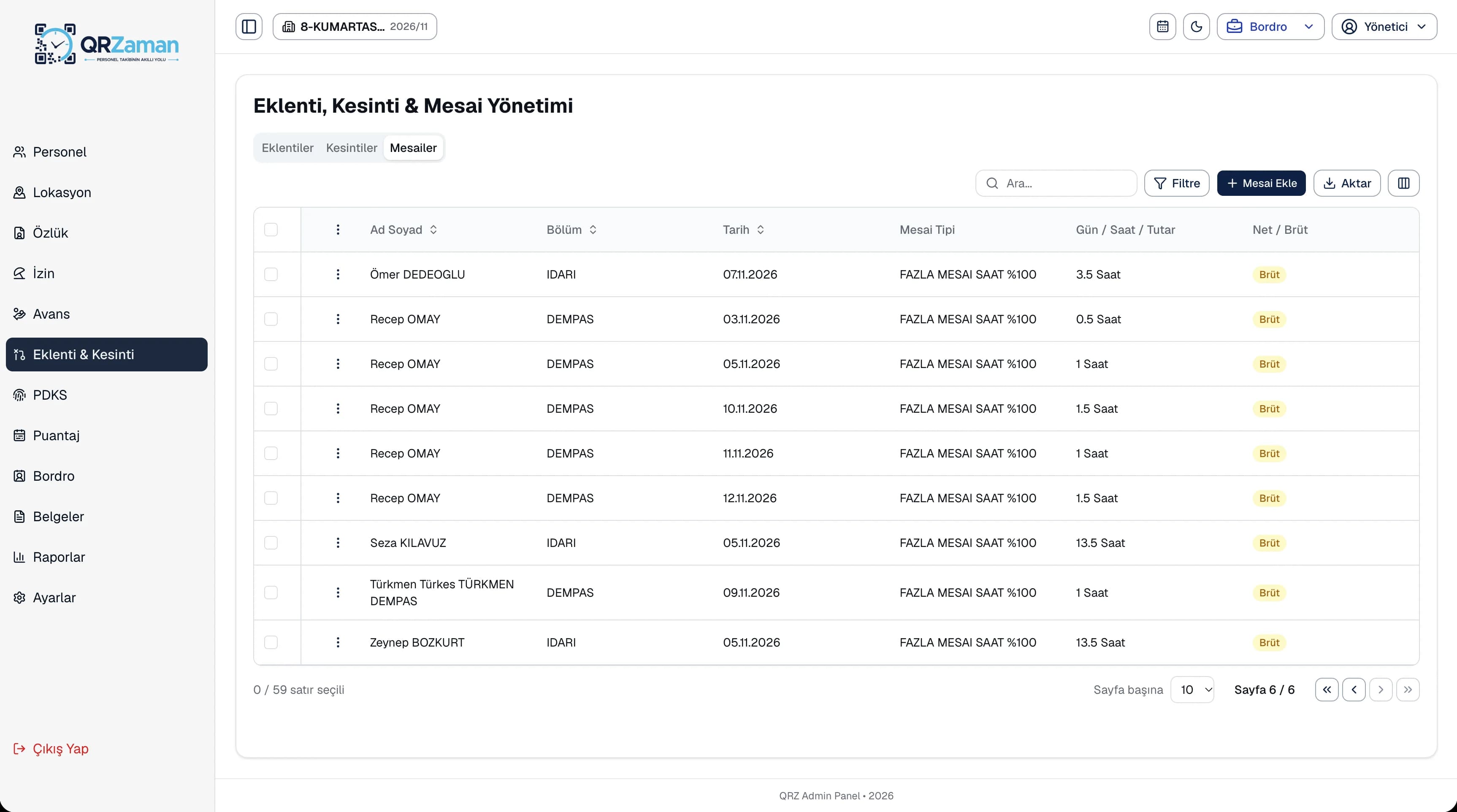
Enter overtime by days and hours or as a fixed amount, and it lands on the matching overtime line in payroll.
Earnings, deductions and overtime are listed in tabs on the same screen. Each row shows the employee, department, date, item type, amount and whether it is net or gross, and the payment date decides which payroll it goes into. Employees can list and filter their own earnings and deductions in the mobile app, and authorized users can add entries from mobile too.
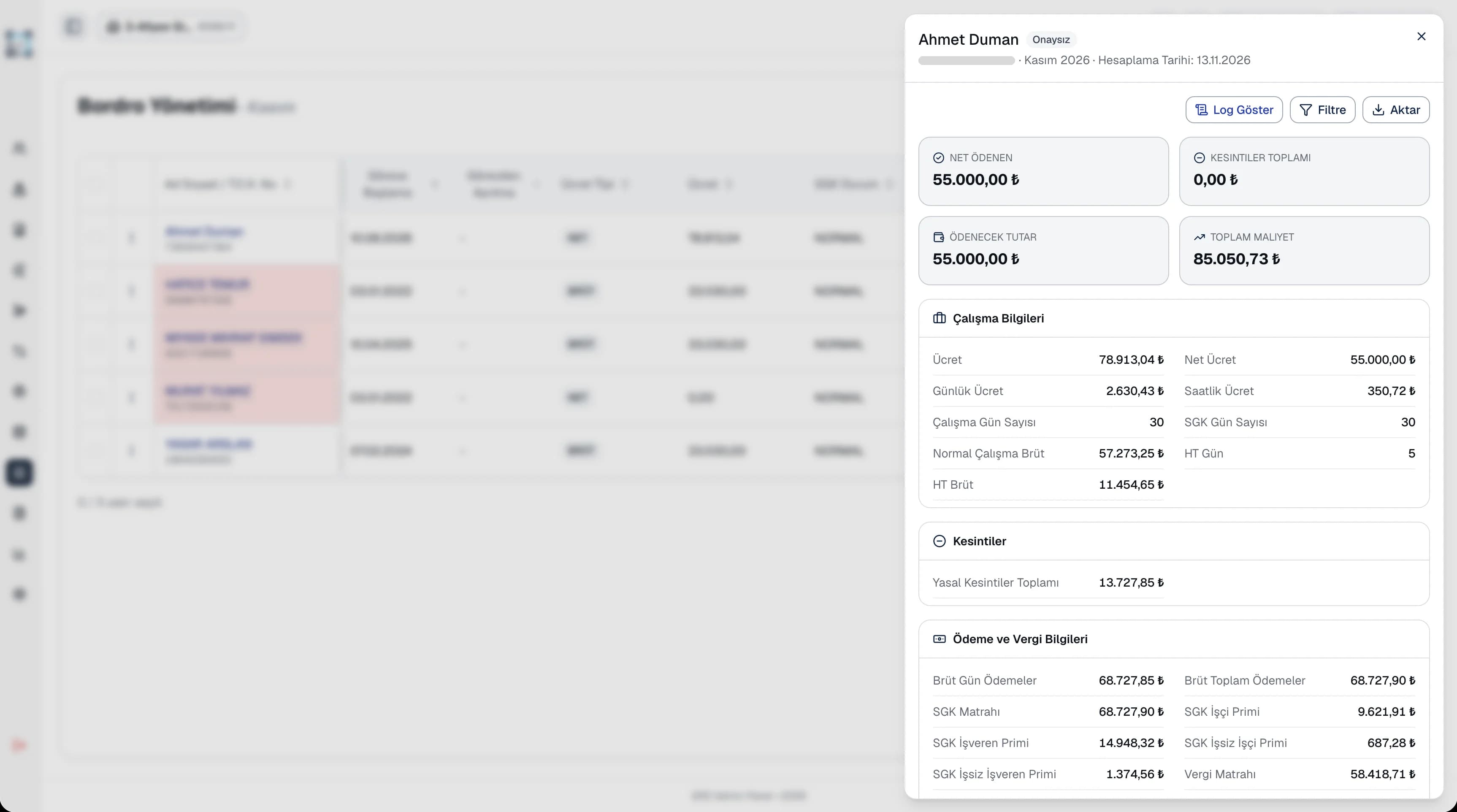
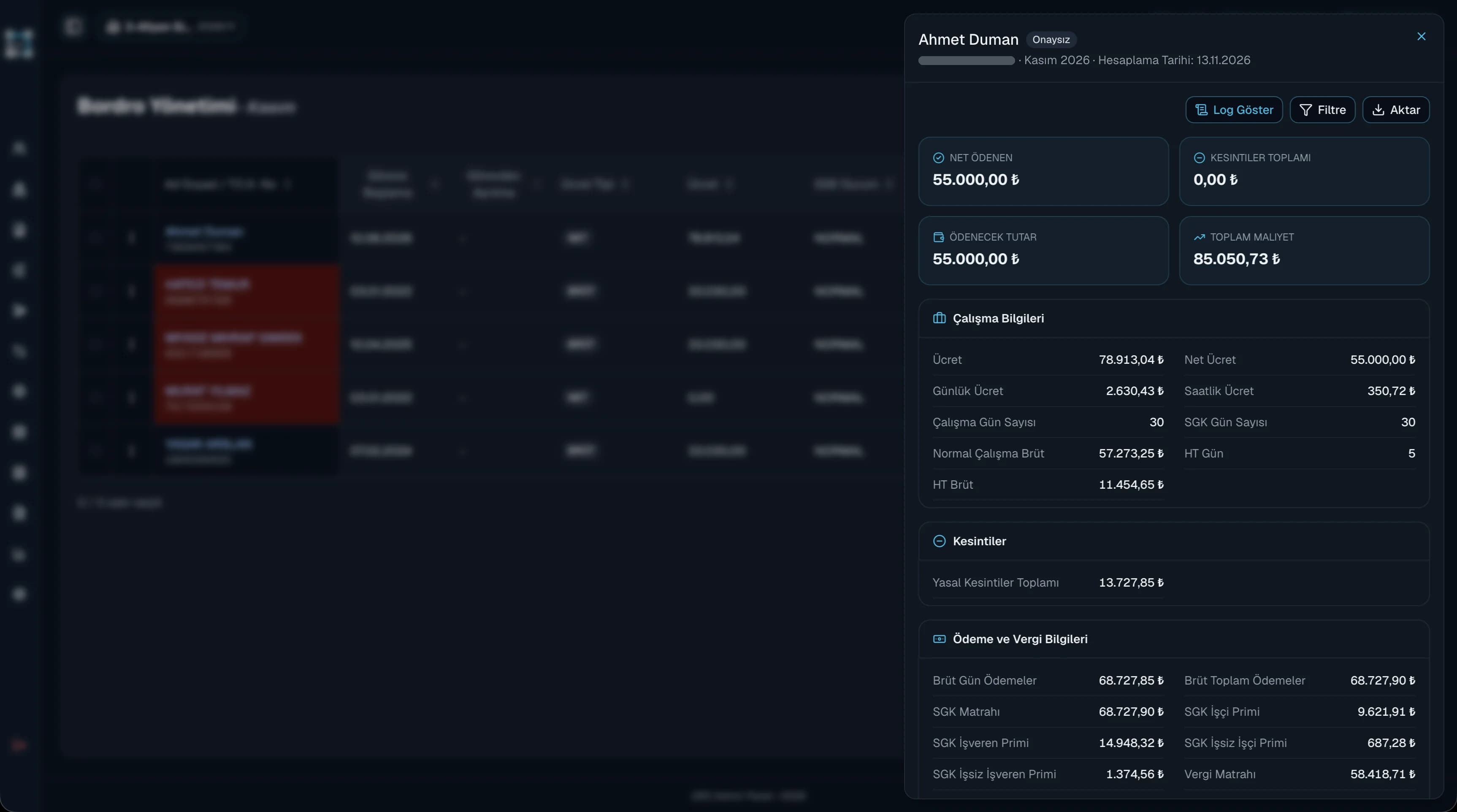
Extra pay and deductions often surface right before payday. In QR Zaman they are recorded with their dates throughout the year and go into the right payroll based on the payment date. Deductions are labeled as disciplinary, damage, overpayment, training or childcare, so reports always show why each deduction was made.
Every QR Zaman module shares the same data, so Earnings & Deductions works hand in hand with these products.
Bulk payroll in one click
Installments, payroll deductions
Monthly sheet, bulk entry