

Employee Management
Profiles, SSI entries, Excel import
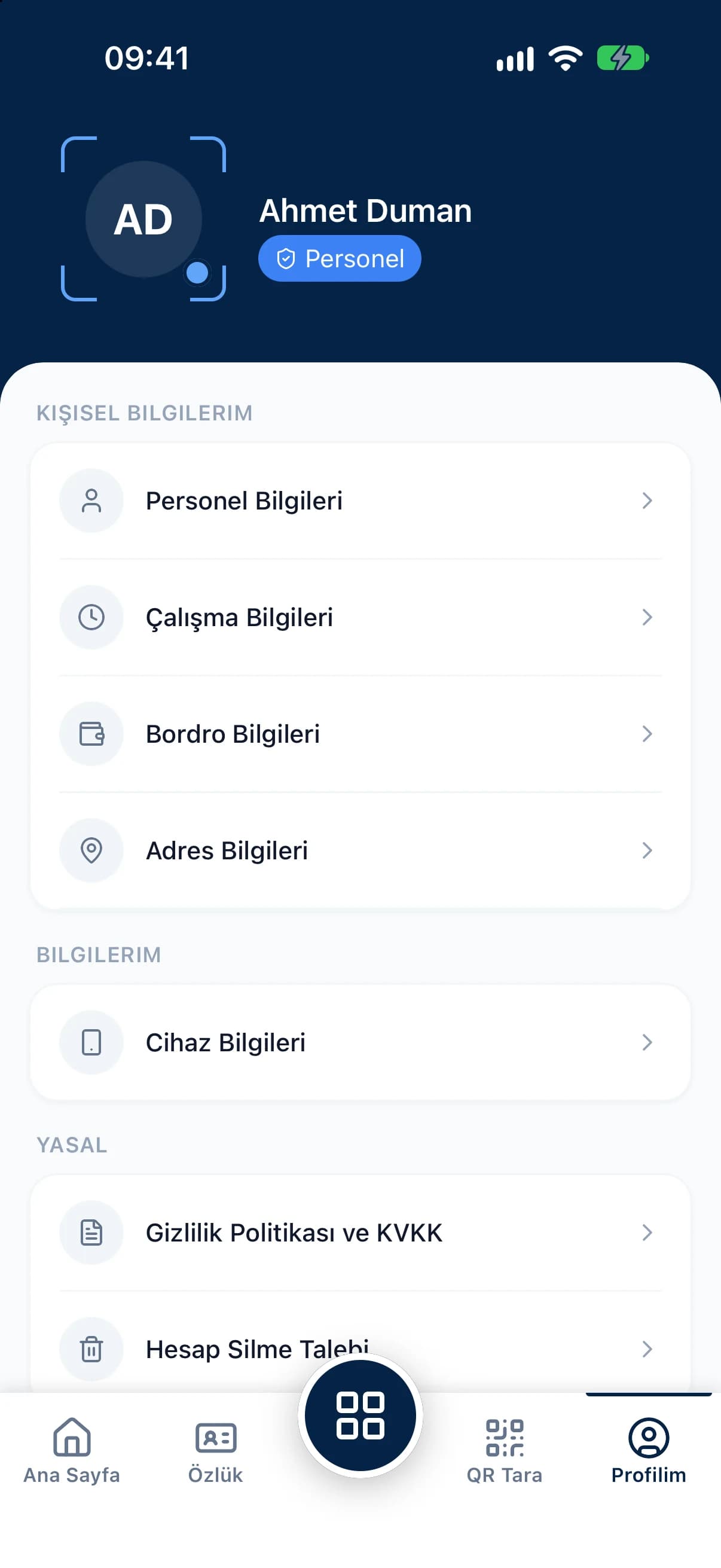
Digital employee records keep each person's identity, education, health, bank, payroll parameters and employment details on one screen. Instead of paper folders where information gets lost, you keep a searchable personnel file, and employees can view their own records in the mobile app.
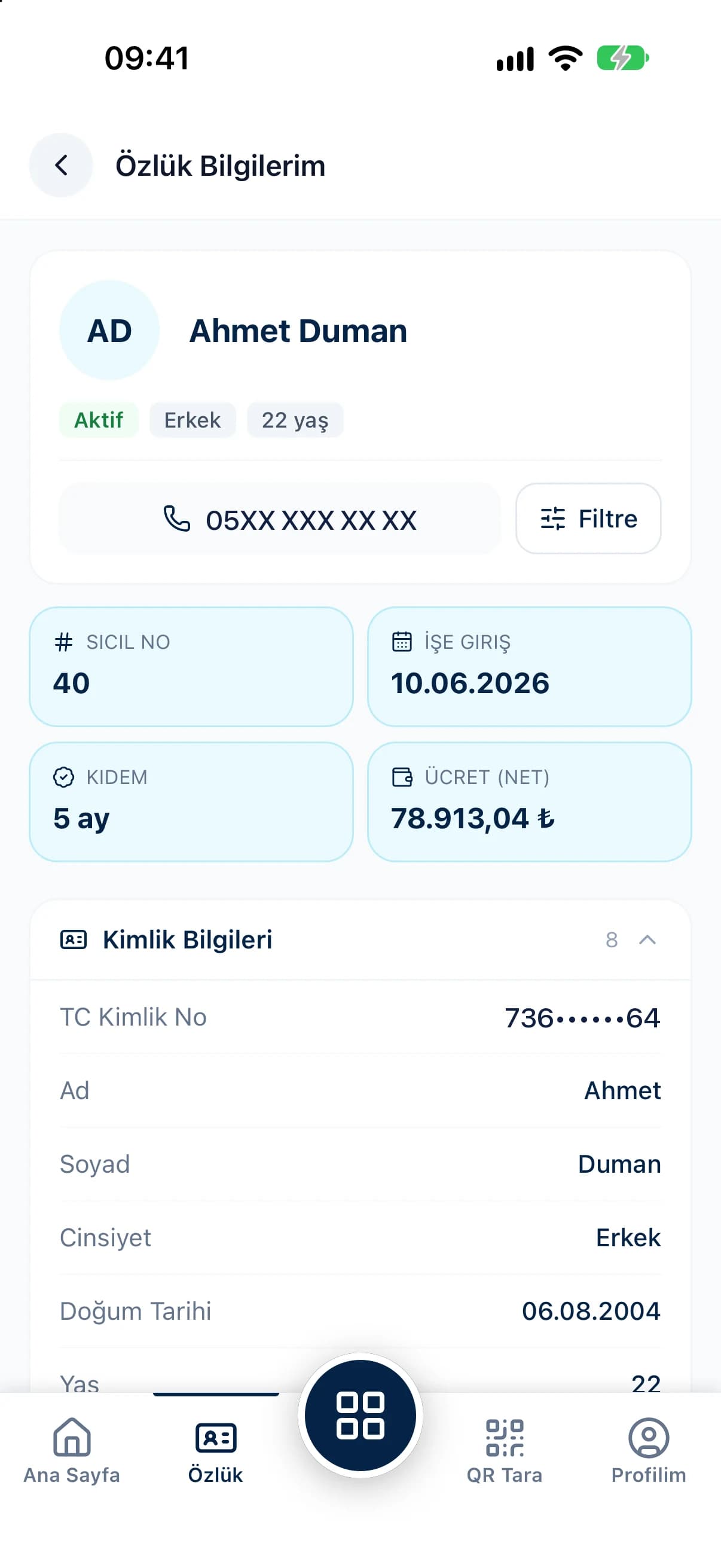
List every unfilled field with one option and complete missing onboarding details before an audit does it for you.
Jump from one file to the next with the employee picker, without going back to the list to search again.
Employees view their personnel record in the mobile app, and managers can open their team's records and details on mobile.
Below a summary of staff number, start date, seniority and pay, the record screen groups identity, contact, education, health and bank details into sections. Payroll parameters such as social security status, document type and law number sit in the same file along with employment details. Because the file shares its data with the employee profile, every change flows straight into payroll.
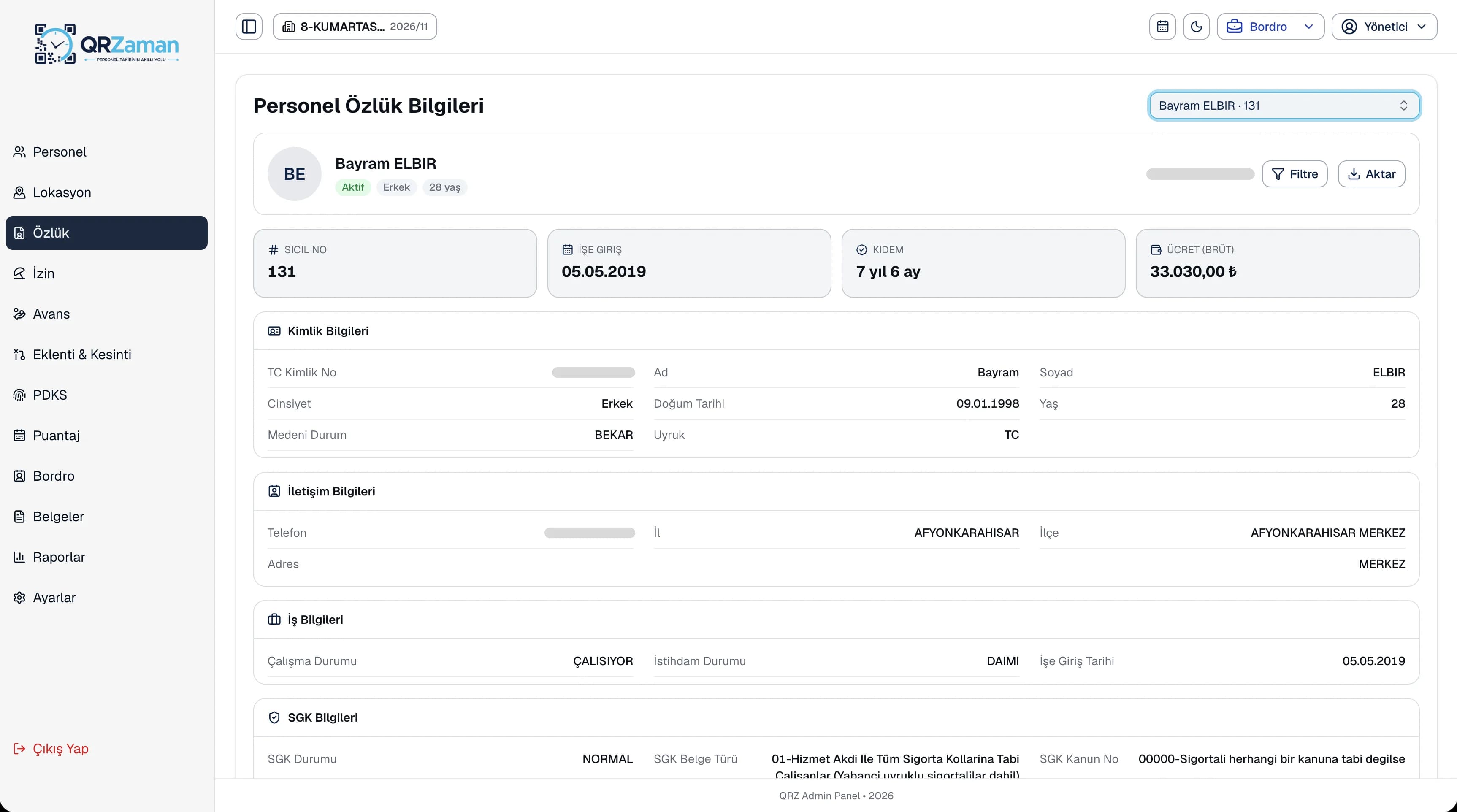
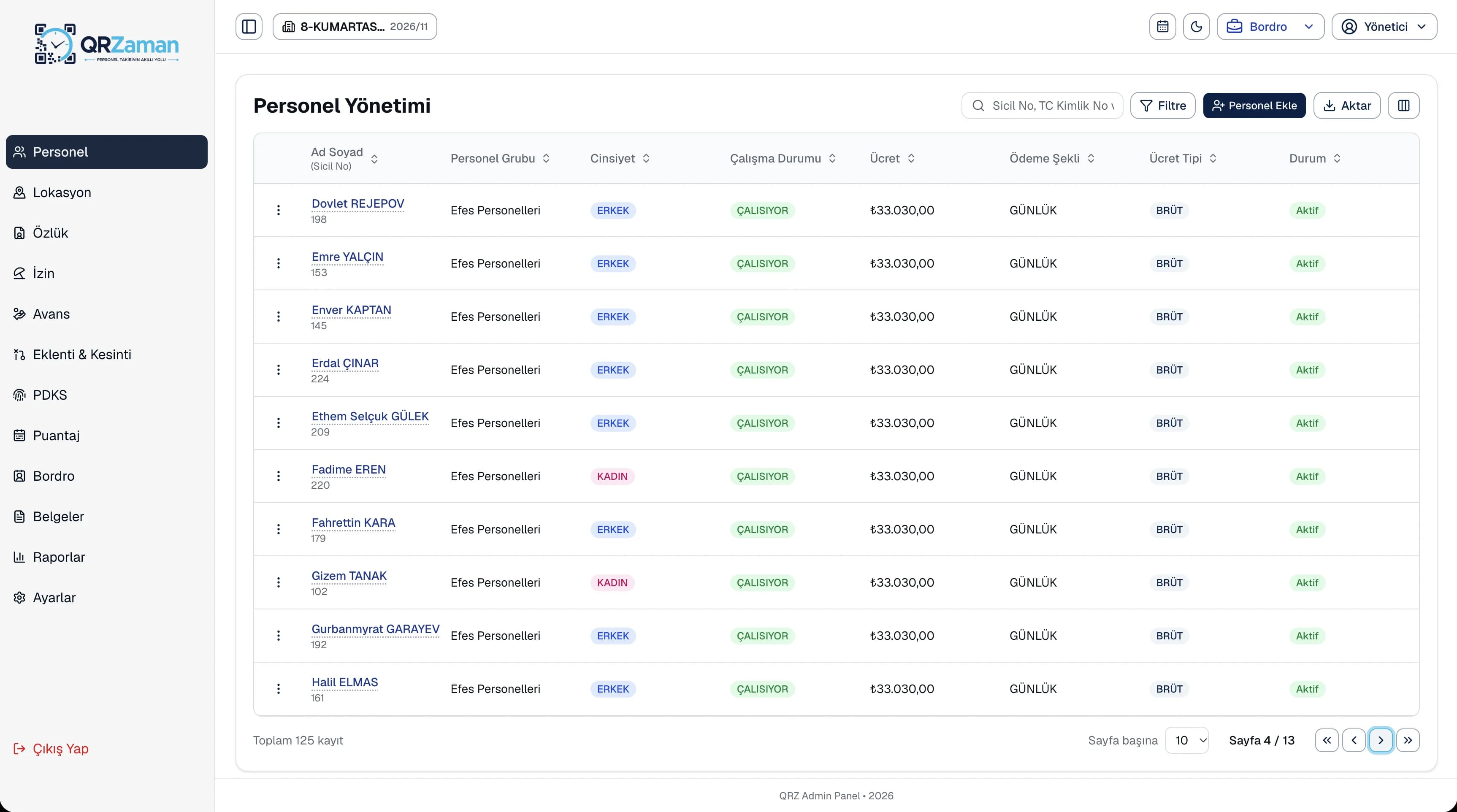
The personnel file is one of the screens HR opens most: whatever an insurance notice, a bank change or an audit calls for is in one place. Identity, education, health and bank details are split into sections, so you never get lost in a long form, and the Show empty fields option gathers every gap into one list. Managers can open their team's records on mobile, and employees see their own details on the My Records screen and can flag anything that looks wrong to HR.
Every QR Zaman module shares the same data, so Employee Records works hand in hand with these products.
Profiles, SSI entries, Excel import
Contracts, forms and reports
Requests, approvals, live balances