

Payroll
Bulk payroll in one click
With salary advance management, employees request an advance from the mobile app with the amount, number of installments, monthly repayment and start date. Managers approve it or reject it with a reason. Installments of approved advances are deducted in payroll automatically, so nobody keeps a separate deduction spreadsheet at month end.
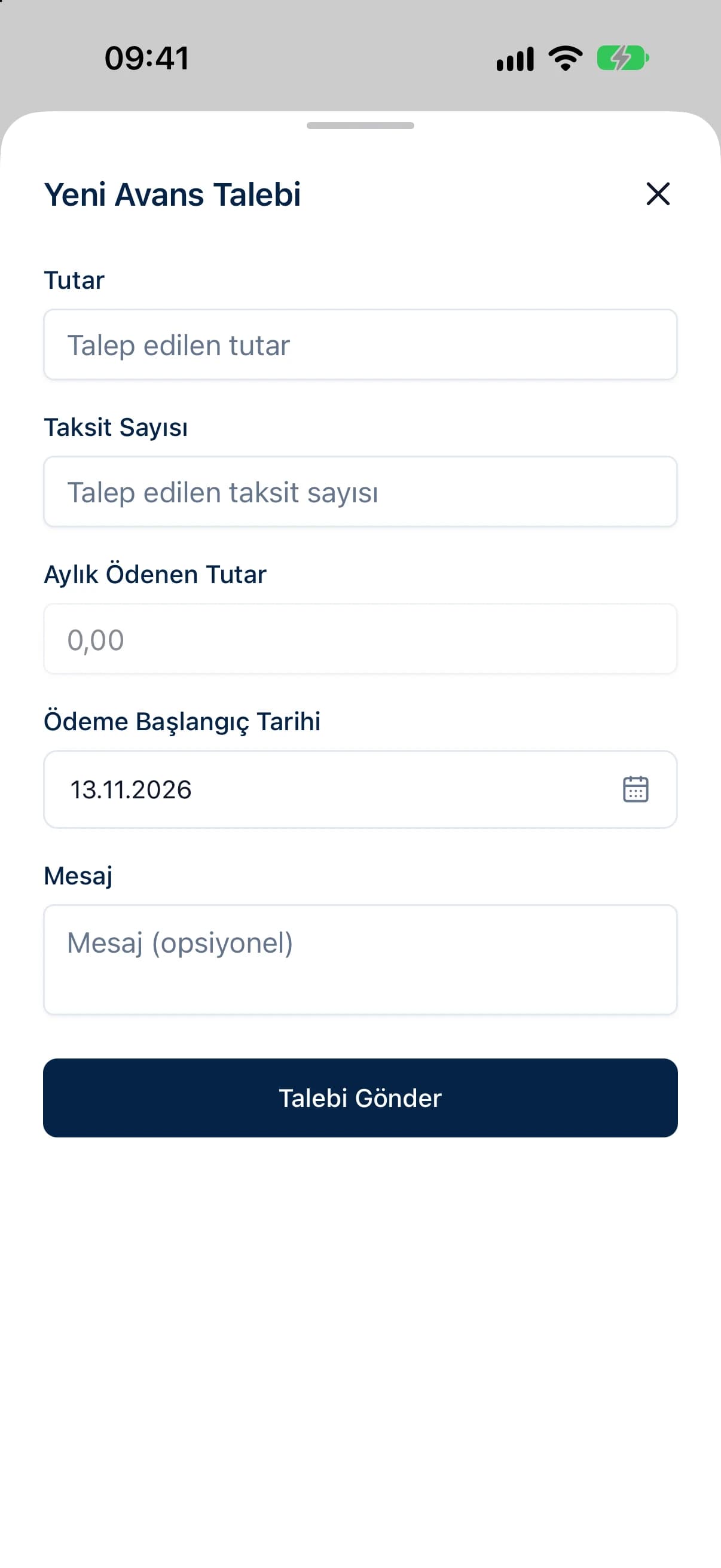
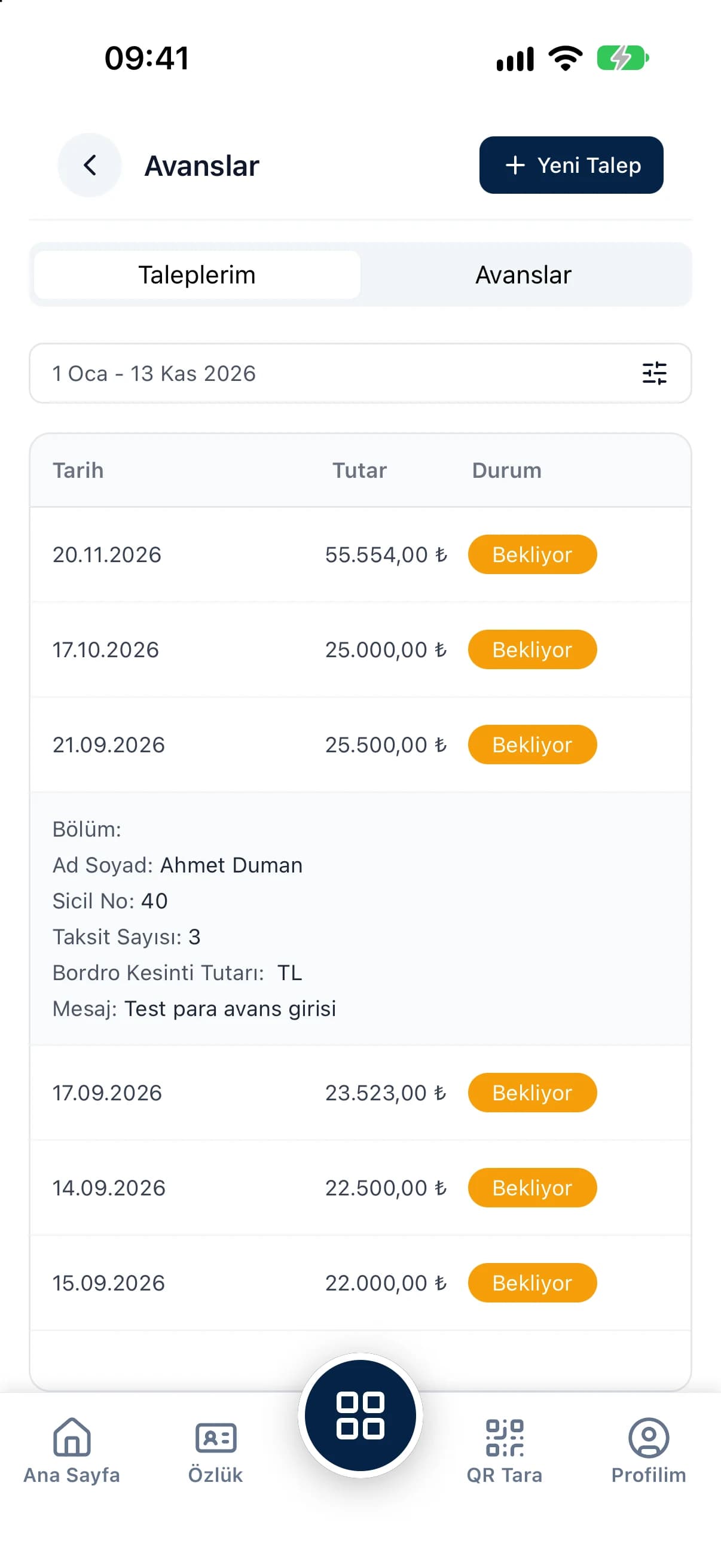
Employees enter the amount, number of installments and monthly repayment themselves, and the request shows when repayment starts.
Each request's status shows in the panel and the app at the same time, so employees never have to chase their manager for an answer.
Installments of approved advances are calculated as advance deductions in payroll and reduce the net pay automatically.
When payroll runs, the employee's advance deduction appears in the payroll detail alongside social security, taxes and other deductions. The advance report lists the payroll deduction amount, deduction date and document number. Managers can also set up an advance directly in the panel without waiting for a request, and its installment plan links to payroll the same way.
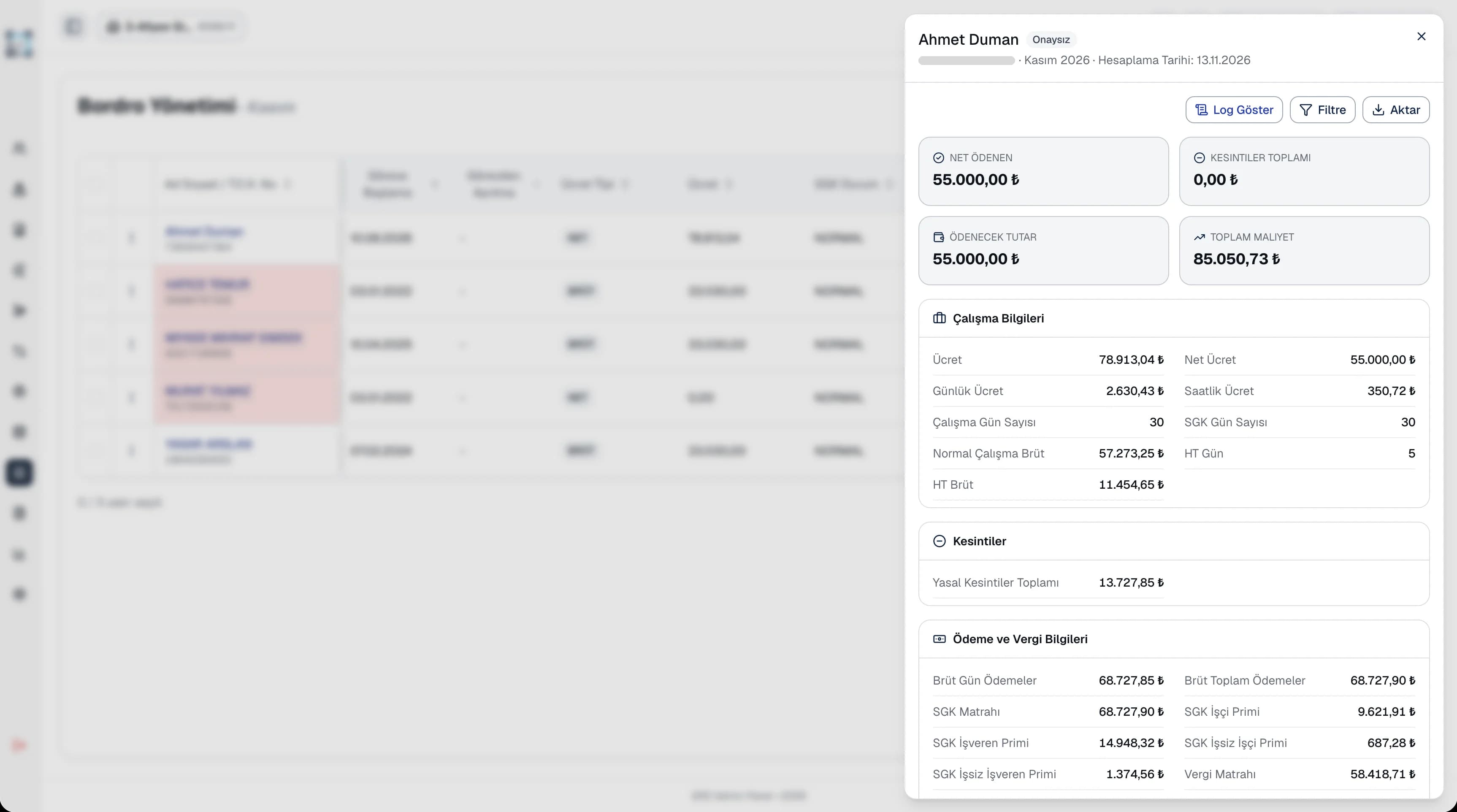
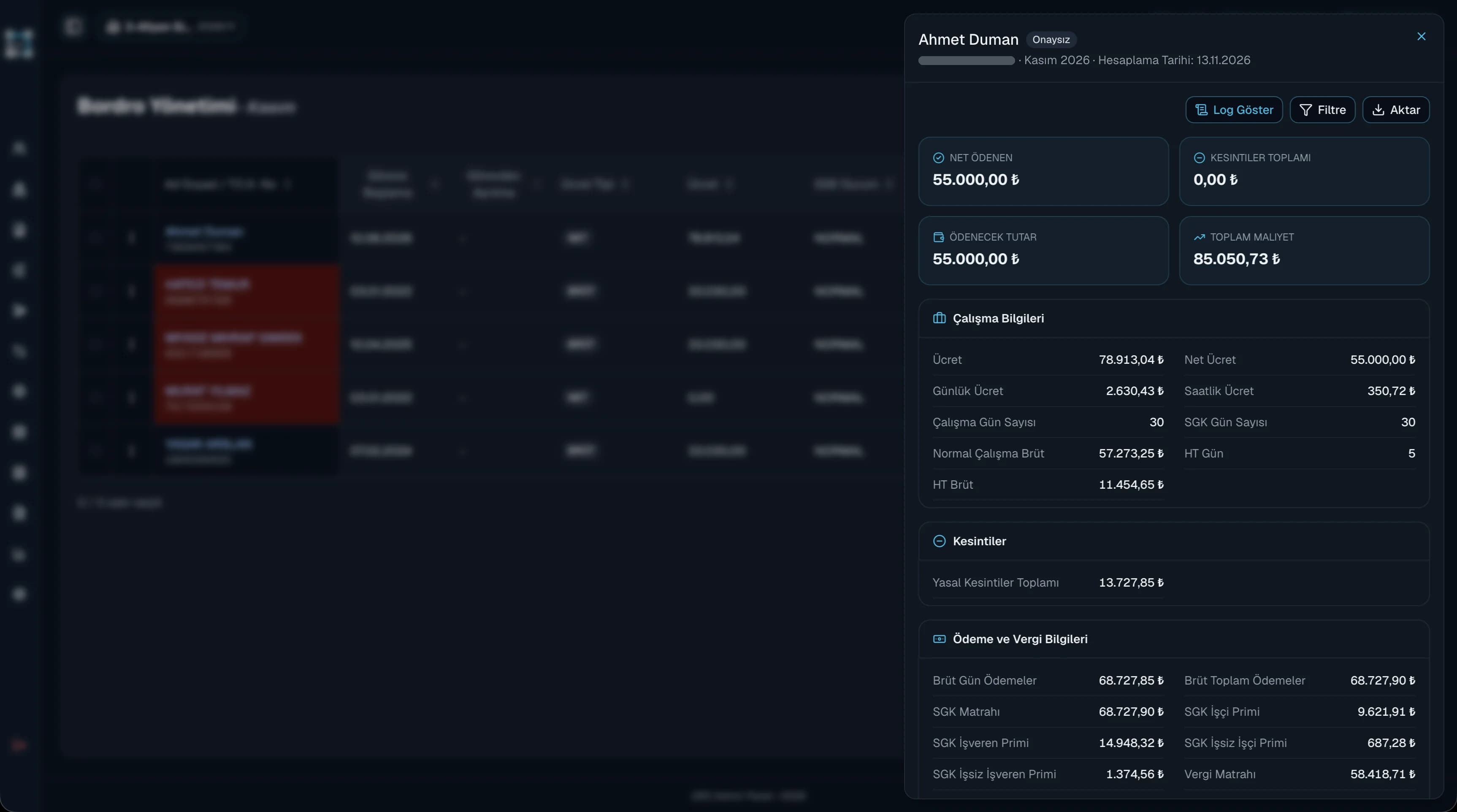
In many businesses, advance requests arrive by phone, chat or paper, and installments are tracked in a separate spreadsheet. In QR Zaman, request, approval and deduction are one flow. Employees follow their request as pending, approved or rejected in the mobile app, and managers keep an eye on pending requests from the dashboard. The advance report shows which deduction was made in which payroll, with its document number, ready for audits or reconciliation with staff.
Every QR Zaman module shares the same data, so Salary Advances works hand in hand with these products.
Bulk payroll in one click
Bonuses, overtime, deductions
Requests, approvals, live balances