

QR Code Attendance
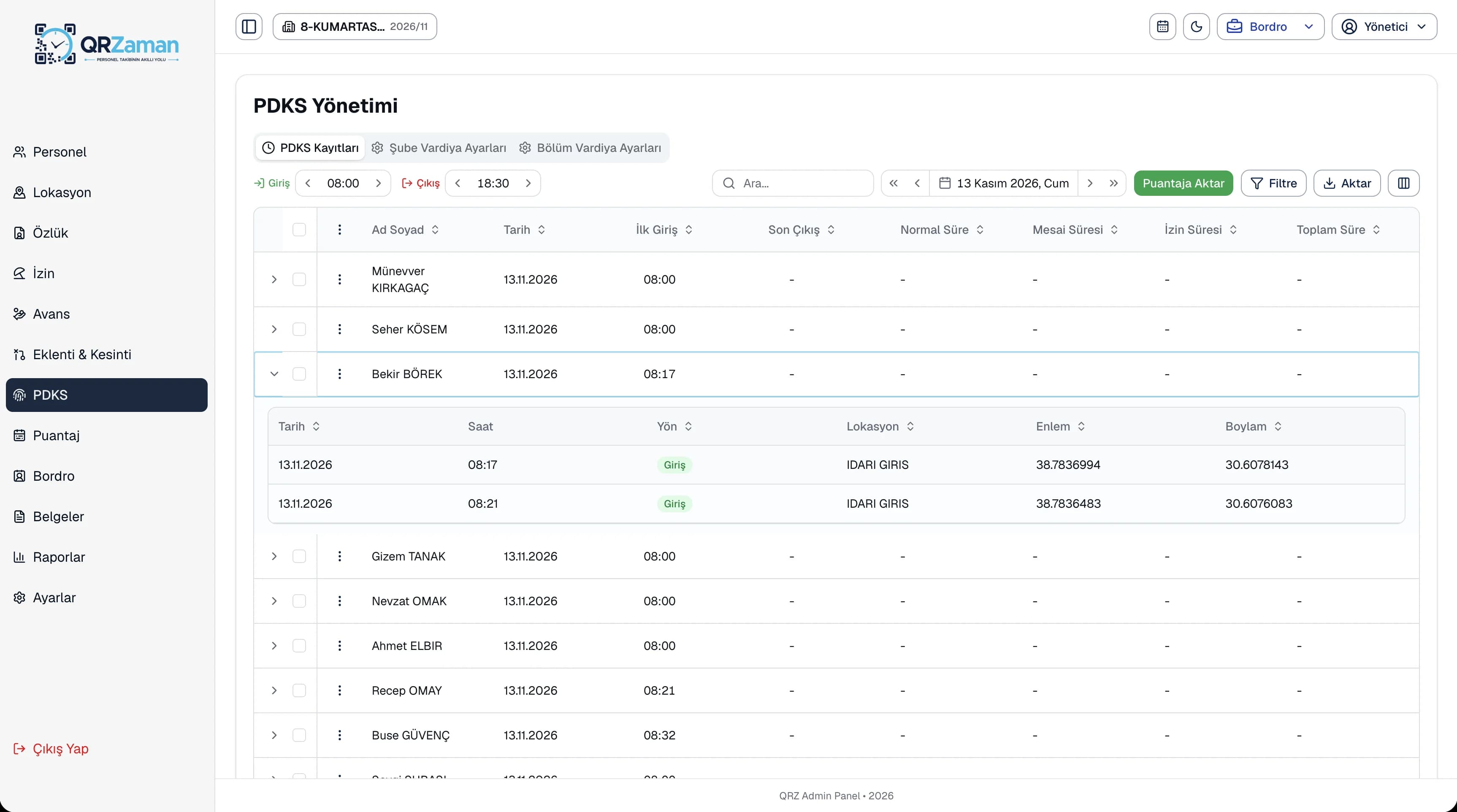
The scan location is stored with its accuracy, and clock-ins made with fake GPS are blocked.
Construction time tracking has to work without a fixed front door. With QR Zaman, crews scan the QR code posted on site and their location is added to the record, while clock-ins made with fake GPS are blocked. Managers set up the QR point for a new job site from the mobile app, in one tap, right where they stand.
Construction and field crews move often, job sites are temporary and managers are rarely on site. That makes reliable attendance records hard to keep.
One site finishes, another starts, and field crews may work at several spots in a day. Installing a device or running cables at every new location is slow and expensive.
Paper sign-in sheets and foremen's notes don't prove someone was actually on site. Buddy punching and hours fixed after the fact go straight into payroll as cost.
If attendance from the field reaches the office days later, you can't see in time which crew worked how many hours at which site, or close the timesheet accurately.
Start without hardware or cabling: all you need is a QR poster and your crew's phones.
The scan location is stored with its accuracy, and clock-ins made with fake GPS are blocked.
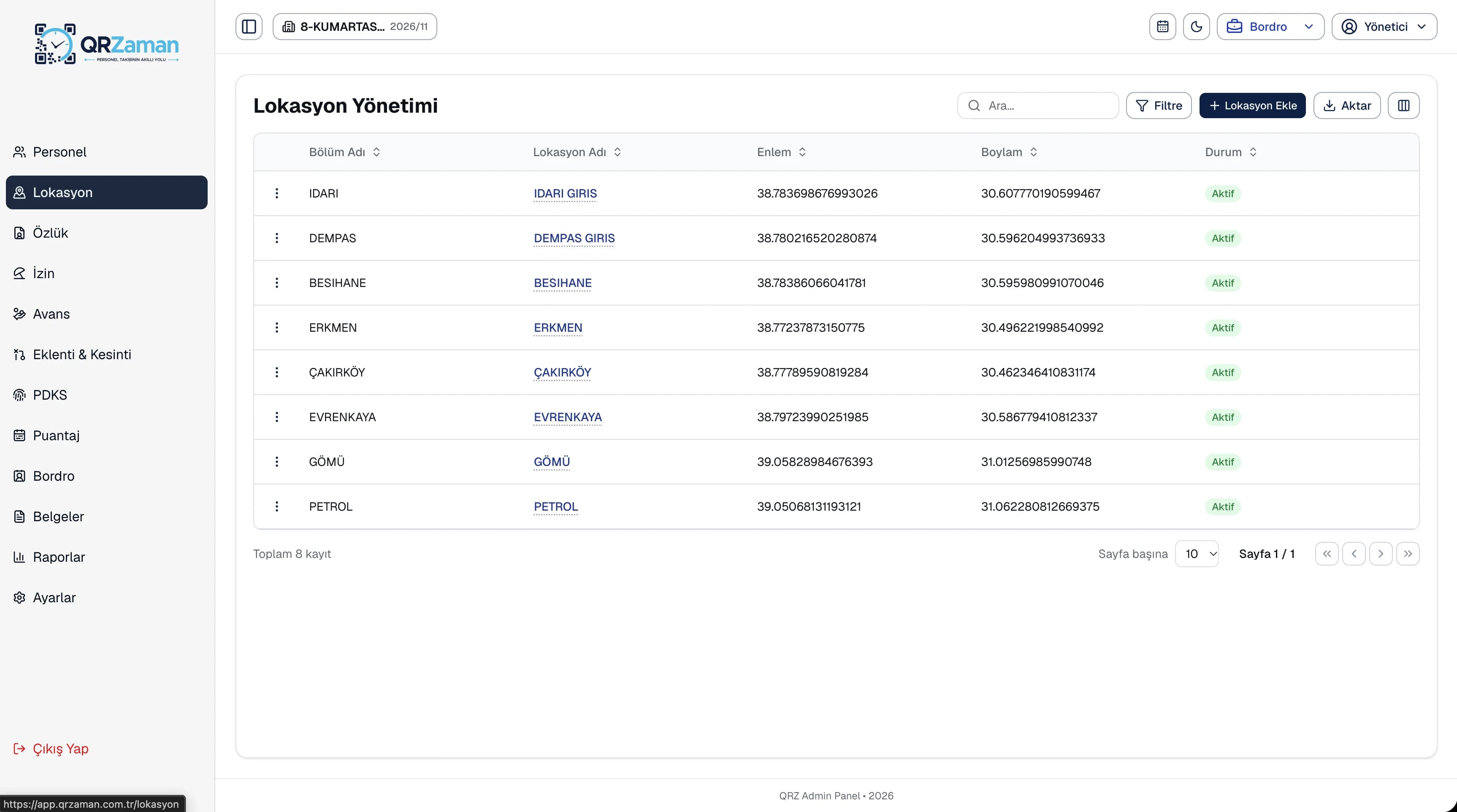
Set up each job site as a location linked to a department and deactivate it when work is done.
Managers create a new QR point on site by saving their current location in one tap.
Field records move into the timesheet, so every crew's monthly hours and overtime are in one grid.
Payroll for daily or hourly paid field staff is calculated automatically from the timesheet.
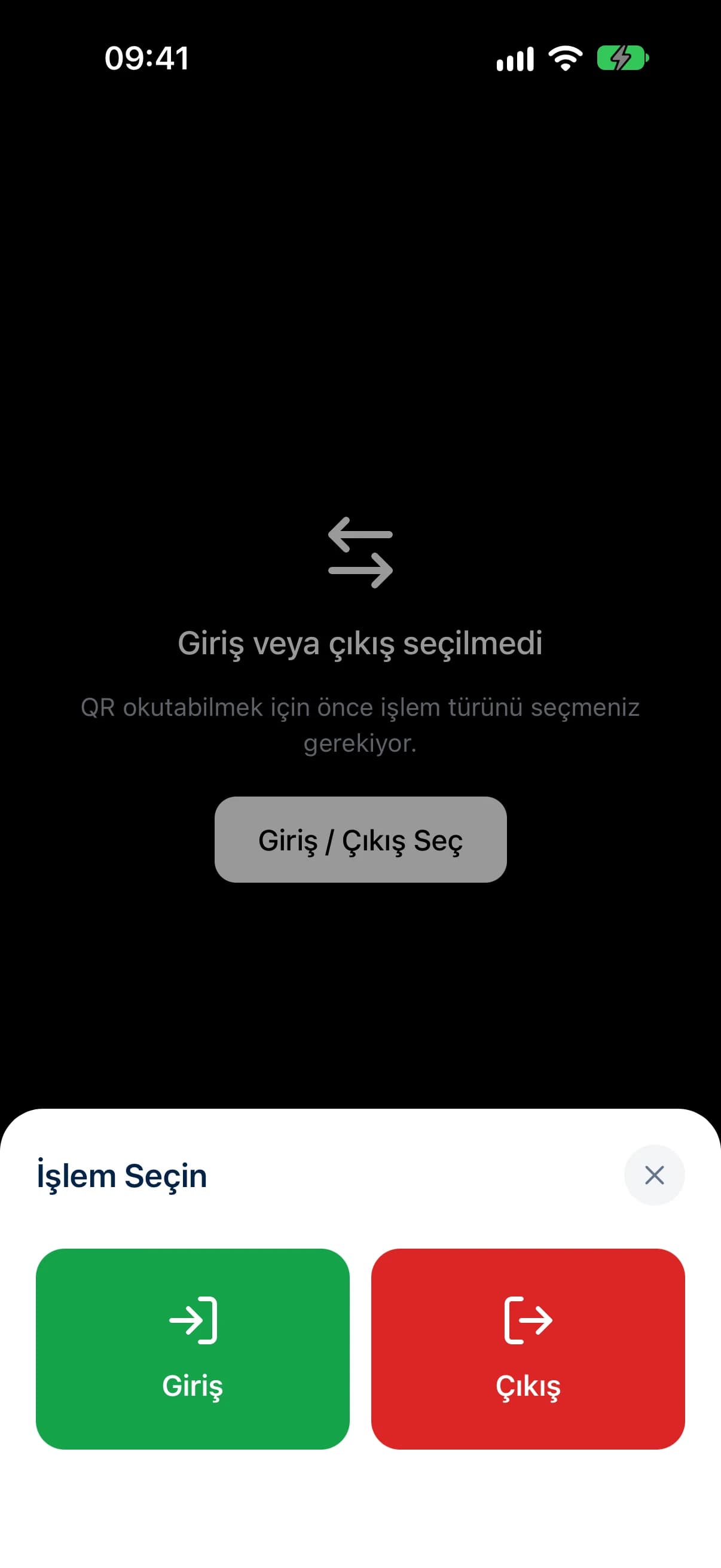
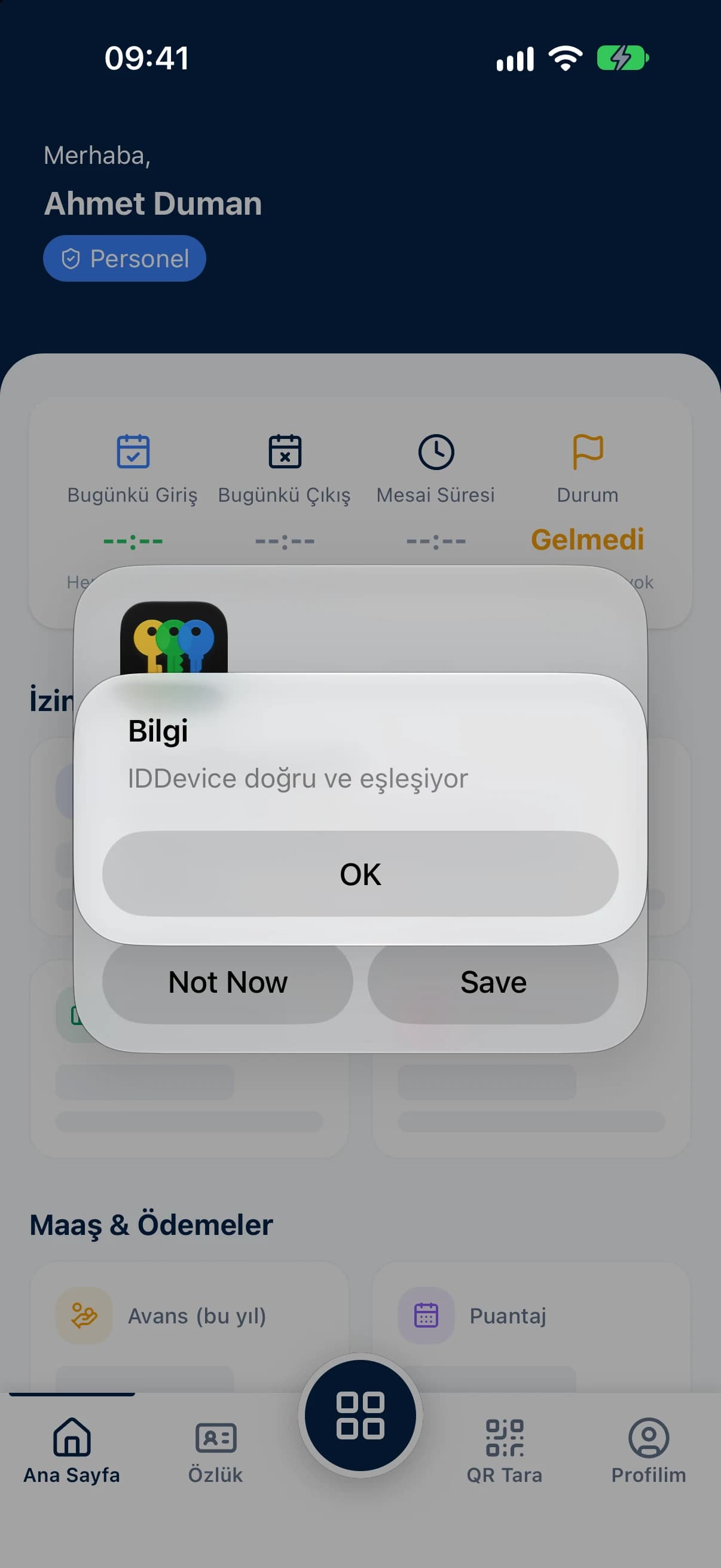
Crew members choose Clock in or Clock out in the app and scan the QR code on site. The phone's location is added to the record with its accuracy, and if location is off the app sends them to settings. Each account is paired to one device so it can't be used from another phone, and no camera image is ever saved.
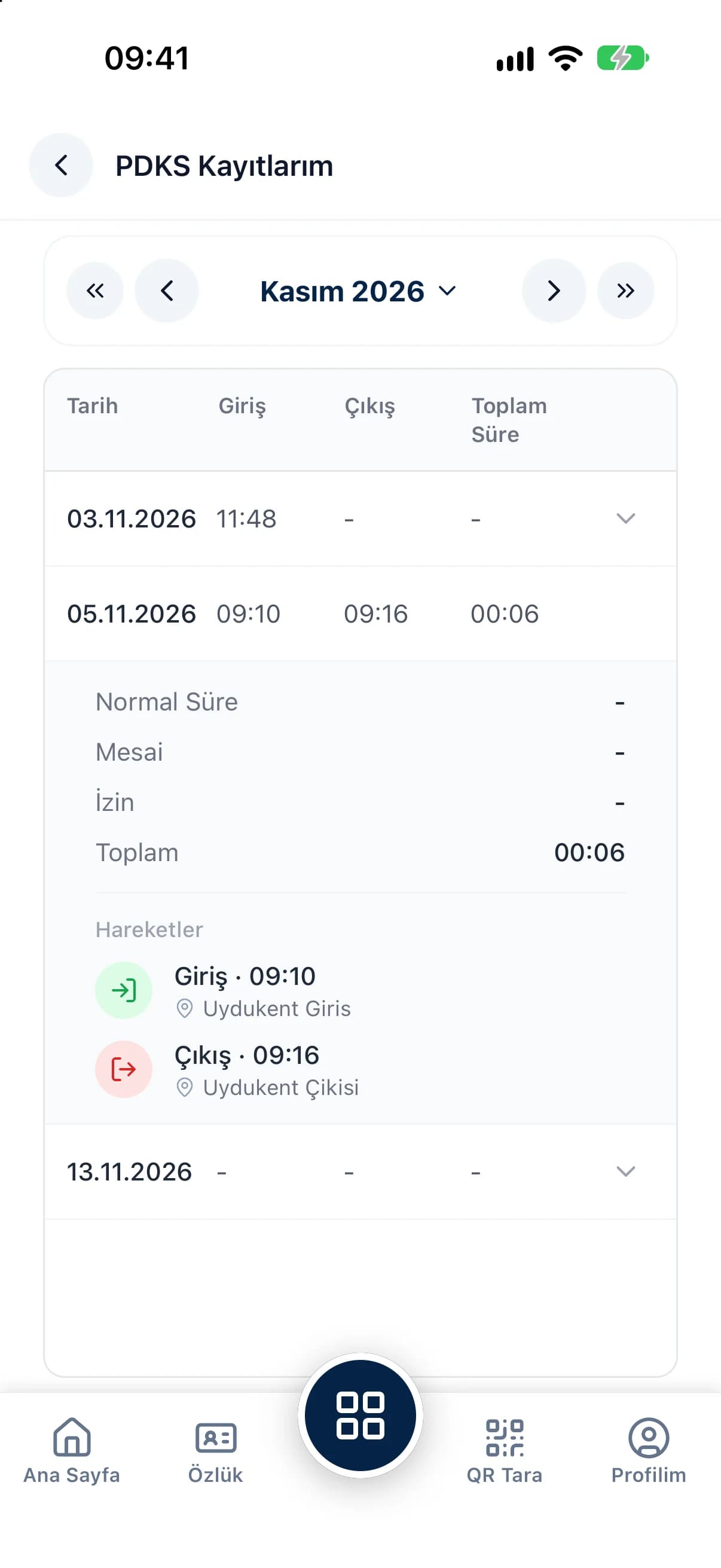
Open any clock-in in the panel to see the time, the location and the latitude and longitude where the QR code was scanned. Filter by department and date range to review each site separately, and correct a time or clear a record when needed.
The questions we hear most about QR Zaman for Construction & Field Teams. If yours is not here, let us go through it together in a demo.
When a manager arrives on site, they pick the department in the mobile app and save their current location in one tap. They then download the location's QR code as a PNG or A4 PDF poster and put it up at the site entrance.
The phone's location is captured at the moment of the scan and stored with the record, including latitude and longitude. Clock-ins from fake GPS apps are detected and blocked, and because each account is paired to one device, nobody can scan on someone else's behalf.
Instead of deleting the location, you set it to inactive. That way the clock-ins already recorded at that site stay in your attendance records and reports.
Yes. On each employee profile you choose monthly, daily or hourly pay, as net or gross. Payroll is calculated from the days and hours in the timesheet.
QR Zaman is one platform, so the same setup works across other roles and industries too.
Shift-based production and overtime
Every branch in one panel
Live status, approvals, costs