

QR Code Attendance
Location-verified clock in and out
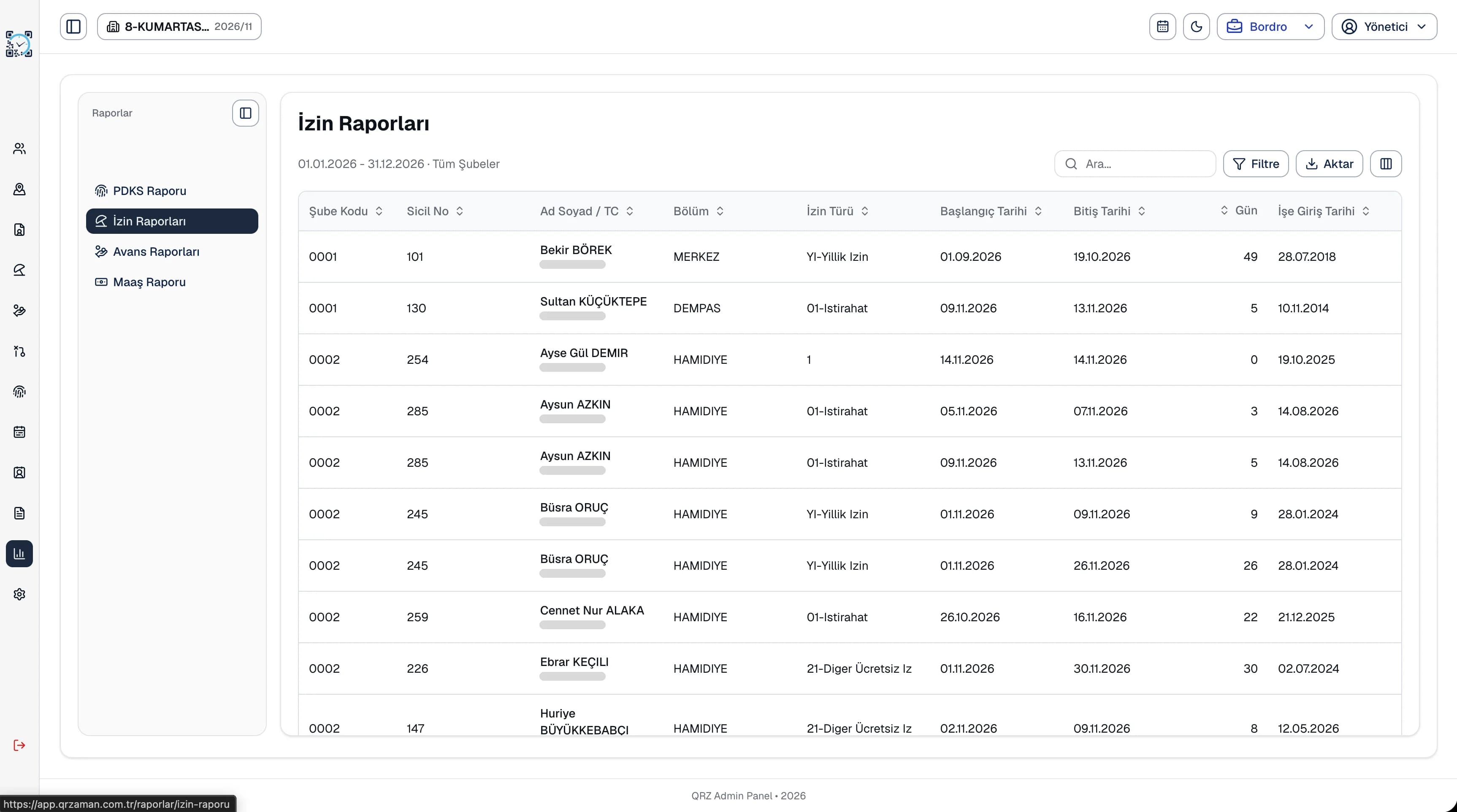
QR Zaman's workforce reporting keeps attendance, leave, advance and payroll reports in one menu. Filter and review late arrivals, late departures, absences and overtime, leave usage and advance deductions, then export any report to Excel, PDF or Word.
See regular, overtime, leave and total hours per employee and catch attendance issues before month end.
Report general leave usage and annual leave totals together with each employee's seniority.
The advance report shows the payroll deduction amount, date and document number, and the payroll report shows every item.
Every report exports to Excel, PDF or Word as a document with your company header. Search the tables, narrow down branches, departments and date ranges with advanced filters, and hide the columns you do not need. The file you send to your manager, accountant or auditor looks exactly like what you see on screen.
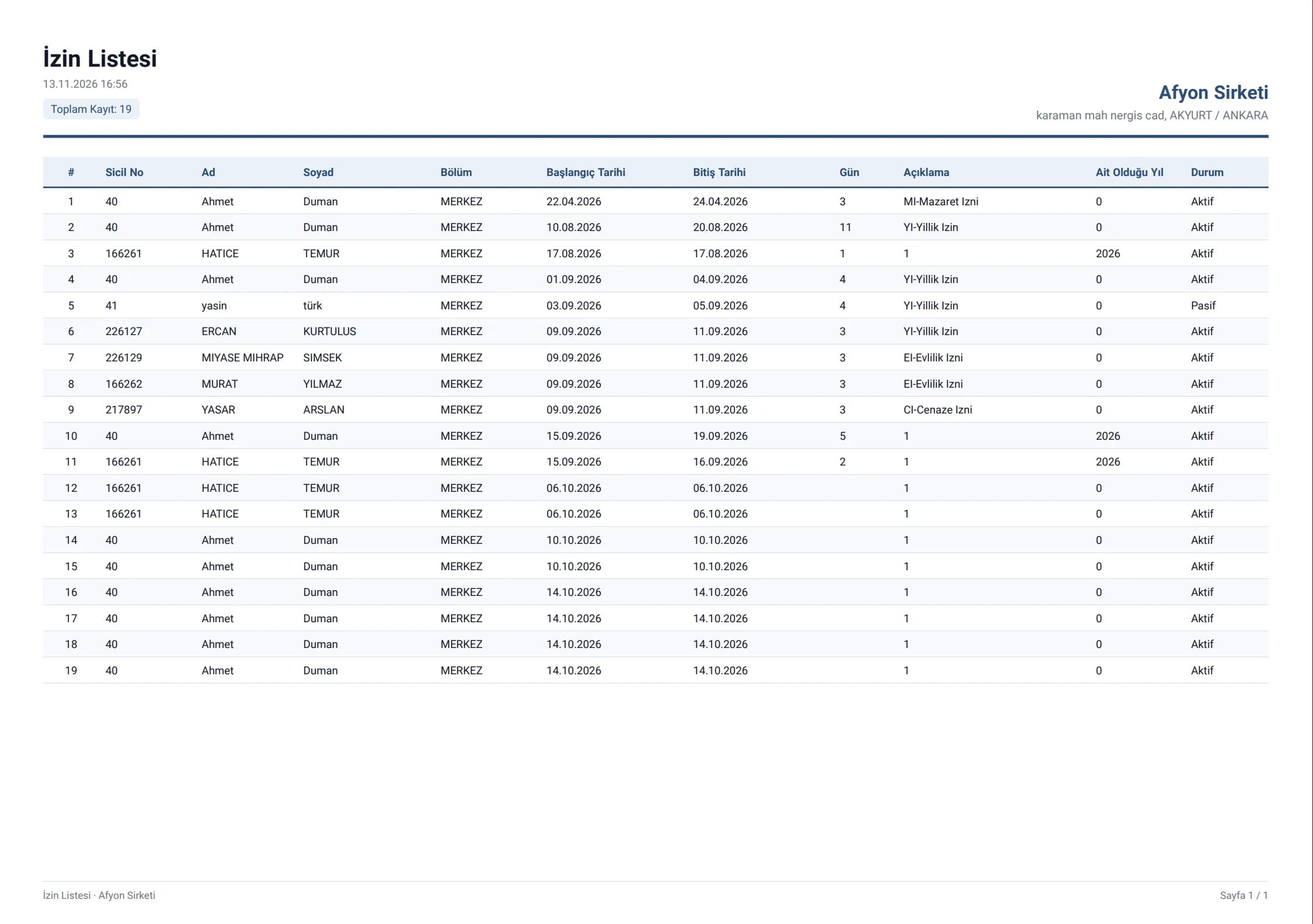
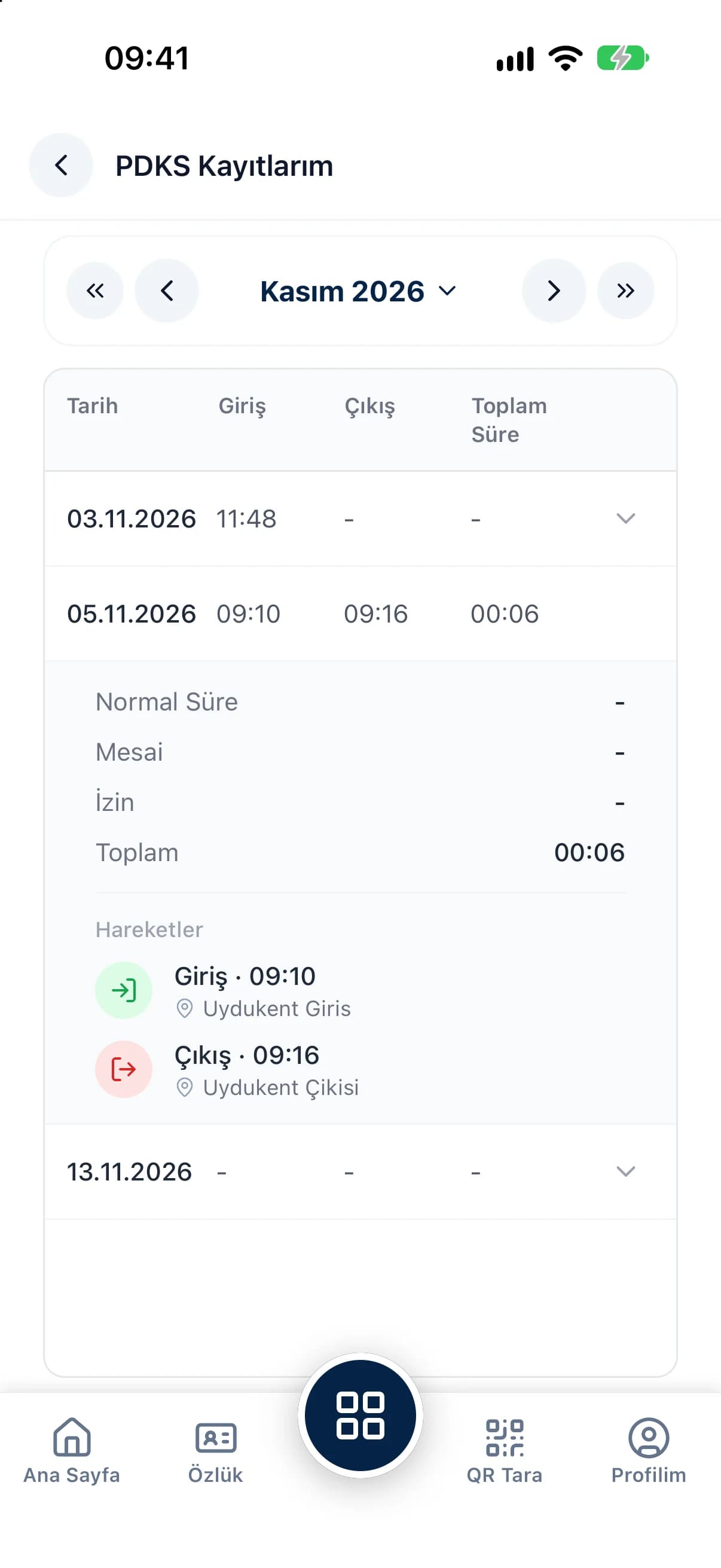
Reports summarize the daily records in QR Zaman. The attendance report shows each employee's regular, overtime, leave and total hours, so attendance issues surface before month end. Leave reports list annual entitlement, used and remaining days with seniority, the advance report shows deductions with dates and document numbers, and the payroll report shows every item per employee. Hide fields with no balance in the payroll report to work only with the items that matter.
Every QR Zaman module shares the same data, so Reporting works hand in hand with these products.
Location-verified clock in and out
Requests, approvals, live balances
Bulk payroll in one click