

Timesheets & Overtime
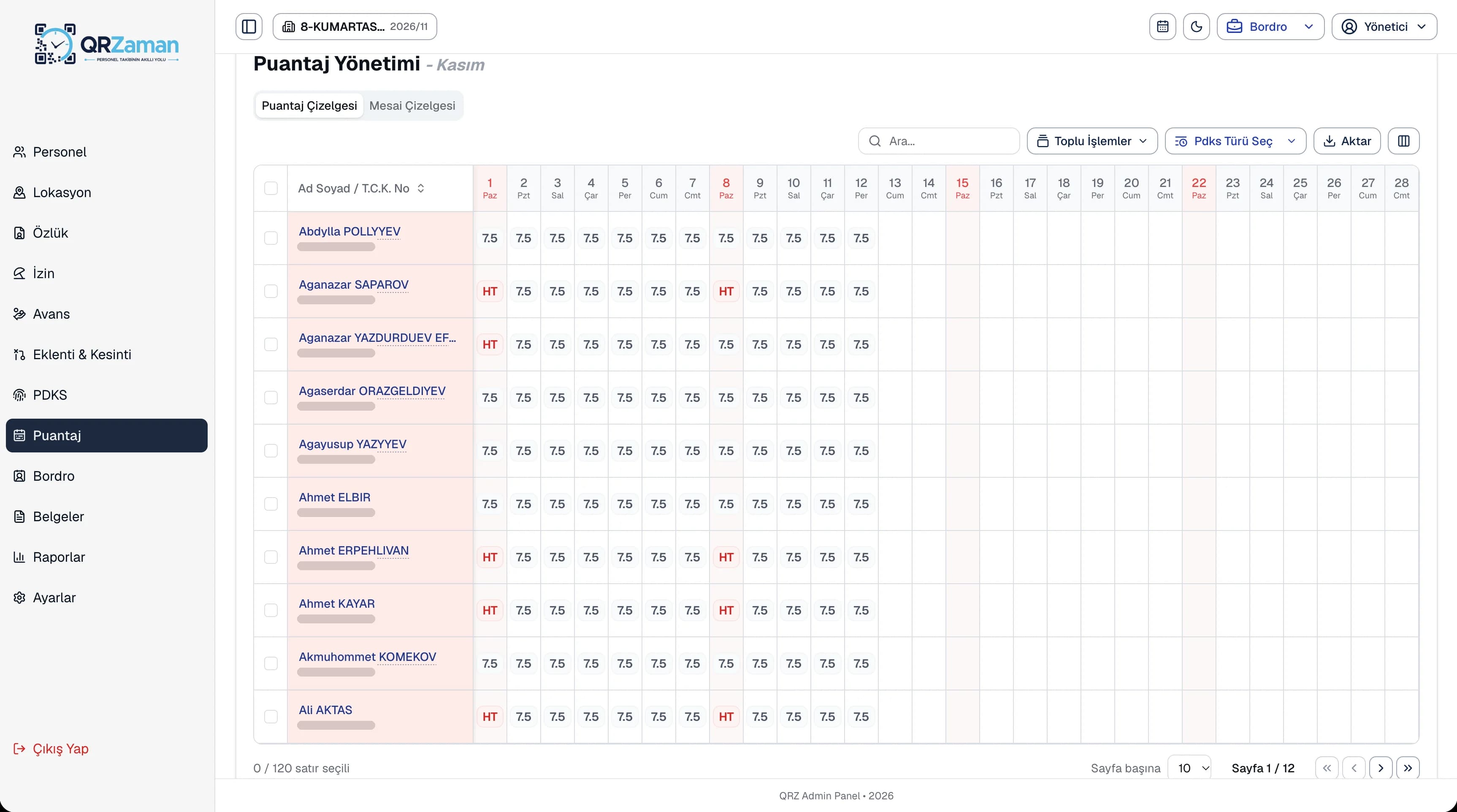
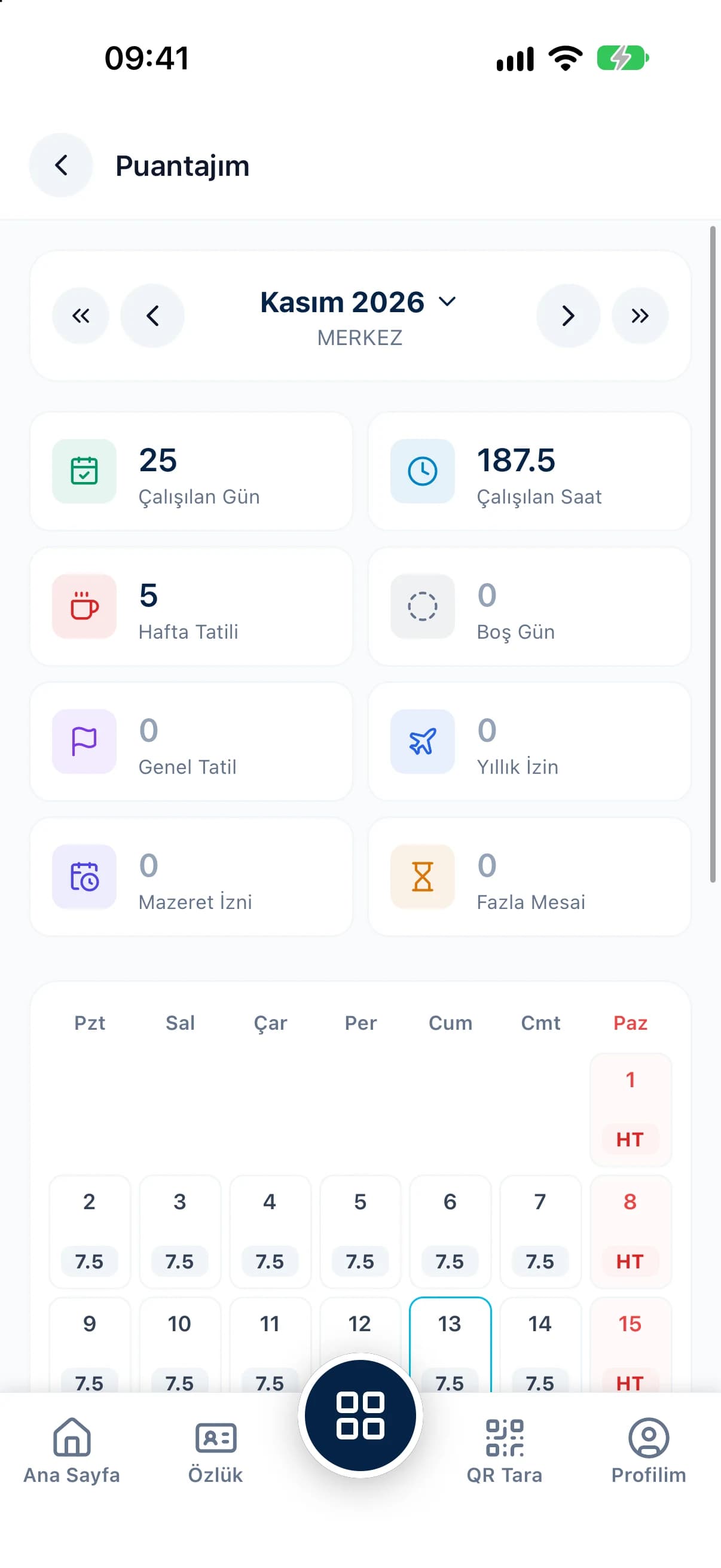
Transfer attendance into the timesheet daily or monthly and fill gaps with bulk entry.
For HR and payroll teams, QR Zaman turns month end from data collection into a quick review. Attendance flows into timesheets and timesheets flow into payroll automatically. With yearly tax and social security settings, bulk actions and Excel, PDF and Word exports, payroll needs far less manual work.
Most of a payroll team's time goes into collecting and checking data, not into the calculation itself. QR Zaman shortens the work in three places.
When clock-in times are gathered from paper sheets, different devices or messages and typed into a timesheet, it costs time and invites mistakes. Overtime and leave days still have to be checked separately.
Tax brackets, social security rates, minimum wage exemptions, severance and notice rules are updated every year. If those values live in spreadsheets outside your payroll software, the risk of using the wrong rate never goes away.
Bonuses, advance deductions and leave arrive from different people in different formats. Moving each one into payroll separately becomes a serious workload across a large headcount.
Every module, from the employee profile to the payroll report, shares the same data. You enter something once.
Transfer attendance into the timesheet daily or monthly and fill gaps with bulk entry.
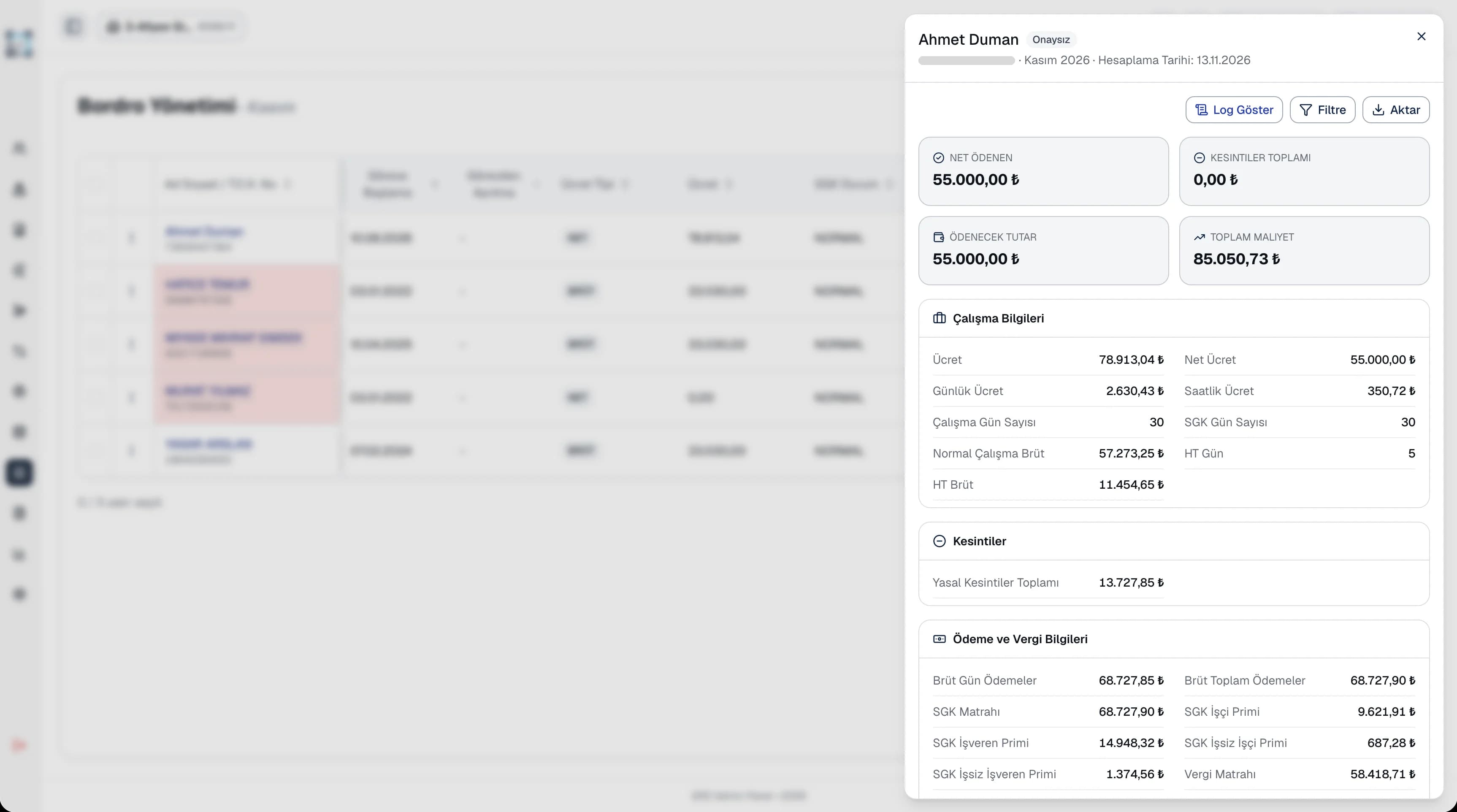
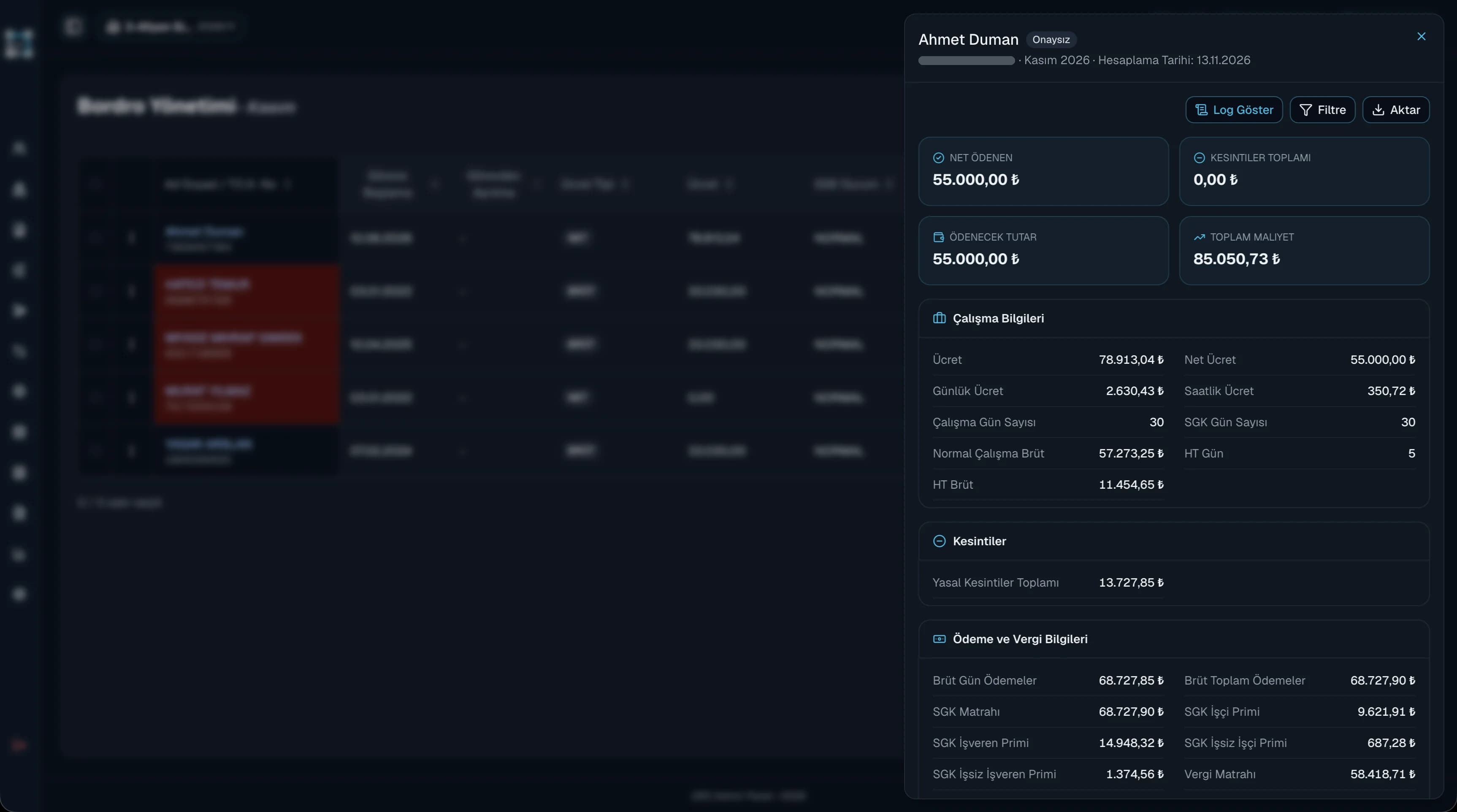
Calculate payroll for everyone or a selection in one click, then review and approve.
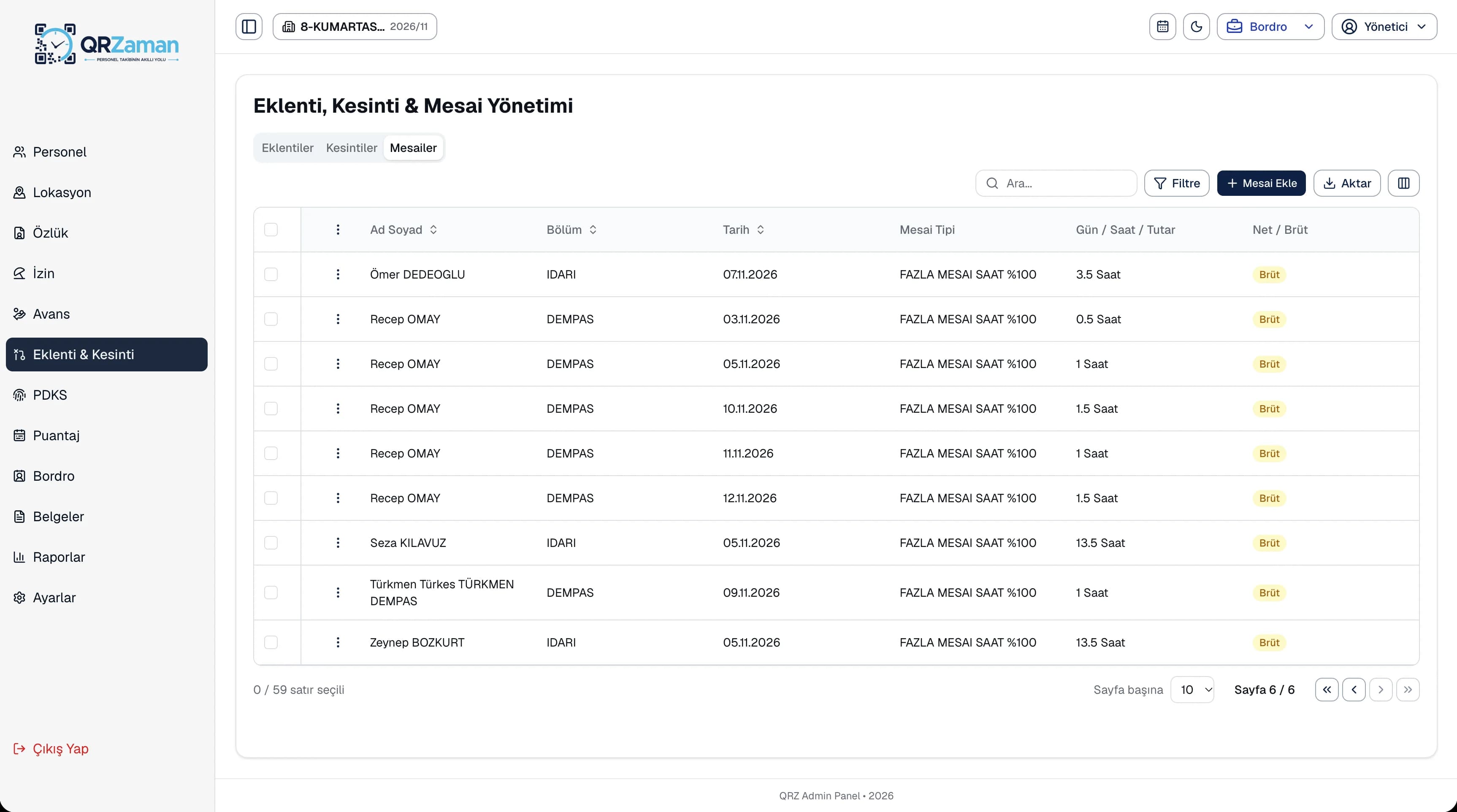
Add bonuses, overtime and deductions to many employees in a single entry.
Tax brackets, coefficients, severance and notice rules are kept per year and carried to the next year in one click.
Bulk import staff from an Excel template and keep tax and social security settings on each profile.
Download ready-made HR templates such as employment contracts, timesheet forms and incident reports.
When the timesheet is complete, calculate payroll for all staff or for selected employees. Regular, night, public holiday and collective agreement overtime, travel and meal pay, family and child allowances, social security contributions, income tax, stamp duty, minimum wage exemptions and pension deductions are all calculated line by line.
Define bonuses and other extra earnings as net or gross amounts with a payment date. Enter deductions such as disciplinary, damage, overpayment or childcare, and overtime by day, hour or amount, from the same screen. One entry can cover many employees at once.
The questions we hear most about QR Zaman for HR & Payroll Teams. If yours is not here, let us go through it together in a demo.
QR clock-ins are split into regular hours, breaks and overtime based on the shift definitions. You transfer them to the timesheet daily or monthly, then adjust day types or use bulk entry on the timesheet grid.
Tax brackets, coefficients, severance and notice rules, disability allowance rates, leave limits and public holidays are stored per year. The carry-to-next-year option copies the current settings to the new year so you only change what's different.
Download the Excel template, fill in your employees and import the file. You get a row-by-row report showing which lines succeeded and which need fixing.
Lists and reports export to Excel (xlsx), PDF and Word (docx). Document exports come with your company header.
If you allow it in company settings, employees see their own payslip, timesheet and attendance records in the mobile app, so many payroll questions are answered before they ever reach HR.
QR Zaman is one platform, so the same setup works across other roles and industries too.
Live status, approvals, costs
Clock-ins, requests, payslips on mobile
Shift-based production and overtime