

Sales Tracking
Opportunities and sales pipeline
CRM contact management keeps customer and prospect cards together with their contact details in one place. Your sales team and partners (dealers) work from the same customer data, so who talked to which customer never gets lost in scattered spreadsheets and phone books.
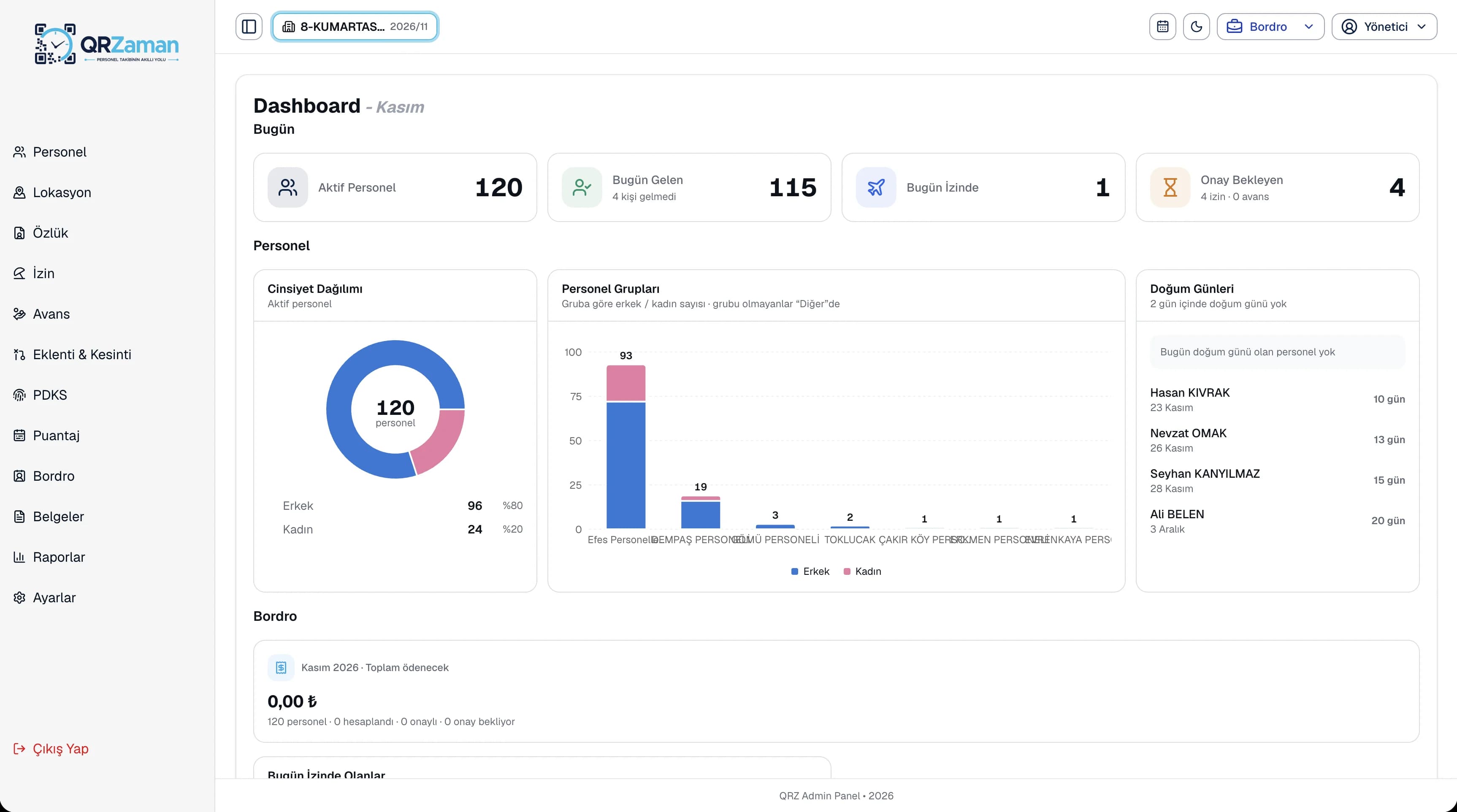
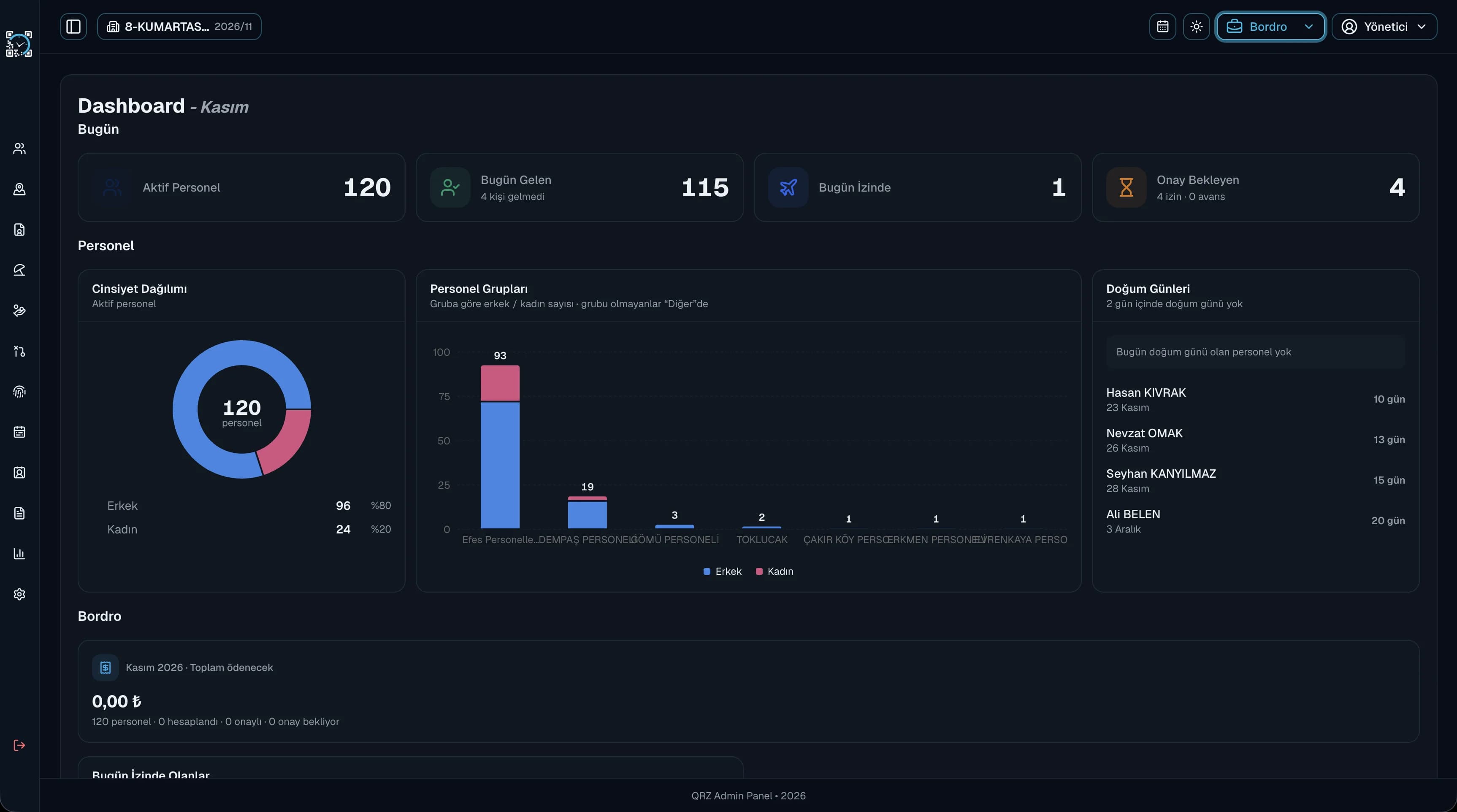
Customers and contacts sit in separate tabs with their details, and everyone on the team sees the same card.
Partners with the dealer role see only the menus they are allowed to, so your customer data stays under control.
Switch to the CRM from the top menu in one click; people, payroll and customer work run in the same panel with the same account.
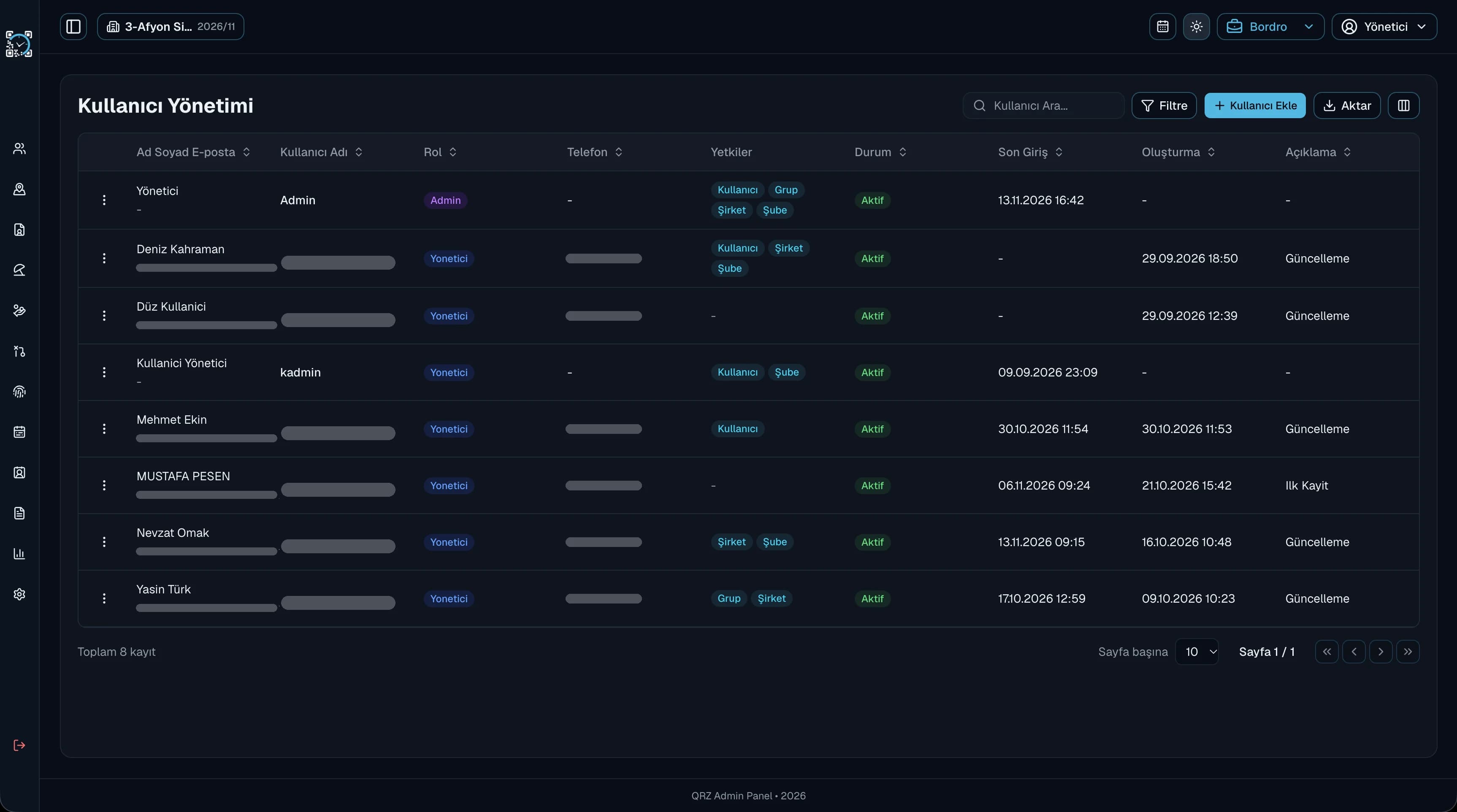
Like every table in QR Zaman, the contact list comes with search, advanced filters, show/hide columns and bulk actions on selected rows. Export the list to Excel, PDF or Word with your company header. The group, company and branch structure applies in the CRM as well, and user permissions are set by group, company and branch.
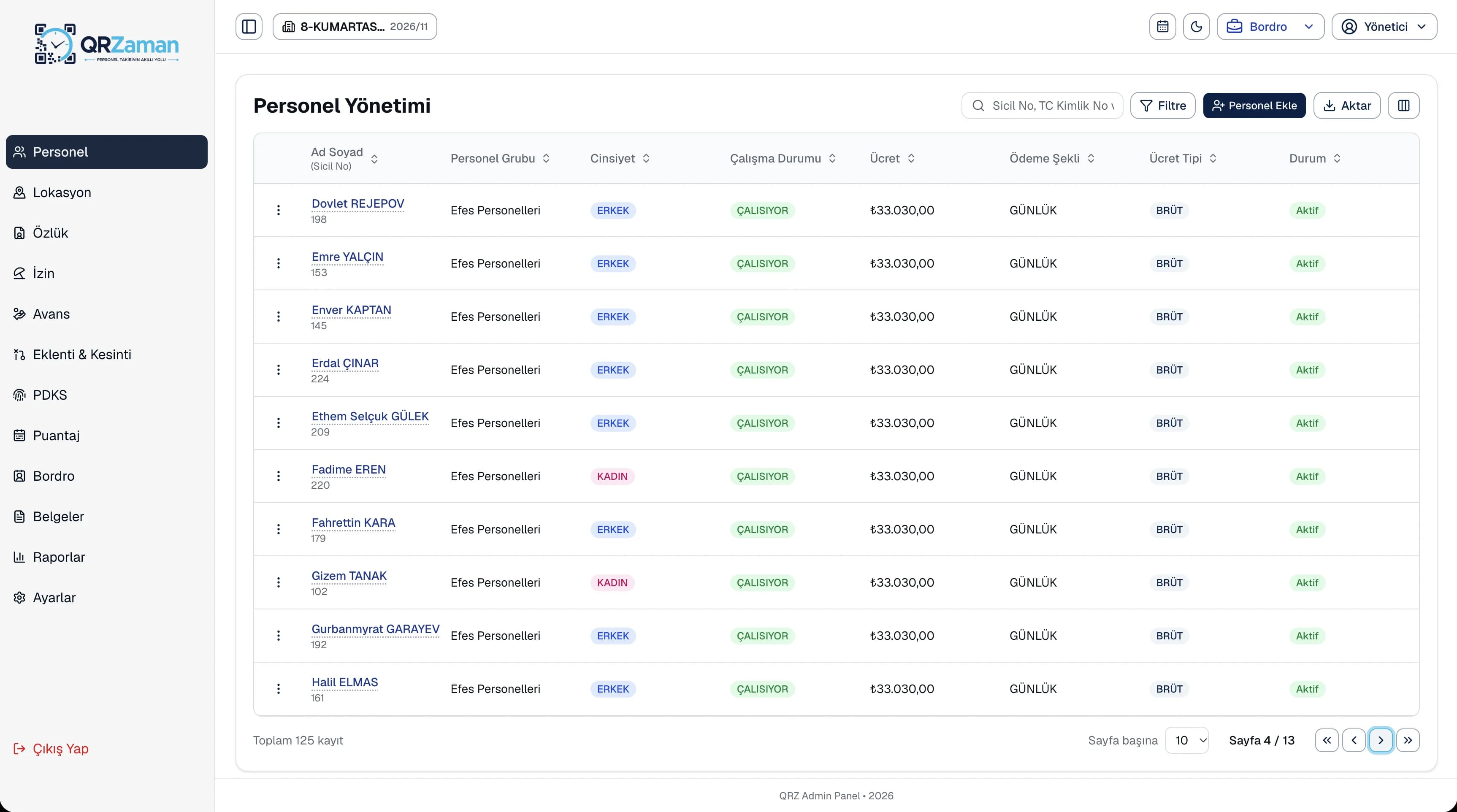
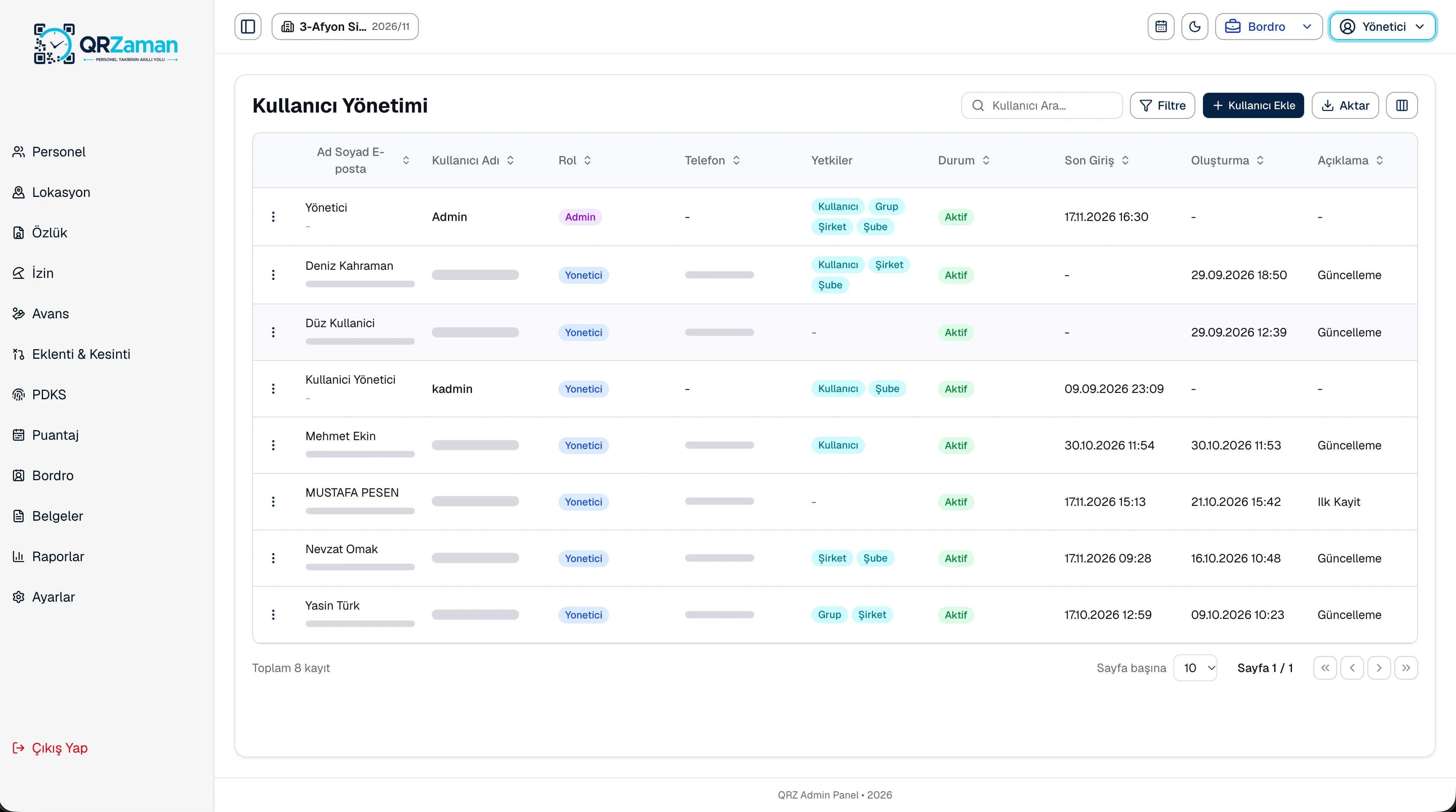
The CRM module is built for sales teams and partners (dealers). Customers and contacts sit in separate tabs in the Contacts section, while sales opportunities, quotes and tasks move forward in the same module. The CRM dashboard shows sales and customer summaries, reports cover sales and performance, and module-specific settings live in the CRM settings. Because it all runs in the same panel as payroll and people management, you need no separate CRM tool, user list or permission setup.
Every QR Zaman module shares the same data, so Contact Management works hand in hand with these products.
Opportunities and sales pipeline
Create and track quotes
Team tasks and reminders