

Timesheets & Overtime
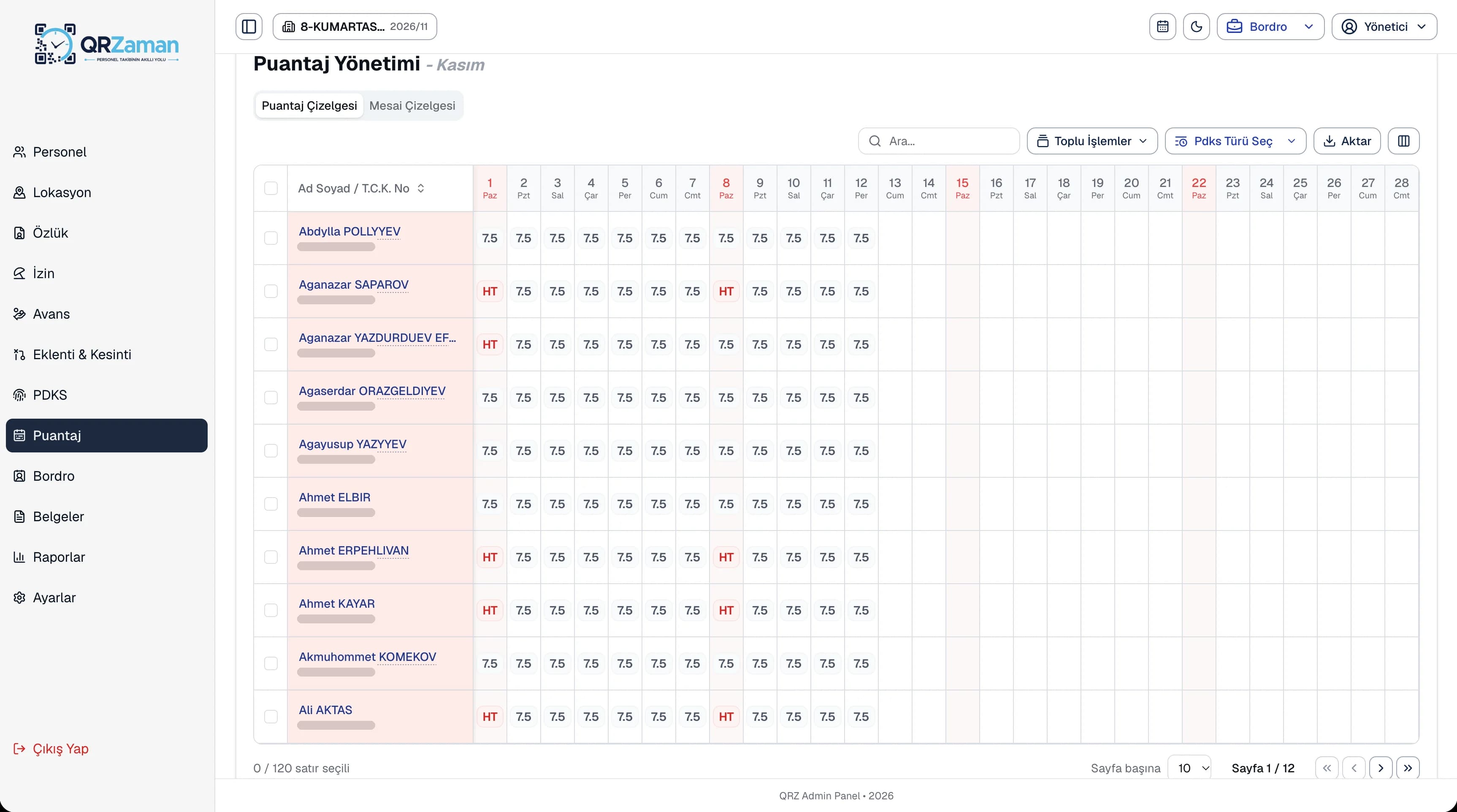
Monthly sheet, bulk entry
QR Zaman's payroll software calculates payroll automatically from timesheets, overtime, earnings, deductions and salary advances. Run payroll for everyone or for selected employees in one click, then approve it once you have checked it. Social security and unemployment contributions, income tax, stamp duty, minimum wage exemptions and total employer cost are all on one screen.
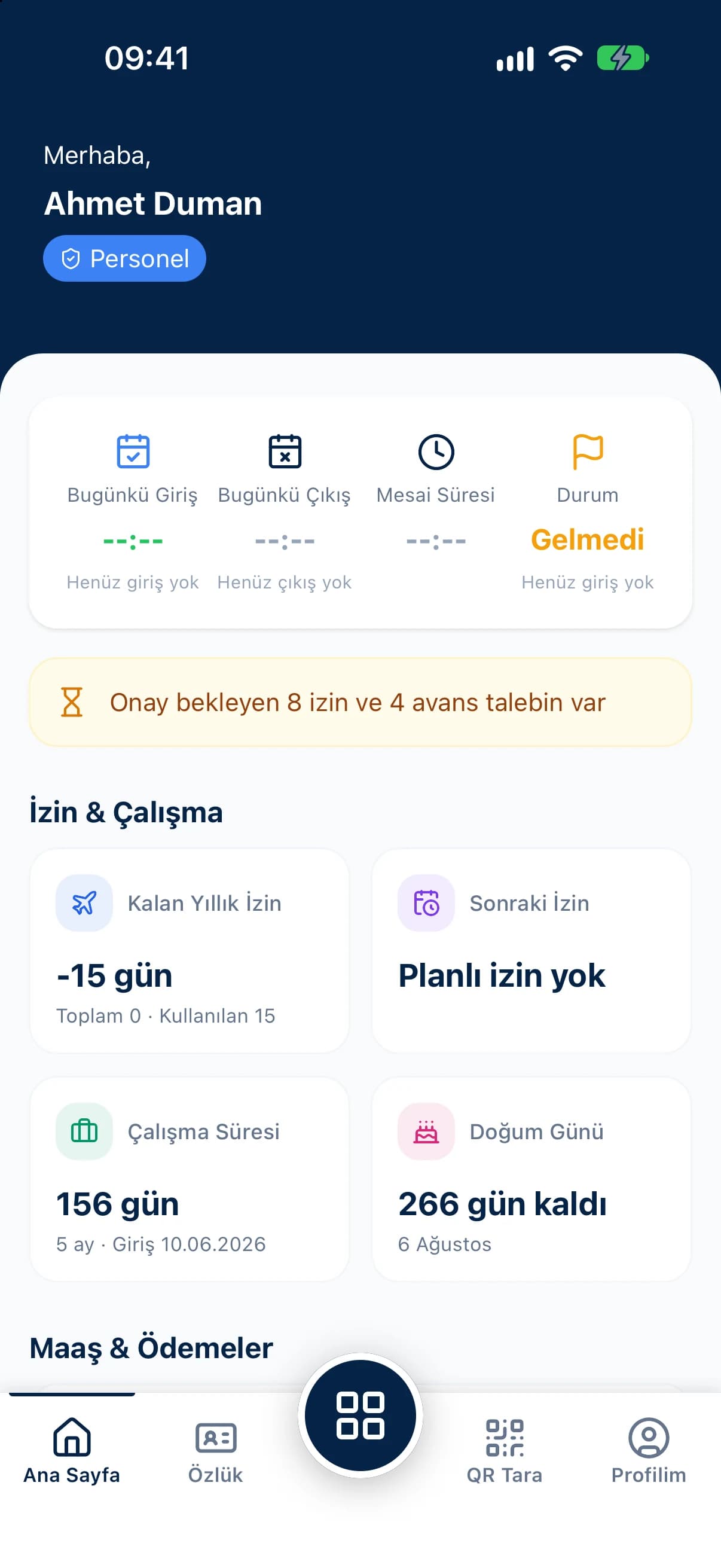
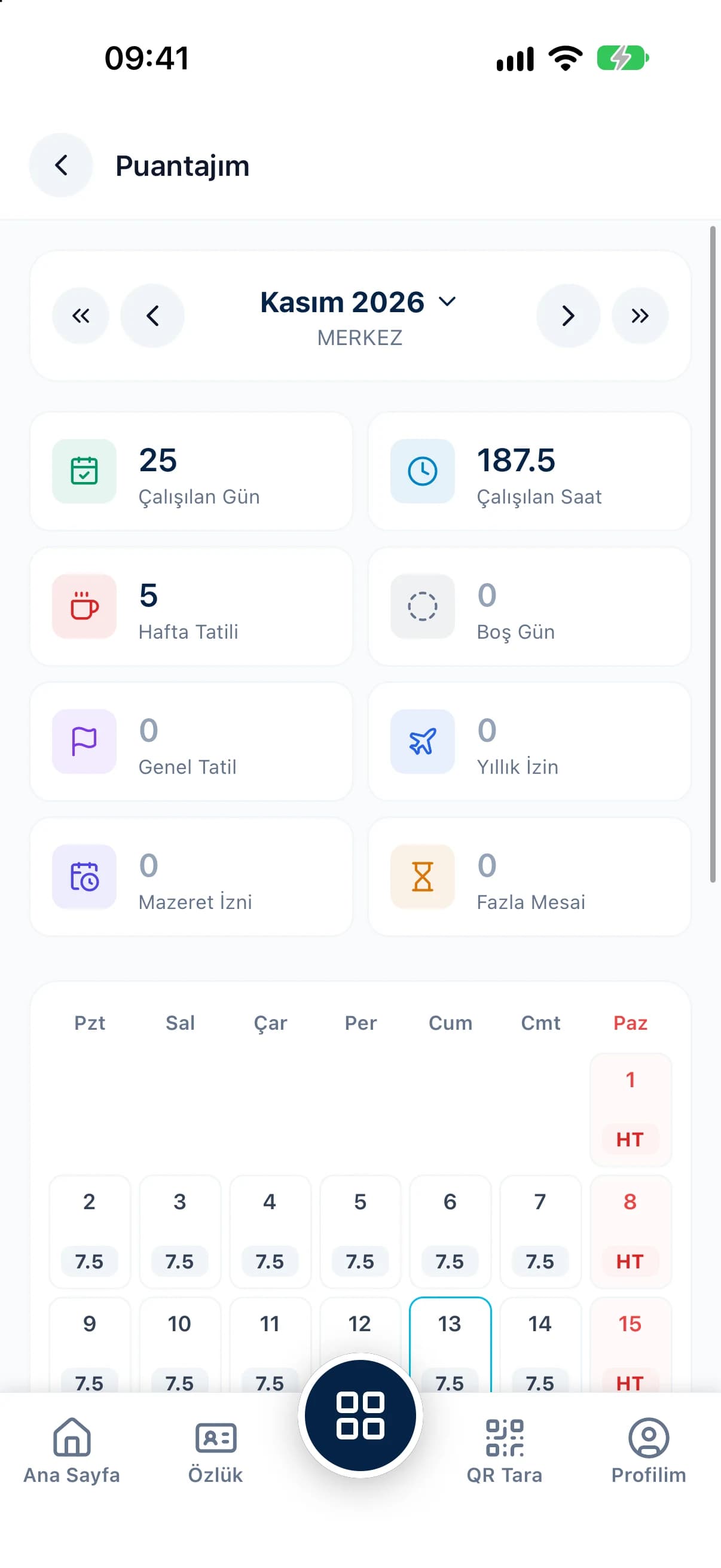
Run payroll for all employees or just the ones you choose; clear a wrong calculation and run it again.
Approve a calculated payroll or withdraw the approval, and follow the full history in the payroll log.
Tax brackets, social security rates and the minimum wage exemption come from yearly parameters, so you never type rates by hand.
The payroll detail breaks out gross and net pay, daily and hourly payments, regular, night, public holiday and collective agreement overtime, travel and meal allowances, and benefits such as family, child, childcare and holiday pay. On the deductions side you see social security and unemployment contributions, income tax, stamp duty, union and pension deductions and advance repayments, with total employer cost and net pay at the bottom.
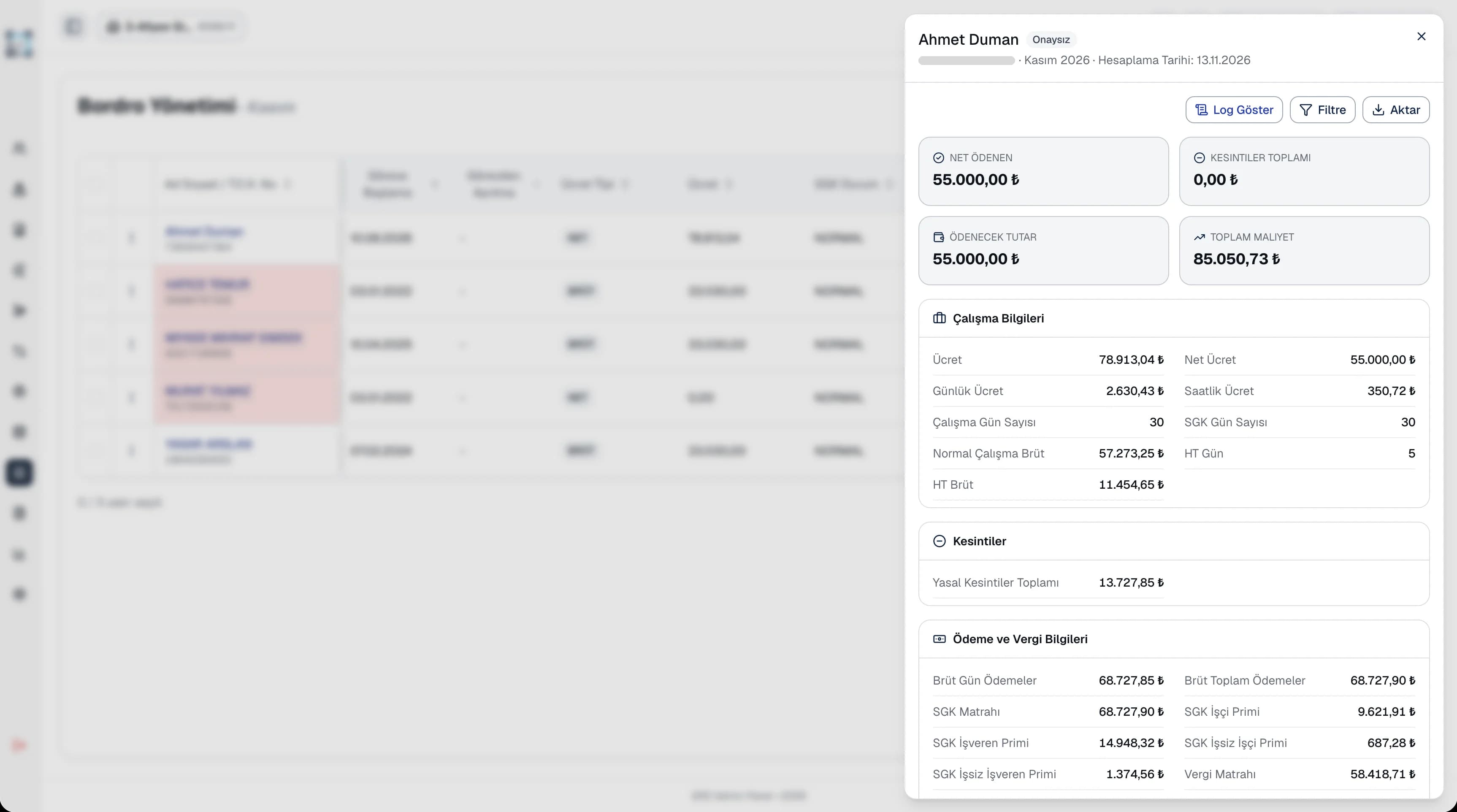
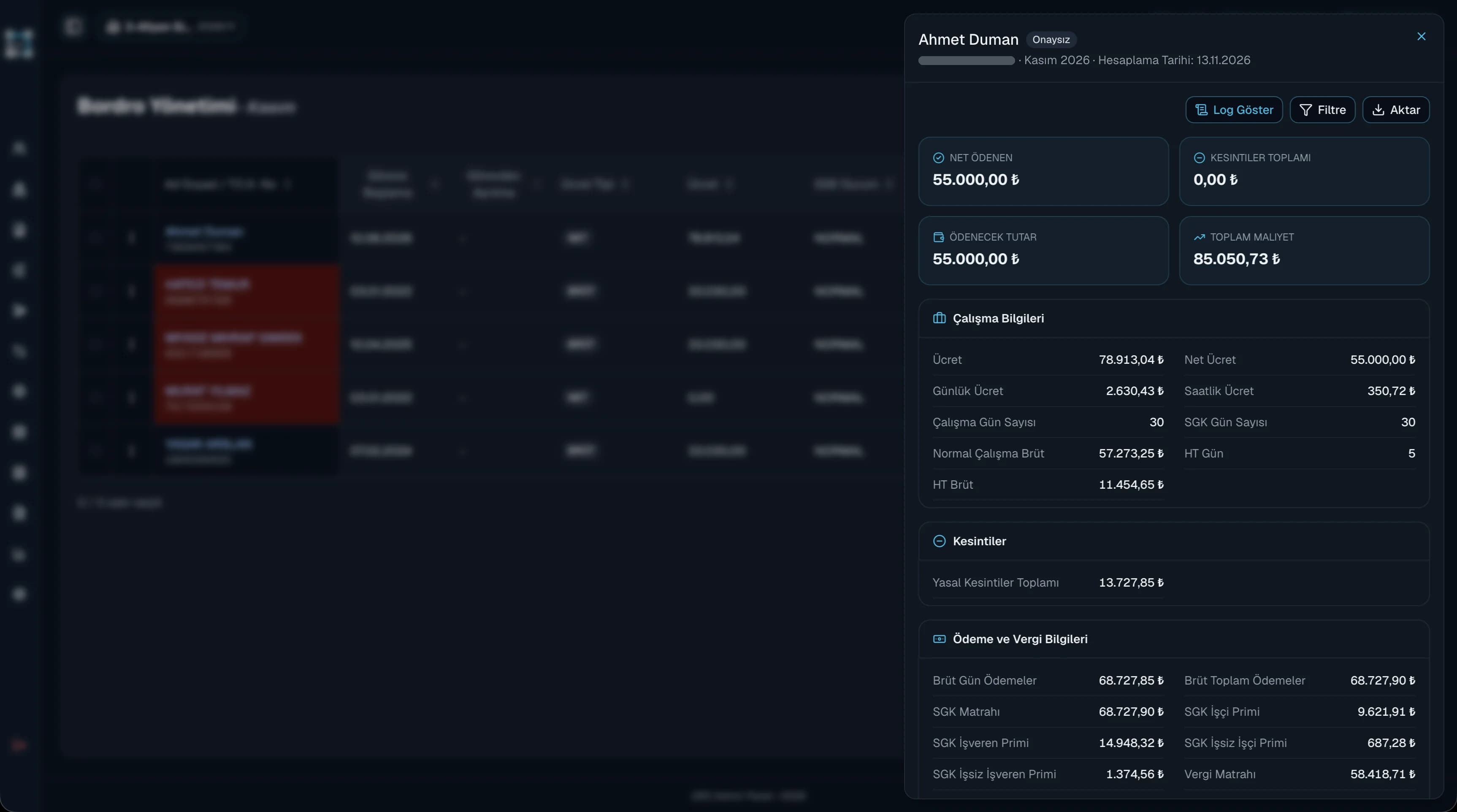
Payroll is where every QR Zaman module comes together. Timesheets from attendance, overtime calculated against shifts, earnings and deductions, approved advance installments and the social security parameters on the employee profile all feed the calculation automatically. When allowed, employees see their payroll on the My Payslip screen and can hide or show the salary amount on screen.
Every QR Zaman module shares the same data, so Payroll works hand in hand with these products.
Monthly sheet, bulk entry
Bonuses, overtime, deductions
Yearly social security and tax rates