

QR Code Attendance
Location-verified clock in and out
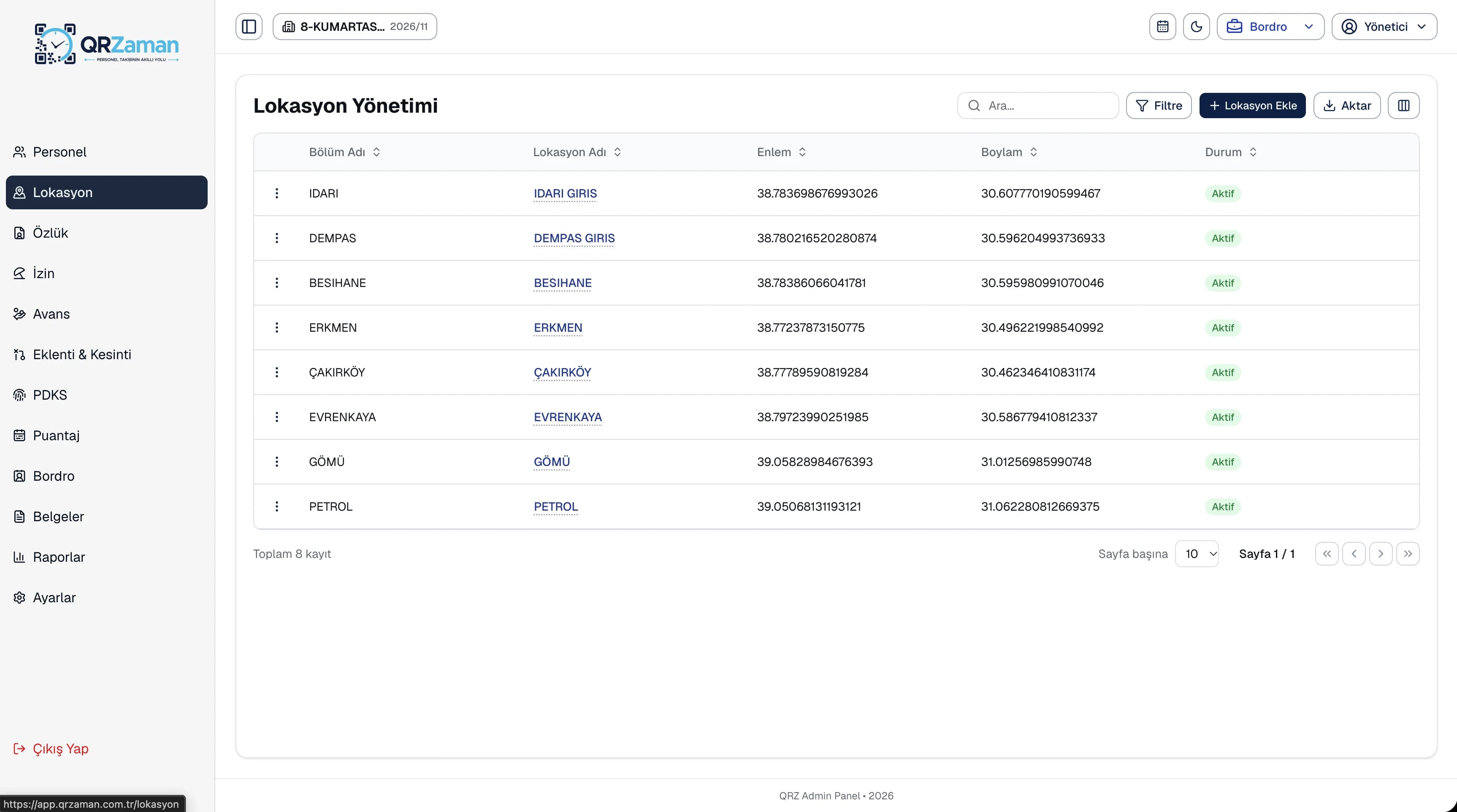
Employee location tracking makes every place where staff clock in a defined, verifiable check-in point. You define locations linked to departments with latitude and longitude and generate a QR code for each one. When an employee scans, the phone's location is added to the record, so the panel shows exactly which point each record came from.
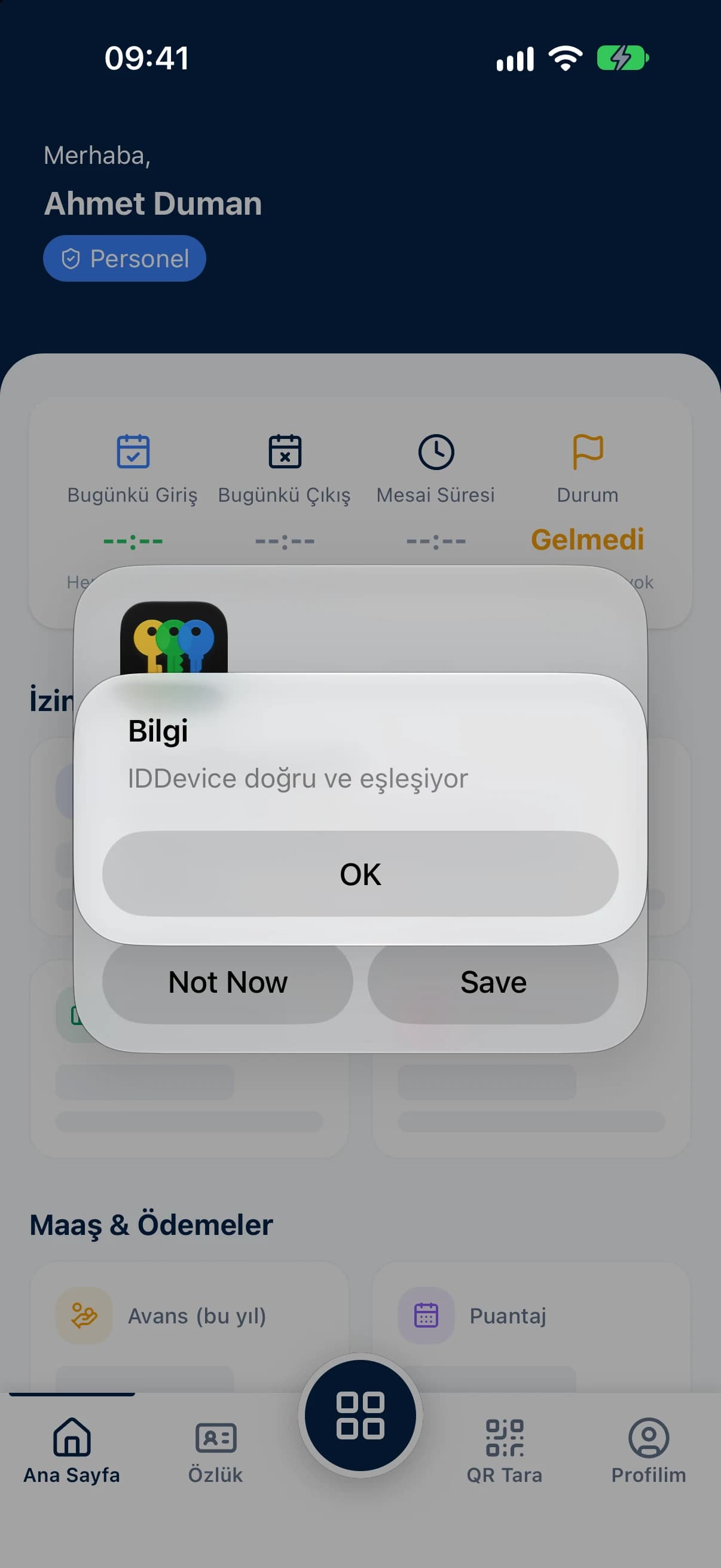
Managers pick a department in the mobile app and save their current position in one tap, so new QR points are set up right where they are needed.
Download each location's QR code as a PNG or as a printable A4 PDF poster and put it up by the door.
Deactivate a check-in point that is no longer used, and decide in the permission settings whether staff may scan at any location.
The location list shows each check-in point's department, latitude and longitude and status. Open a location to preview its QR code and download it as a PNG or A4 PDF. When an employee scans, the record keeps both the location name and the coordinates of the scan, so there is never any doubt about who worked at which branch.
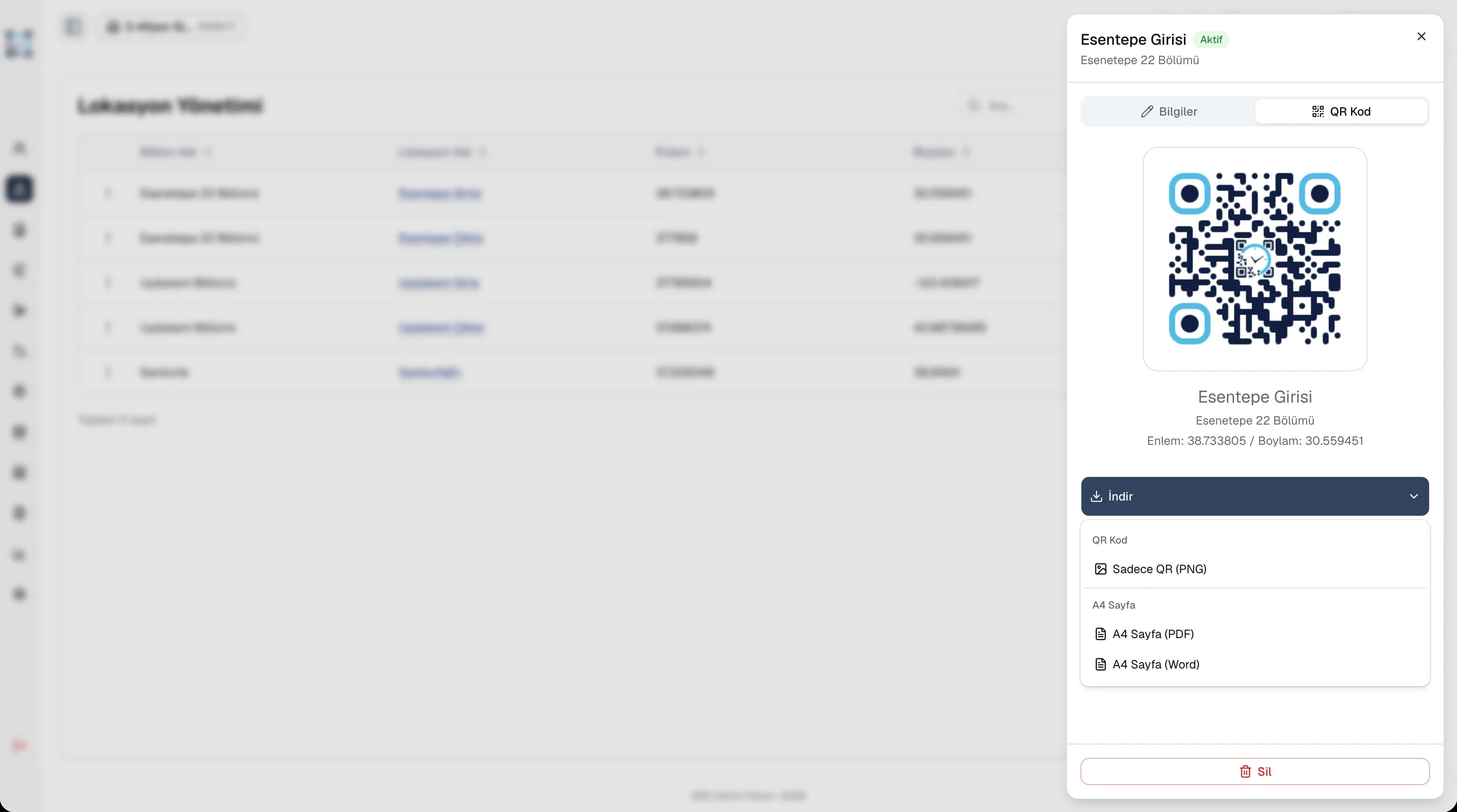
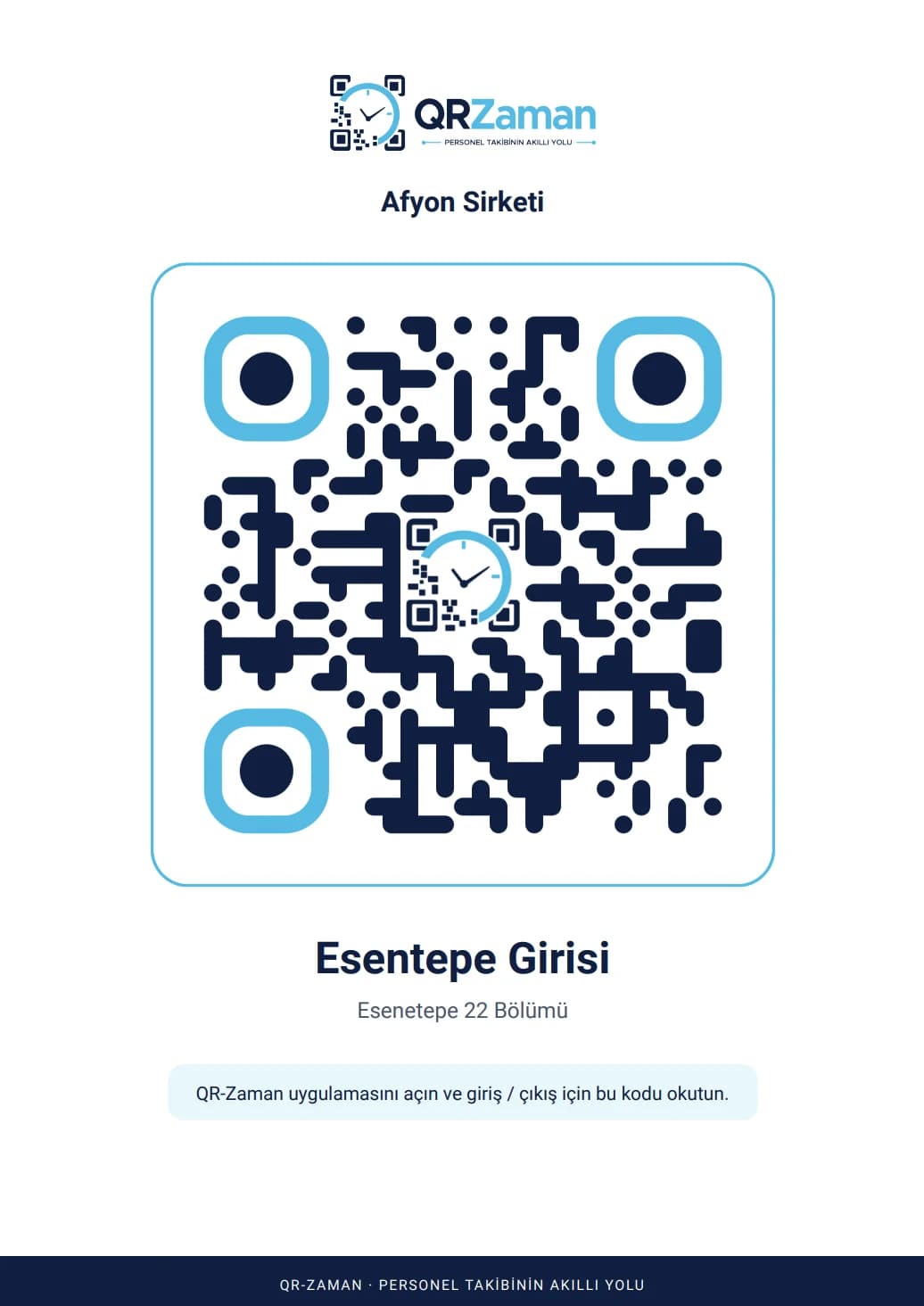
Because locations belong to departments, every branch and department has its own check-in points. When you open a new branch, a manager saves the spot from the mobile app on site, prints the QR poster and puts it up, and employees can start scanning the same day. Deactivate a point you no longer use, while past records keep their location and coordinates.
Every QR Zaman module shares the same data, so Locations & QR Points works hand in hand with these products.
Location-verified clock in and out
iOS and Android
Groups, companies, branches, departments